


.svg)
.svg)
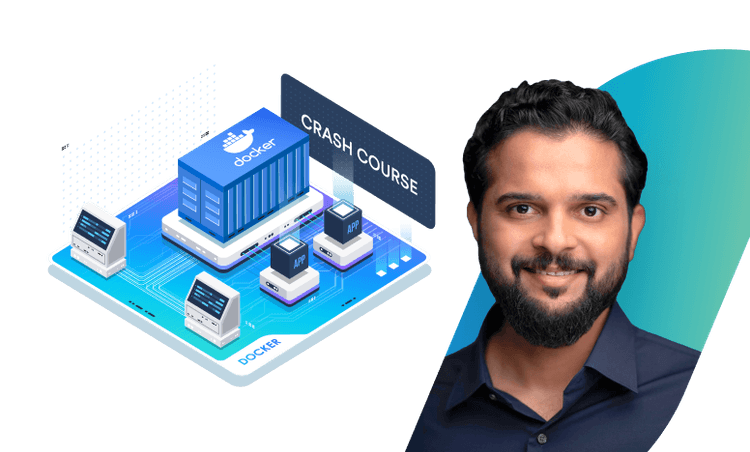
Crash Course: Docker For Absolute Beginners



What you’ll learn
Our students work at..


Description
Kickstart your containerization journey with a practical Docker tutorial designed for absolute beginners. This hands-on crash course focuses on the essential Docker CLI commands you’ll use every day. No prior Docker or DevOps experience required—just basic command-line familiarity. Through clear explanations and guided exercises, you’ll quickly learn how to work confidently with containers and images using real-world workflows.
What you’ll learn:
- Core concepts: What containers are, how they differ from virtual machines, and why Docker matters in modern development and DevOps.
- docker run: Launch your first containers, understand image auto-pull behavior, and name containers for easier management.
- docker ps: List running and stopped containers (including docker ps -a) and read essential container status details.
- docker stop: Safely stop containers to avoid data corruption and ensure graceful shutdowns.
- docker rm and docker rmi: Clean up your environment by removing containers and images to reclaim space and stay organized.
- docker pull: Download official images from Docker Hub and work with image tags (e.g., latest vs specific versions).
- docker exec: Open an interactive shell in a running container for troubleshooting and basic administration.
- Practice: Reinforce each concept with beginner-focused exercises that mirror real workflows.
Who this course is for:
- Developers, QA engineers, data scientists, and IT/DevOps newcomers who want a fast, practical introduction to Docker.
- Anyone seeking a simple, step-by-step Docker tutorial without prior container experienc
By the end: You’ll confidently use the fundamental Docker commands—run, ps, stop, rm, rmi, pull, exec—to launch, inspect, manage, and troubleshoot containers on Windows, macOS, or Linux using Docker Desktop or Docker Engine.
What our students say

About the instructor
Mumshad Mannambeth, Founder and CEO of KodeKloud, is renowned for revolutionizing online learning in DevOps, Cloud Computing, and Automation.
Mumshad has also worked for Dell EMC, he held various roles including Solutions Architect/Developer and Storage Operations Specialist, where he specialized in storage automation and cloud deployment solutions. His contributions in application modernization and cloud migration are notable.
Mumshad has led teams in APAC, focusing on DevOps and Cloud Automation. His expertise in designing and deploying applications on Microsoft Azure and developing CI/CD pipelines has been pivotal in his professional journey.
He's widely recognized as a Knowledge Sharing Author and has been honored with Excellence@EMC awards in multiple categories.
Mumshad Mannambeth's blend of technical expertise and educational innovation has made him a popular figure in the tech community, and his work at KodeKloud continues to impact and upskill engineers globally.


Get access to KodeKloud’s all courses.
Get access to KodeKloud’s all Pro courses.
Get access to our Labs now!
190+
1280+
75+


.svg)
