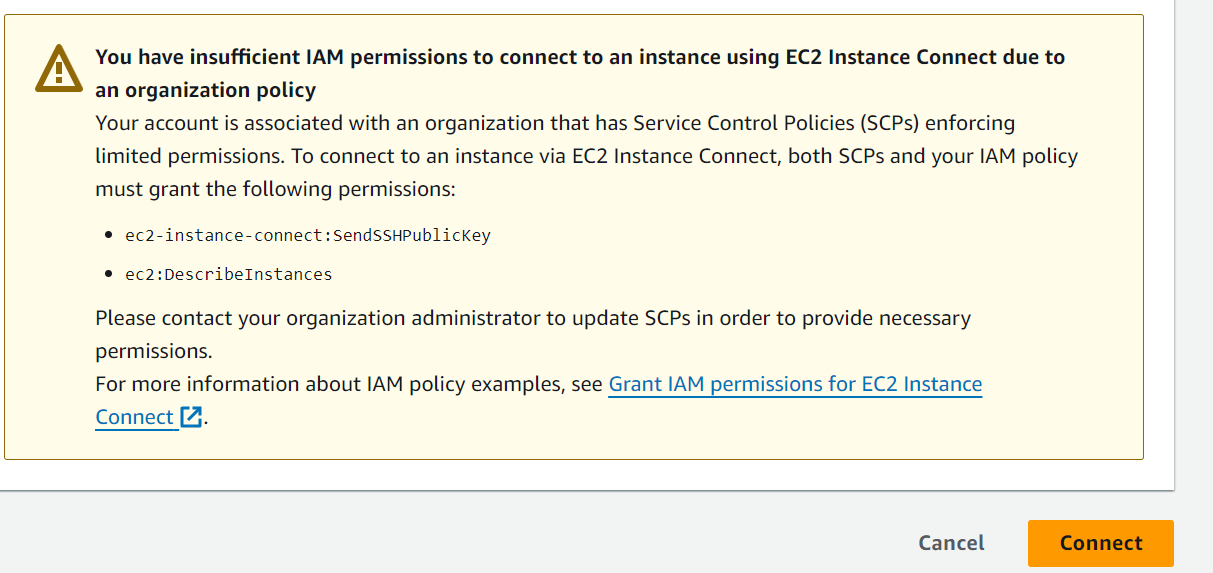
You have insufficient IAM permissions to connect to an instance using EC2 Instance Connect due to an organization policy
Your account is associated with an organization that has Service Control Policies (SCPs) enforcing limited permissions. To connect to an instance via EC2 Instance Connect, both SCPs and your IAM policy must grant the following permissions:
ec2-instance-connect:SendSSHPublicKeyec2:DescribeInstances
Please contact your organization administrator to update SCPs in order to provide necessary permissions.
For more information about IAM policy examples, see Grant IAM permissions for EC2 Instance Connect .