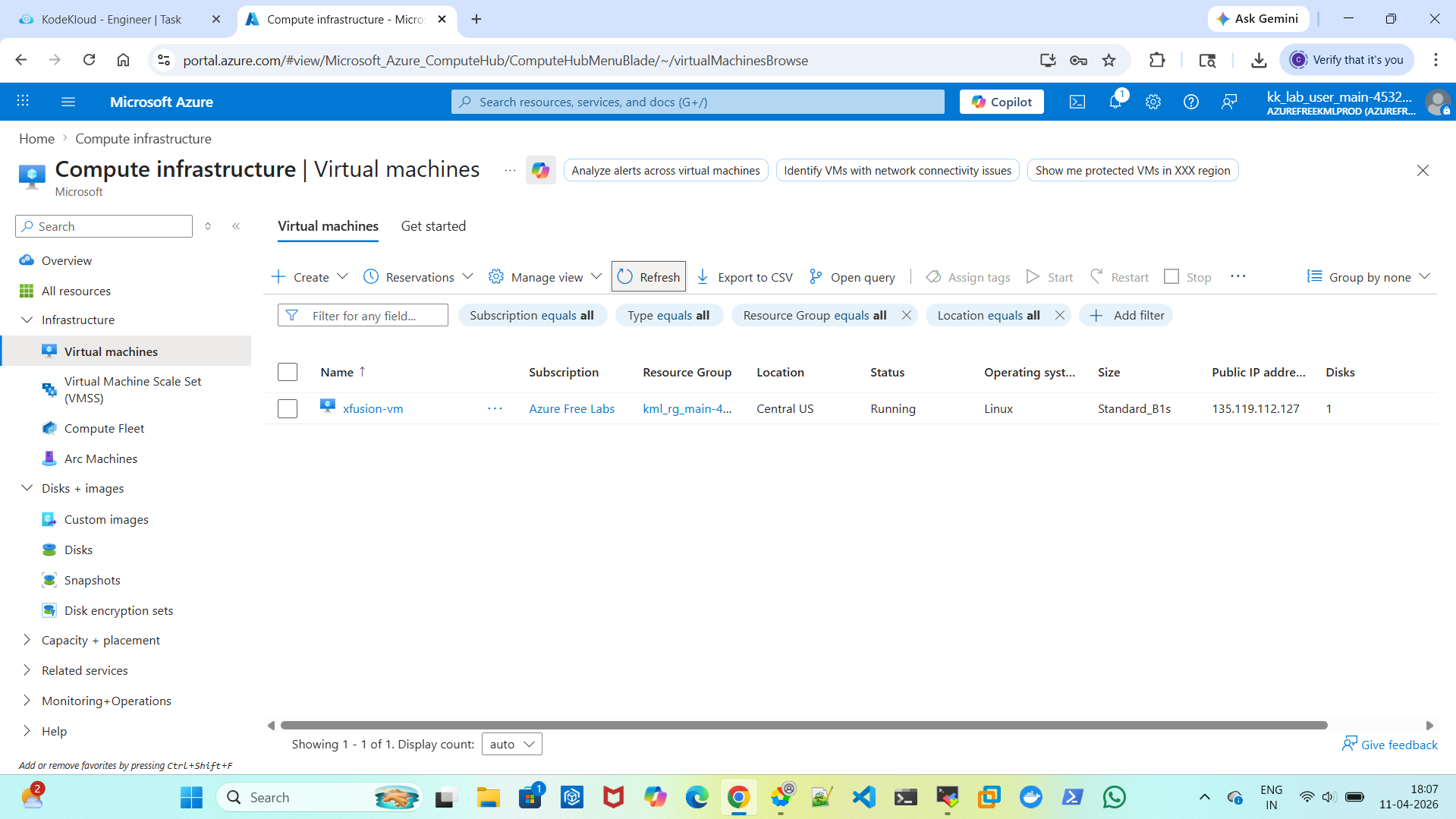
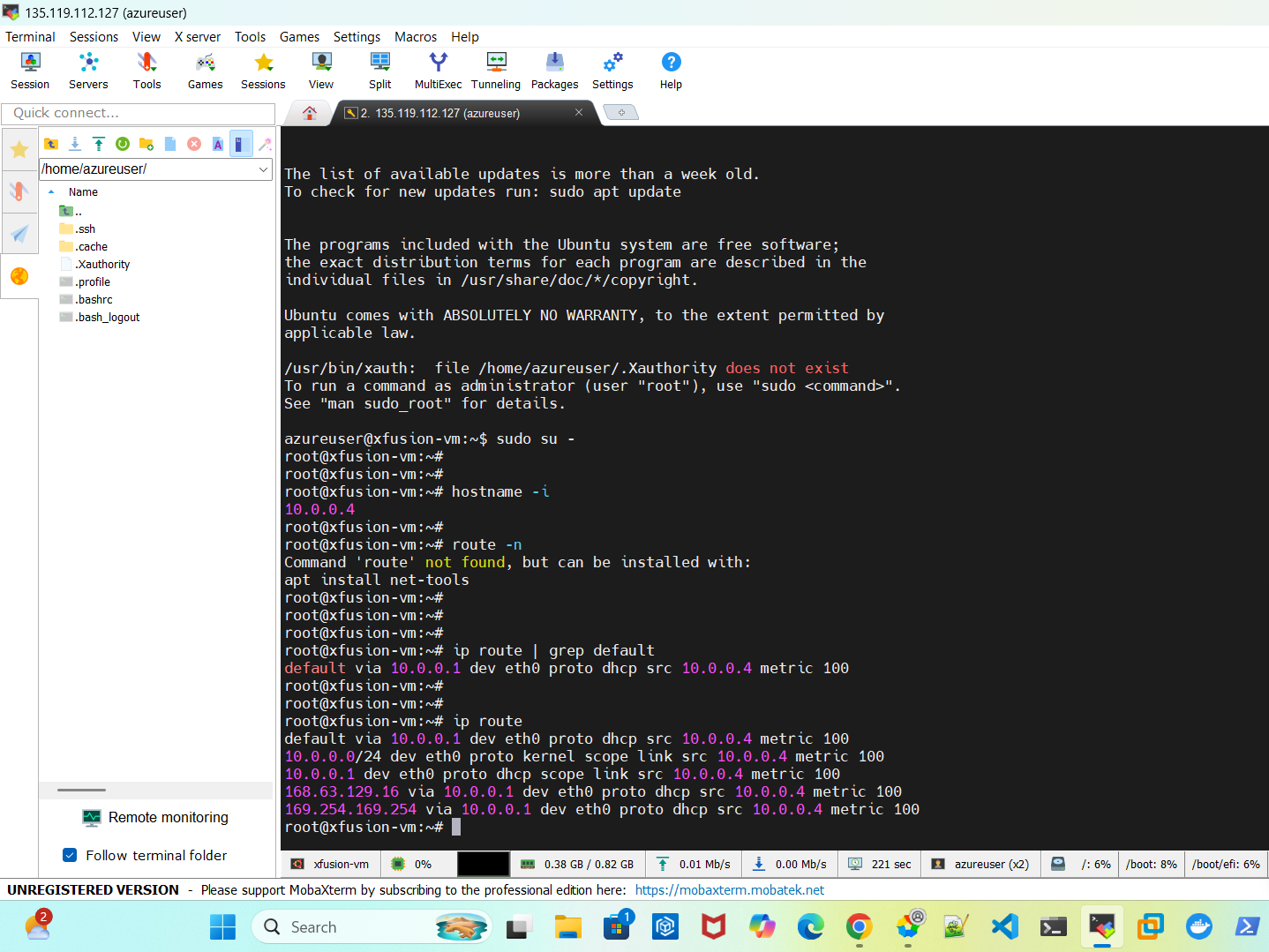
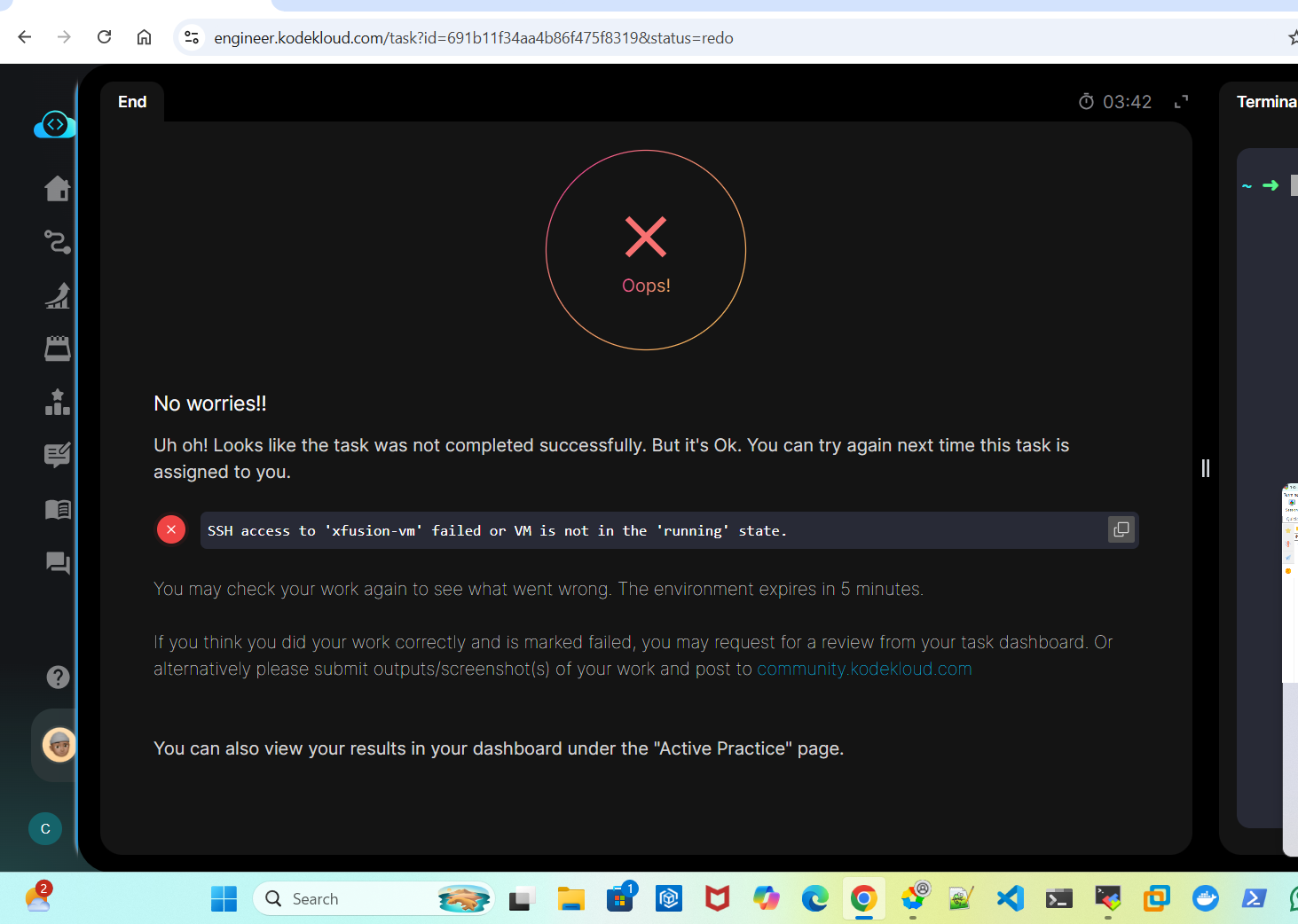
VM is running state able to ssh to the server login but still lab failed. Assigning Public IP to Virtual Machines
Could you please share the lab name?
Resolved. tried 3 times
Day 21: Assigning Public IP to Virtual Machines
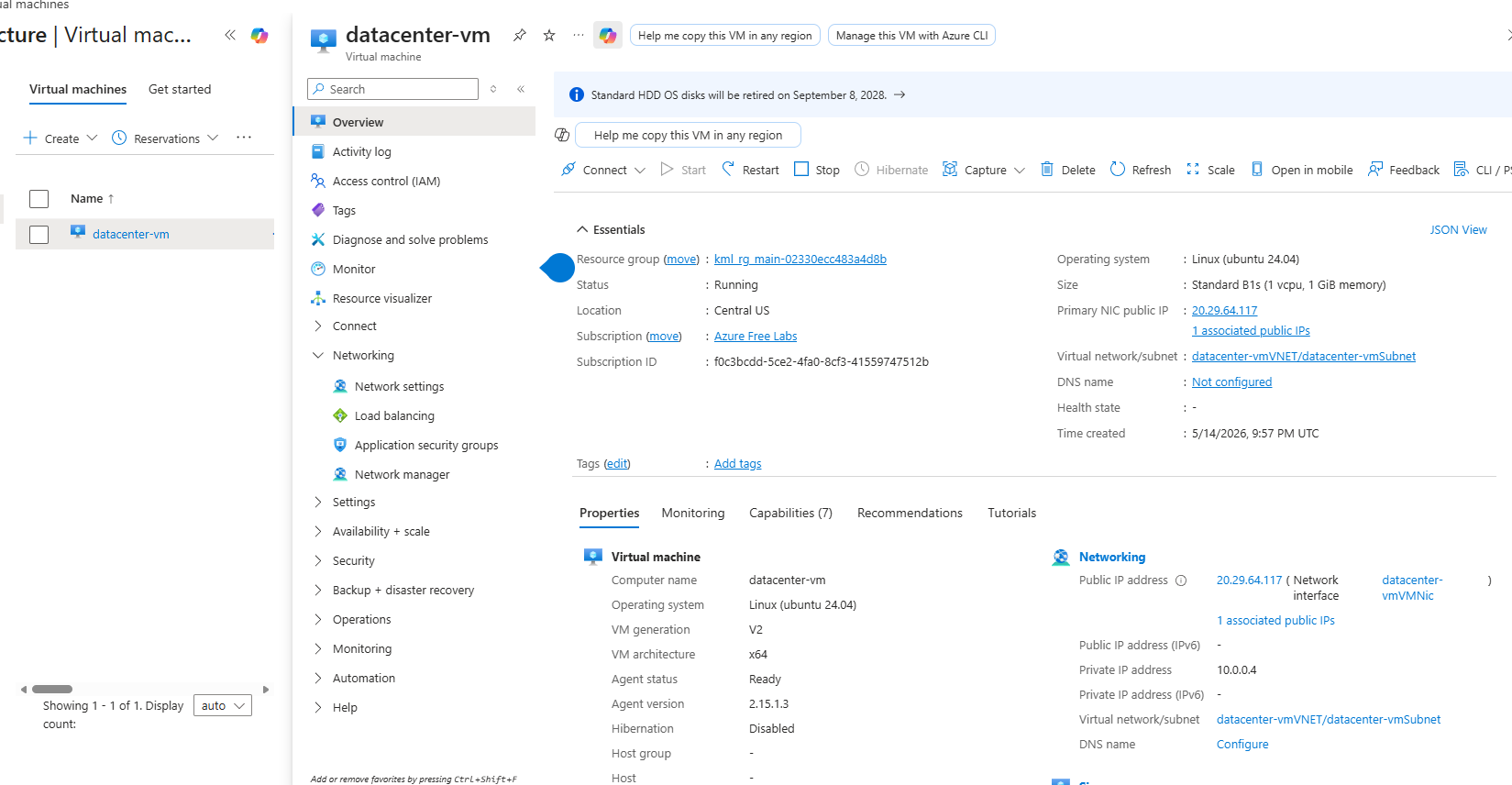
I just did the lab, and it worked for me. Can I ask you how you did the task – I can’t really tell from your image.
Hi @rob_kodekloud , thank you for your response this is how I did it:
from azure-client:
ssh-keygen -t rsa -b 4096 -f .ssh/azure-vm-key
rg=$(az group list --query [].name -o tsv)
az network public-ip create -g $rg --name datacenter-pip --sku Standard --allocation-method Static --location centralus
az vm create -g $rg --size Standard_B1s --public-ip-address datacenter-pip --image Ubuntu2404 --admin-username azuser --ssh-key-values “$(cat .ssh/azure-vm-key.pub)” -n datacenter-vm --storage-sku Standard_LRS --location centralus.
I logged in on the Portal and VM is in running state and I’m able to connect to the VM using the generated keys (from azure-client and from my personal ssh client).
The grader probably expects the keyname to be id_rsa in your azure-client terminal, would be my guess.
1 Like
Hi @rob_kodekloud ,
Thanks for the suggestion, I have tried going with id_rsa but I’m still encountering issue…
    1   ssh-keygen -t rsa -b 4096
    2  ls -lh .ssh
    3  rg=$(az group list --query [].name -o tsv)
    4  az network public-ip create -g $rg --name datacenter-pip --sku Standard --allocation-method Static --location centralus
    5  az vm create -g $rg --size Standard_B1s --public-ip-address datacenter-pip --image Ubuntu2404 --admin-username azuser --ssh-key-values "$(cat .ssh/id_rsa.pub)" -n datacenter-vm --storage-sku Standard_LRS --location centralus
    6  ssh -i .ssh/id_rsa azuser@20.12.185.161
    7  history
Which task are you actually doing here? A Day of Devops day number, or the full name of the task would suffice for this.
I’d note that “azuser” is not a user name typically used in our labs, so it would probably not allow our grader to get at your VM.
Mmm okay, can you suggest a name that I can use?
For the lab details, It’s 100 Days of Cloud (Azure) Day 21: Assigning Public IP to Virtual Machines
While there isn’t a set default, conventionally MS docs use “azureuser” in examples, which is what we default to as well. This solution goes by that conventional usage.
This helped for me. It would have been nicer to explicitly mention it on the question Or grader logic should’ve have been adjusted accordingly. It took me 5 tries and l’ve lost my streak. 