Hello KodeKloud Support Team,
I am facing an issue with the verification for Day 55 of the 100 Days DevOps Challenge.
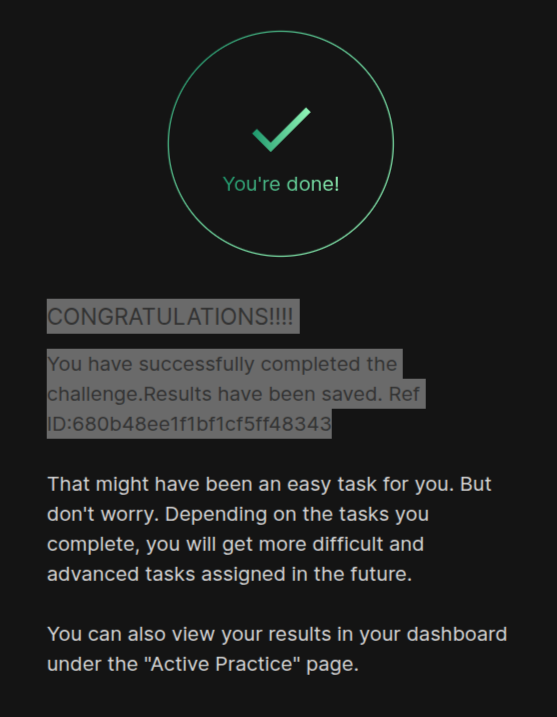
Task ID: task?id=680b48ee1f1bf1cf5ff48343
I have completed the task, but the verification keeps failing with the following messages:
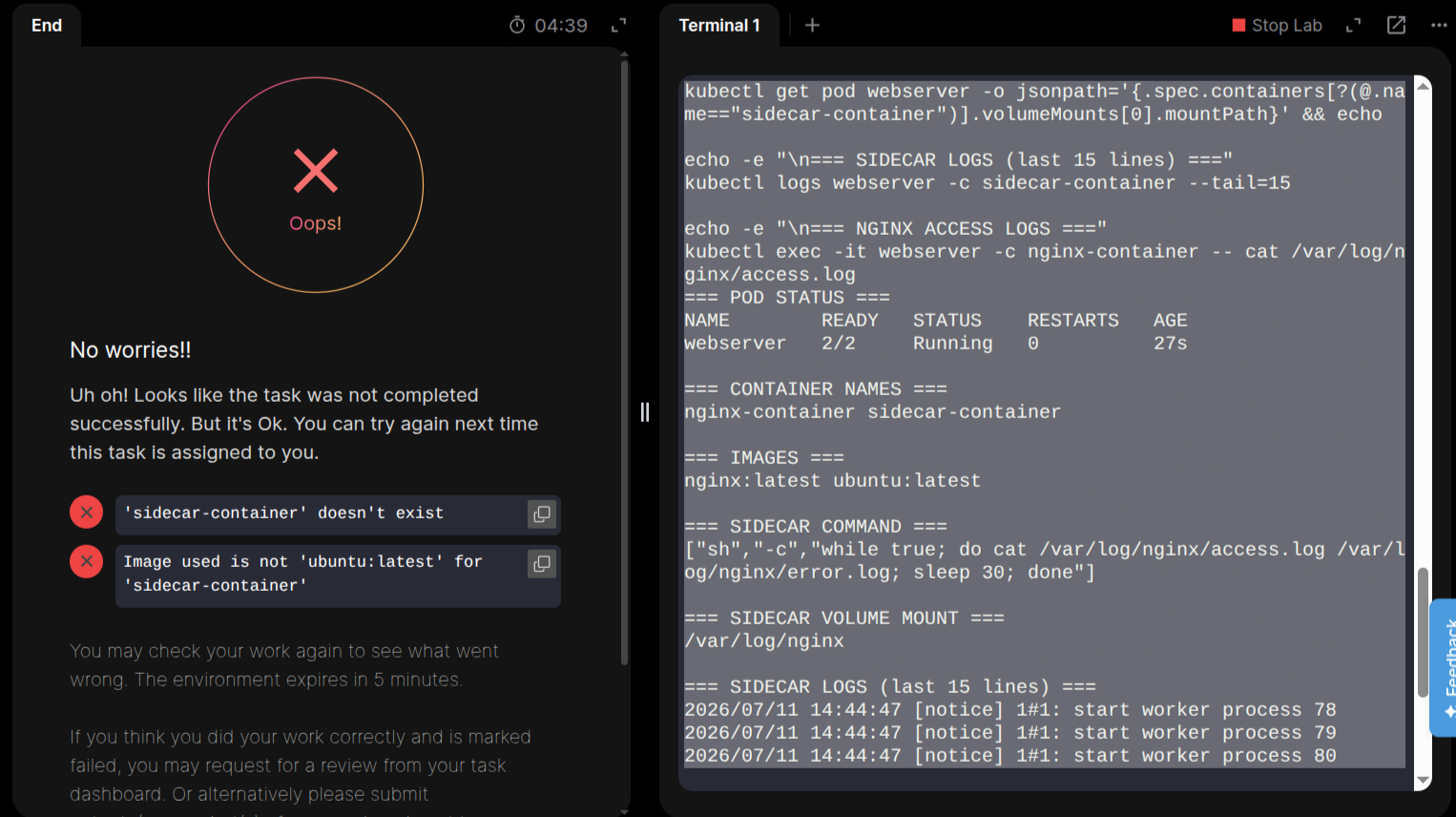
Uh oh! Looks like the task was not completed successfully. But it's Ok. You can try again next time this task is assigned to you.

'sidecar-container' doesn't exist

Image used is not 'ubuntu:latest' for 'sidecar-container'
I believe there is an issue with the verification system. I have verified my solution multiple times and also cross-checked it using AI tools, GitHub repository solutions, and the task requirements. Everything appears to be correct, but the validator continues to fail with the same errors.
I have already submitted feedback about this issue multiple times, but it still has not been resolved. Could you please investigate this task and fix the verification if it is broken? If the issue is with my solution instead, please let me know exactly what is incorrect so I can correct it.
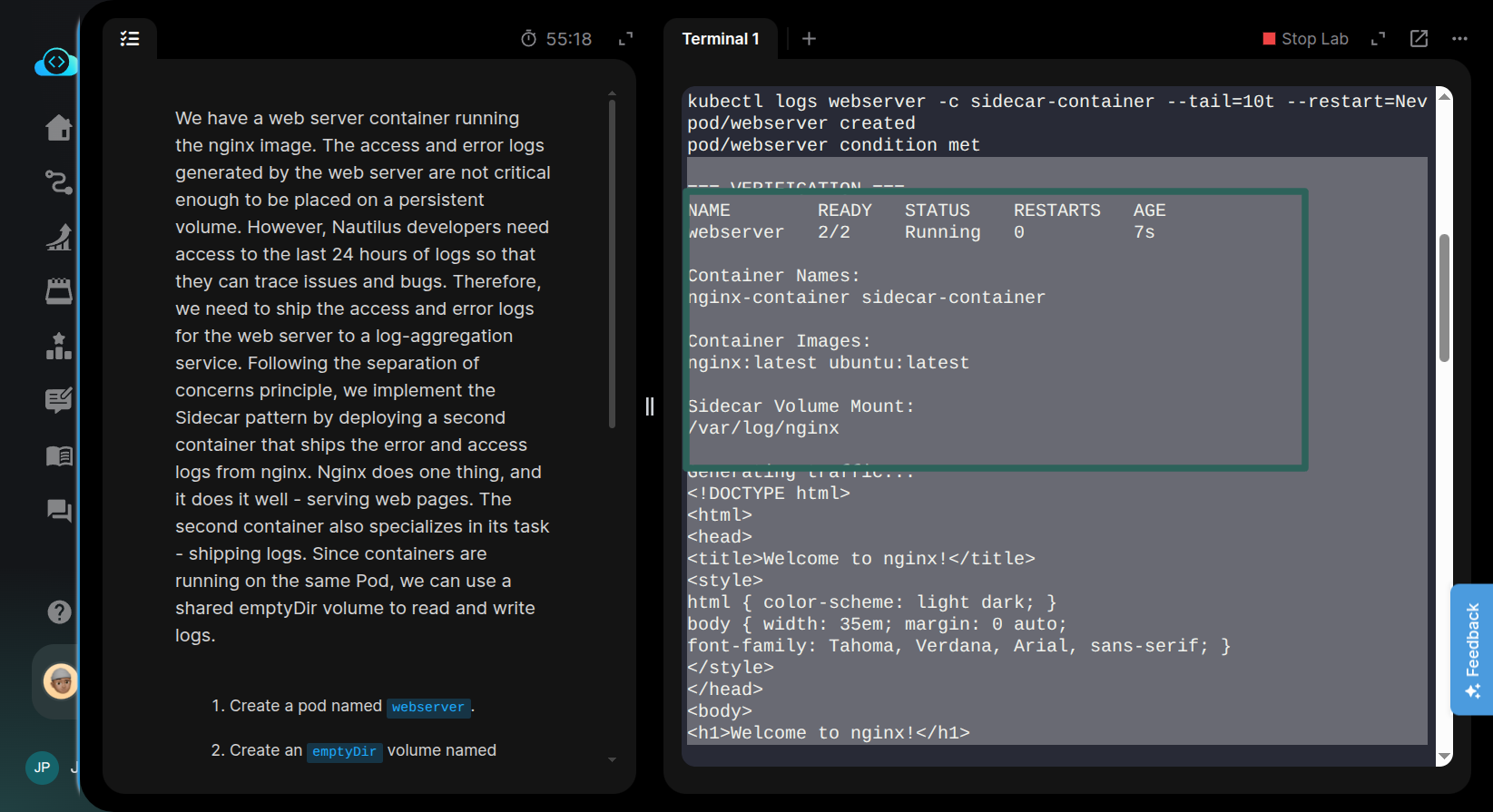
For reference, here are the commands I used to verify my pod configuration:
echo "=== POD STATUS ==="
kubectl get pod webserver

echo -e "\n=== CONTAINER NAMES ==="
kubectl get pod webserver -o jsonpath='{.spec.containers[*].name}' && echo

echo -e "\n=== IMAGES ==="
kubectl get pod webserver -o jsonpath='{.spec.containers[*].image}' && echo

echo -e "\n=== SIDECAR COMMAND ==="
kubectl get pod webserver -o jsonpath='{.spec.containers[?(@.name=="sidecar-container")].command}' && echo

echo -e "\n=== SIDECAR VOLUME MOUNT ==="
kubectl get pod webserver -o jsonpath='{.spec.containers[?(@.name=="sidecar-container")].volumeMounts[0].mountPath}' && echo

echo -e "\n=== SIDECAR LOGS (last 15 lines) ==="
kubectl logs webserver -c sidecar-container --tail=15

echo -e "\n=== NGINX ACCESS LOGS ==="
kubectl exec -it webserver -c nginx-container -- cat /var/log/nginx/access.log
I would appreciate it if you could look into this as soon as possible, as I am unable to complete the challenge due to what appears to be a verification issue.
Thank you for your support.
Best regards,
Jidnyesh patil