lab link: https://engineer.kodekloud.com/task?id=6675280e77ce614b8383af9f&status=redo
Task 12, level 2, Configuring a Public VPC with an EC2 Instance for Internet Access
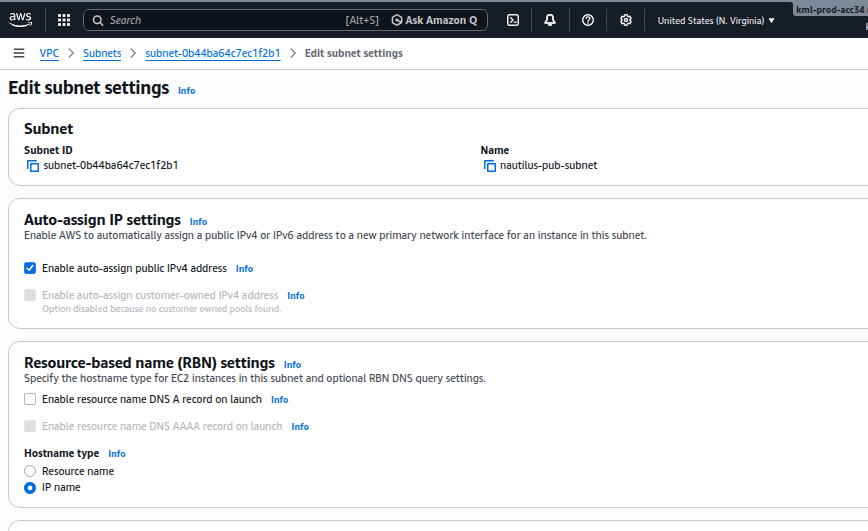
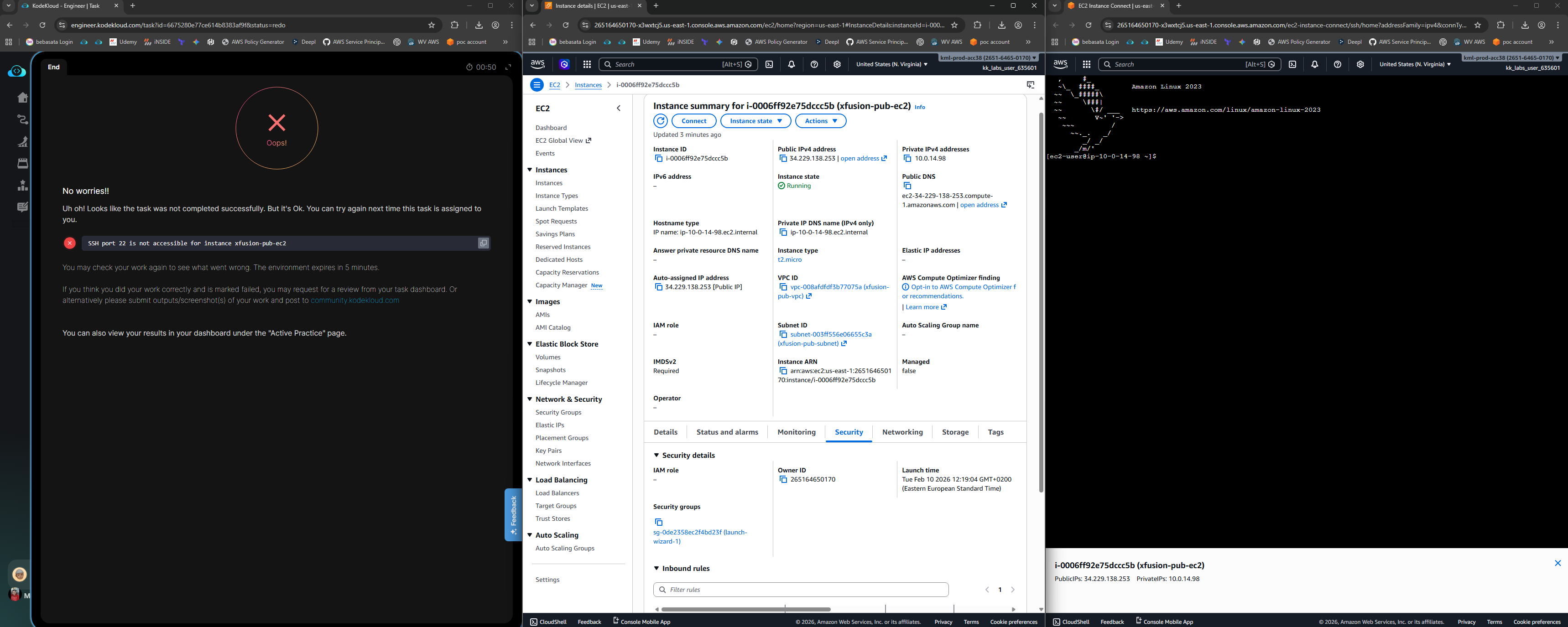
Did you set the allow public IP on Subnet, and allow SSH from 0.0.0.0/0 for this instance?
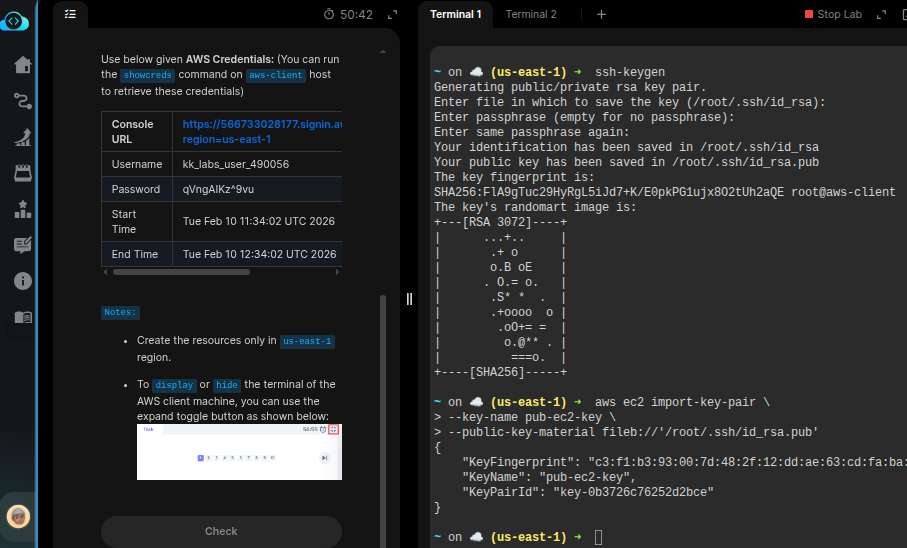
On the lab terminal, create an SSH Key-pair with default names using ssh-keygen. Ensure the key names are default id_rsa and id_rsa.pub.
Import this key to AWS using
aws ec2 import-key-pair \
--key-name <key name> \
--public-key-material fileb://'/root/.ssh/id_rsa.pub'
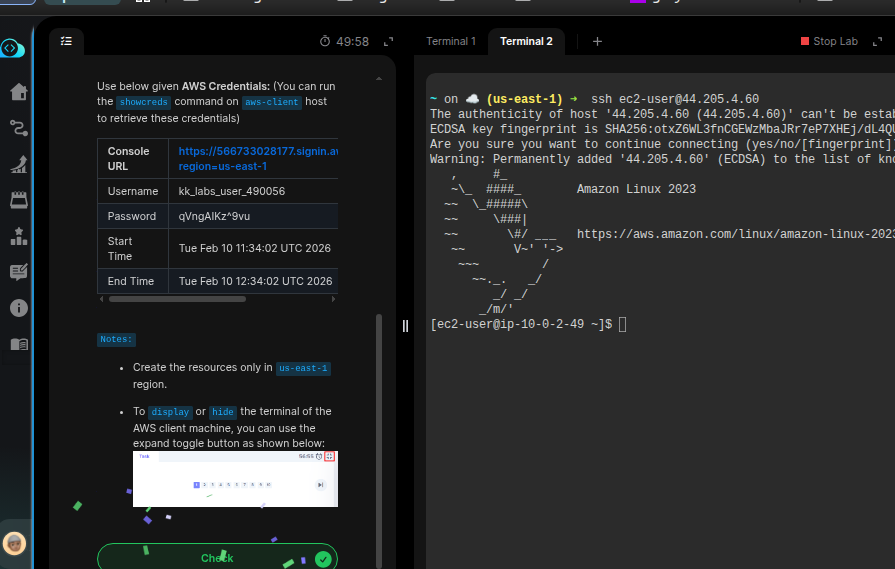
Use this key while creating the EC2. Now you should be able to SSH into the instance.
When you create the EC2, ensure you are creating it in the newly created VPC, Subnet, and ensure SSH is allowed from 0.0.0.0/0. The public IP should be disabled, as it’s assigned from the subnet.