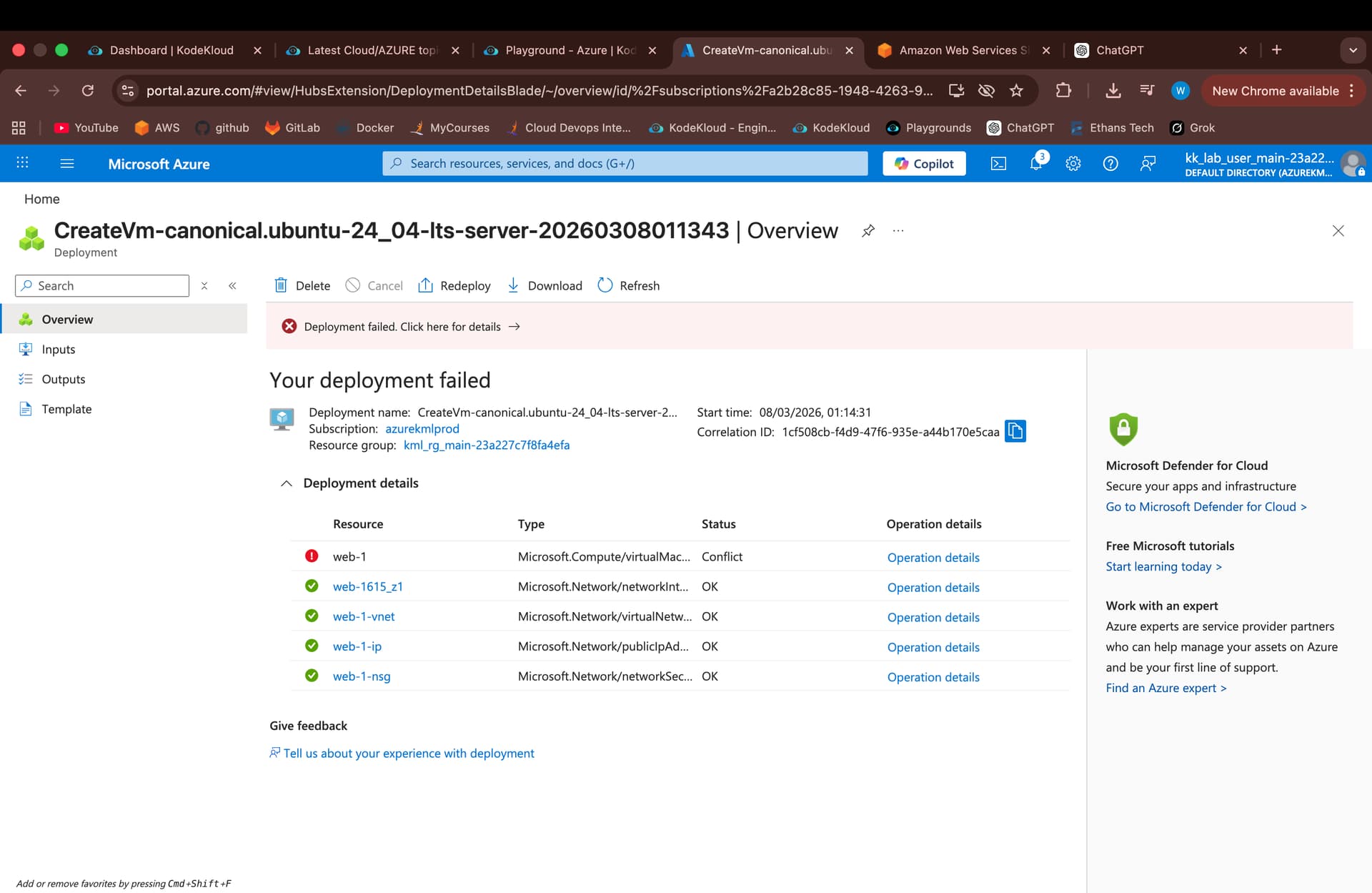
To get better support for this kind of problem, please do a bit of the following?
- Is this for a lab? Please include a link to the lab so we know what you’re doing.
- If you get an error like this, see if you can find the details for the error. You’re deploying… well, something. So what are you deploying. Also Azure gives a JSON object detailing the error. This object will go a long way towards telling us what’s wrong. So please include that.
Hi Rob,
Please check the issue, I have attached the error code
{
“code”: “DeploymentFailed”,
“target”: “/subscriptions/a2b28c85-1948-4263-90ca-bade2bac4df4/resourceGroups/kml_rg_main-6ec9b87408524327/providers/Microsoft.Resources/deployments/CreateVm-canonical.ubuntu-24_04-lts-server-20260308174922”,
“message”: “At least one resource deployment operation failed. Please list deployment operations for details. Please see Deployment history - Azure Resource Manager | Microsoft Learn for usage details.”,
“details”: [
{
“code”: “ResourceDeploymentFailure”,
“target”: “/subscriptions/a2b28c85-1948-4263-90ca-bade2bac4df4/resourceGroups/kml_rg_main-6ec9b87408524327/providers/Microsoft.Compute/virtualMachines/demo”,
“message”: “The resource write operation failed to complete successfully, because it reached terminal provisioning state ‘Failed’.”
}
]
}
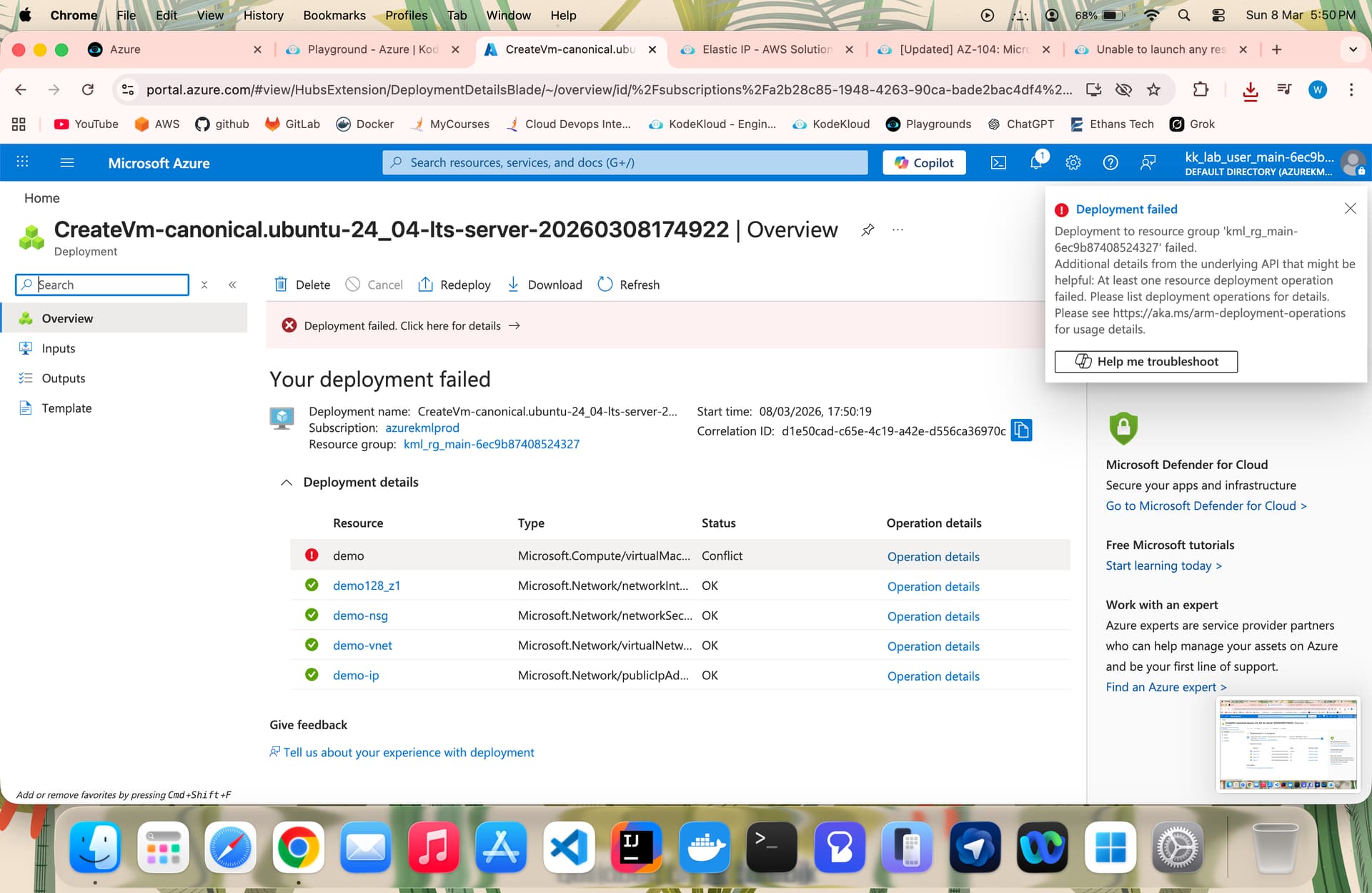
That helps, a bit. You may want to look at this doc page. If I had to guess, either the machine size or the volume type you chose is not allowed, or it’s limited in the region you chose. This is described in the page I’m pointing you to.
Hi Rob,
As per Azure Playground
The regions supported in our Azure playground are:
-
West US
-
East US
-
Central US
-
South Central US
-
Supported SKUs for Virtual Machines:
- Standard_D2s_v3
- Standard_B2s
- Standard_B1s
- Standard_DS1_v2
I created in allowed Regions and with given VM types only
still i get the same error