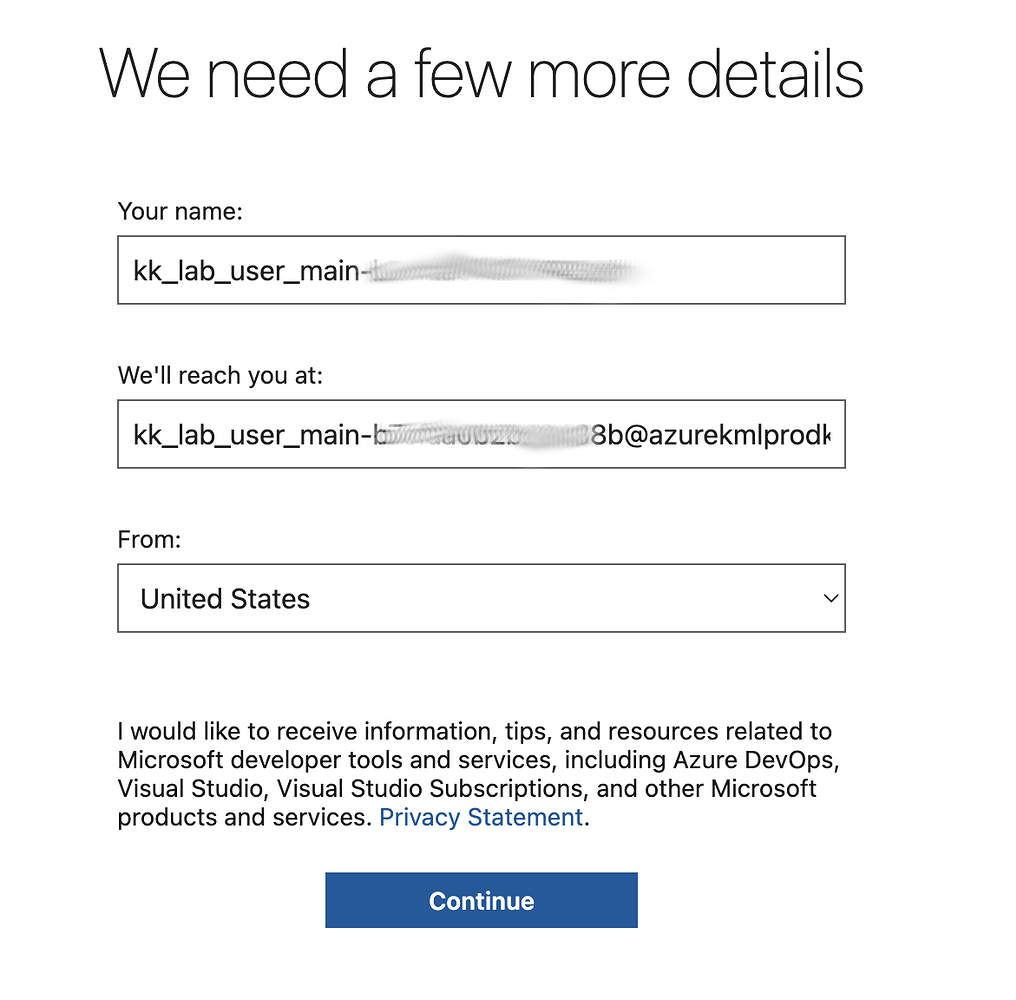
I’m following the Azure DevOps lab and I’m unable to create an Azure DevOps organization using the Azure account provided by the KodeKloud Playground.
During the Azure DevOps signup, my Azure subscription is visible and selectable, but when I try to continue, I get this error:
“You need to be an owner or contributor on the subscription to set up billing.”
I’m using the Azure subscription provided through the KodeKloud Playground, so I’m not sure whether this is a permissions or subscription configuration issue.
Could someone please check this and let me know how I can create the Azure DevOps organization and continue with the lab?
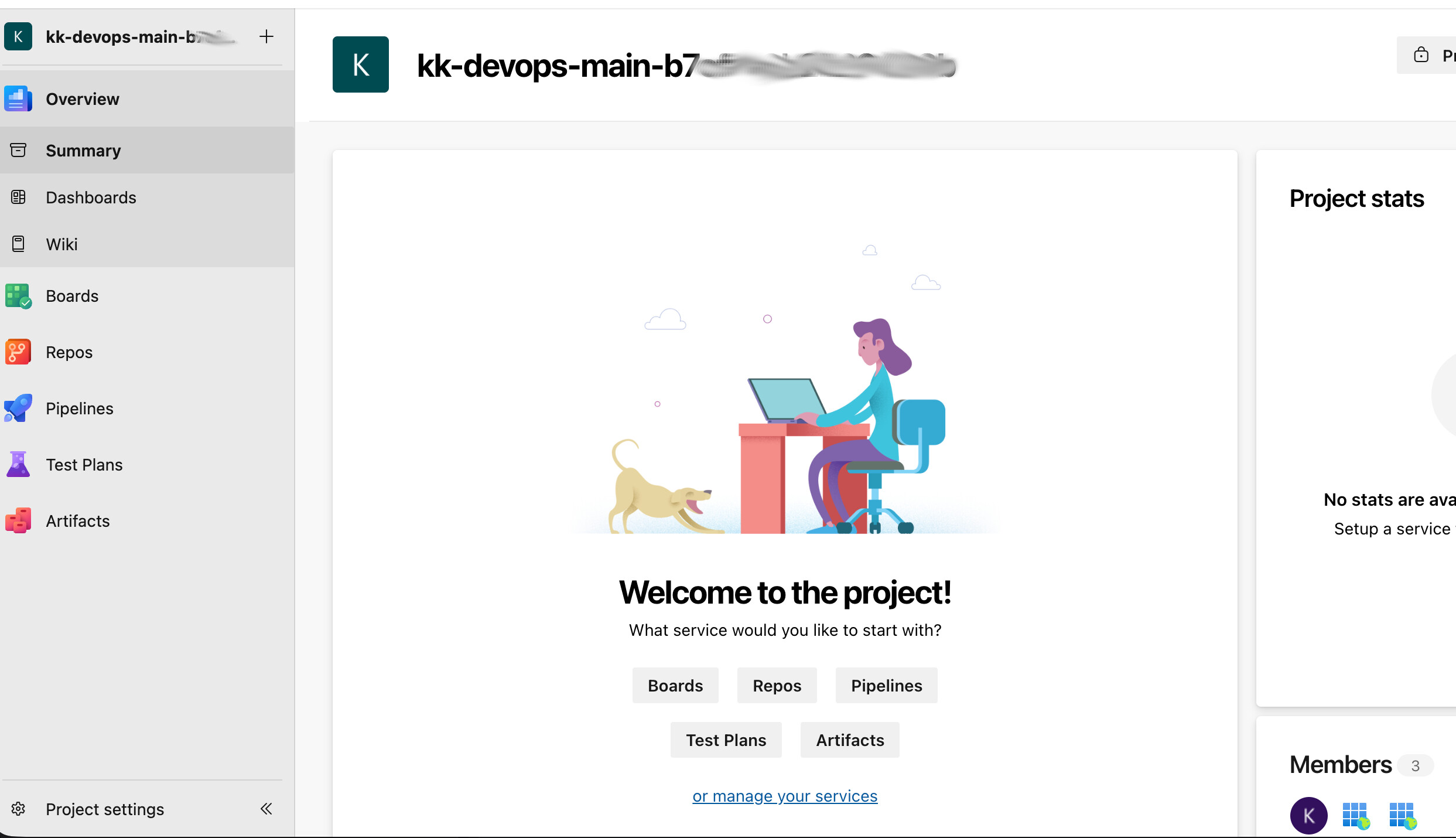
If you’re using the Azure Devops playground, the key thing to understand is that you don’t want to create a new organization. To use the playground, you want to use the organization and project that’s already created for you.
Yes, you are correct. I followed these steps, and this was working fine for me until the day before yesterday .
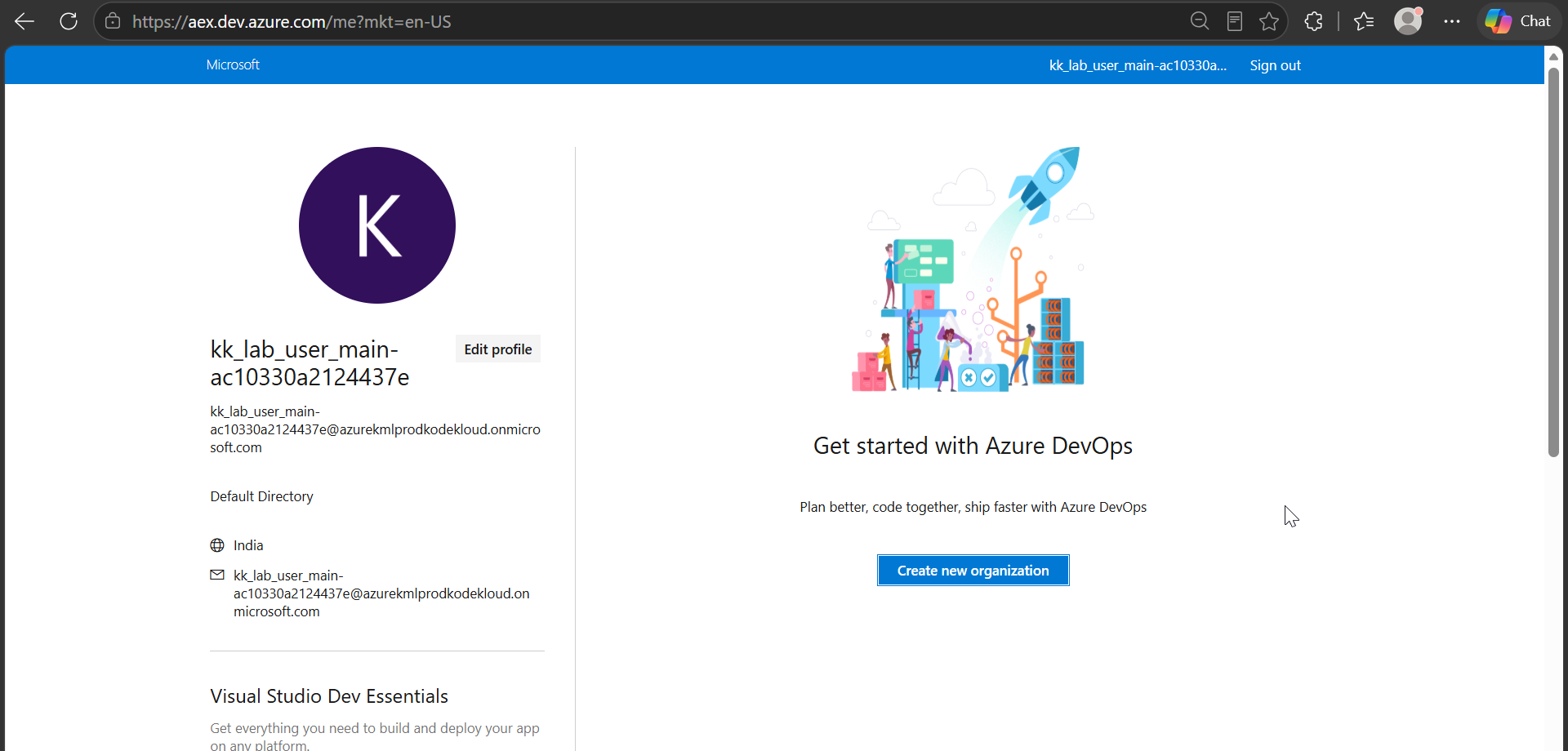
However, since yesterday, whenever I create a new Azure DevOps Playground session, the Azure DevOps page shows an empty organization list . The organization/project that was previously available automatically is no longer showing up.
Because of this, I initially tried to create a new organization, which is when I got the billing/permission error shown in my previous screenshot.
I’m not sure what changed, because the same process was working correctly until the day before yesterday. I have attached a screenshot showing what I see when I create a new Playground session now.
Could you please check whether there is an issue with the Playground environment or the organization assignment?
Note that you don’t use the Azure Playground; you use the Azure Devops Playground, which is set up a bit differently. I used the Azure Devops Playground to prepare the images you just saw.