Could you please assist here? I’m not sure what is happening, its a bug or I’m doing something wrong?
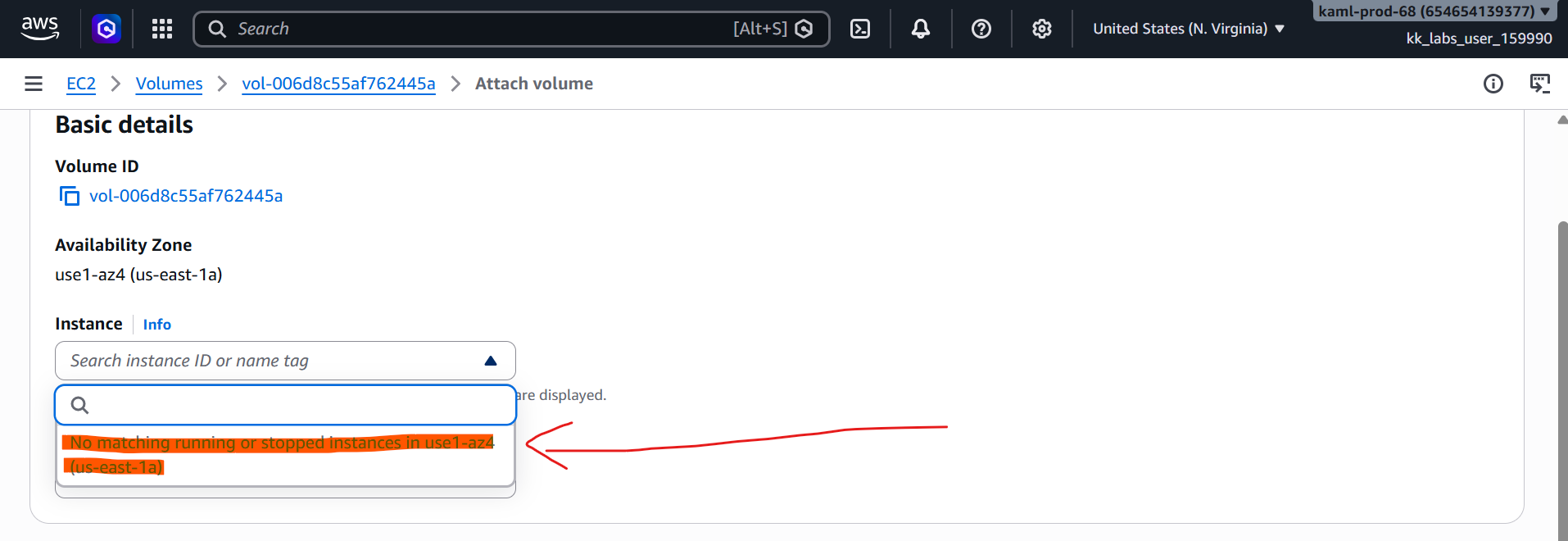
Primary ask: Unable to attach EBS volume to the instance(refer screenshot with red arrow)
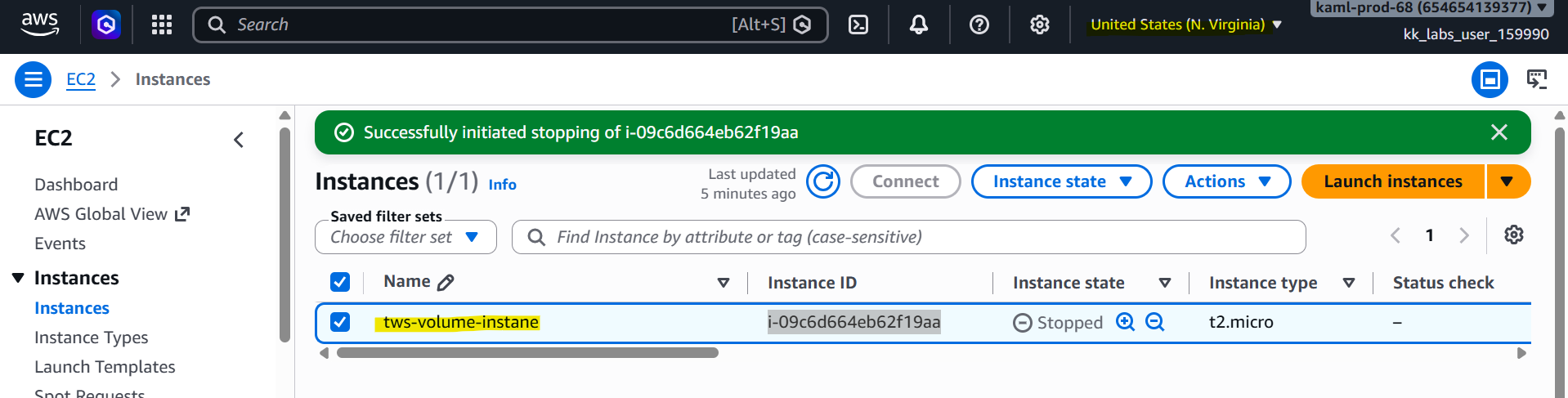
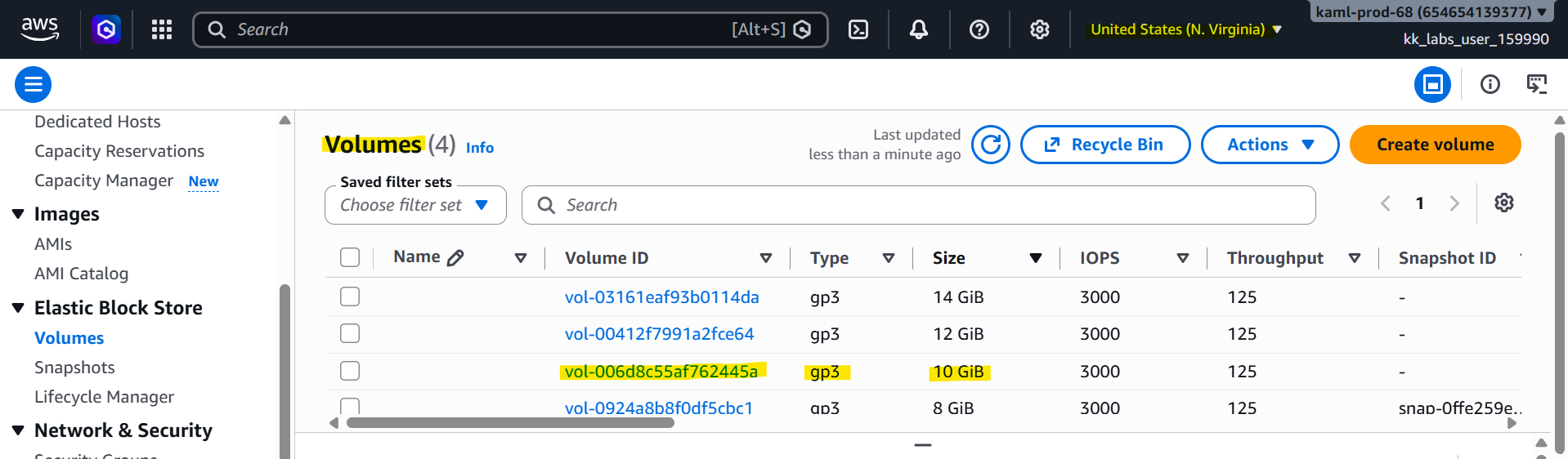
Both EC2 and EBS are in same AZ (US-East-1). Created 3 EBS volumes. Trying the attach the 10 GB gp3 volume to the instance, but while doing so the instance is NOT showing in the dropdown option. (refer screenshot with red arrow). I tried in running instance as well as when the instance is stopped. But no luck. Please suggest!!!