I’m unable to access Azure from the Azure Cloud Lab’s VS Code environment. Could you please assist? It’s important for me to complete and practice the labs, and this issue is blocking my progress.
Hi @nagasandeep
It works fine on my end. Please try again and share a screenshot if the issue persists.
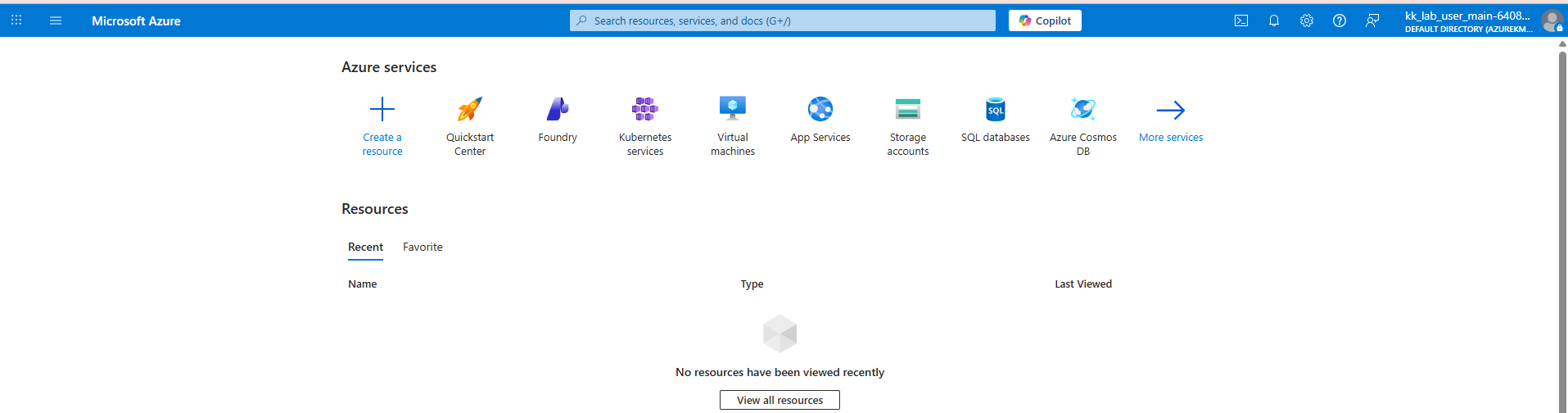
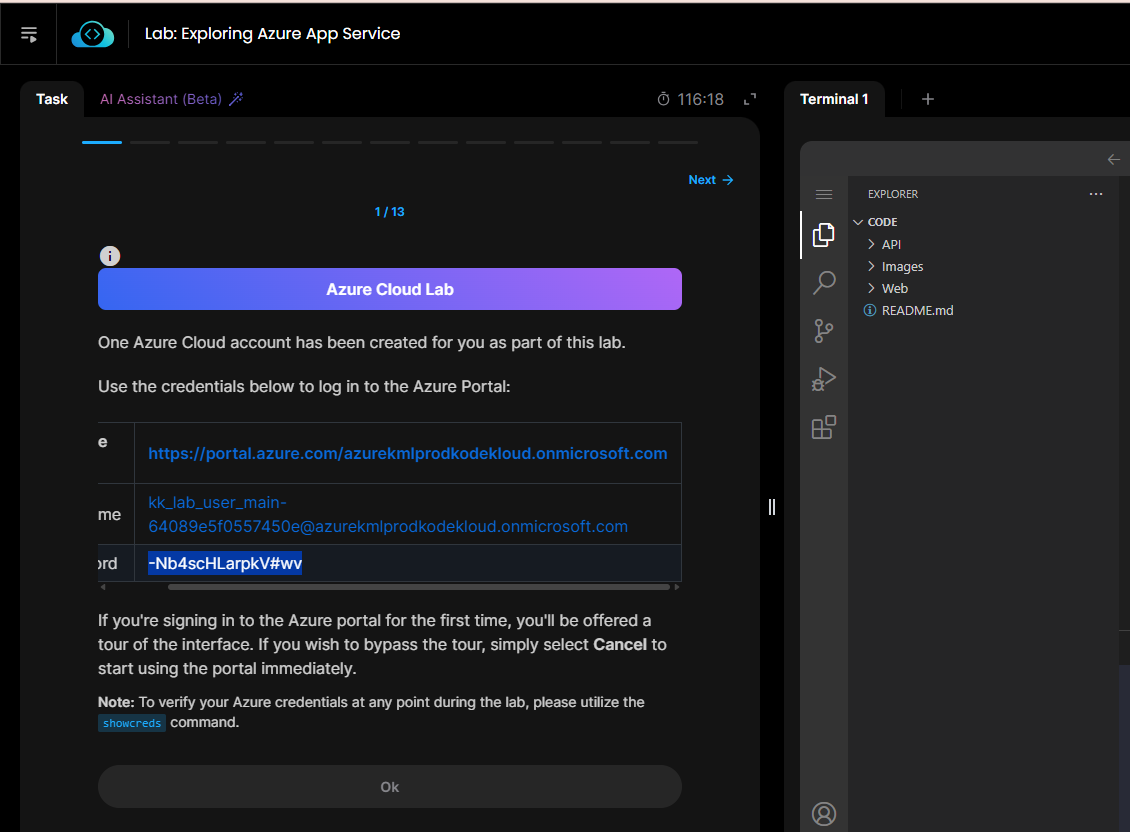
I can able to login to Azure portal but i couldn’t access it from VSCode Instance.
After clicking the Sign to Azure in VSCode
It is promoting to Microsoft Sign in and after giving the creds, I am getting the below and not connecting to Azure in the VSCode.
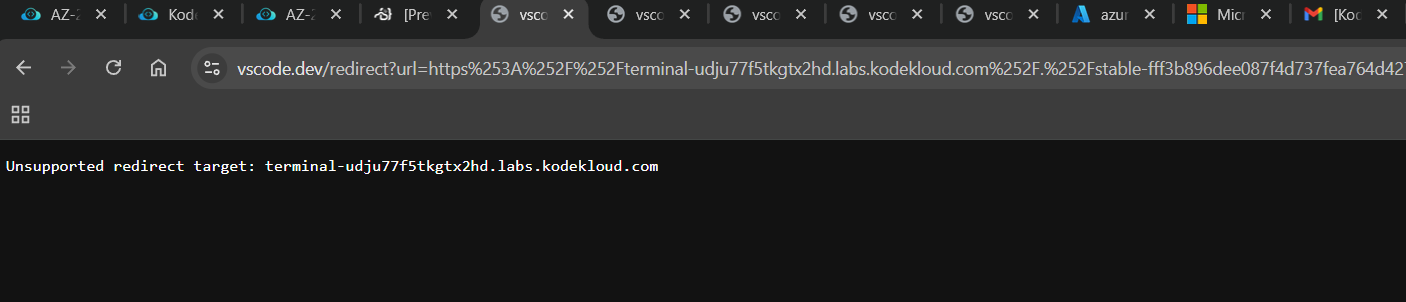
Please help me in fixing it.
Here is the lab link i am using
https://learn.kodekloud.com/user/courses/az-204-developing-solutions-for-microsoft-azure/module/94d21b81-de82-4d33-a347-4404baa9f869/lesson/c555028c-4def-4a3d-a514-c13e287811e4?_gl=1*1nuavys*_up*MQ…_gsMQ…&gclid=Cj0KCQiAy6vMBhDCARIsAK8rOgkt6_DEIxeMwaqD_rhgRYHyxgu7NRqeC-EEGxxJEivU6NW4bXCFJPsaAnvcEALw_wcB&gbraid=0AAAAACO3P6_3uQqTrZLTR8AOPUGsGjKhU
First, please look at this Microsoft page, which should tell you how to do that. One of the techniques described will let you use the credentials (user, password) given in the lab for accessing an Azure portal; you can use those same credentials in VS Code.
Yes, I used the same credentials but still i am getting the error.
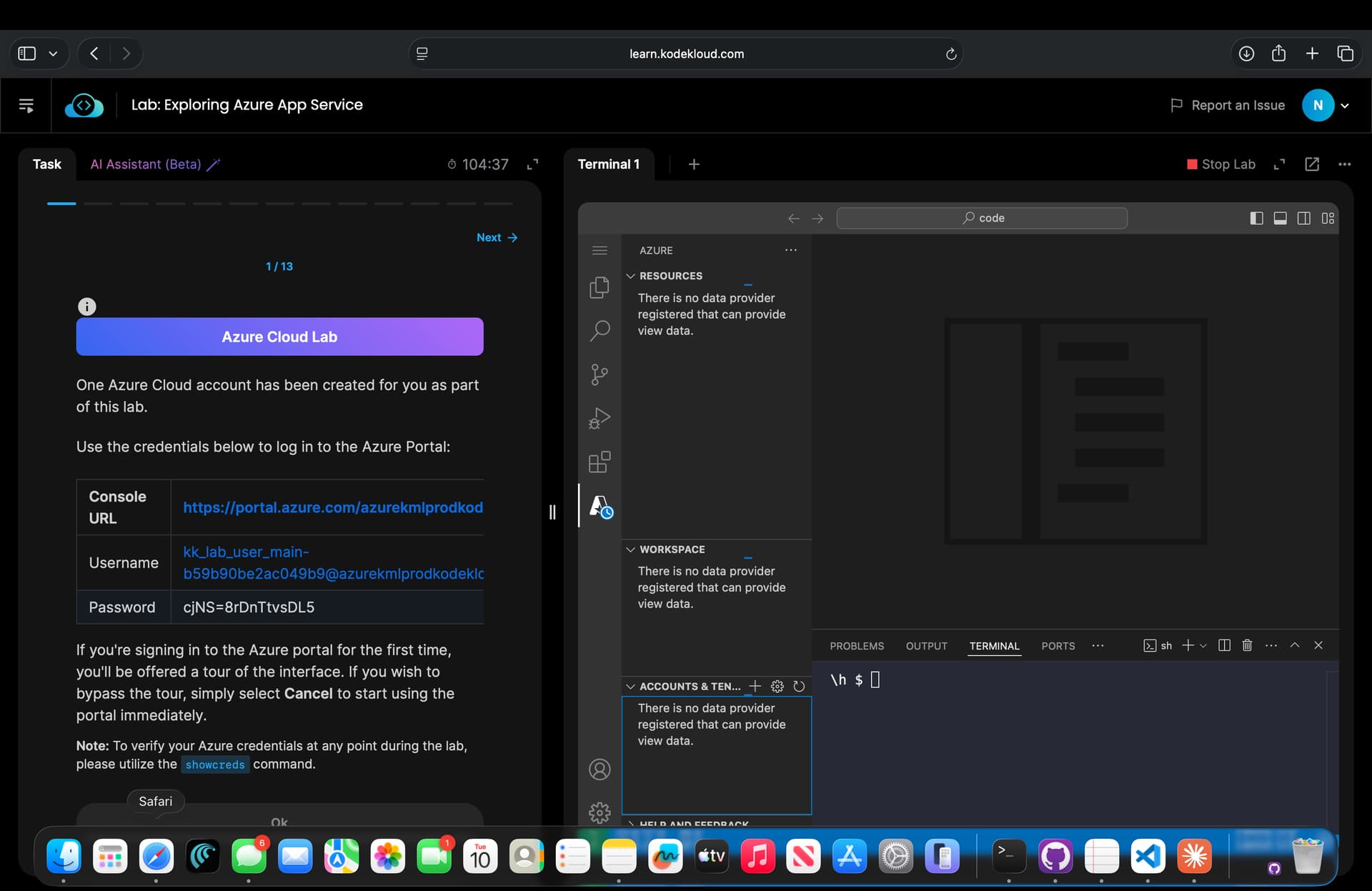
You’re not signing in there. You need to sign in using VS Code:
- Open the Command Pallet (Command-Shift-P).
- In the pallet – “Azure: sign in”
- Agree to “Sign into Microsoft”
- Choose “Another account”
- Enter the username and password supplied in the lab.
These instructions were in the link I gave you above – just tried them on my Mac, they work.
If i am trying these credentials from local installed vscode is working fine(this is my current workaround), but it should work from the vscode instance provided in the lab session as well right, that is not working. I am waiting to see Sign in to Azure option through out the lab session which is not happening.
Even from Command pallet, it is not working.
Why would you expect that to work? Networking alone should prevent that. Doing it through VSCode on your local IS HOW YOU DO THIS 
Is VSCode just a static window with no use ?
Ahhh!
You should mention that somewhere in the lab session like provided VSCode may not work
It is waste of my time, i spent two days.
If you mean a VSCode window in a lab: it’s operating in an isolated network environment, where you can’t install plugins, and where objects inside the lab environment are in a private address space. Reaching out and touching your local from there is not possible, or even desireable.