this is day 6 of linux user data transfer.
i have to copy all the files owned by javed user from /home/usersdata to /media directory.
i used file.sh script file to copy files .
this is my script that i used for this question
#!/bin/bash
cd /home/usersdata
list=$(find . -type f -user javed)
for i in $list
do
cp $i /media
done
after that i verified all the files were present in /media directory
but when i check , it threw error "no files are copied and some are missing on app server "
what to do ?
Due to an accidental data mix-up, user data was unintentionally mingled on Nautilus App Server 2 at the /home/usersdata location by the Nautilus production support team in Stratos DC. To rectify this, specific user data needs to be filtered and relocated. Here are the details:
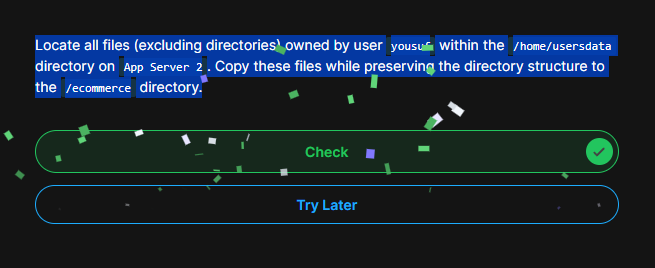
Locate all files (excluding directories) owned by user yousuf within the /home/usersdata directory on App Server 2. Copy these files while preserving the directory structure to the /ecommerce directory.
Note that the user name, directories and server may change each time you do the question.
Make sure you are doing it on the correct app server. This time it is App Server 2
basically i wanted to do this using bash script file that contained scripts
#!/bin/bash
cd /home/usersdata
list=$(find . -type f -user javed)
for i in $list
do
cp $i /media
done
Seems permission issue!, have you tried as root user? bcoz root user has privelage. Also
before copying try to do touch readme.txt file in the /media dir to make sure you have permisison to write there.
cp command only copys files, if you have dir under /home/userdata under user javed. try cp -Rp
try for i in find . -type f -user javed
do
cp -Rp $i /media
done
if above is not the issue, can you elabrate what error you got! i am not able to understand some missing on app server means !