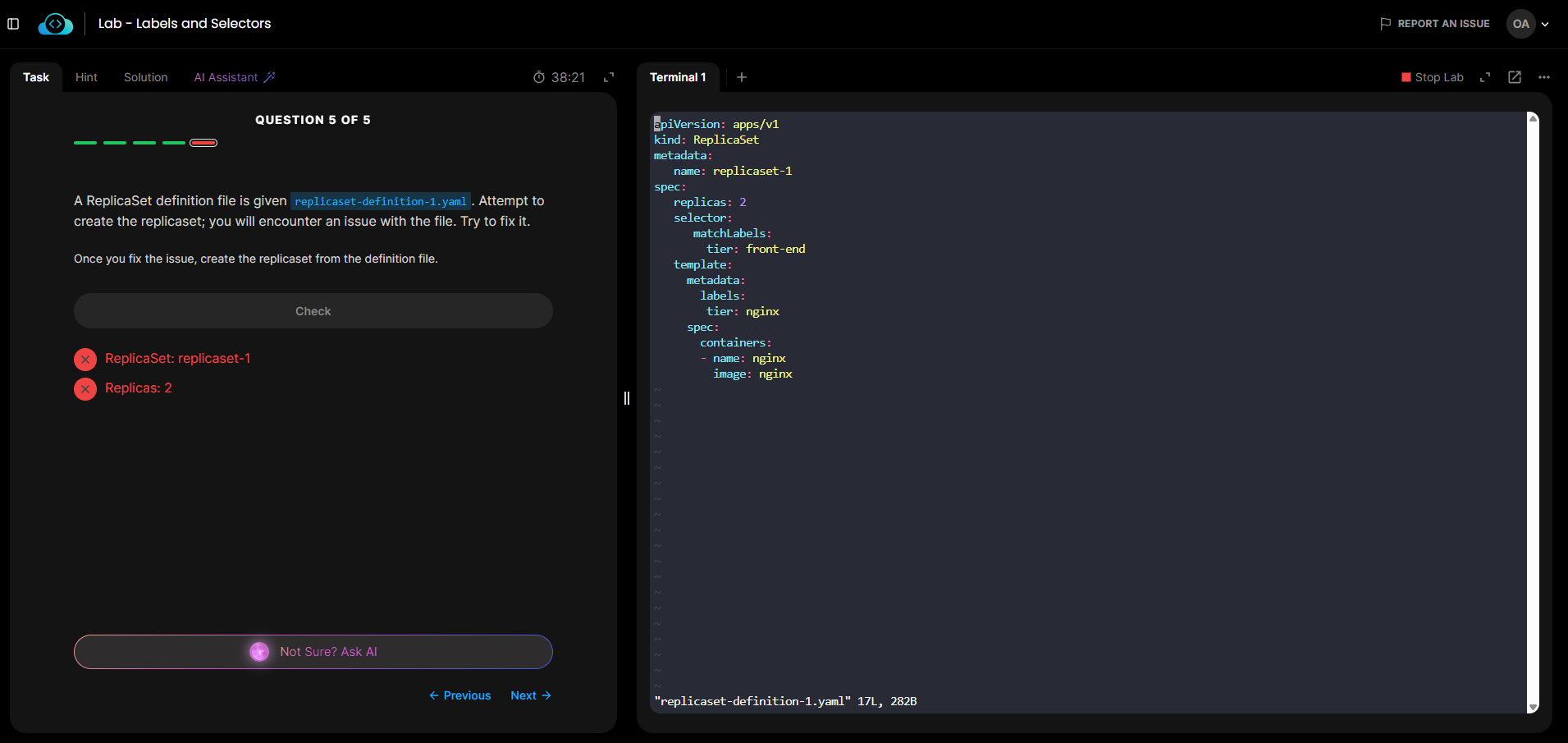
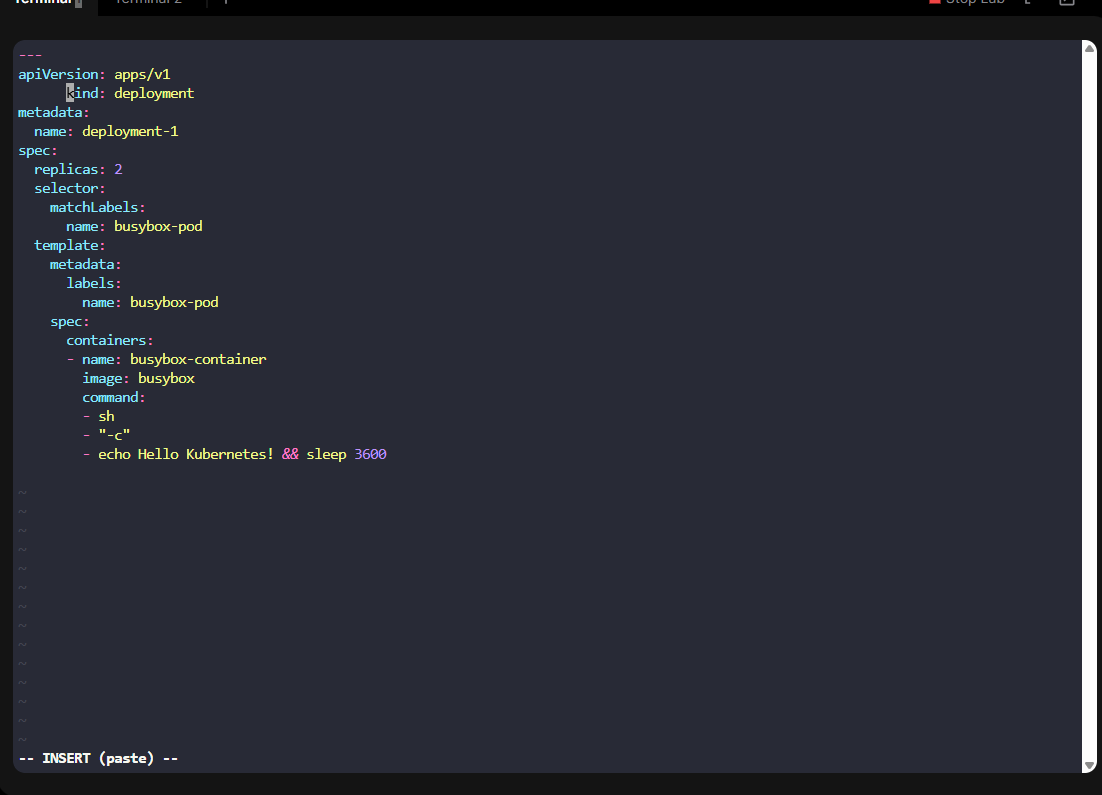
I can’t delete or edit a letter or word in my terminal and even when I’m in vi mode in a file. what is the issue
Is this always the case for you in vi/vim, or a particular file? For general info on vim, here’s a FAQ we created.
this is the case for any lab in general be it vi/vim or running a command in my terminal
Sounds like you just need to learn how to use vim. The FAQ is pretty useful for starters. In general:
- vim has “modes”. To get into the regular/normal mode, you press Esc, and if you don’t know what’s going on, do that.
- In regular mode, you can move around with the arrow keys, and you can delete characters with “x”.
- To go into “edit mode”, press “i”. You can then type things in, delete characters by backspacing over them.
- To save your changes, go into normal mode (Esc) and press “:wq”, which will also exit the editor.
- To exit without saving the file, “:q!”
There’s lots more, and the FAQ will help, but this gets you started.
like i said earlier, the terminal created by kode kloud doesn’t permit me to use back space while working on the terminal (on all labs). I am unable to interact with the cli. please fix the platform so the terminal is god enough to interact with
Not sure what’s up with your situation. I would check to make sure you’re not running a browser extension that’s interfering with your use of the lab termoinals. But in general, this is not a problem.