I have setup the instance with proper naming convention and configuration but it failed the task. It was my 5th task of streak and I lost 50 coins because of it
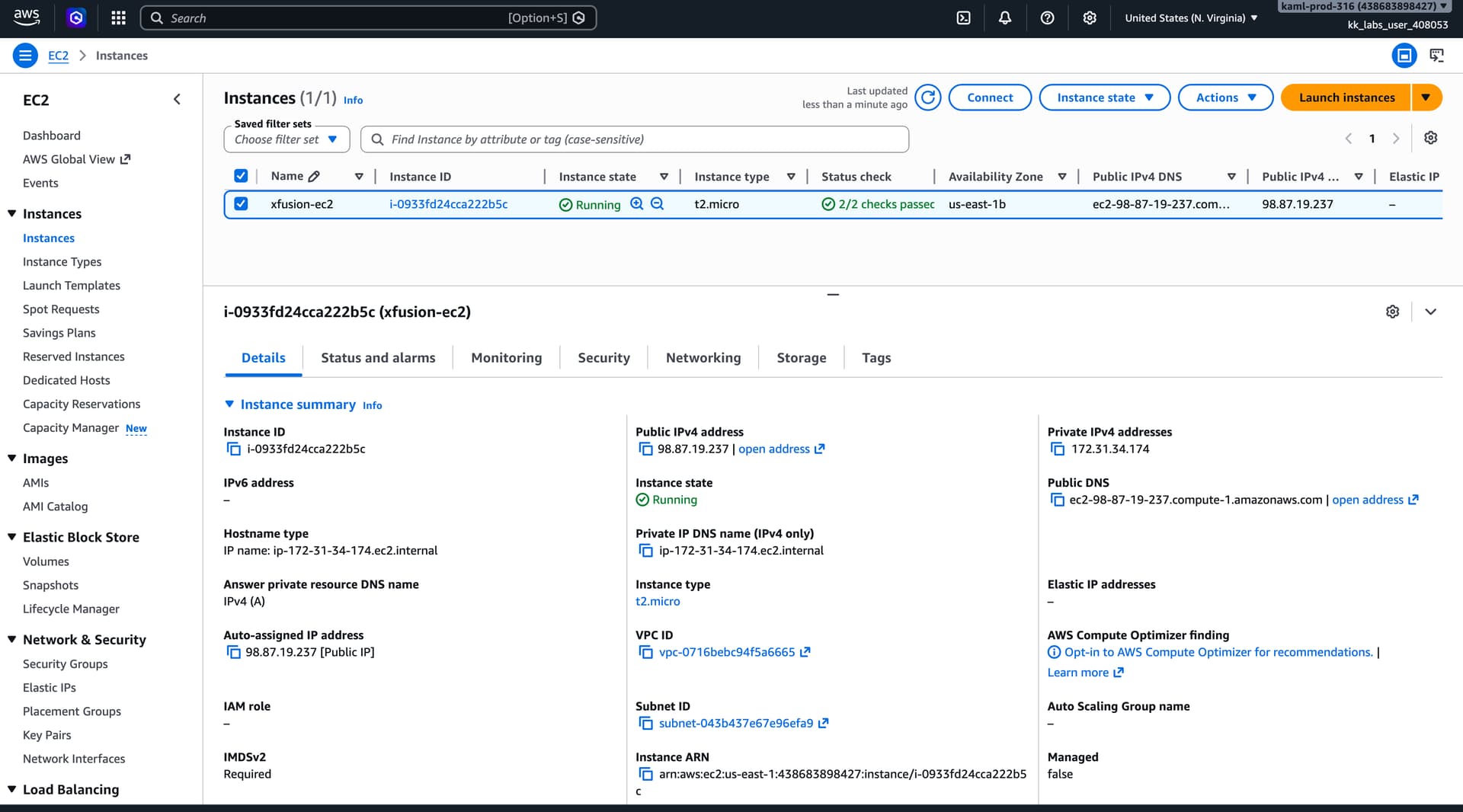
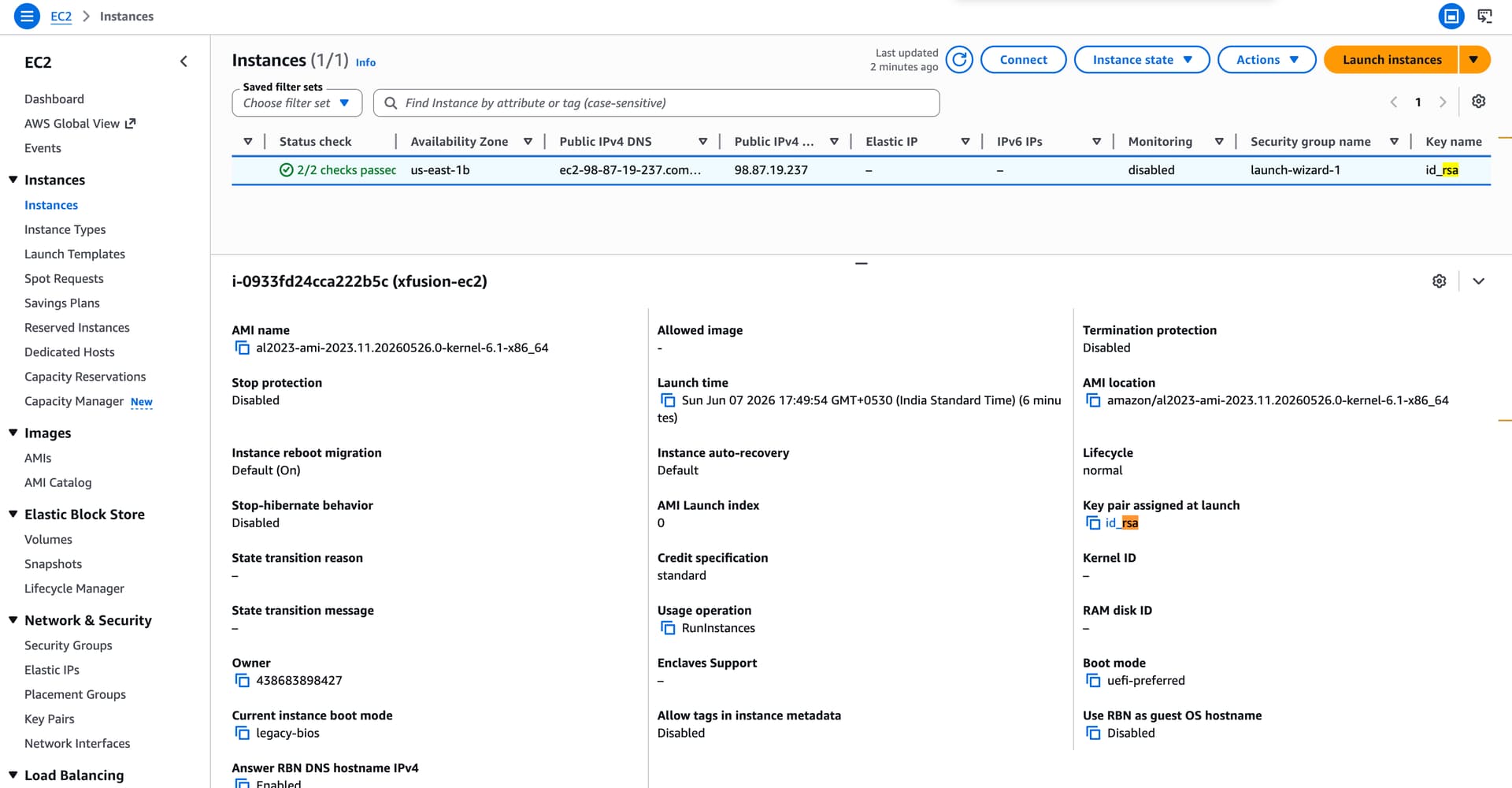
Could you please share the name of the task?
If it was from 100DaysofAWS, the day number could also help.
Day 22: Configuring Secure SSH Access to an EC2 Instance
Two questions:
- Does “ssh root@$PUBLIC_IP” work?
- Where is the key pair in the aws-client, and what did you call it?
1 Like
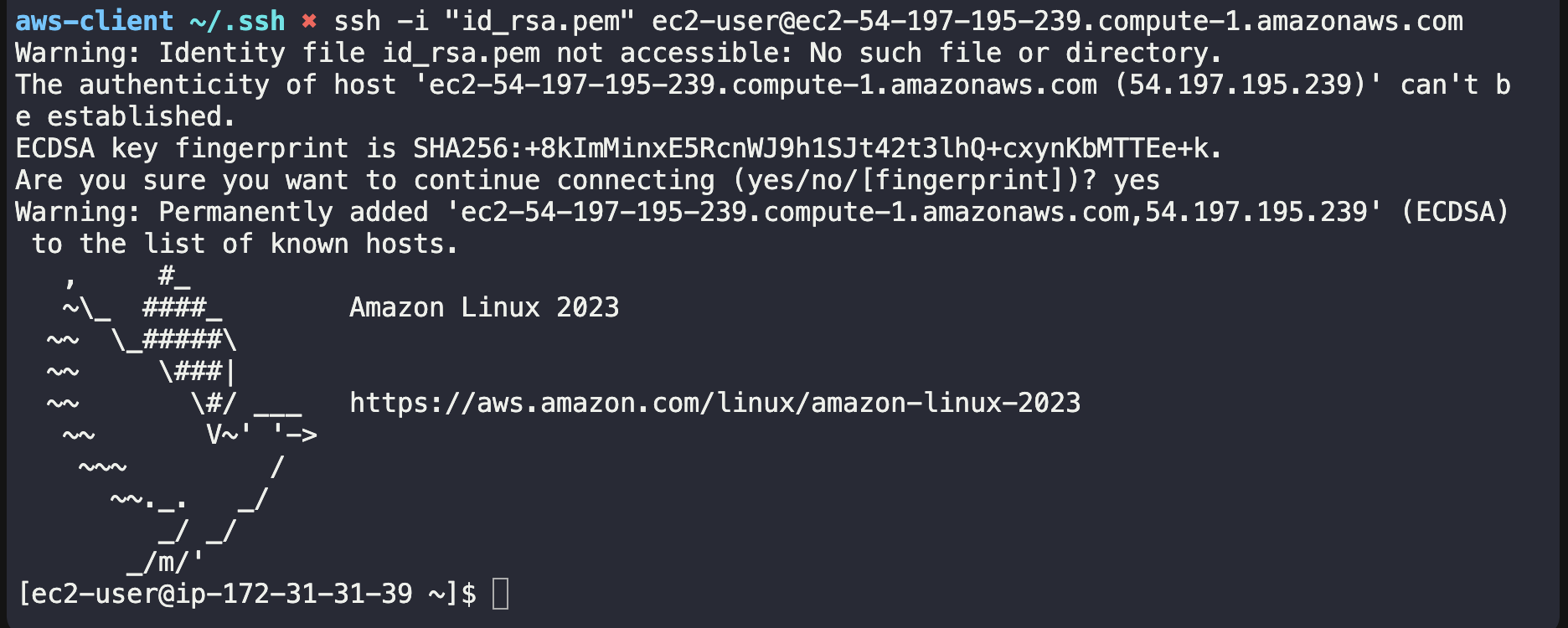
You’re connecting to the ec2-user and NOT the root user. This is the wrong test to determine if you’ve done the task right. The task tells you to install the key to the root usrer. Did you do that?
I have first created key and then import the key in key-pair feature then used it to create ec2 and tried ssh connection
That will connect you to the EC2 instance, yes. But it will not complete the task. The task (with possibily different resource names) is:
The Nautilus DevOps team needs to set up a new EC2 instance that can be accessed securely from their landing host (
aws-client). The instance should be of typet2.microand namedxfusion-ec2. A new SSH key should be created on theaws-clienthost under the/root/.ssh/folder, if it doesn’t already exist. This key should then be added to therootuser’s authorised keys on the EC2 instance, allowing passwordless SSH access from theaws-clienthost.
So you need to enable ssh access to the ROOT USER of the EC2 instance as well. This is why you are not passing the task.
1 Like
Okay lemme try that, thank you!