Task failed in 100 Days of Cloud Azure Practice

Hi Team,

I’ve started the 100 Days


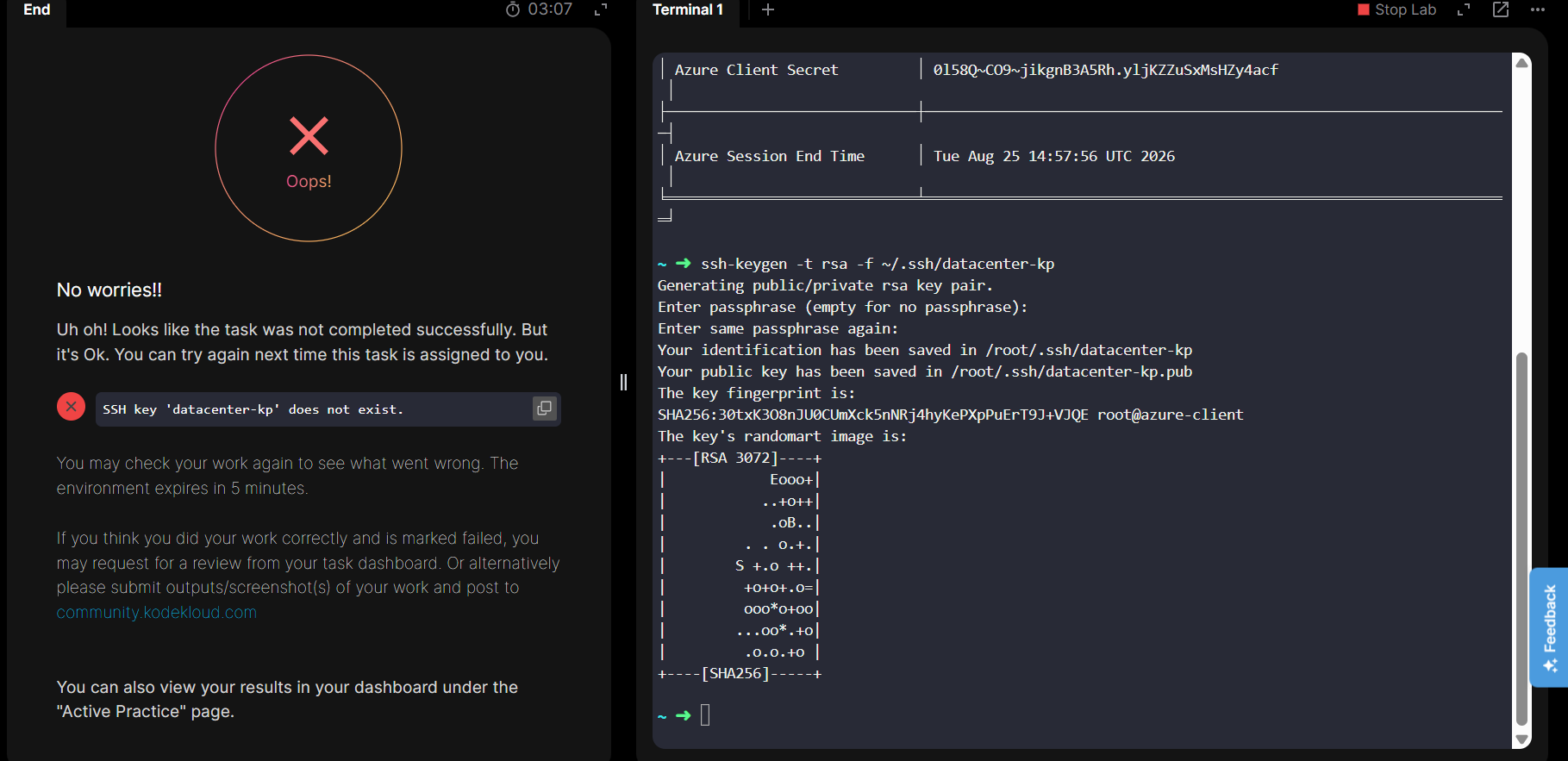
of Cloud Azure practice. For the first task, I need to generate an SSH key pair with the specified name. I was able to create the key and confirm it exists, but the lab validation is still failing when I test the task.

Could someone help me figure out what might be going wrong? I’ve attached a screenshot for reference.

Thanks,
Ram

You need to create the SSH-Key on the Azure console.
The credentials to log in into Azure are provided in the lab.

1 Like

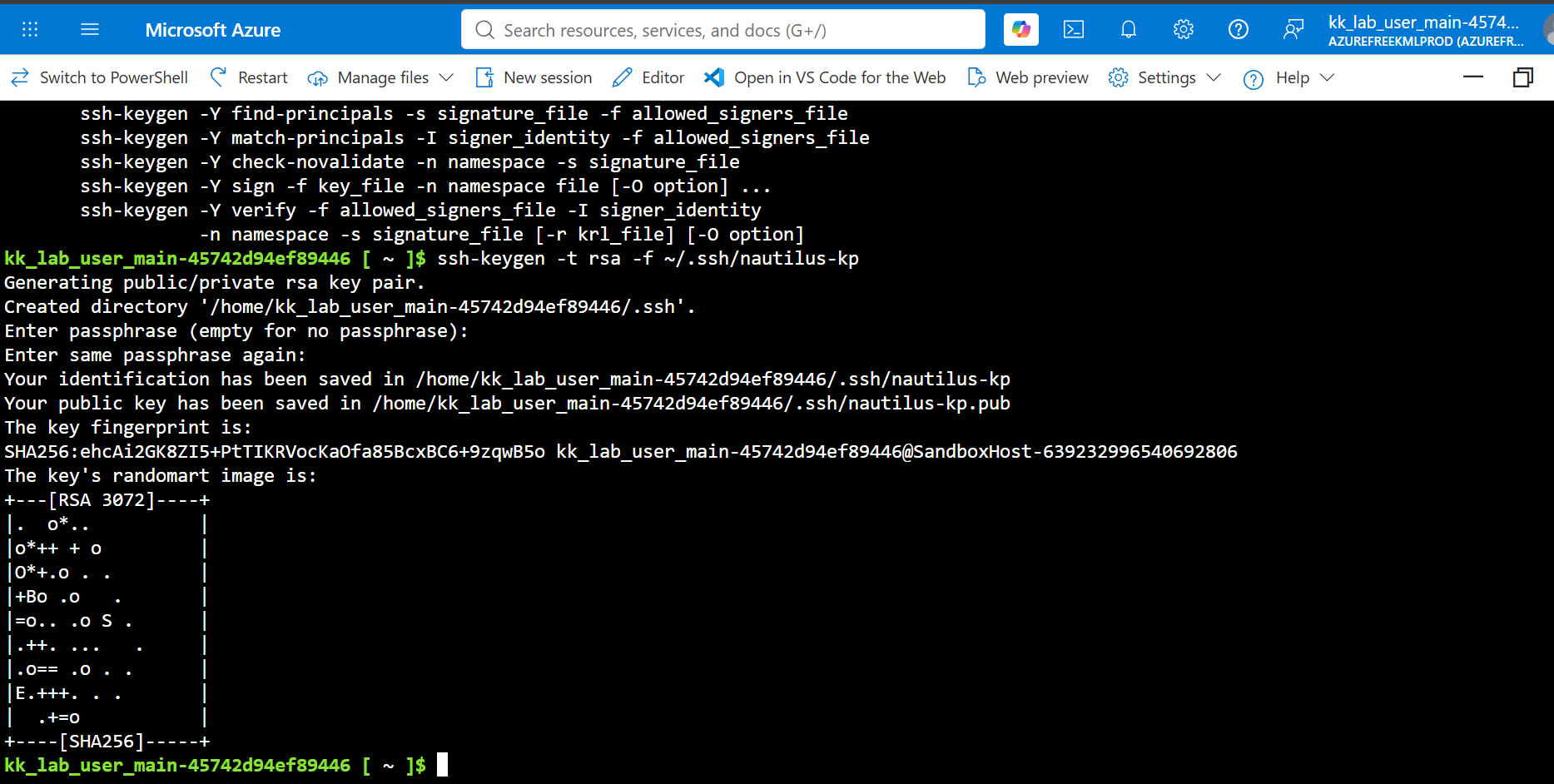
Thanks for the response, but I’m still seeing the same issue, even after trying it in Azure Cloud Shell.

One thing you need to do differently for certain – just run “ssh-keygen” w/o arguments, since you want your local keypair to be ~/.ssh/id_rsa. Naming the keypair as you did will confuse the grader. You’ll also need to create the keypair within Azure, doing something like
az sshkey create \
  --name "nautilus-kp" \
  --resource-group $RG \
  --location "eastus" \
  --public-key "@~/.ssh/id_rsa.pub"
1 Like

Thanks, it works now. I needed to use the az commands and specify the resource group details since we’re in an Azure environment.