Stuck at Day 79: Jenkins Deployment Job

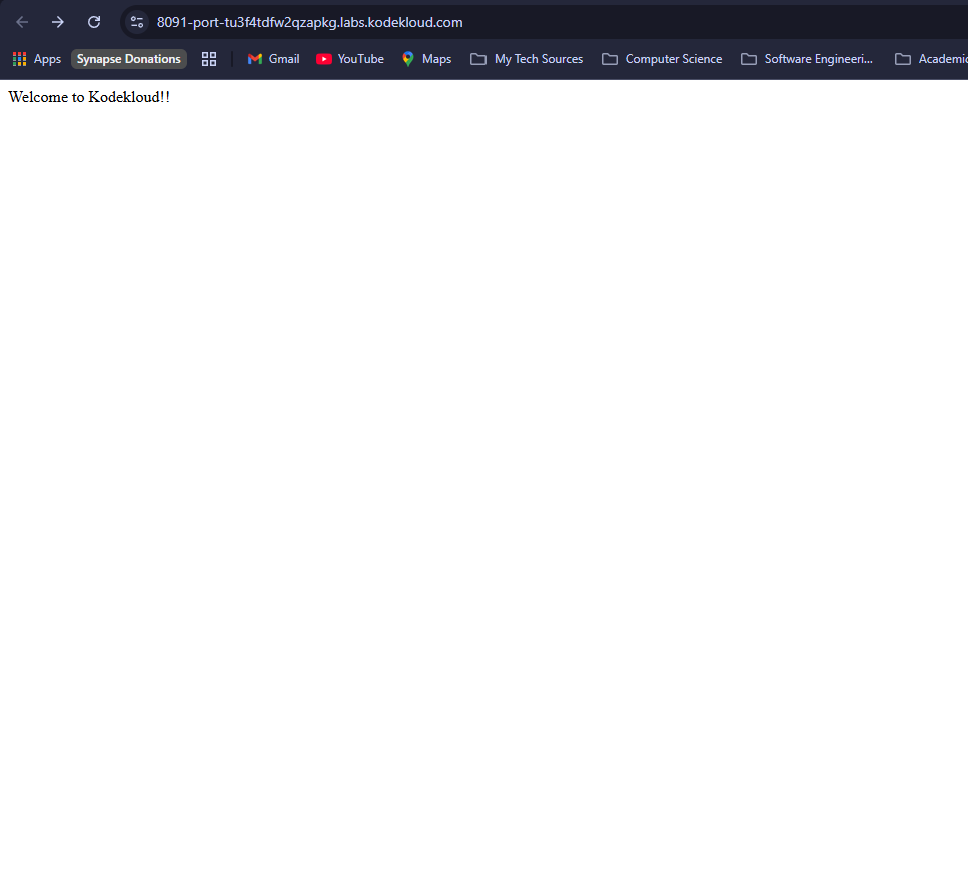
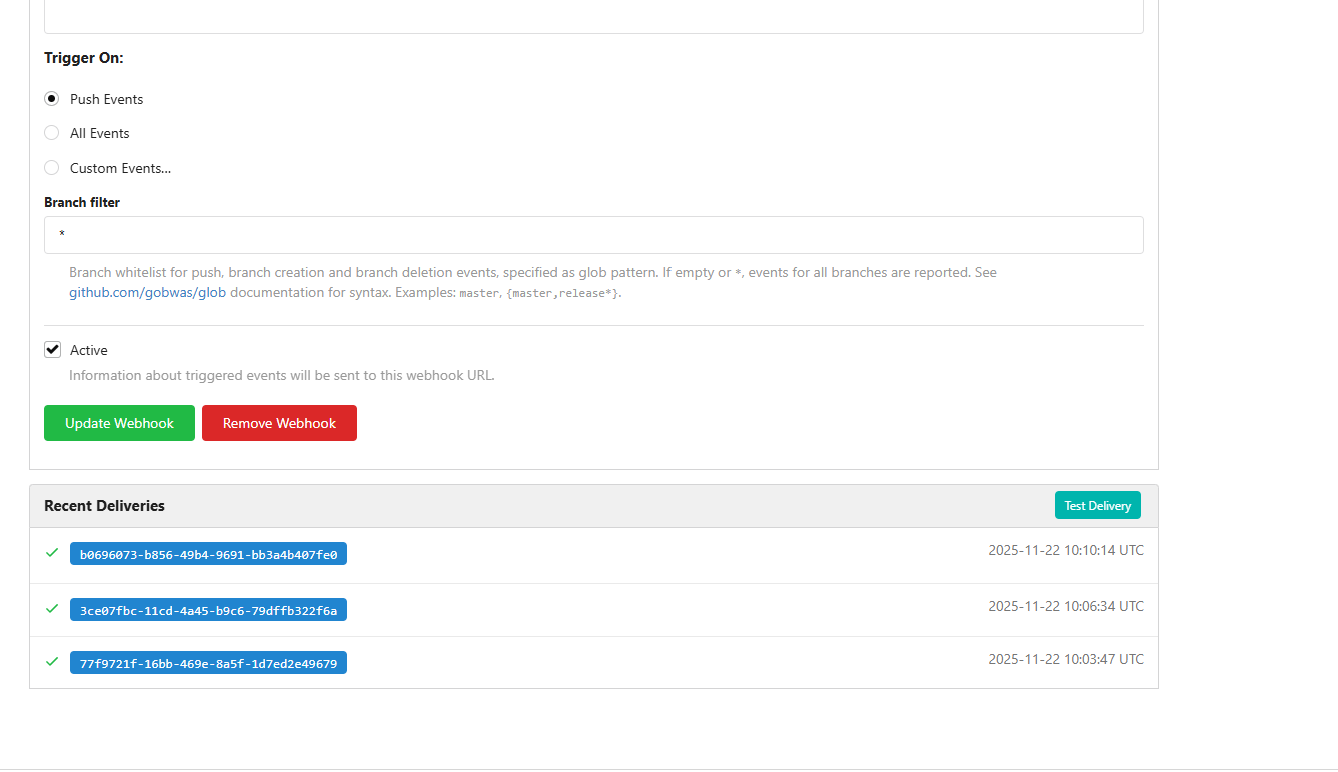
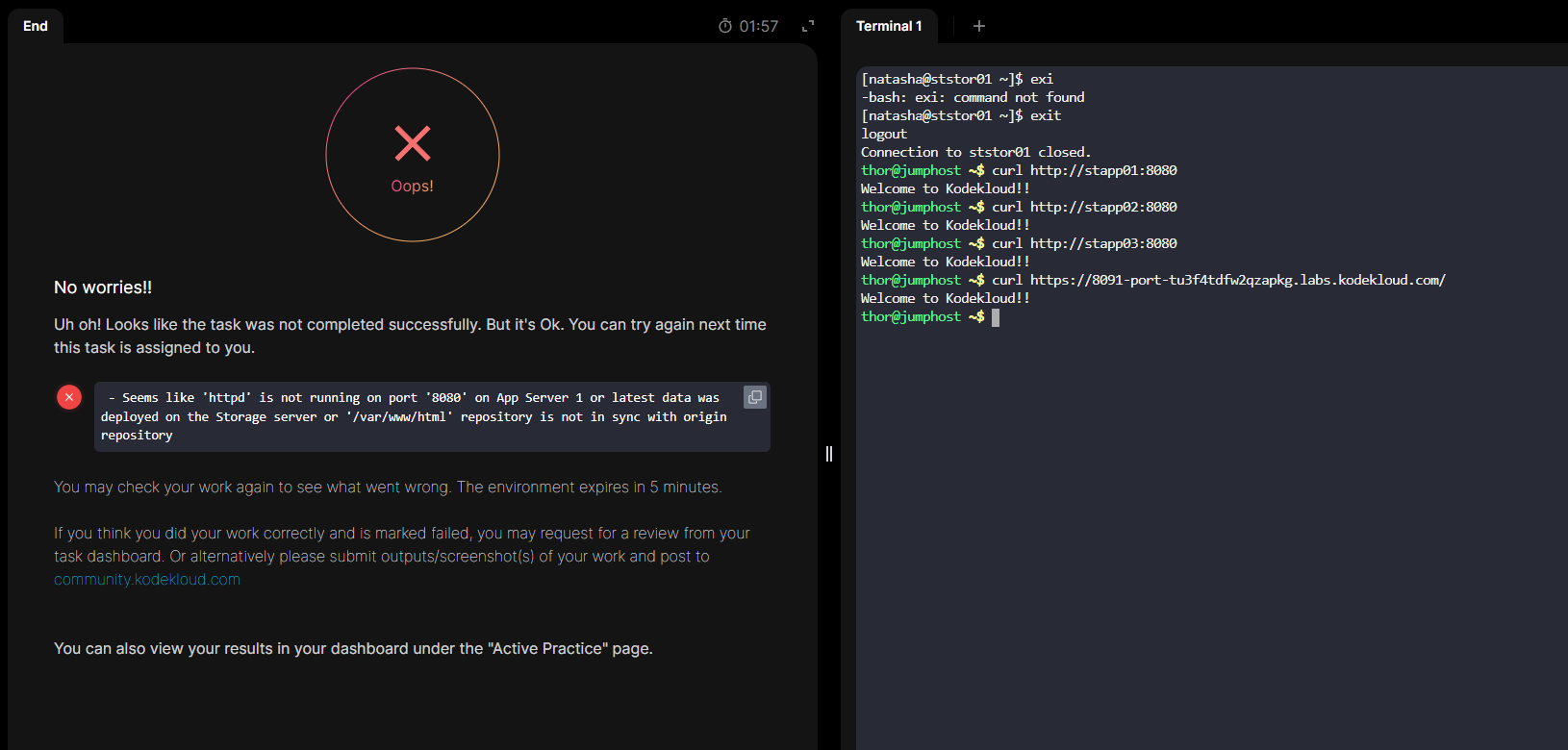
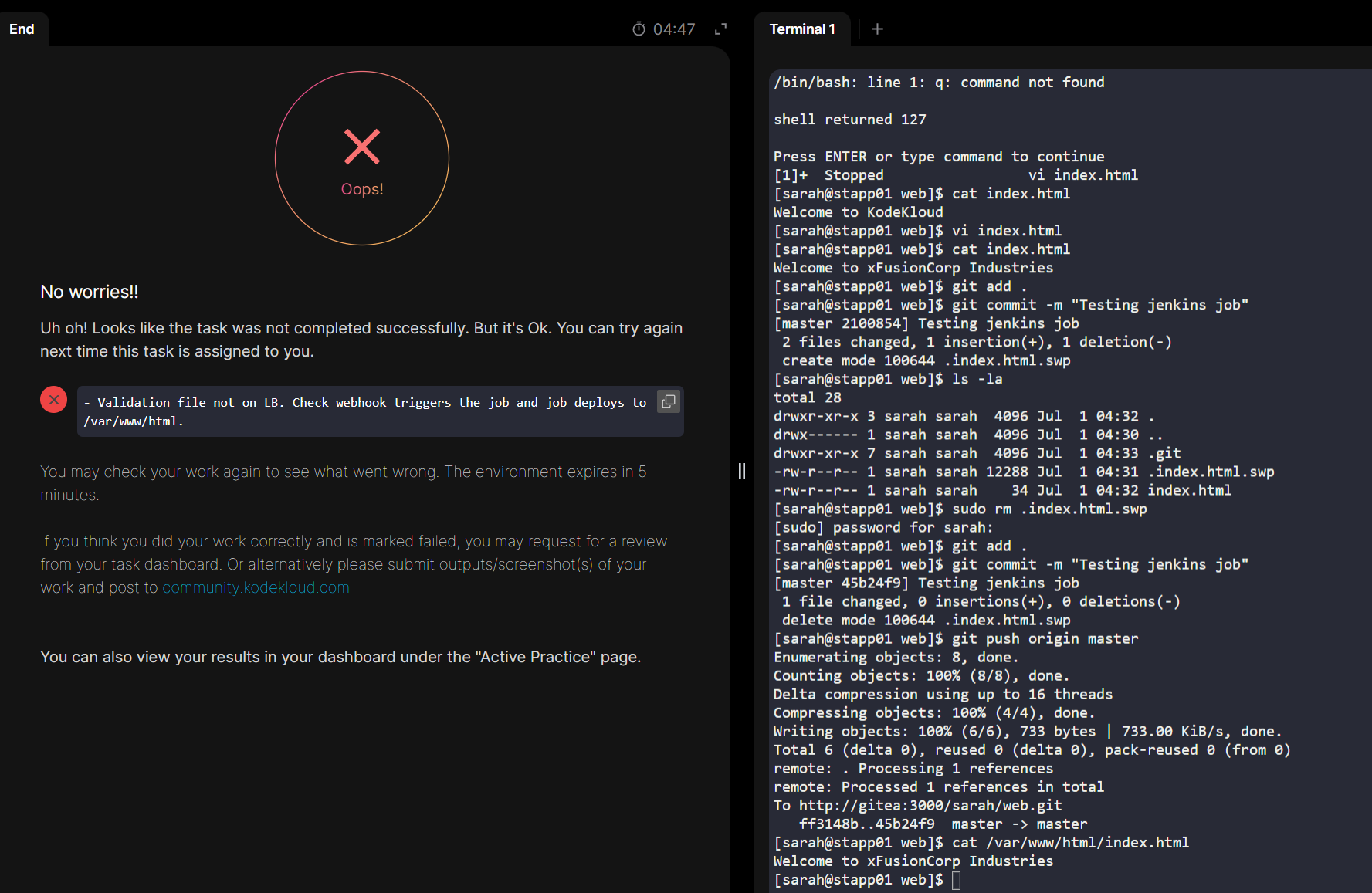
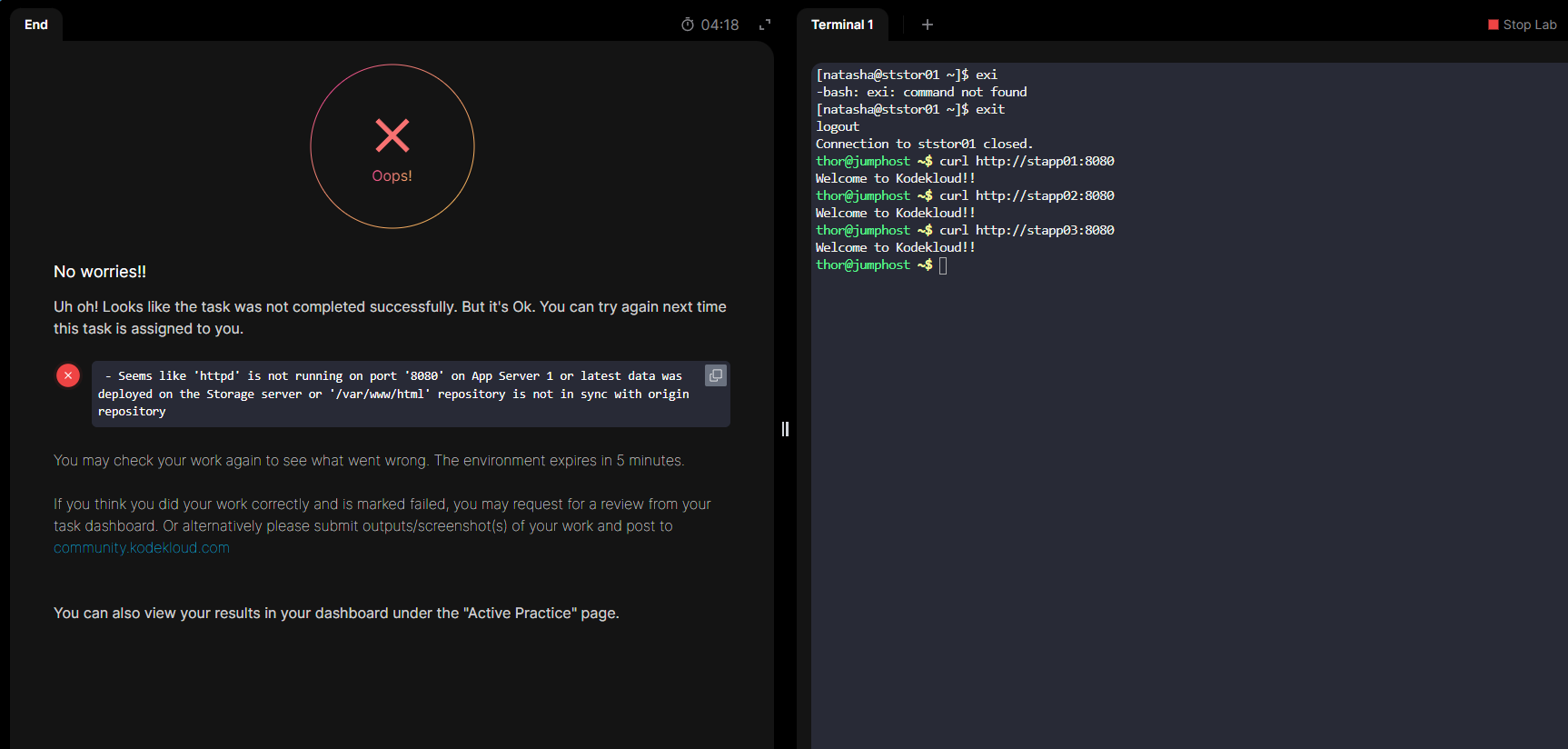
Hey everyone! I’m currently stuck at Day 79 despite different solutions. I think my solution works. The App site changes whenever the repo changes. It says that I don’t have port 8080 listening on App Server 1 or latest changes in the repo is not in sync with storage server but I have all these working. If anyone could point me in a right direction, I’d appreciate it. Please see the attached pictures for proof. I already have several attempts.

I’ve also tried with this solution.

Thank you!!


I have the same problem. Even though I meet the task requirements and have verified that everything is correct, I still keep getting the same error.
@thantko , were you finally able to complete the task successfully?

1 Like

I was. It was a silly mistake! I did not update the content of index.html to what the instructions said. The solution was working technically tho!

1 Like

https://www.youtube.com/watch?v=4W7kNQKCBPg this watch the video, i tried and it’s worked

2 Likes

Wow, thanks, it ended up working for me. It was as simple as that. The instructions said to test the build execution several times and I was just modifying that content in the index. Thank you very much for the help!

1 Like

+1 same issue just that I am getting

Hey, I’m stuck too.

I did the followings :

  • stapp01 as slave node
  • setup the gitea server in jenkins
  • create an organization folder job

In the stapp01, under ~/web folder, Jenkinsfile created and index.html modified. git push working as expected ; /var/www/html modified with manual trigger

My main concern is that the webhook is not triggering any pipeline action on jenkins.

Maybe I don’t need a org folder job for this task … ?
Me again

Instead of a org folder job, I tried a multibranches pipeline.

1/ I first fixed the Jenkins url in system settings, as by default it’s a wrong one (missing part in the url) :

2/ I setup the Gitea server in Jenkins (with Gitea plugin) with Gitea url and sarah creds.

3/ I created a pipeline multibranches job :

  • setup a branch sources with Gitea url/creds/owner

In gitea, i manually created a Jenkinsfile and in Jenkins manually triggered a scan.

At this point, the webhook is automaticaly created but not working.

In Gitea, browse the webhook’s request and copy the html_url. Mine was http://gitea.stratos.xfusioncorp.com:3000/sarah/web > you just need the first part

In Jenkins, go back to system administration and add in the Gitea server an alias URL : http://gitea.stratos.xfusioncorp.com:3000/

From now on, you are on track to complete the task … back in stapp01 ~/web modify the index.html and wait for the magic webhook to trigger