i login azure cloud and trying to create the ssh key but i am getting the error. can you please help me, where can i check the answer and why i am getting this error evem i follow correct command.,
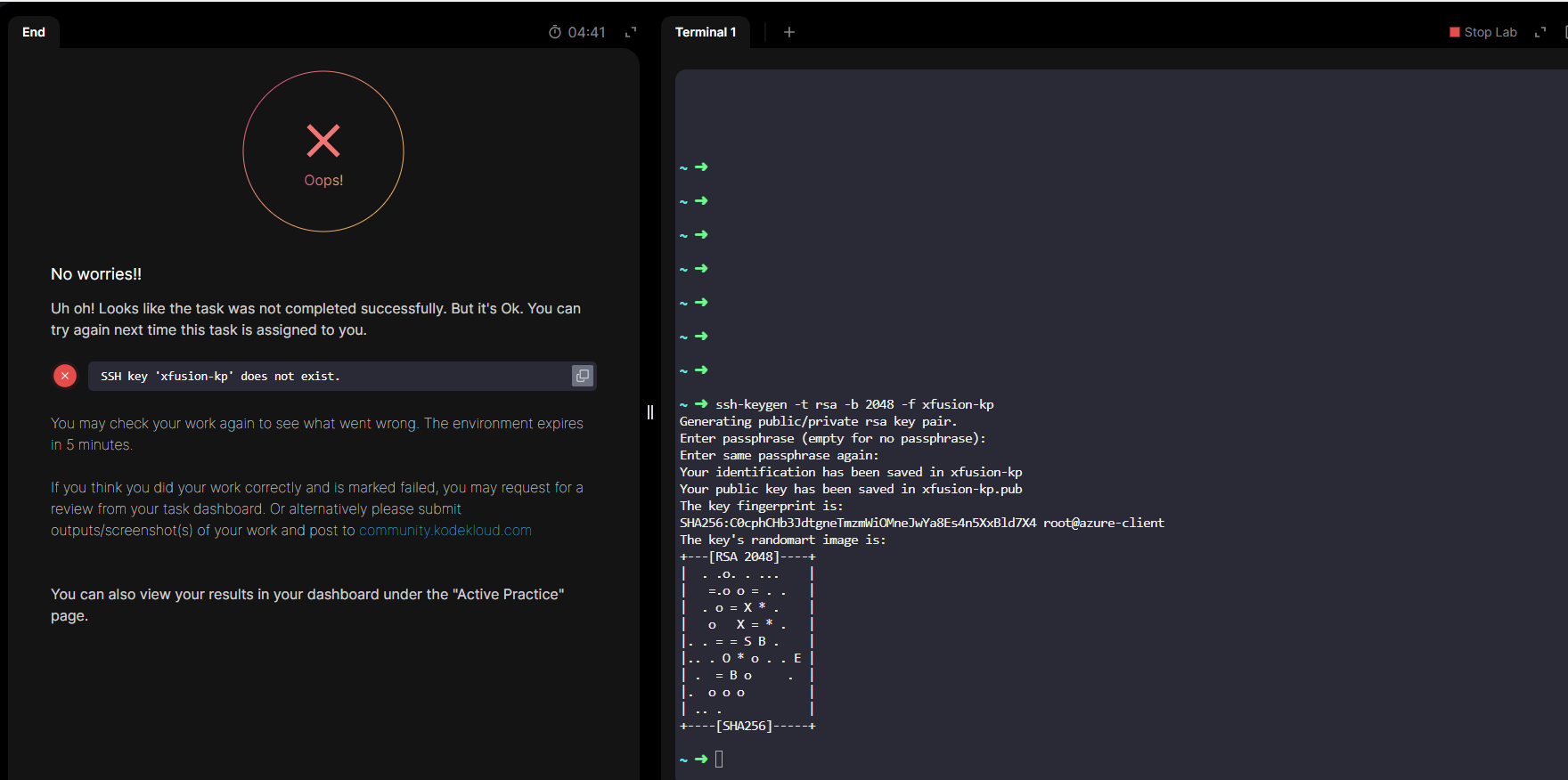
This task has a couple of parts. Things to check:
- First, the grader needs to be able to find your keys locally. You should create the key pair using its default location (/root/.ssh/id_rsa).
- you need to import the public key into azure somehow under the name given to you (xfusion-kp in your case – the name is set randomly each time you do the task). So depending which task you’re doing, you can use the Azure console (search for “SSH Keys”) or use the az cli with the resource group you can find by doing
az group list.
Thank you. it is worked. after import the ssh key to azure port