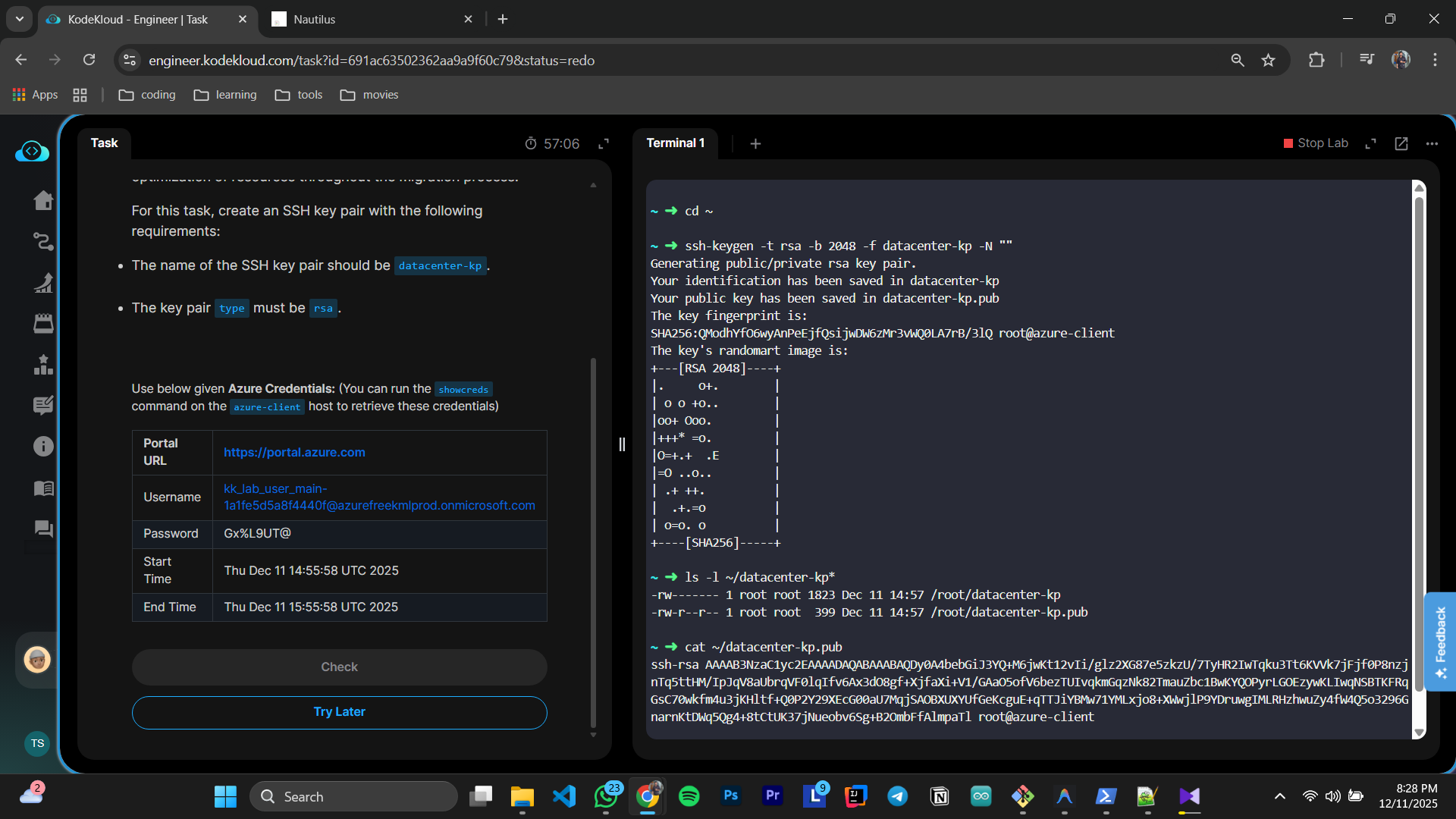
i did the task correctly and generated ssh key . but it fails
i need manual review
HI @Thejandeera
Did you try storing the key pair in ~/.ssh directory?
That’s the place where all the SSH keys are stored.
I think you were supposed to create the ssh key-pair in the azure account and not on the azure-client host.
Login to the Azure portal and search for ssh keys.
it worked . thanks a lot
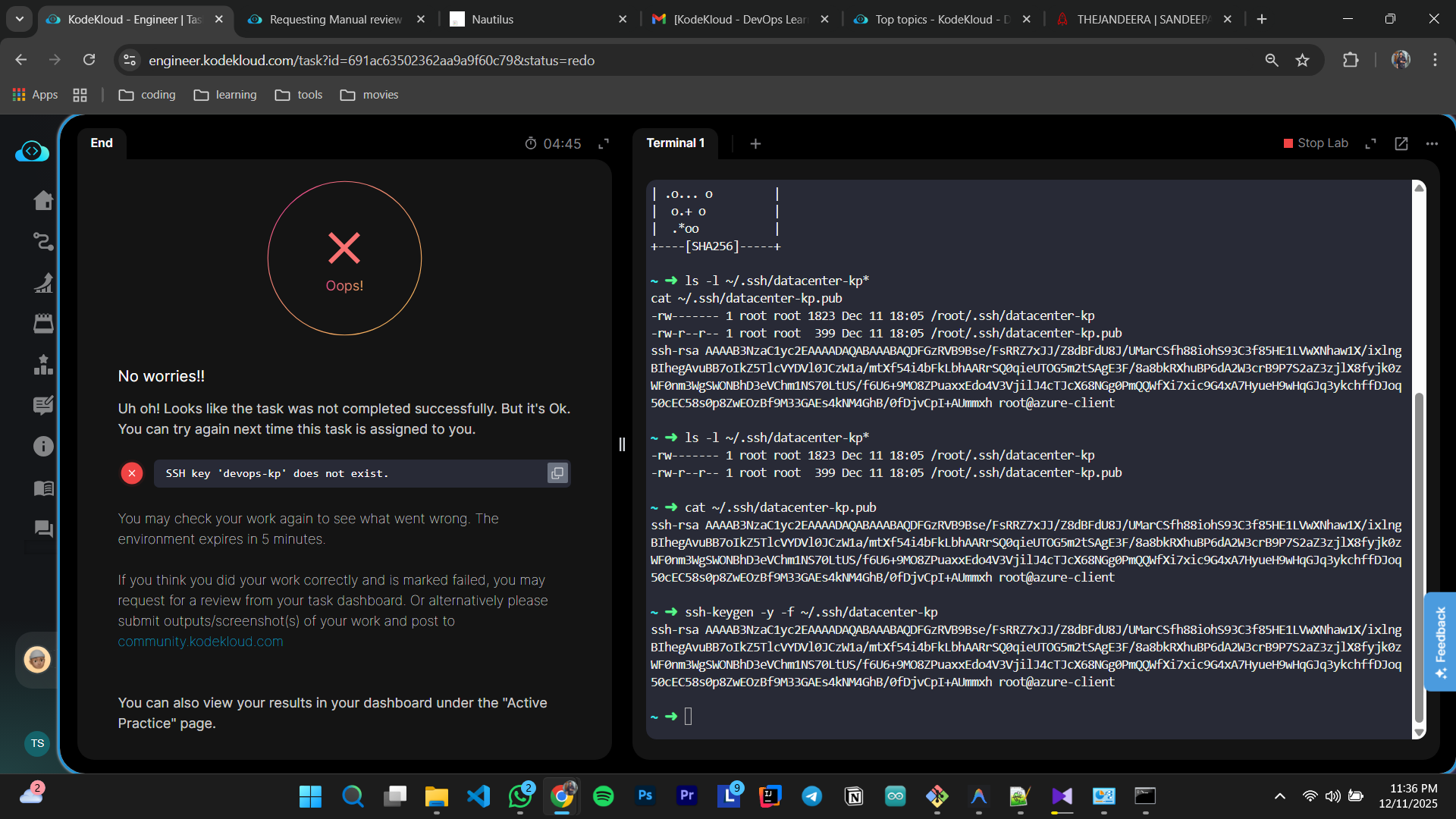
Please follow Srikanth’s solution. We need to create an SSH key pair in the Azure portal. You can also create it using the Azure CLI, which is already set up in the lab to connect to the Azure portal.