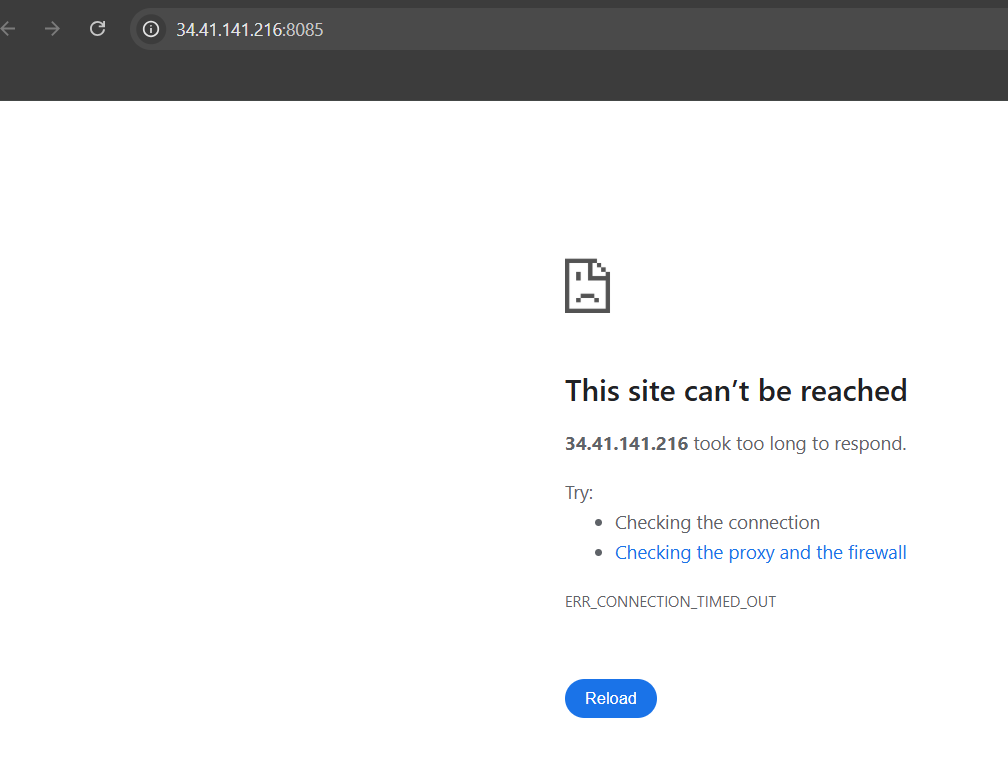
I am facing issue in first lab of Jenkins for beginners, Lab: “Jenkins Installation and Shell Script Project”.
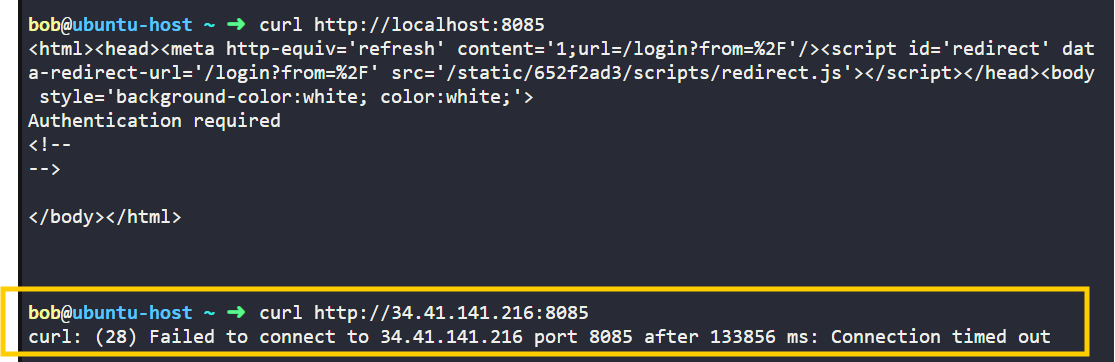
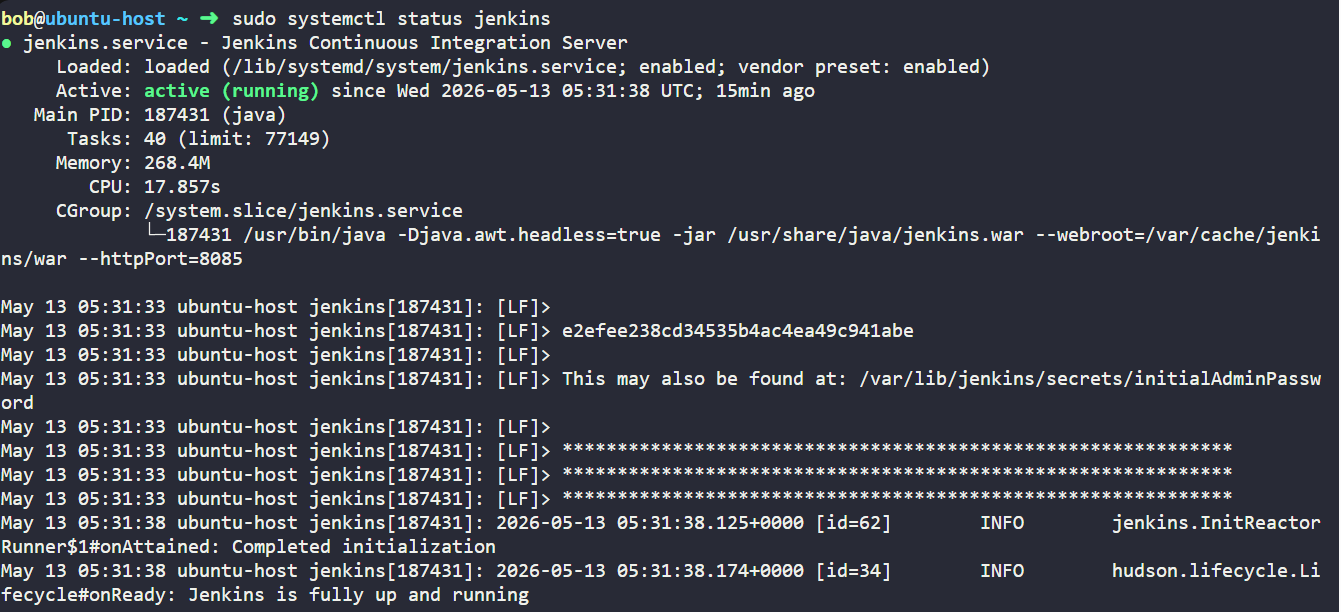
Jenkins is running correctly on the VM and listening on port 8085. The issue is not with Jenkins itself. The problem is that the KodeKloud lab environment blocks external inbound access to custom ports like 8085, so accessing:
http://34.41.141.216:8085
from the browser times out.
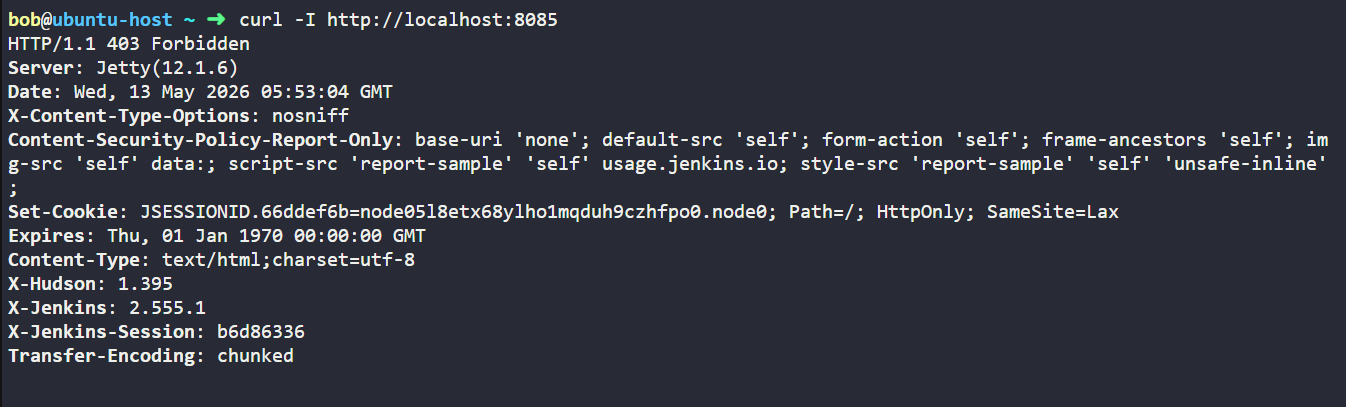
Inside the VM, Jenkins works correctly on:
http://localhost:8085
Lab Expectation: I am suppose to open the Jenkin UI and perform some installations. The problem is it timeouts.
I am facing issue in first lab of Jenkins for beginners, Lab: “Jenkins Installation and Shell Script Project”.
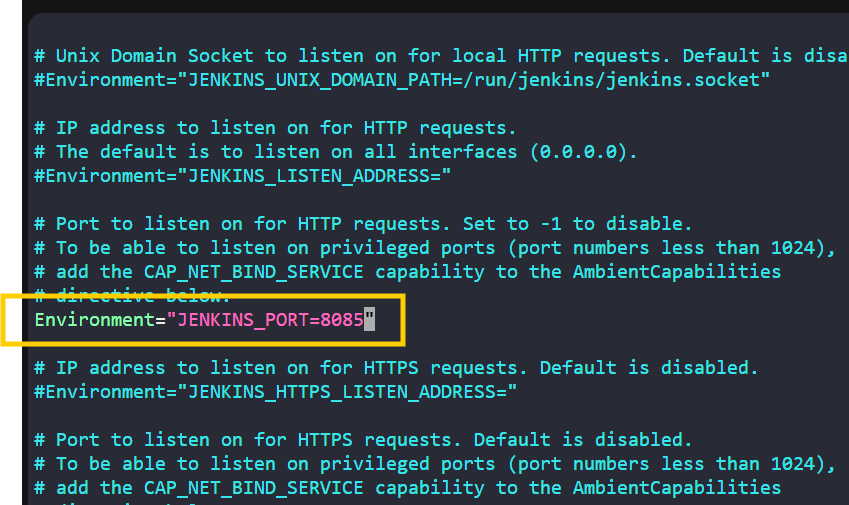
After the successful jenkins installation, I have changed the default Jenkins port 8080 to 8085 in /lib/systemd/system/jenkins.service. After that I started the jenkins with below commands. In terminal I can see it is reponding, but I am not able to access to via browser (URL. http://34.41.141.216:8085/ ).
sudo systemctl enable jenkins #Enable the Jenkins service to start at boot with the command
sudo systemctl start jenkins #start the Jenkins service
sudo systemctl status jenkins #check the status of the Jenkins service

No need to ask the same question in two different posts – I got you on your other post