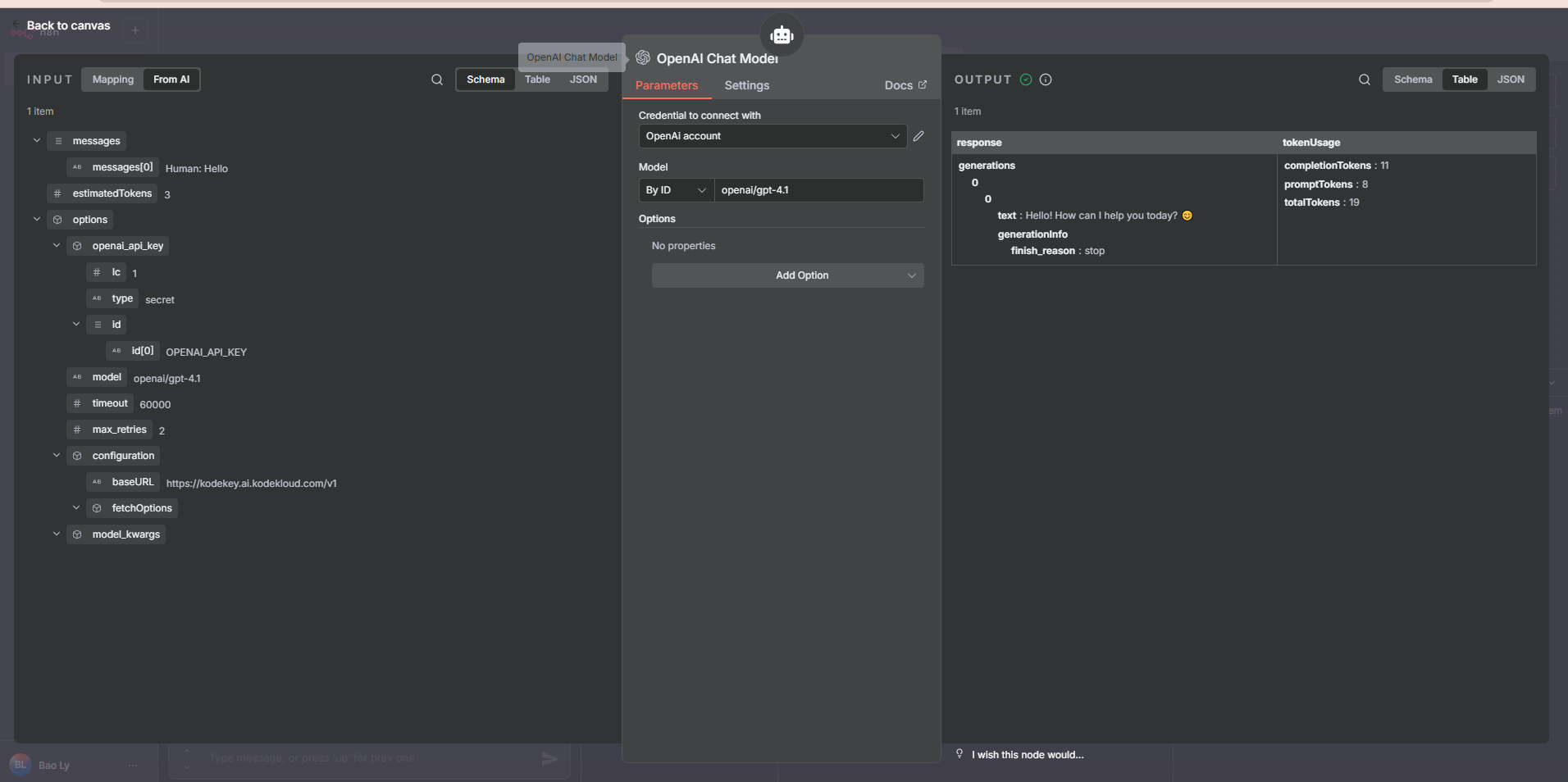
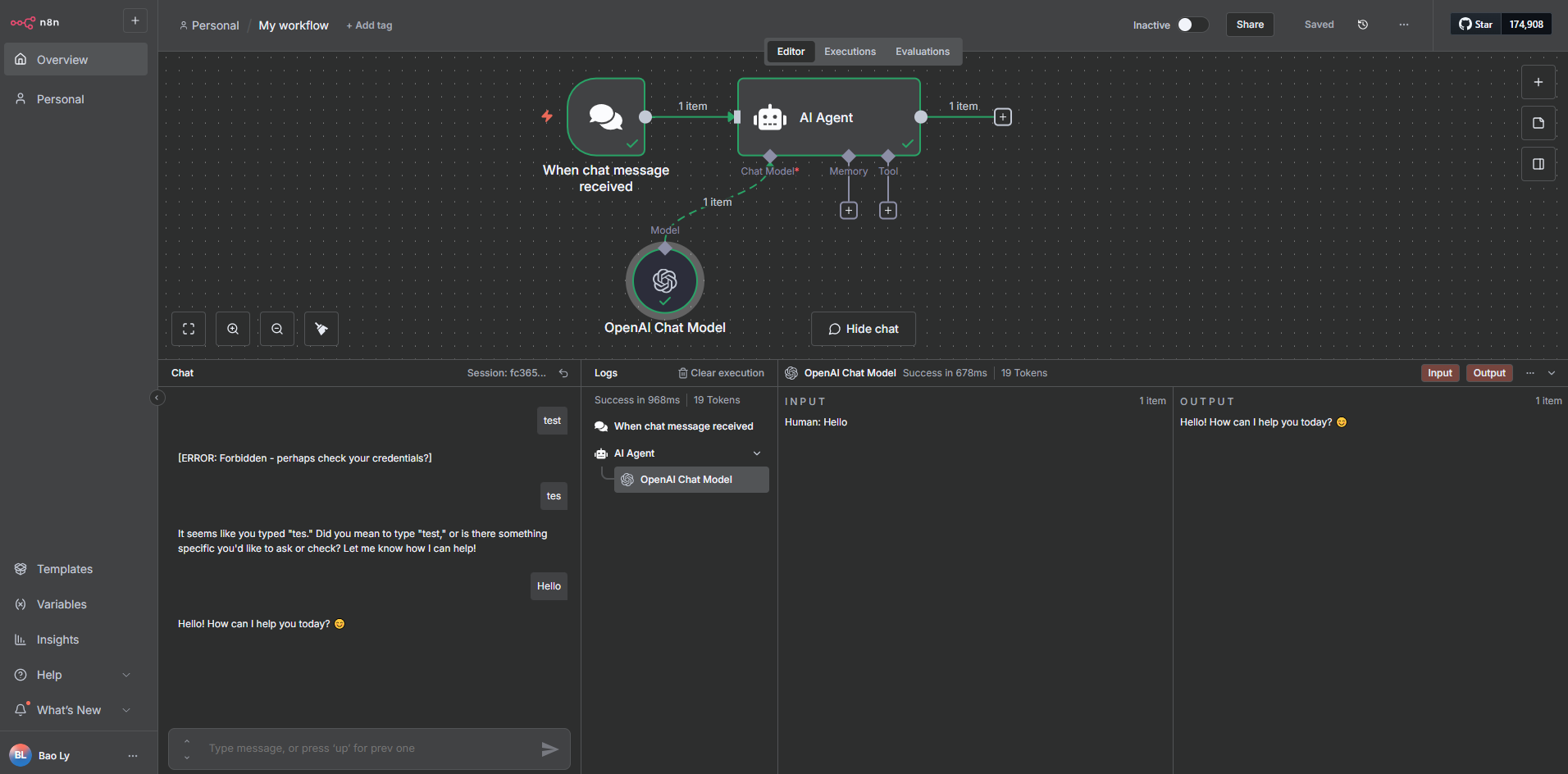
I am doing the n8n course and I tried to build an workflow where I selected the message model as OpenAI. I followed the steps as instructed in the video. However, when I tried executing the step, it throws an error that “The resource you are requesting could not be found”. I am using openai/gpt-4.1.
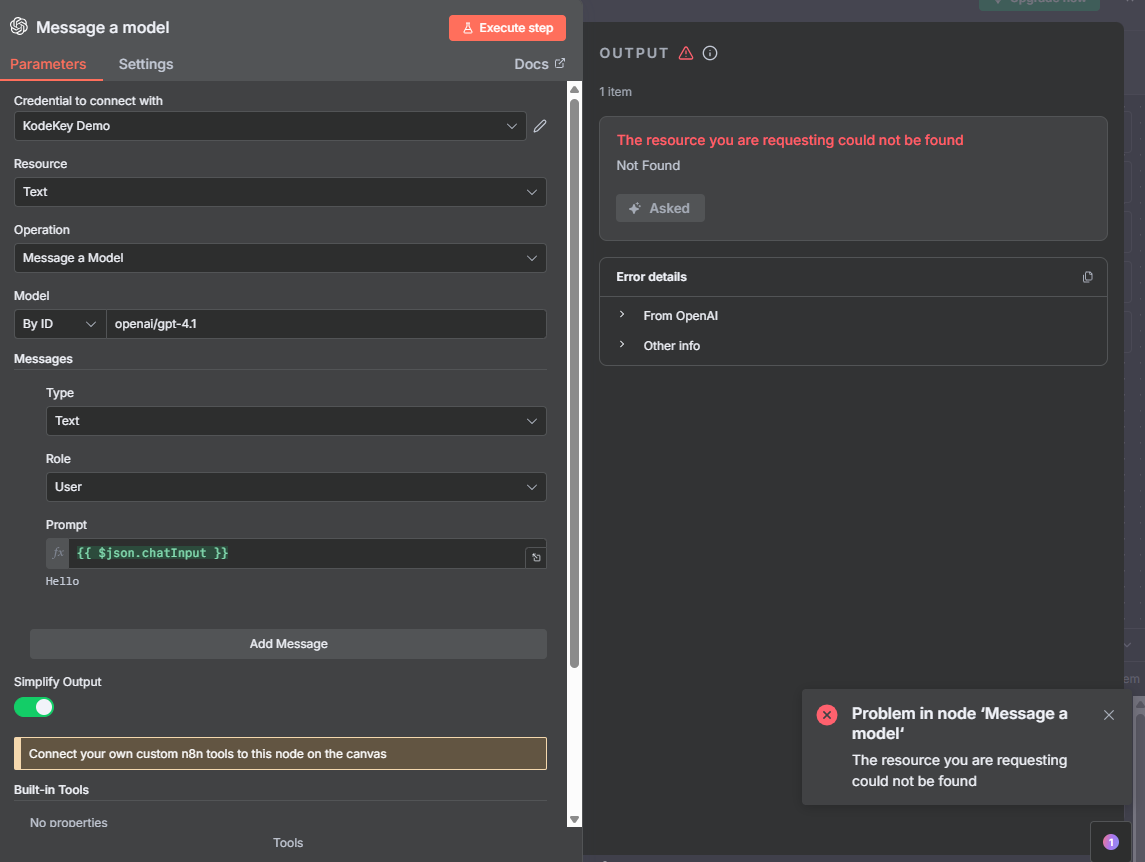
1 Like
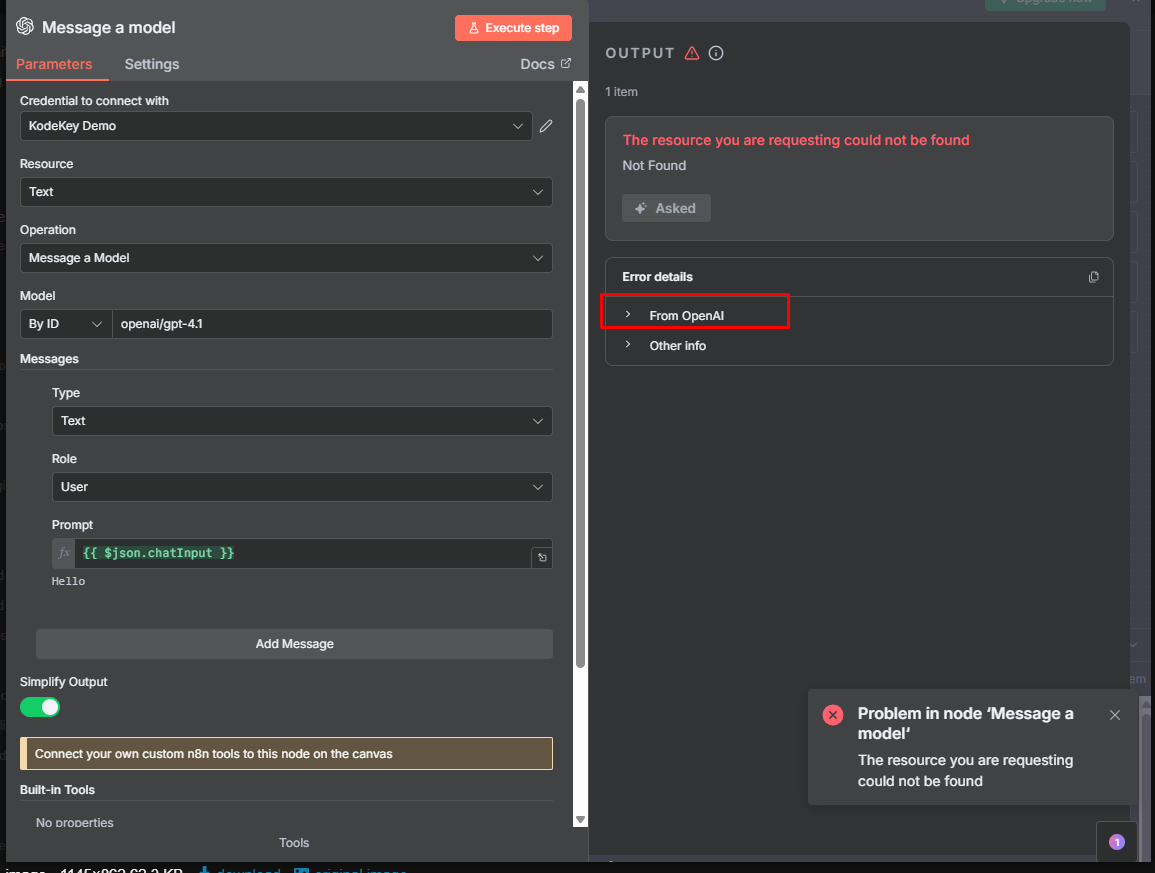
Same issue here.
From OpenAI the output is just:
404
{“detail”: “Not Found”}
when trying openai/gpt-4.1 or gpt-4.1 as model IDs. First I thought the API Keys didn’t work correctly, but when using Manual Trigger + HTTP Request with cURL command generated from KodeKey | KodeKloud setup, it worked.
Later on in the n8n course, I meet the same issues at step Workflow 1: Your First Simple Email AI Agent → “the resource you are requesting could not be found”
Please send me the lab link, and I will review it and give you detailed feedback.
hi, i’m also encountering the same issue.
Are there any fix or work around available? Thanks.
I didn’do this in a lab session. I did it directly in n8n.
I’m checking this issue with the team. It looks like the n8n version may have been upgraded and could now be conflicting with the KodeKloud base URL.
Hi @raymond.baoly
I’m wondering if you’ve heard back about this? I’m also running into the same issue, I keep getting “The resource you are requesting could not be found” when I try to use the OpenAI Chat Model on the n8n cloud, or any other model for that matter.