Hi KodeKloud Engineers,
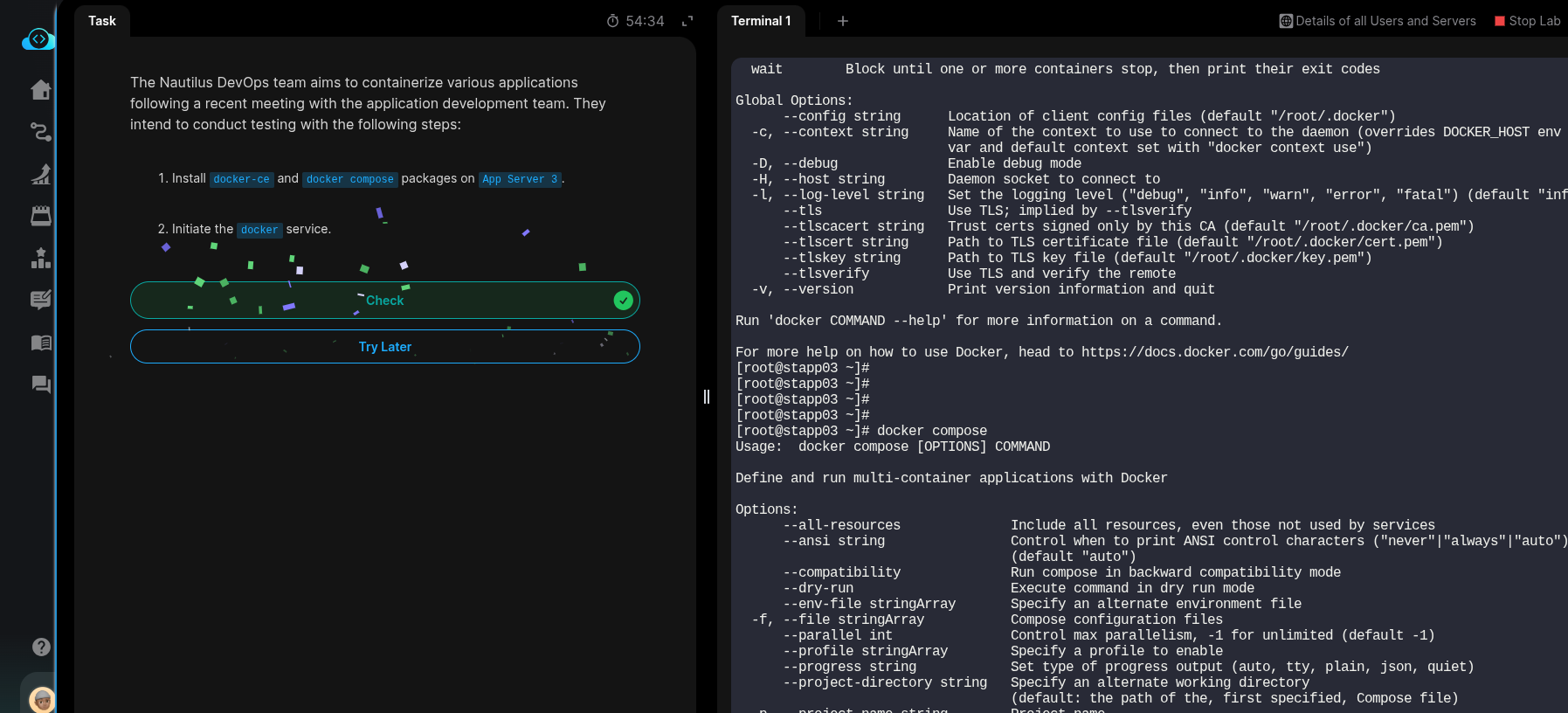
I enrolled for Docker Kodekloud Engineer and in the level 1, I am not able to install anything in the app3 server after logging in. The question is to install docker-ce and docker-compose, but not able to update yum itself and getting the error as below. Please help.
[banner@stapp03 ~]$ sudo yum install -y yum-utils
CentOS Stream 9 - BaseOS 323 B/s | 3.9 kB 00:12
Errors during downloading metadata for repository ‘baseos’:
- Downloading successful, but checksum doesn’t match. Calculated: 15ceb8db1954e30b3bcddb9ea70cf9b5c930452a19955fa0bf749c47851f493f03264075ff0984eb796622241e43535084c11e05be7bf29133bd040fced9b550(sha512) Expected: 649abe83dc69a8b932c1859d2c64ccc8ddc1bd2e22bc9e0c14fda08cede6a6de22c077c3c046cfa88882e91d5fe116e42b1c5c9acd13afb2435327595b72b111(sha512)
Error: Failed to download metadata for repo ‘baseos’: Cannot download repomd.xml: Cannot download repodata/repomd.xml: All mirrors were tried
[banner@stapp03 ~]$
Thanks & Regards, Krish