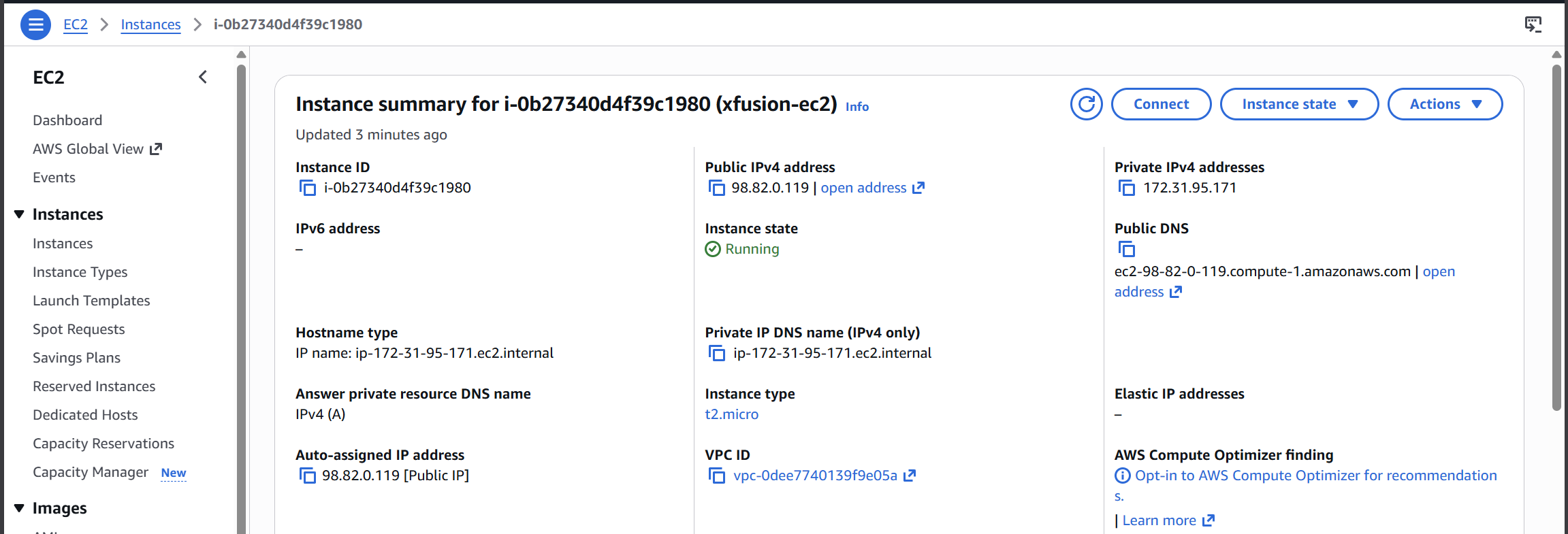
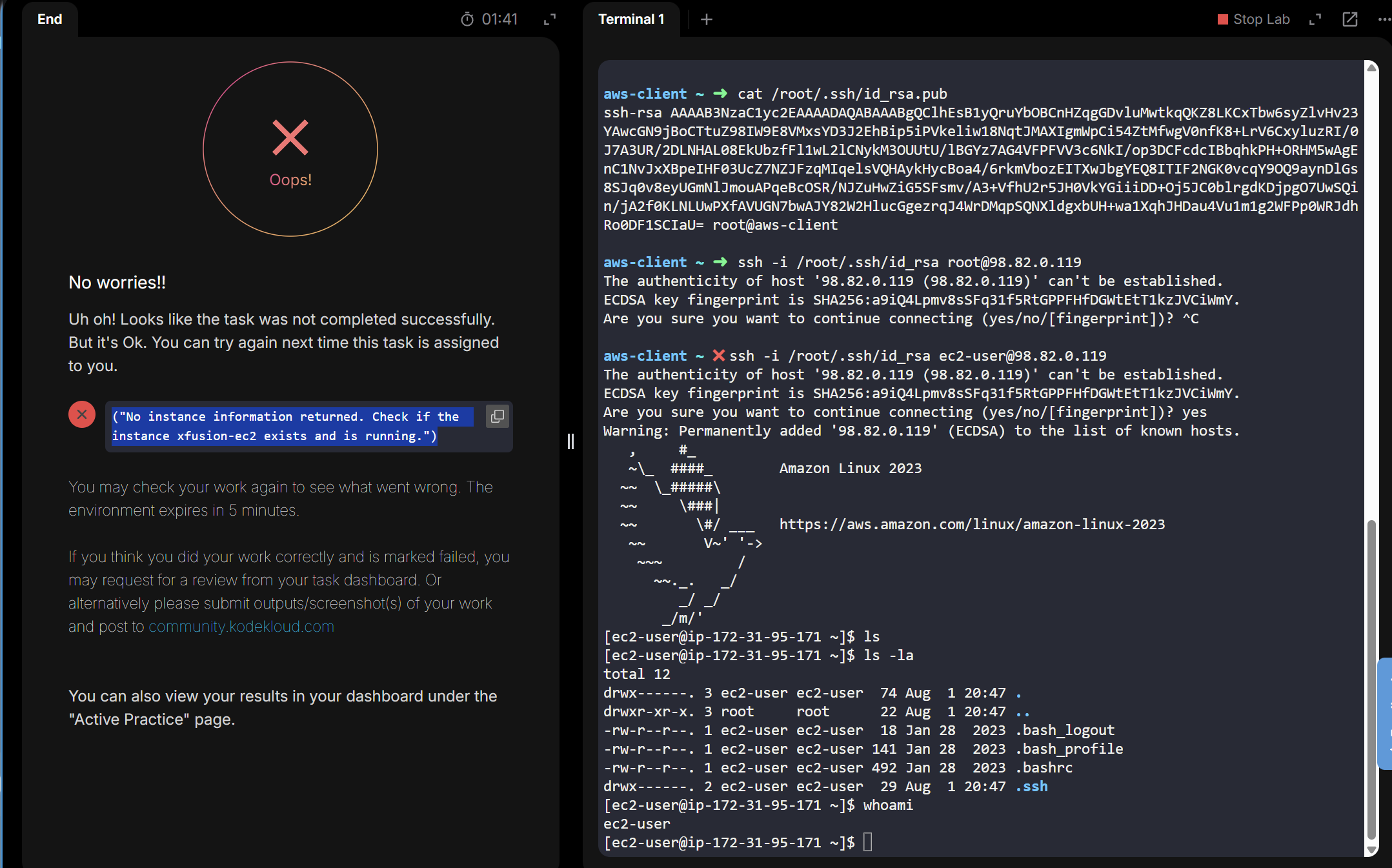
I am confused about what is happening. Even though the instance is running, I am still failing to clear this task. I have done it twice too.Andd still the same result
First, you should tell us what task you’re running. If it’s a “Day of Devops/Day of Cloud” sort of lab, what "day’ you’re doing. Including the full name of the task is also helpful.
It sounds like you were asked to install a public key to the root user of an EC2 instance; if that’s the case, you’ll want to make sure that the /root/.ssh/authorized_keys file did not contain some existing line that interferes with connecting the the instance. But again – knowing what lab you’re doing will help us figure out if that’s the case.

Then it’s the situation I expected. You need to:
- Log into the EC2 instance and become root
- Empty out the “/root/.ssh/authorized_keys” file to remove its existing content.
- Add your public key into that file and save it.
That should allow you to log into the EC2 instance as “root@PUBLIC_IP”, which is what the task requires.
Thank you for the guide. I did complete it that way. I used AI’s help, but it was a great learning experience in that lab.