- Identify the process with the high read transfer rate/second. Create the file
/opt/highread.pid and write the PID number of that process in that file. For example, if the PID is 3886 you just write 3886 in that file (only the number, on a single line).
Is the way pidstat -d 1 incorrect for the solution?
The output written to the file may not match the grader’s expectations.
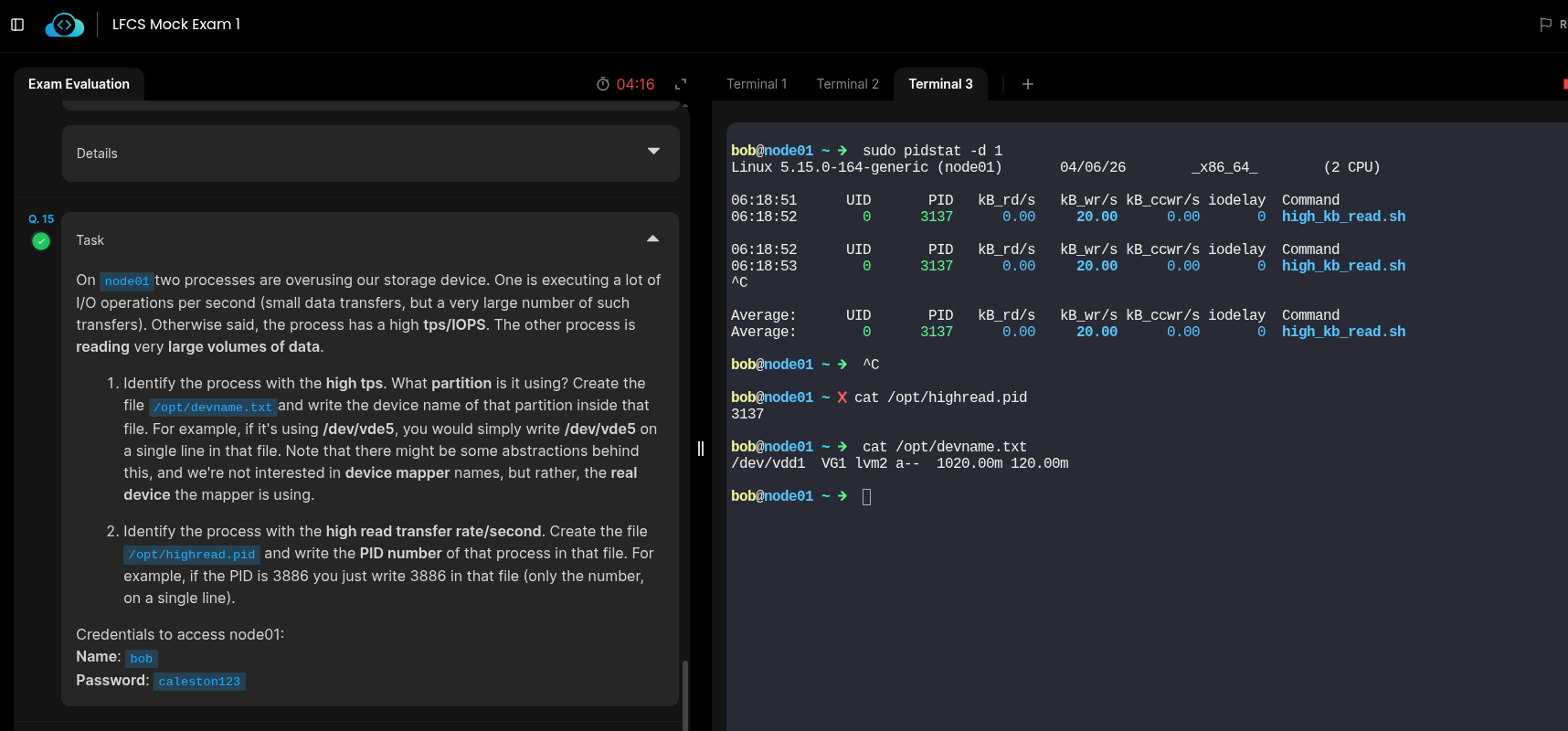
I tried following the solution and used pidstat -d 1 for the 2nd task. It worked with the output stored in files.
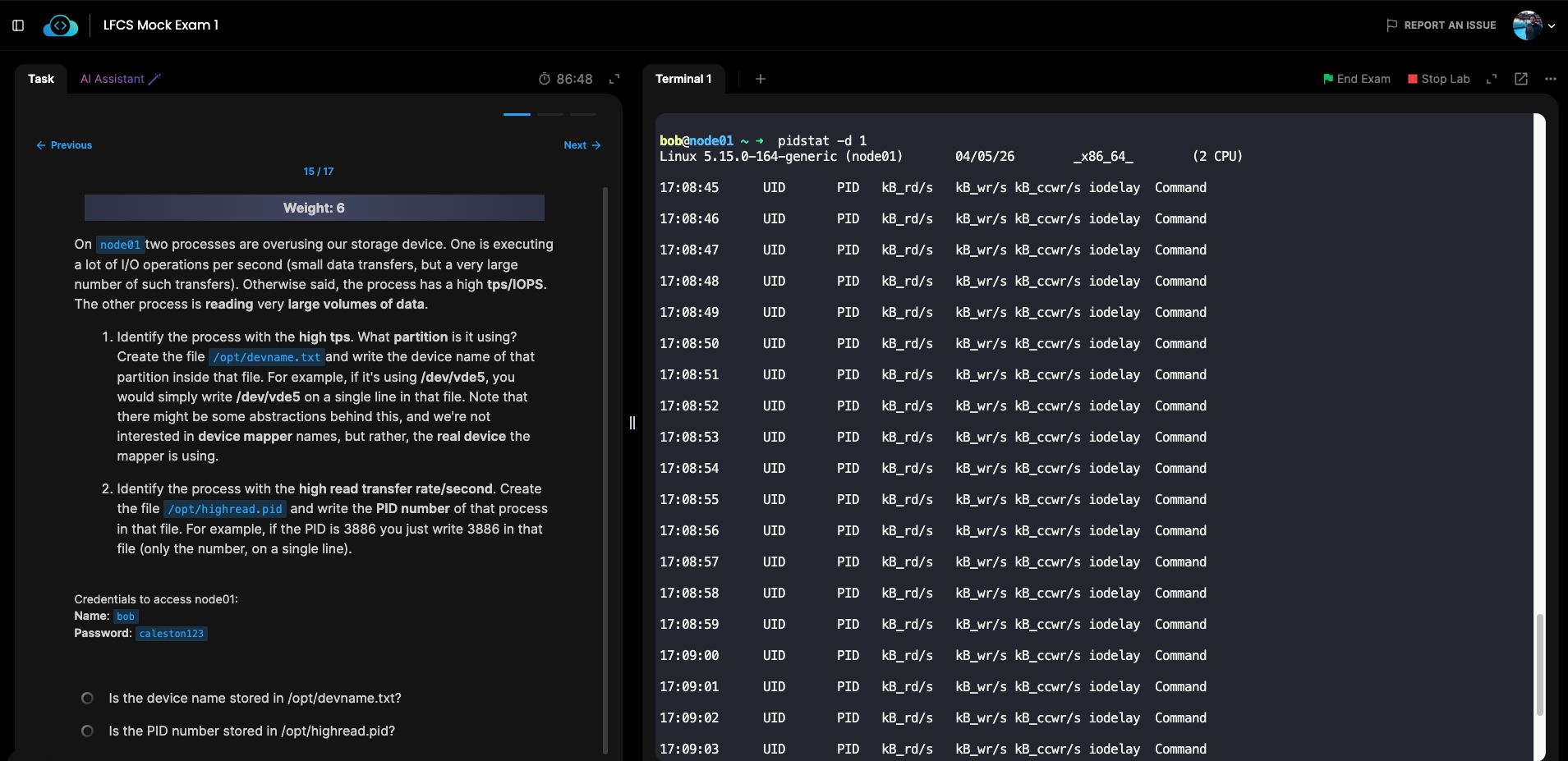
Hi @Santosh_KodeKloud , thank you for your reply. But if you look at the attached screenshot, it doesn’t show any output for me.
Because you are executing the command as bob. Try as a root user or by using sudo.
1 Like