Dear Team,
Course Name: KodeKloud Engineer
Level 4: Managing CI/CD Pipelines Using Terraform
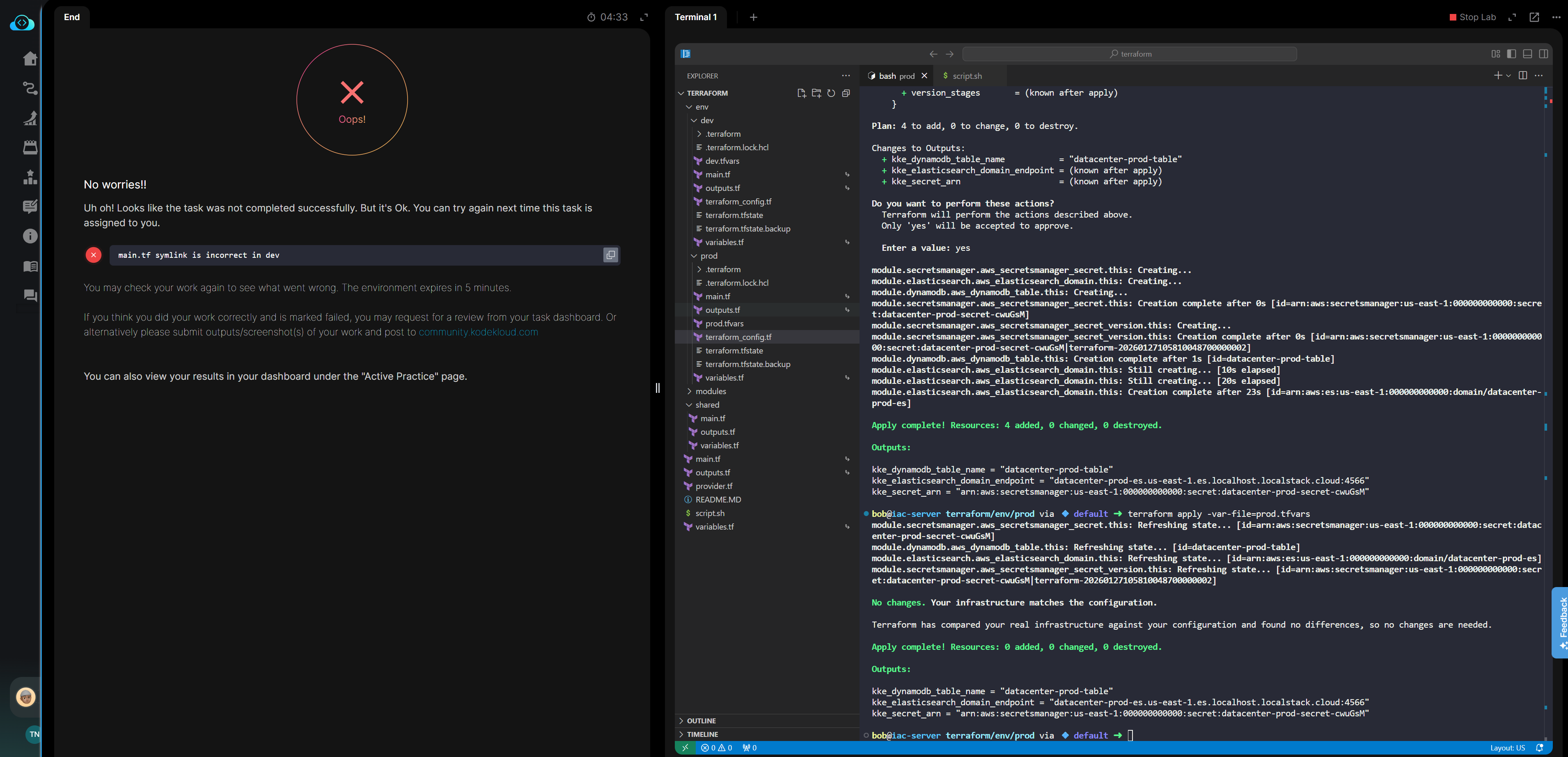
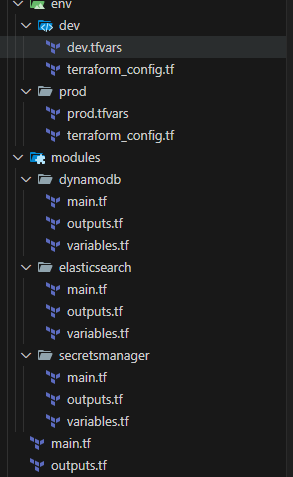
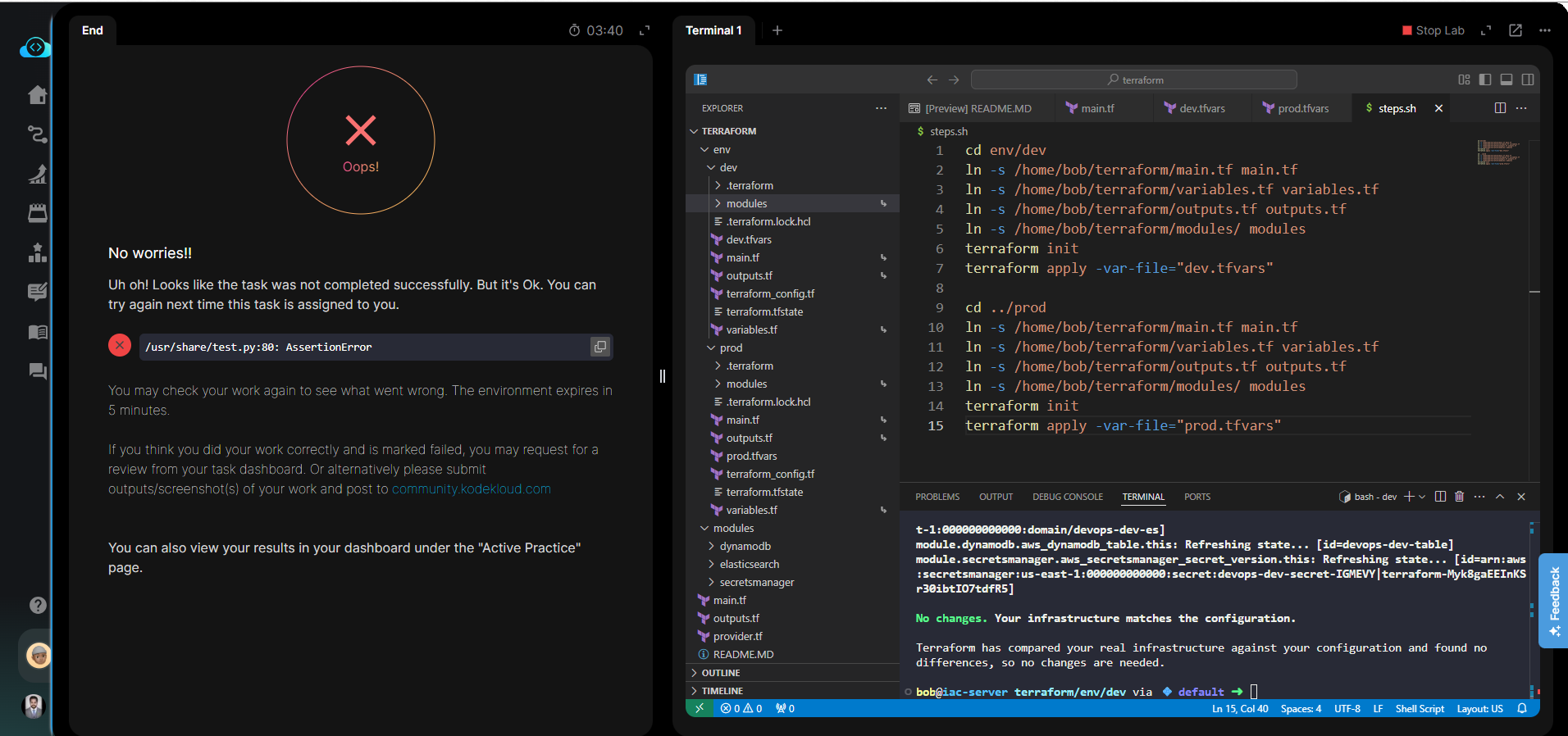
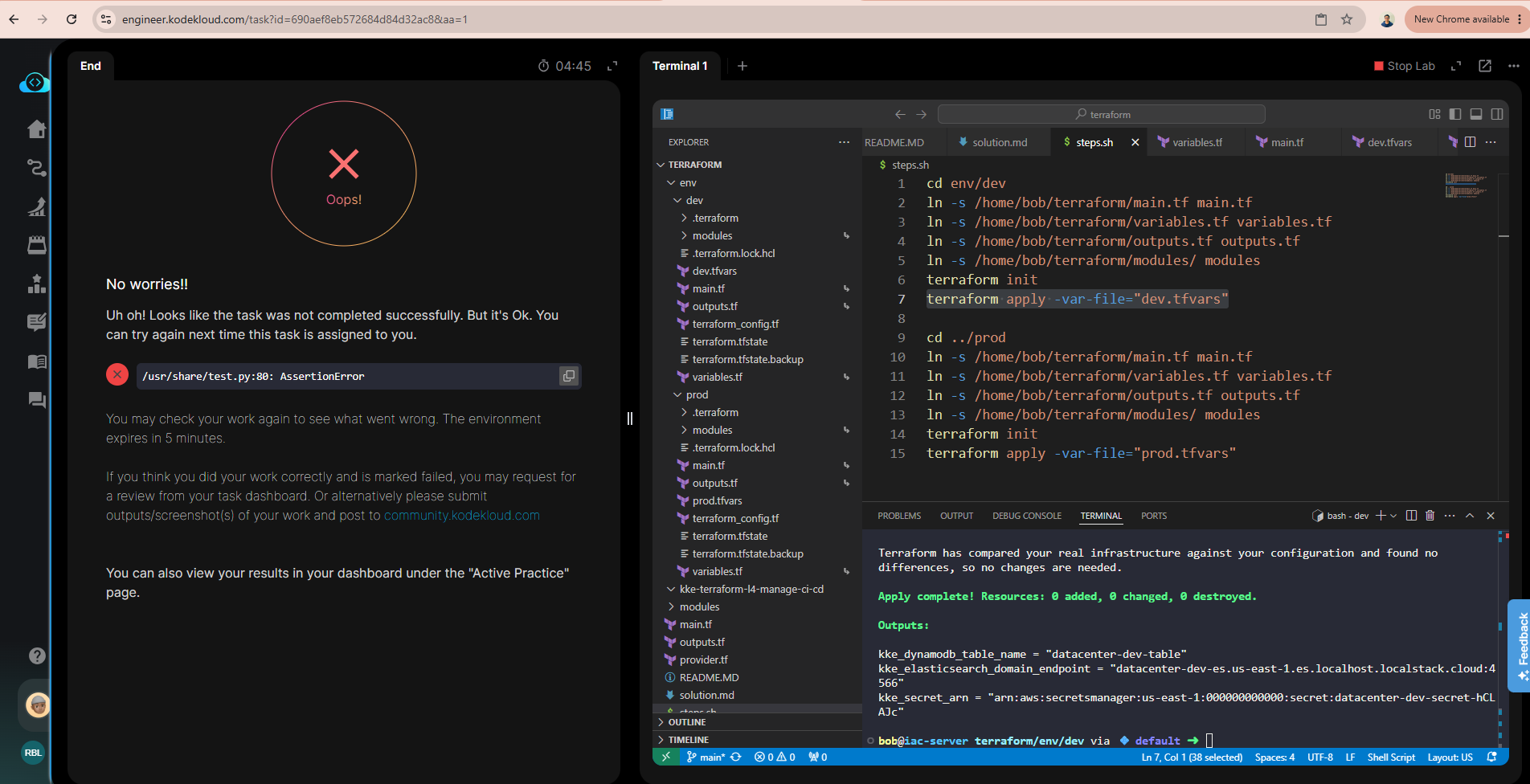
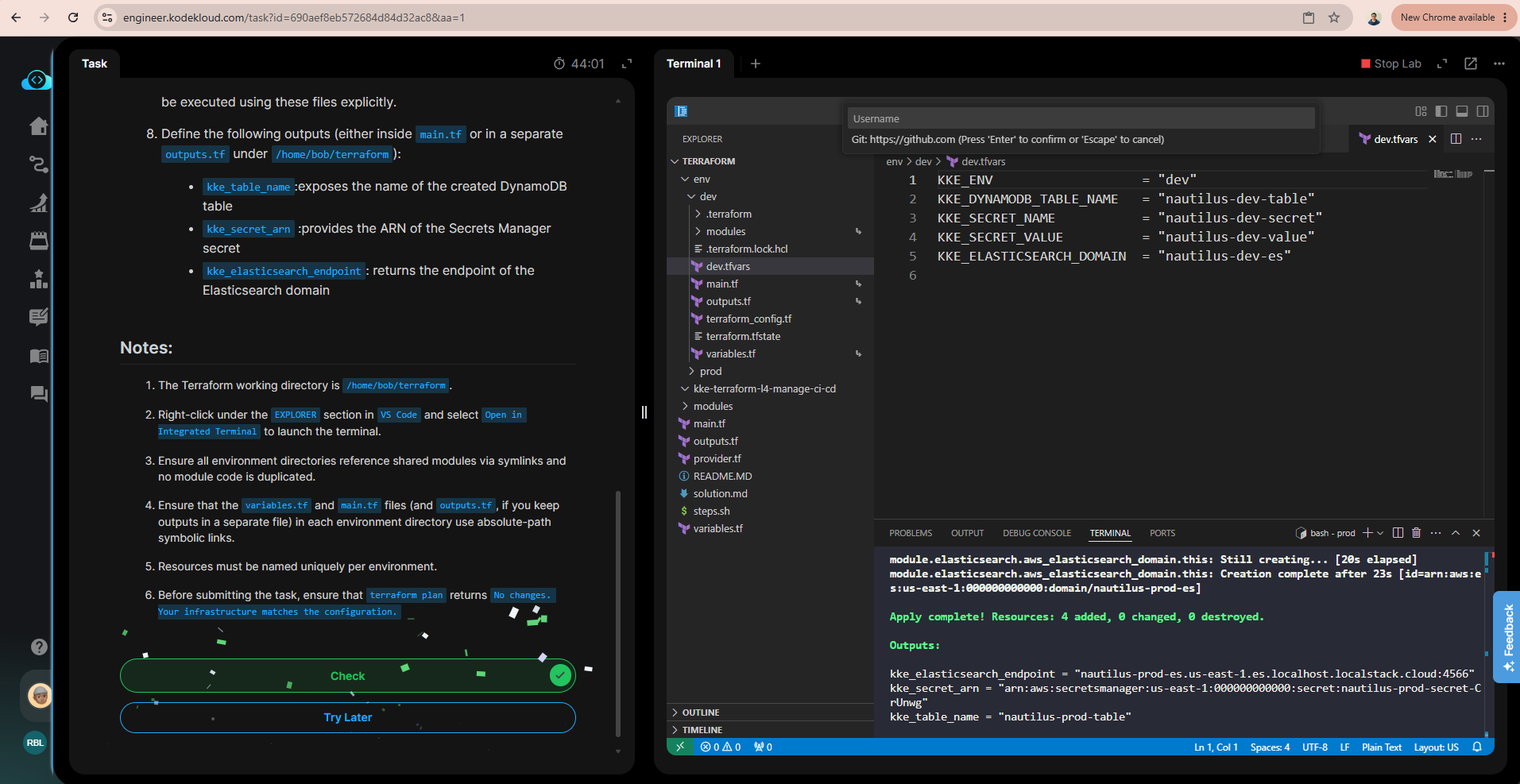
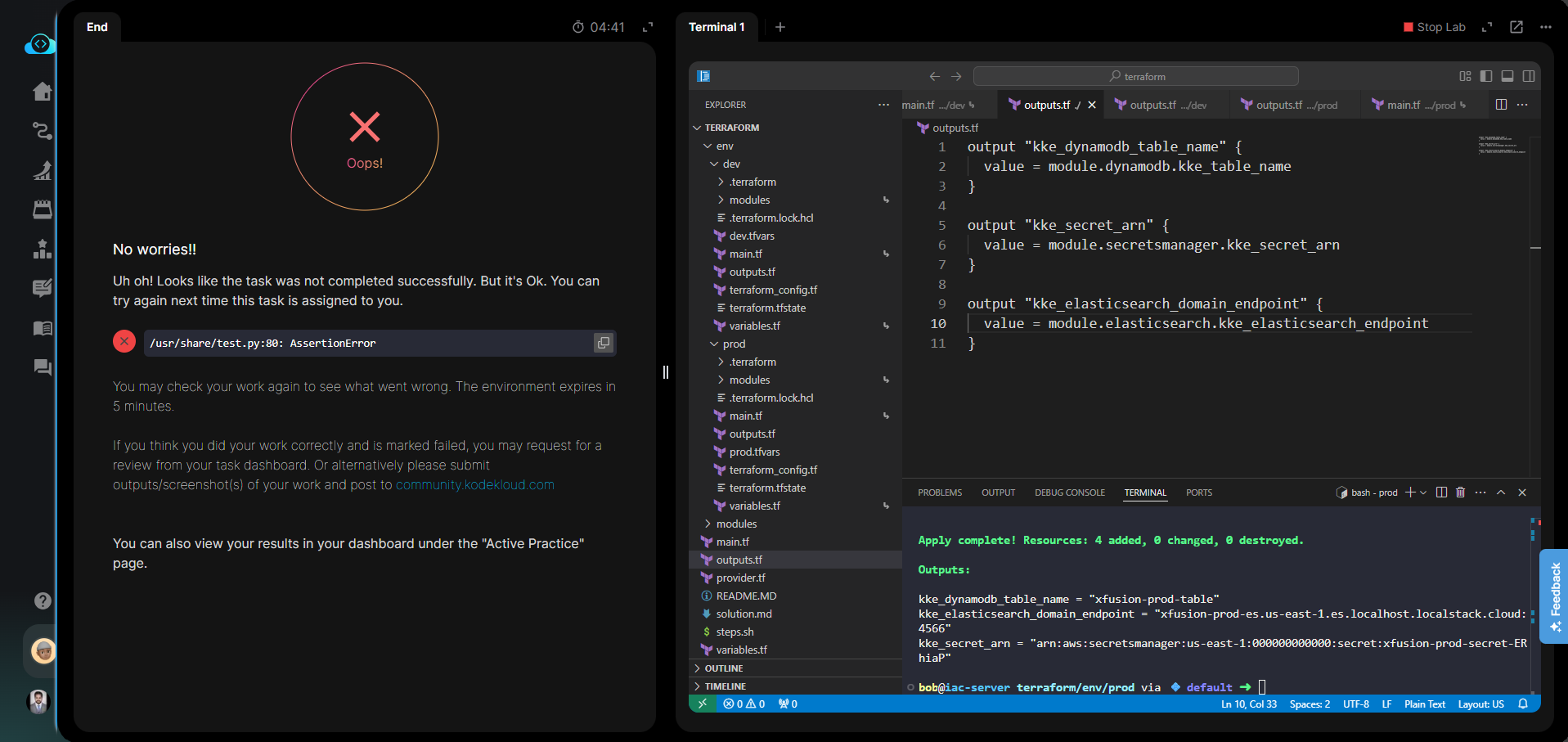
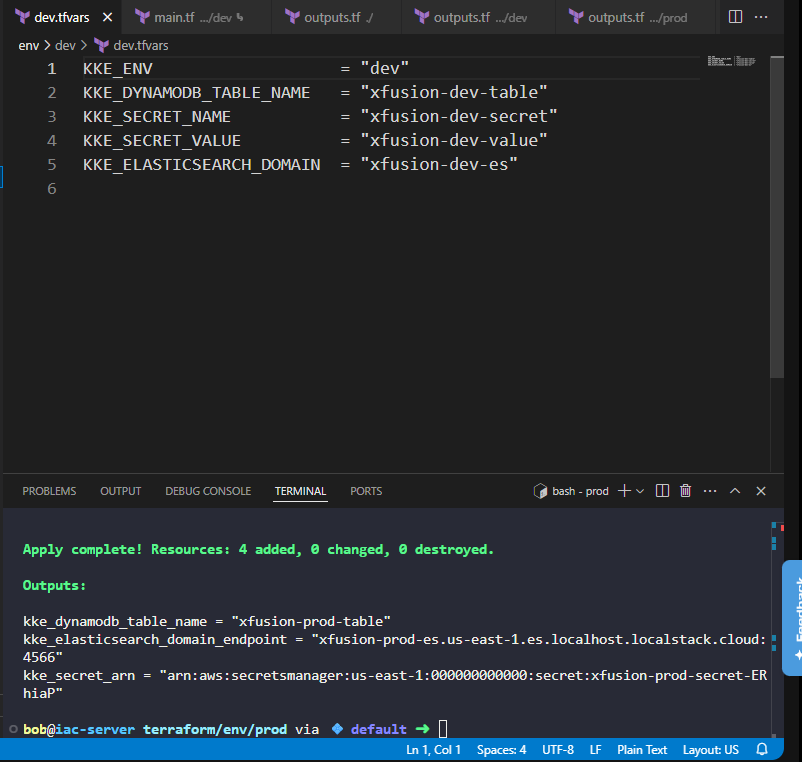
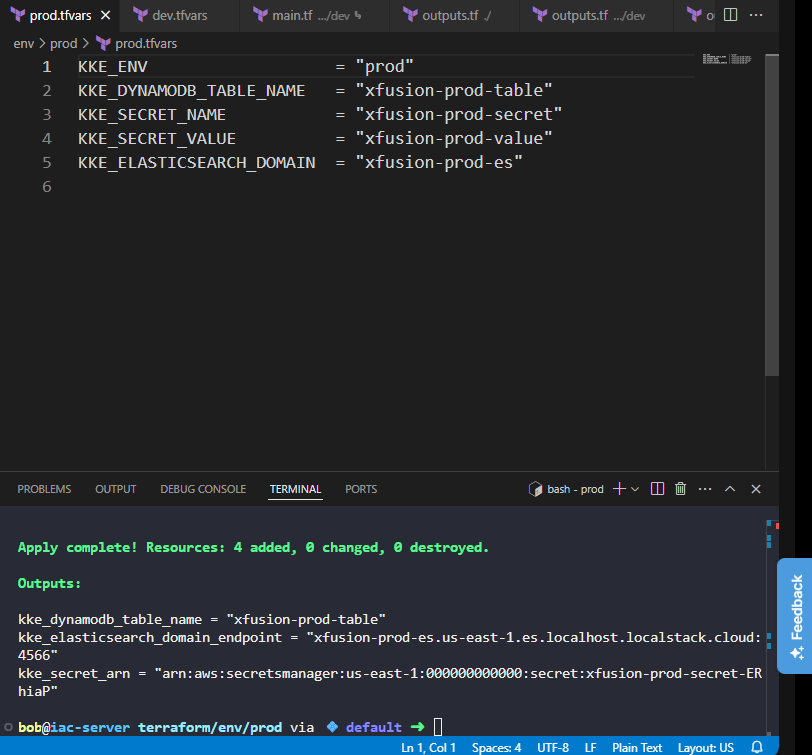
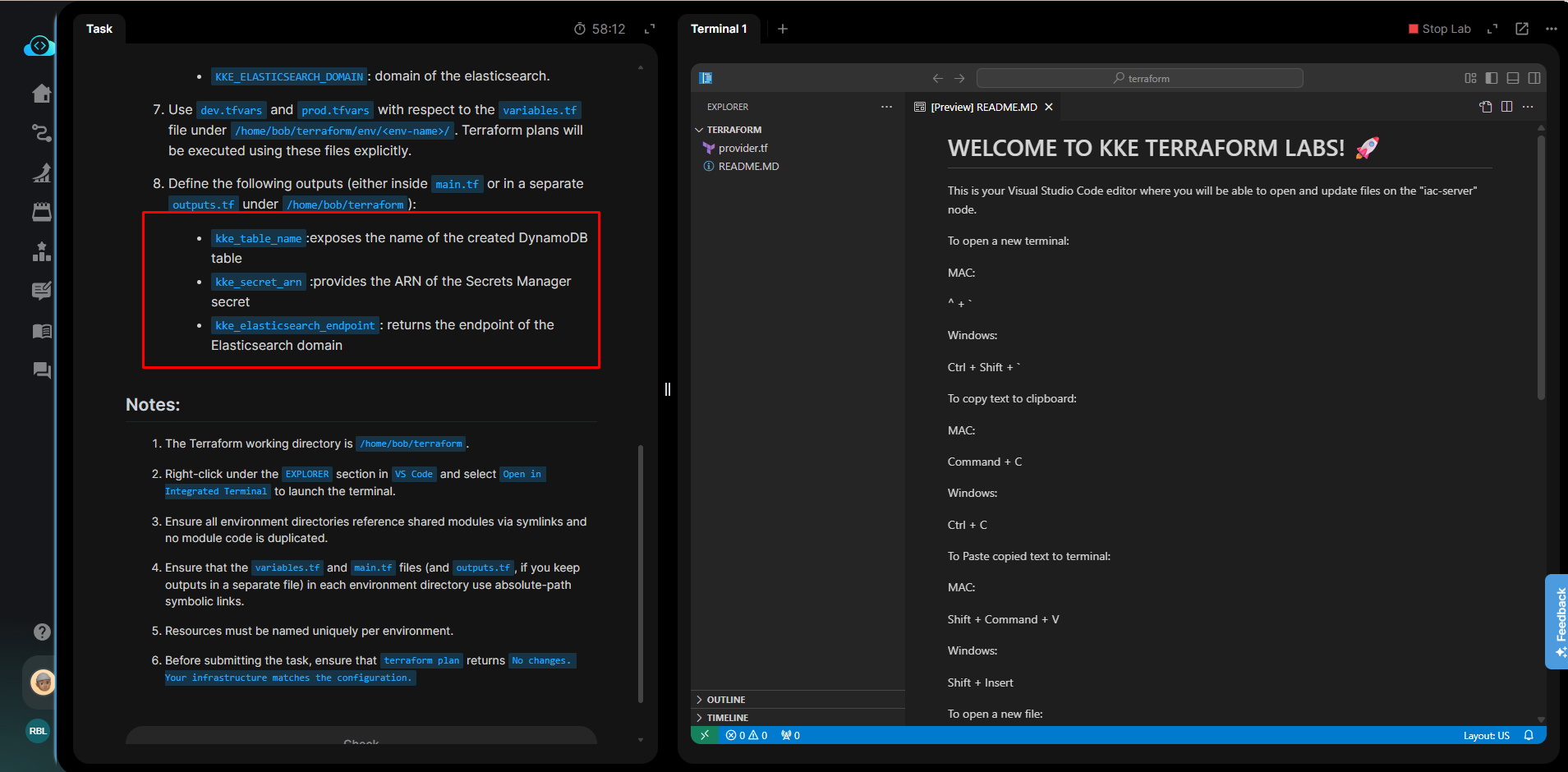
I recently completed the “Managing CI/CD Pipelines Using Terraform” task, but it was marked as failed due to “main.tf symlink is incorrect in dev”. I belive everything was executed correctly. Attached Screenshot for reference. Kindly review and let me know if there’s anything I may have missed.
My Soultion:
script.sh
#!/bin/bash
set -e
mkdir -p /home/bob/terraform/env/dev
mkdir -p /home/bob/terraform/env/prod
mkdir -p /home/bob/terraform/modules/dynamodb
mkdir -p /home/bob/terraform/modules/secretsmanager
mkdir -p /home/bob/terraform/modules/elasticsearch
mkdir -p /home/bob/terraform/shared
Relative symlinks for shared files
Absolute symlinks for shared files in dev
ln -sf /home/bob/terraform/shared/main.tf /home/bob/terraform/env/dev/main.tf
ln -sf /home/bob/terraform/shared/variables.tf /home/bob/terraform/env/dev/variables.tf
ln -sf /home/bob/terraform/shared/outputs.tf /home/bob/terraform/env/dev/outputs.tf
Absolute symlinks for shared files in prod
ln -sf /home/bob/terraform/shared/main.tf /home/bob/terraform/env/prod/main.tf
ln -sf /home/bob/terraform/shared/variables.tf /home/bob/terraform/env/prod/variables.tf
ln -sf /home/bob/terraform/shared/outputs.tf /home/bob/terraform/env/prod/outputs.tf
Root symlinks (absolute is fine here)
ln -sf /home/bob/terraform/shared/main.tf /home/bob/terraform/main.tf
ln -sf /home/bob/terraform/shared/variables.tf /home/bob/terraform/variables.tf
ln -sf /home/bob/terraform/shared/outputs.tf /home/bob/terraform/outputs.tf
Create dev.tfvars and prod.tfvars if missing
cat > /home/bob/terraform/env/dev/dev.tfvars <<EOF
KKE_ENV = “dev”
KKE_DYNAMODB_TABLE_NAME = “datacenter-dev-table”
KKE_SECRET_NAME = “datacenter-dev-secret”
KKE_SECRET_VALUE = “datacenter-dev-value”
KKE_ELASTICSEARCH_DOMAIN = “datacenter-dev-es”
EOF
cat > /home/bob/terraform/env/prod/prod.tfvars <<EOF
KKE_ENV = “prod”
KKE_DYNAMODB_TABLE_NAME = “datacenter-prod-table”
KKE_SECRET_NAME = “datacenter-prod-secret”
KKE_SECRET_VALUE = “datacenter-prod-value”
KKE_ELASTICSEARCH_DOMAIN = “datacenter-prod-es”
EOF
Create LocalStack buckets for state backend
aws --endpoint-url http://aws:4566 s3 mb s3://datacenter-dev-terraform-state || true
aws --endpoint-url http://aws:4566 s3 mb s3://datacenter-prod-terraform-state || true
modules/dynamodb/main.tf
resource “aws_dynamodb_table” “this” {
name = var.KKE_DYNAMODB_TABLE_NAME
billing_mode = “PAY_PER_REQUEST”
hash_key = “id”
attribute {
name = “id”
type = “S”
}
}
modules/dynamodb/variables.tf
variable “KKE_DYNAMODB_TABLE_NAME” {
type = string
}
modules/dynamodb/outputs.tf
output “table_name” {
value = aws_dynamodb_table.this.name
}
modules/secretsmanager/main.tf
resource “aws_secretsmanager_secret” “this” {
name = var.KKE_SECRET_NAME
}
resource “aws_secretsmanager_secret_version” “this” {
secret_id = aws_secretsmanager_secret.this.id
secret_string = var.KKE_SECRET_VALUE
}
modules/secretsmanager/variables.tf
variable “KKE_SECRET_NAME” {
type = string
}
variable “KKE_SECRET_VALUE” {
type = string
}
modules/secretsmanager/outputs.tf
output “secret_arn” {
value = aws_secretsmanager_secret.this.arn
}
modules/elasticsearch/main.tf
resource “aws_elasticsearch_domain” “this” {
domain_name = var.KKE_ELASTICSEARCH_DOMAIN
elasticsearch_version = “7.10”
cluster_config {
instance_type = “t3.small.elasticsearch”
}
ebs_options {
ebs_enabled = true
volume_size = 10
}
}
modules/elasticsearch/variables.tf
variable “KKE_ELASTICSEARCH_DOMAIN” {
type = string
}
modules/elasticsearch/outputs.tf
output “endpoint” {
value = aws_elasticsearch_domain.this.endpoint
}
shared/variables.tf
variable “KKE_ENV” {}
variable “KKE_DYNAMODB_TABLE_NAME” {}
variable “KKE_SECRET_NAME” {}
variable “KKE_SECRET_VALUE” {}
variable “KKE_ELASTICSEARCH_DOMAIN” {}
shared/main.tf
module “dynamodb” {
source = “/home/bob/terraform/modules/dynamodb”
KKE_DYNAMODB_TABLE_NAME = var.KKE_DYNAMODB_TABLE_NAME
}
module “secretsmanager” {
source = “/home/bob/terraform/modules/secretsmanager”
KKE_SECRET_NAME = var.KKE_SECRET_NAME
KKE_SECRET_VALUE = var.KKE_SECRET_VALUE
}
module “elasticsearch” {
source = “/home/bob/terraform/modules/elasticsearch”
KKE_ELASTICSEARCH_DOMAIN = var.KKE_ELASTICSEARCH_DOMAIN
}
shared/outputs.tf
output “kke_dynamodb_table_name” {
value = module.dynamodb.table_name
}
output “kke_secret_arn” {
value = module.secretsmanager.secret_arn
}
output “kke_elasticsearch_domain_endpoint” {
value = module.elasticsearch.endpoint
}
env/dev/terraform_config.tf
terraform {
backend “local” {
path = “terraform.tfstate”
}
}
env/prod/terraform_config.tf
terraform {
backend “local” {
path = “terraform.tfstate”
}
}