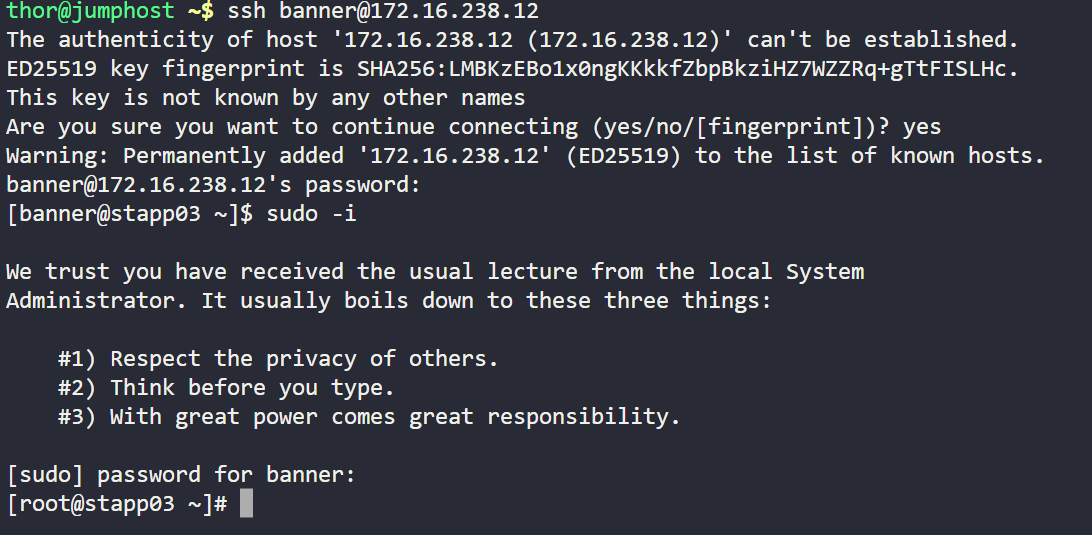
I am facing an issue while trying to log in to the server 172.16.238.12 using the user ‘banner’. Upon attempting to connect via SSH, I receive the following message:
“System is booting up. Unprivileged users are not permitted to log in yet. Please come back later. For technical details, see pam_nologin(8).”
Following this, the connection gets closed automatically.
Explanation of the Issue:
The message indicates that the system is still in the process of booting.
Until the boot process completes, unprivileged users (like the user ‘banner’) are prevented from logging in by the pam_nologin module.
This is a protective measure to avoid potential system issues during startup.
Request:
Could you please check the system status and confirm if the server is still booting or if there are any issues causing a delay? Also, please let me know when normal user access will be allowed.
That doesn’t tell me which task it is That’s the key piece of info we need. If it’s the 100 Day exercise, then we need to know which day. If it’s regular KK Eng, then we need to know the category, level, and task number.
Hi everyone, I’m having the same issue for the 100 Days DevOps challenge Day 11: Install and Configure Tomcat Server.
I cant progress further due to this same issue.
This error is not occurring only for the user ‘banner’; other users are also facing the same issue when trying to SSH. We want to understand exactly what error is being shown, but the problem consistently appears after a specific time during SSH attempts. So please look into this and let us know the reason why this issue is happening.
I’m not actually sure what goes wrong in the lab’s container, but it’s specific to the image that’s created for exactly that lab. What appears to you to be a single server (e.g…, banner) is actually a different object depending upon the lab.
We fixed most of the affected labs yesterday, but there are a few stragglers, like Day 11 and Day 17, it turns out. The guy that knows the internals is the guy doing the fixes.
Thanks for the update. However, I am still facing this issue since yesterday, and it hasn’t been resolved yet. Could you please check and fix it as soon as possible so I can continue with the labs
How much time will this take, because we can only proceed further once this task is completed. We are relying on you, so please share some update. Also, please share the root cause as well, so that we can have an idea of what might be happening.

 That’s the key piece of info we need. If it’s the 100 Day exercise, then we need to know which day. If it’s regular KK Eng, then we need to know the category, level, and task number.