First, please tell us what lab you’re doing. The full name of the lab will help, as will the “Day” of “Day of Devops”. Then we can figure out what you need to do for that task.
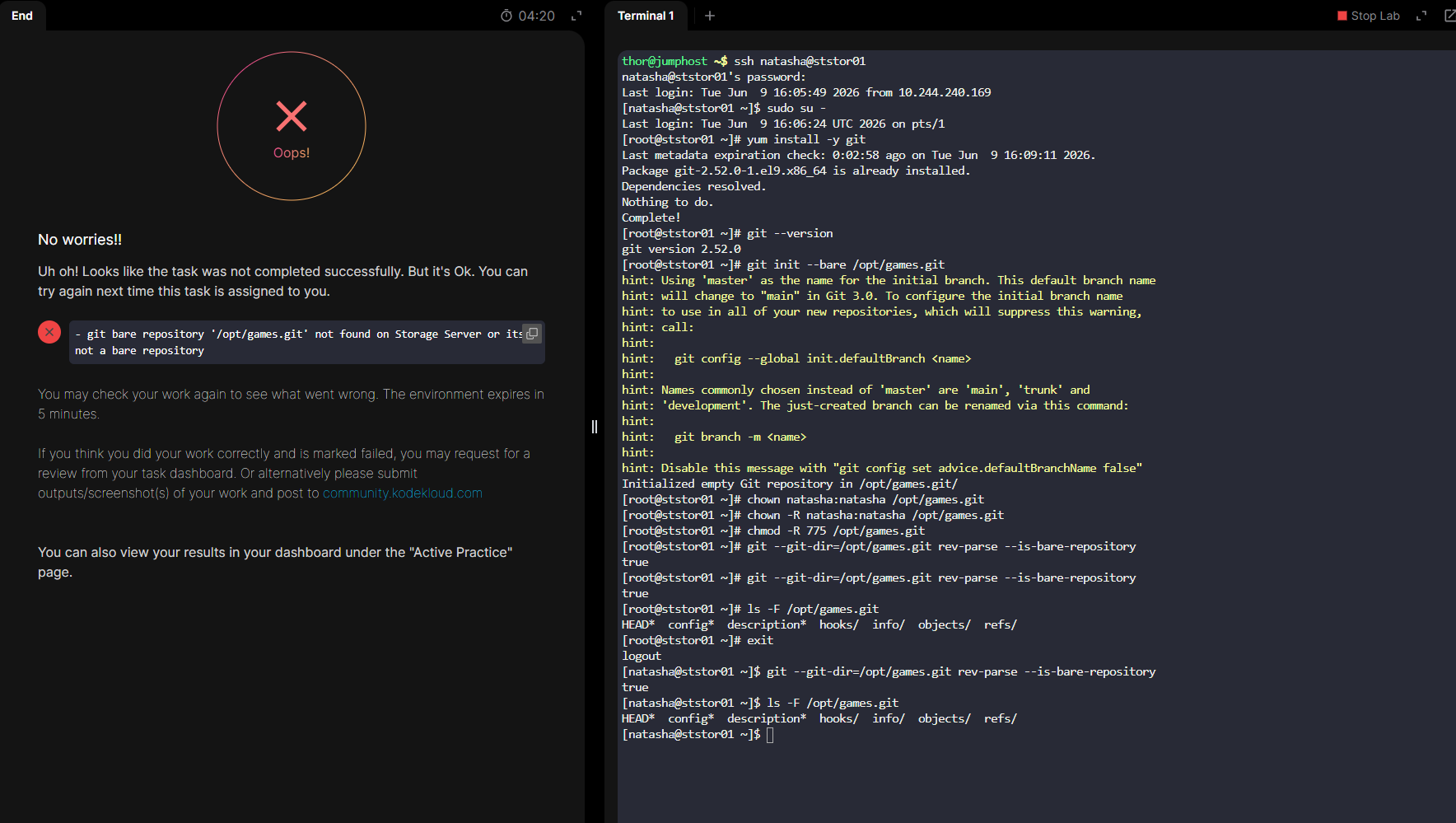
Probably the issue for the grader was changing the ownership to natasha:natasha. I did the following after installing git, and the grader was happy. Doing it as root works:
Complete!
[root@ststor01 opt]# type git
git is /bin/git
[root@ststor01 opt]# git init --bare ecommerce.git
hint: Using 'master' as the name for the initial branch. This default branch name
hint: will change to "main" in Git 3.0. To configure the initial branch name
hint: to use in all of your new repositories, which will suppress this warning,
hint: call:
hint:
hint:   git config --global init.defaultBranch <name>
hint:
hint: Names commonly chosen instead of 'master' are 'main', 'trunk' and
hint: 'development'. The just-created branch can be renamed via this command:
hint:
hint:   git branch -m <name>
hint:
hint: Disable this message with "git config set advice.defaultBranchName false"
Initialized empty Git repository in /opt/ecommerce.git/
[root@ststor01 opt]# ls -l
total 8
drwx--x--x 4 root root 4096 Jun 10 02:26 containerd
drwxr-xr-x 6 root root 4096 Jun 10 02:49 ecommerce.git
[root@ststor01 opt]#