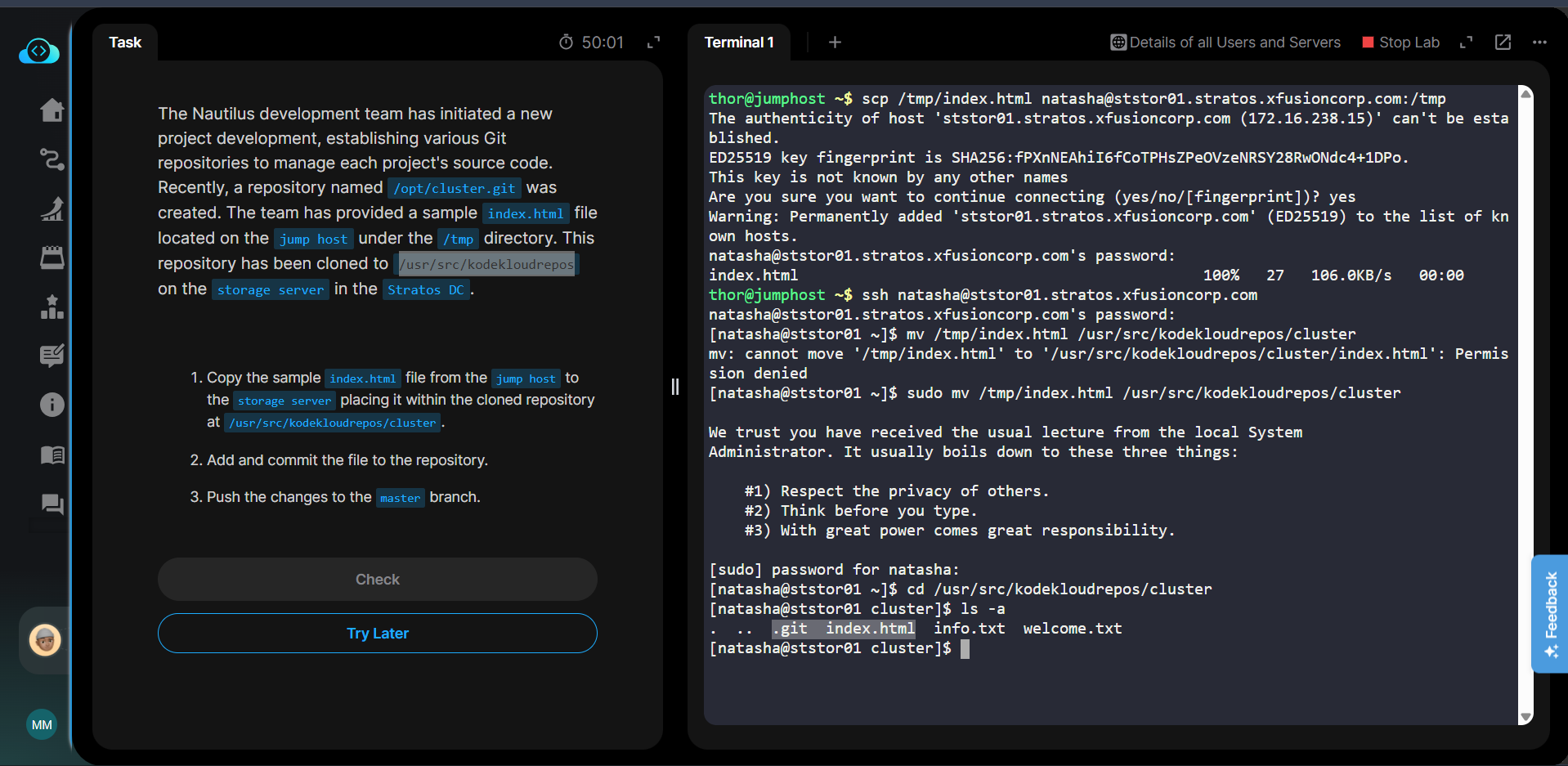
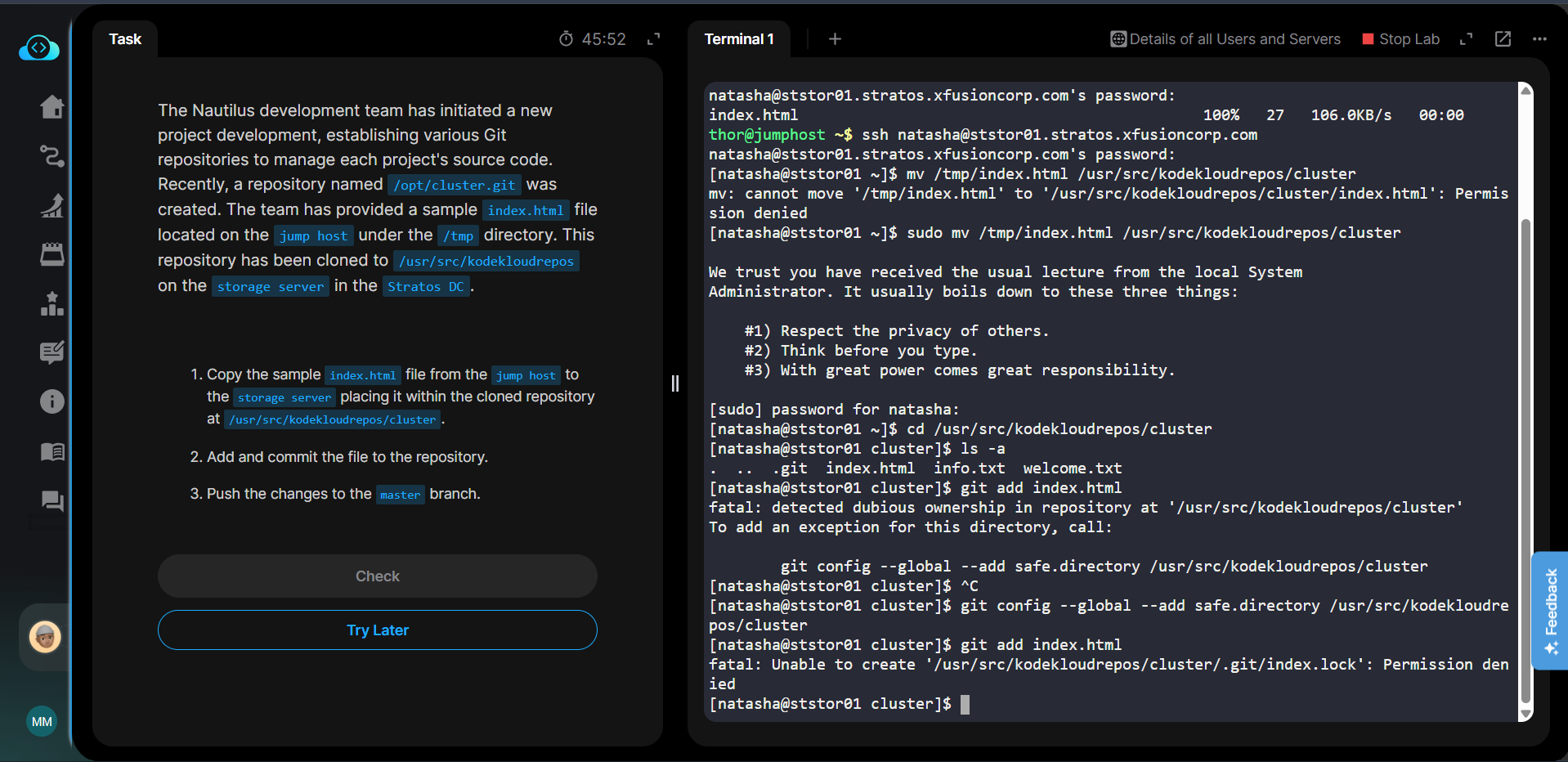
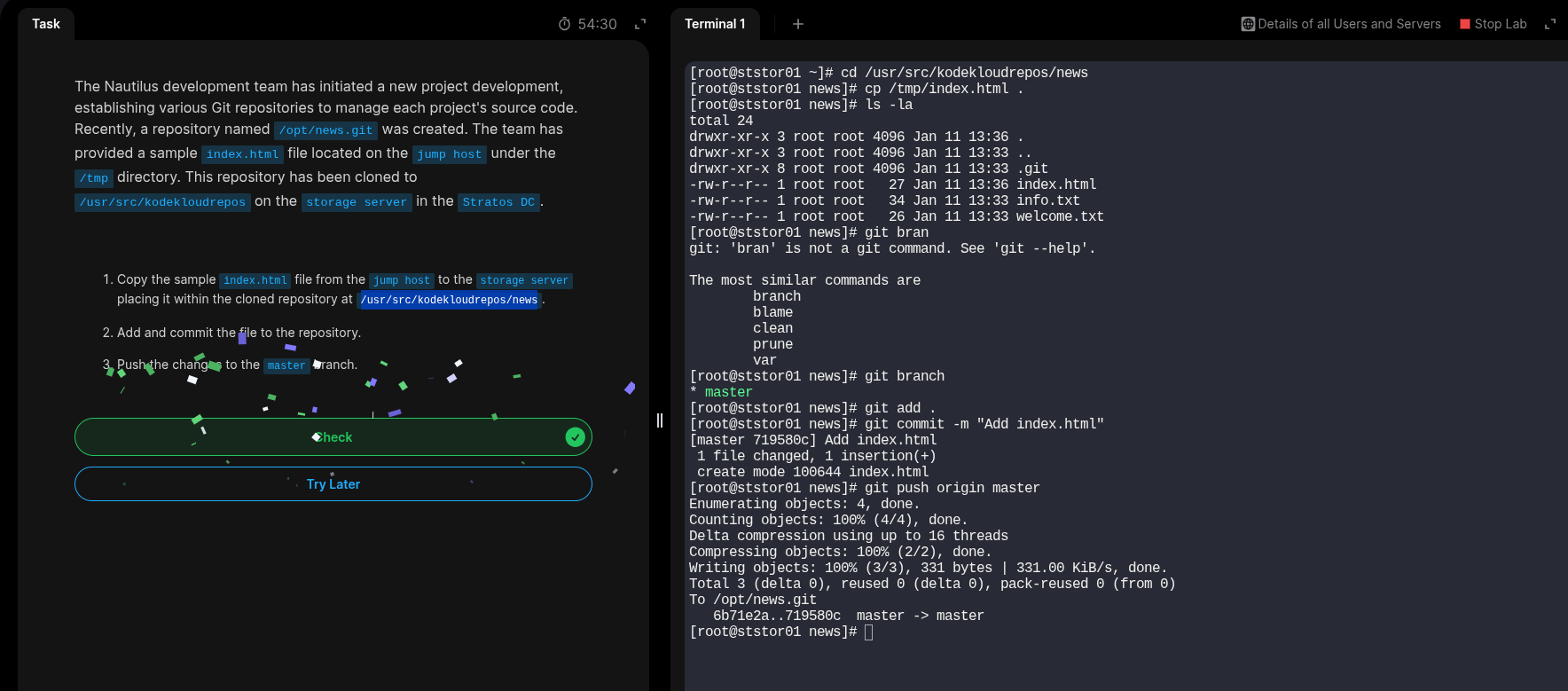
The Nautilus development team has initiated a new project development, establishing various Git repositories to manage each project’s source code. Recently, a repository named /opt/cluster.git was created. The team has provided a sample index.html file located on the jump host under the /tmp directory. This repository has been cloned to /usr/src/kodekloudrepos on the storage server in the Stratos DC.
- Copy the sample
index.htmlfile from thejump hostto thestorage serverplacing it within the cloned repository at/usr/src/kodekloudrepos/cluster. - Add and commit the file to the repository.
- Push the changes to the
masterbranch.
@Santosh_KodeKloud Sir, need your help here.
I have copied the file from jump host to storage server using ‘scp’ command. Also moved the file from the tmp dir on storage server to the given location where .git repo is located using ‘sudo mv’ command.
But while using git commands to add, commit and push its not allowing the normal git commands to do it and when i use ‘sudo git’ the task is not completed properly. It says root should not commit but the user natasha’s commit should be present. Its also not allowing using the natasha user as i am committing using the remote server.
What should be the reason for this. Help me sir please.
Following images shows the problem properly