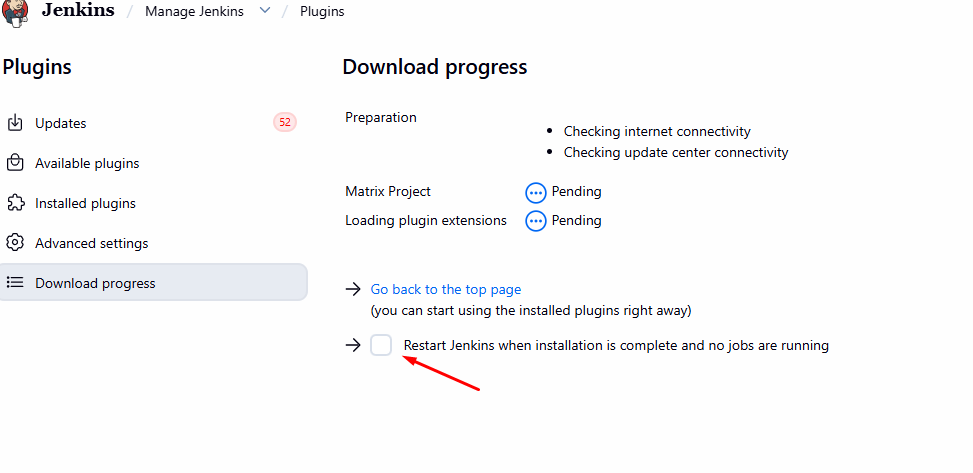
i am trying to finish Jenkins Beginners course but the lab task are pretty confusing, even after doing exactly as per instruction the task does not pass. but once i copy the solution it works because the solution has content which is not in the insturction. Another issue is when i try to install Junit plugin it does not install at all and my old pipeline jobs cant be seen after restart. please can anyone let me know what is the issue on the final lab of Jenikins for beginners.
Hi @sademban
Could you please share the lab link and the question number? It would also be helpful if you could share some screenshots. Then I can take a look and help troubleshoot the issue.
this is the lab and its question number 4 please try and pass without the content that is in solution just by following instruction. I dont think its clear instruction. I will be sharing you other url as well where there is issue in Junit package which we cant install during the lab. @raymond.baoly
ava.io.IOException: Failed to load: JUnit Plugin (junit 1361.vfed194a_de34a_)
- Failed to load: Bootstrap 5 API Plugin (bootstrap5-api 5.3.8-890.v1c5cf4fa_178e)
at hudson.PluginWrapper.resolvePluginDependencies(PluginWrapper.java:992)
at hudson.PluginManager.dynamicLoad(PluginManager.java:982)
Caused: java.io.IOException: Failed to install junit plugin
at hudson.PluginManager.dynamicLoad(PluginManager.java:996)
at hudson.model.UpdateCenter$InstallationJob._run(UpdateCenter.java:2379)
Caused: java.io.IOException: Failed to dynamically deploy this plugin
at hudson.model.UpdateCenter$InstallationJob._run(UpdateCenter.java:2383)
at hudson.model.UpdateCenter$DownloadJob.run(UpdateCenter.java:2012)
at java.base/java.util.concurrent.Executors$RunnableAdapter.call(Executors.java:572)
at java.base/java.util.concurrent.FutureTask.run(FutureTask.java:317)
at hudson.remoting.AtmostOneThreadExecutor$Worker.run(AtmostOneThreadExecutor.java:121)
at java.base/java.lang.Thread.run(Thread.java:1583)
This error while installing Junit for Task number 7 second task,
- correct Hellocontroller text - done
- Install Junit plugin and rebuild it - cannot install plugin to complete task because it never installs
what i have tried:
updated jenkins and passed Task 7 but it starts to fail in other task because kodekloud evaluater cannot read the update from the changes we make in pipelines and git and task keeps on failing. I have spent 4-5 hrs just to figureout how to finish this please look into it
The validation is very strict. Let me inform the team so they can review and update it.
It should validate the Jenkins build output rather than relying on the current checks.
1 Like
thank you for the review. what bout Task 7 due to error in installation of Junit plugin we cannot complete the task at all. I am sure its due to update. when i update the jenkins it pass but again the kodekloud evaluater fails to check other tasks.
Hi @sademban
Yes, let me inform the team about this as well. I also couldn’t install the JUnit plugin, which may be related to the issue.
1 Like
Hi @sademban
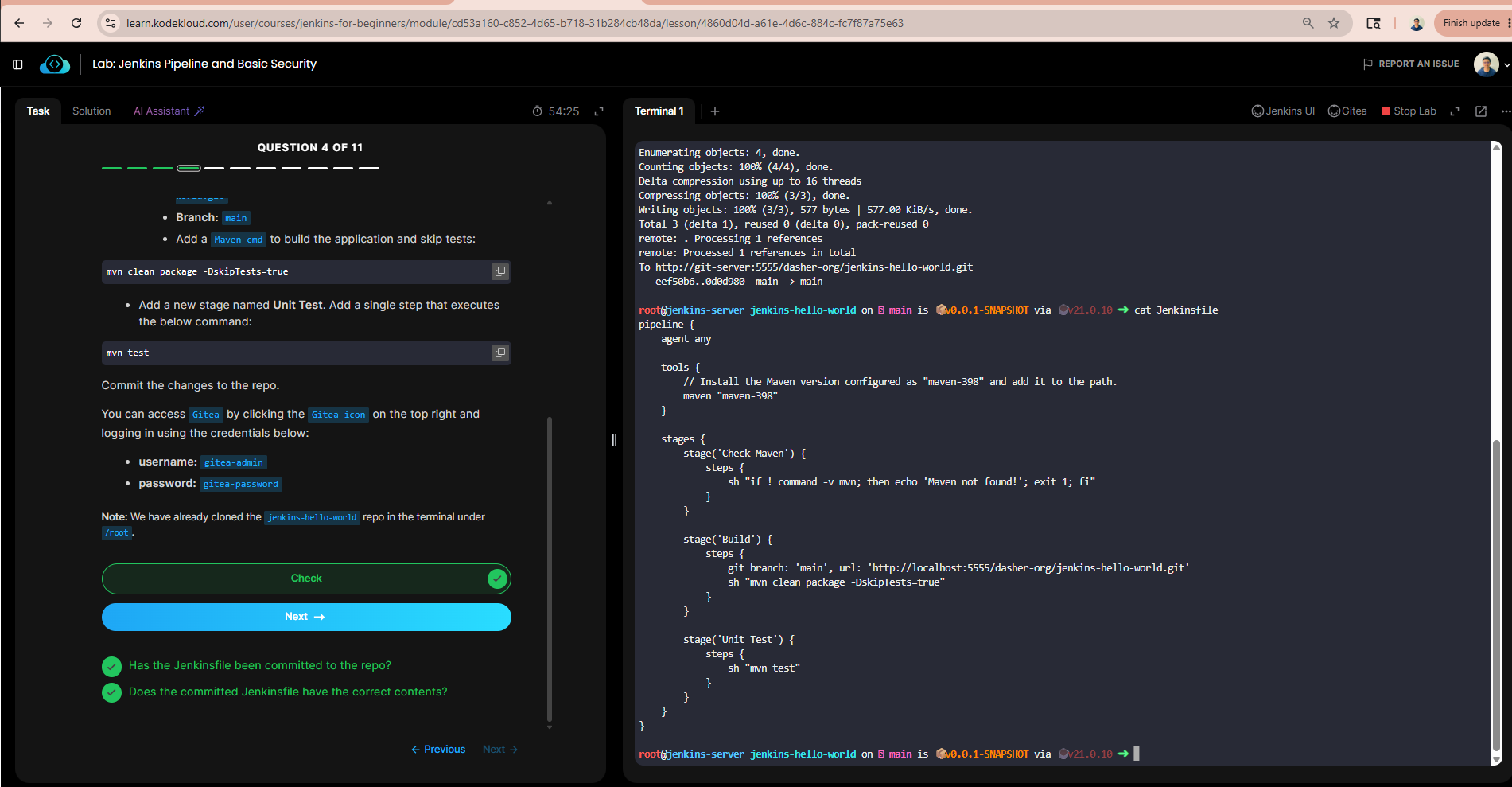
The team has just updated the validation for Q4, and it makes much more sense now. I’ll keep you updated when they provide an update for Q7 as well.
1 Like
thank you @raymond.baoly but is the script as per the instruction on the task, i see Check Maven stage there but does the instruction ask for it?
Hi @sademban
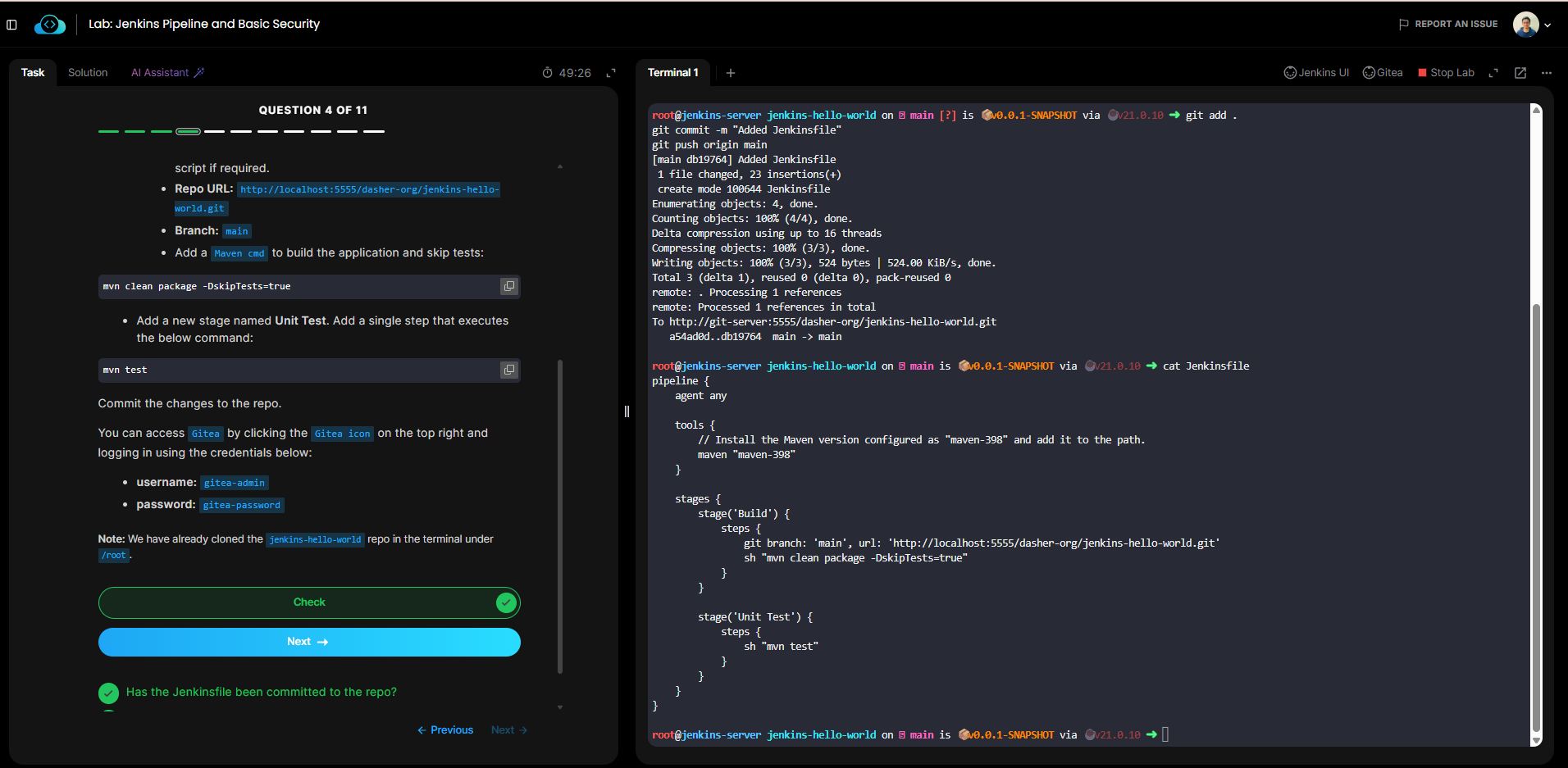
You don’t need to include this step to pass the question. Please try again and check the solution, as it has been updated.
1 Like
ok let me give it a try
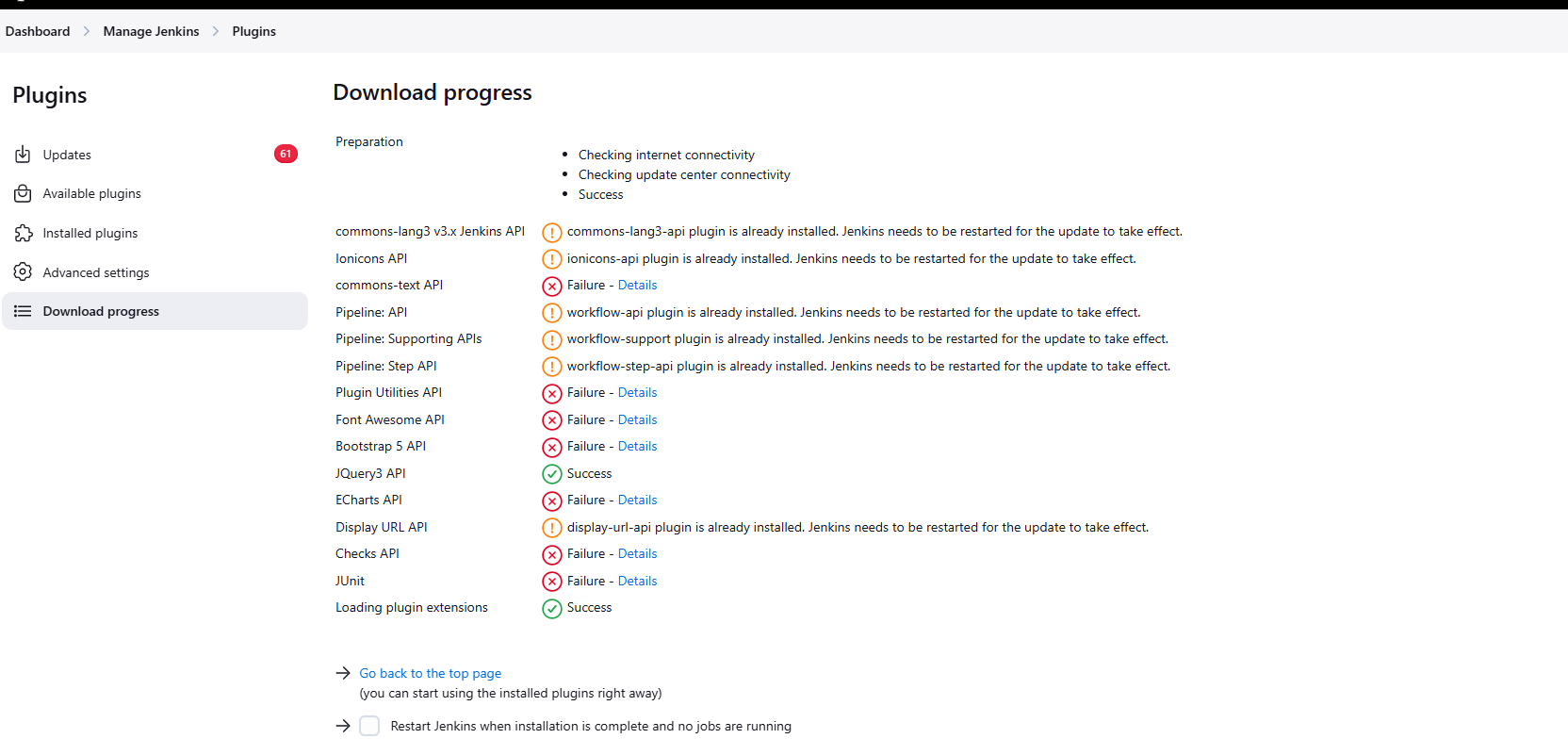
in task 7 we still can install Junit therefore we cannot complete the task. i tried bypassing with updating jenkins , and same issue started happening. Kodekloud evaluator is not being bale to check the task after the update.
but the issue on Q4 is resolved
Yes, they’ve only updated Q4 so far. Q7 is still in progress. In the meantime, please work on the other labs, and I’ll keep you updated once there is any news about Q7.
1 Like

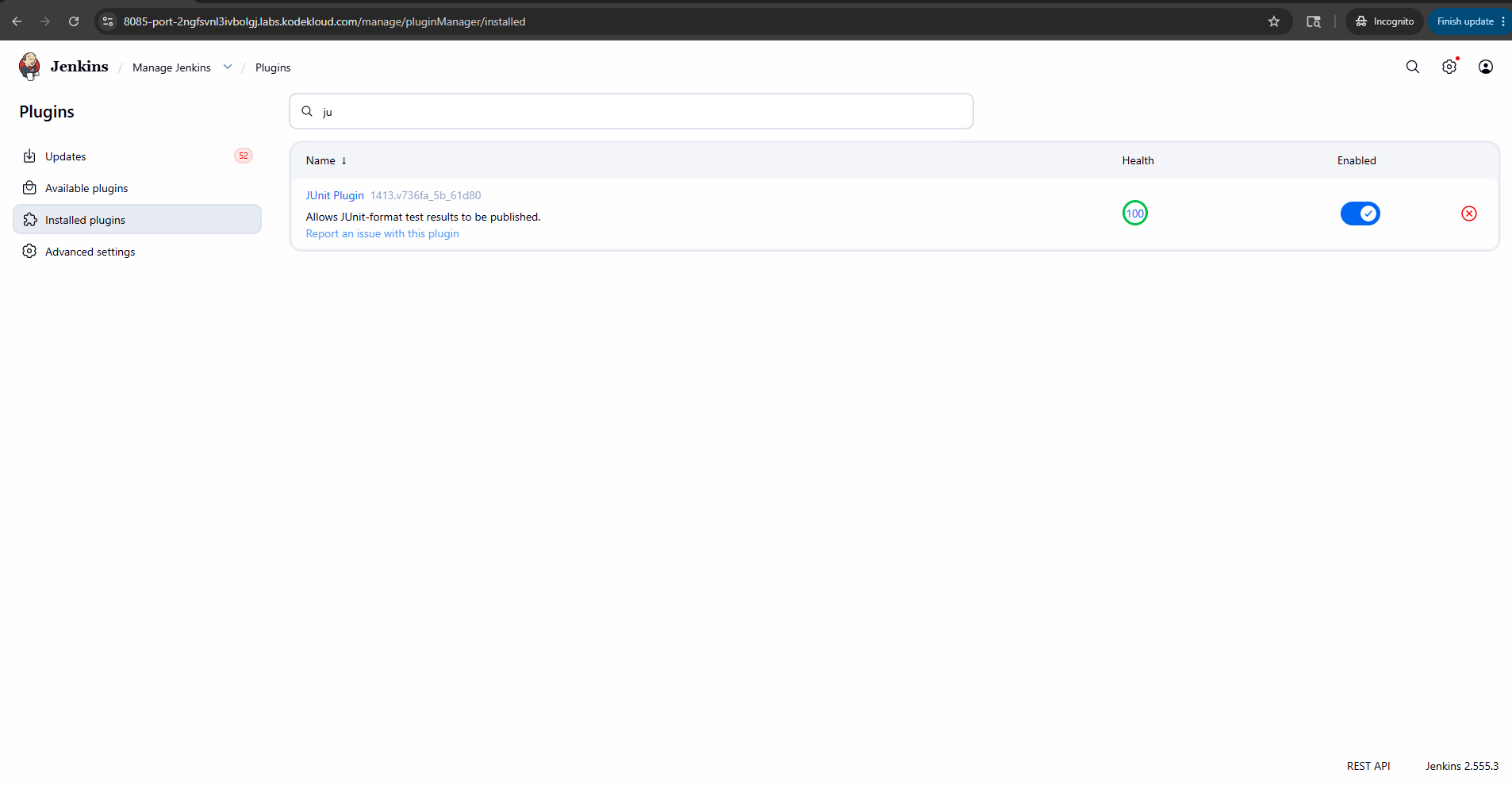
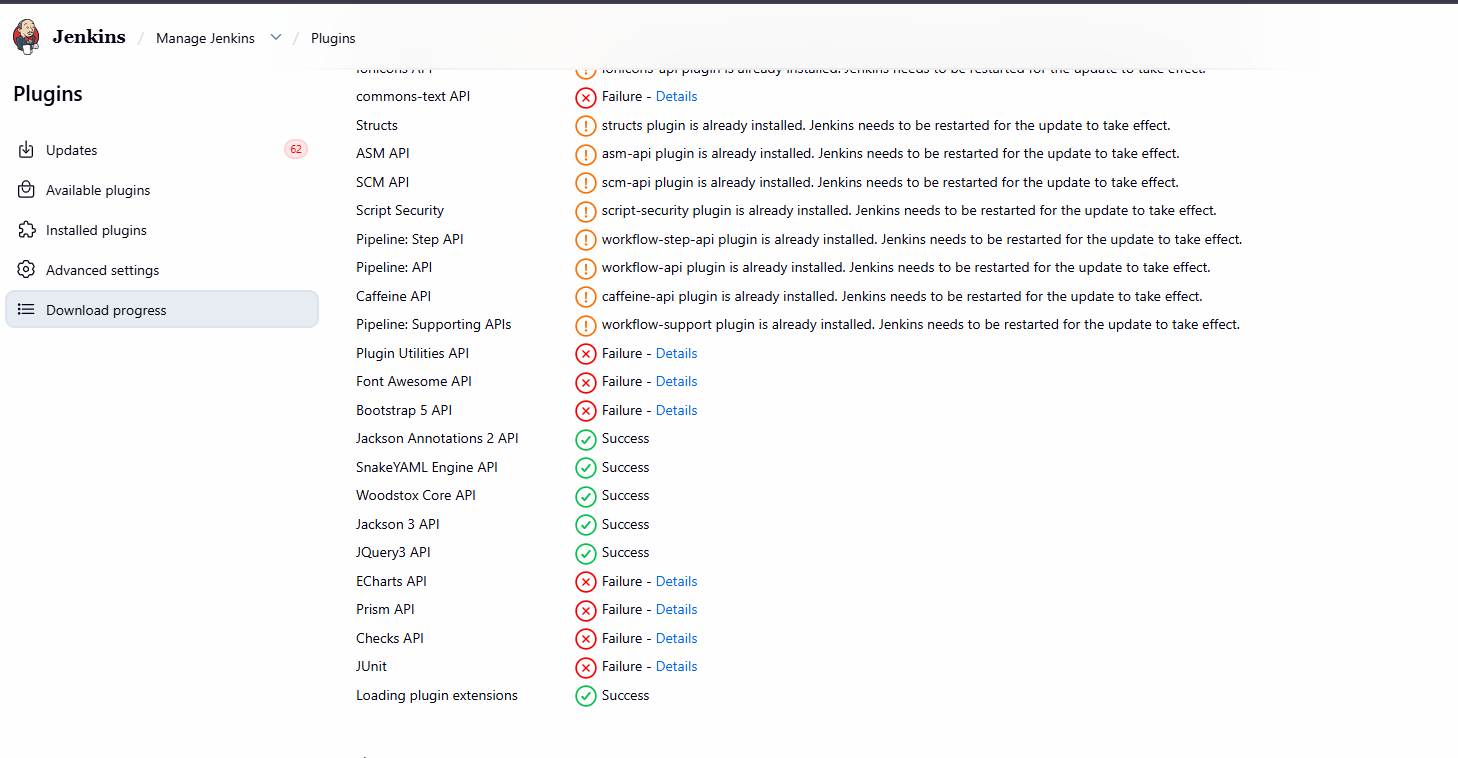
helo @raymond.baoly i dont think junit is installing at all, i tried several times the junit plugins dont get installed at all. please let me know how did you install it?
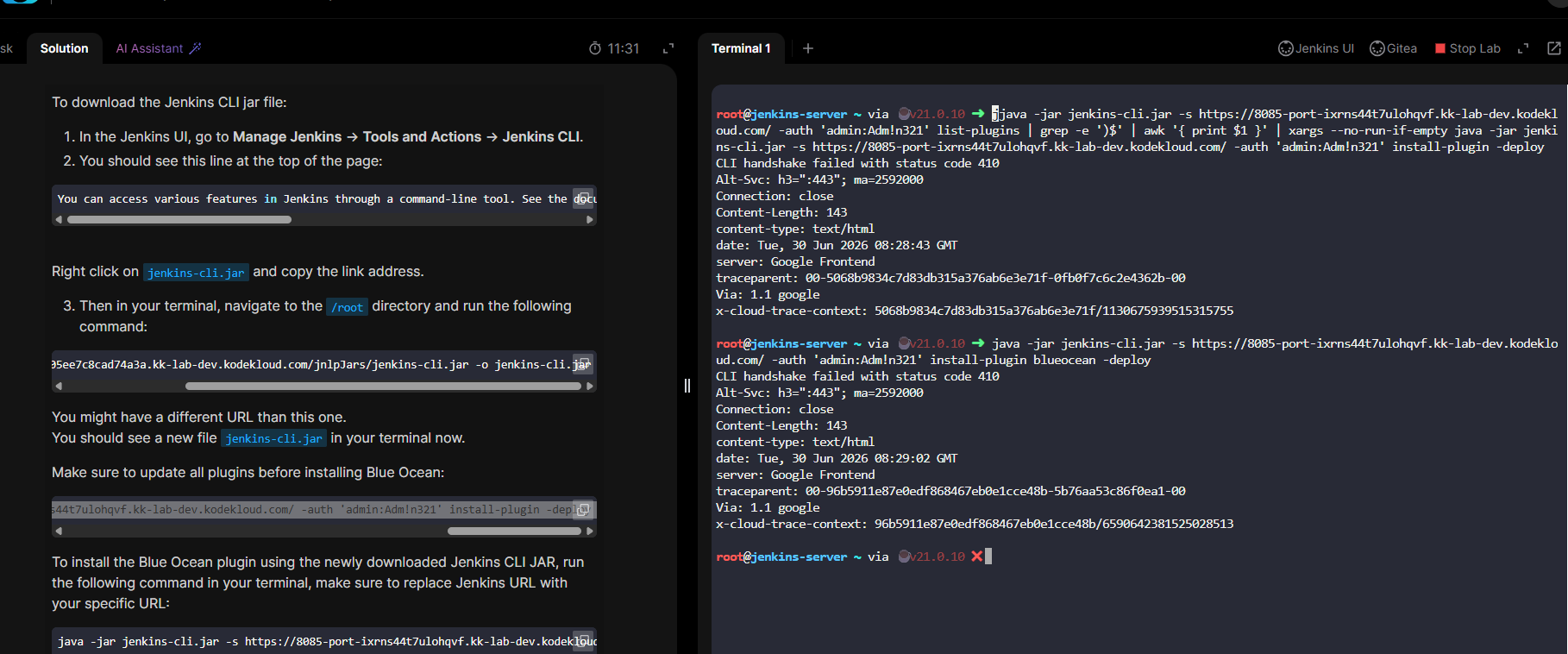
@raymond.baoly i think i need to unsubscribe the plan because , if we have this any issue and it takse so much time to fix this is not worth it. what do you say?
Hi @sademban
Just restart the jenkins services then check the installed plugin again.
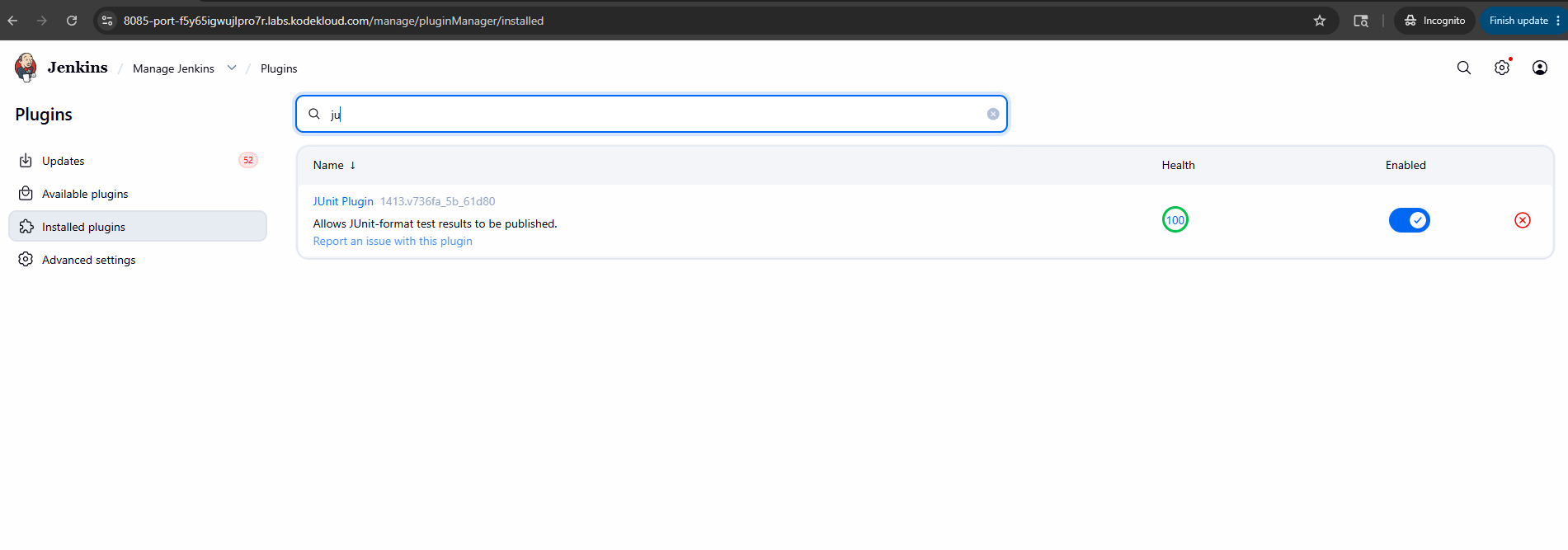
For example, click on this checkbox: