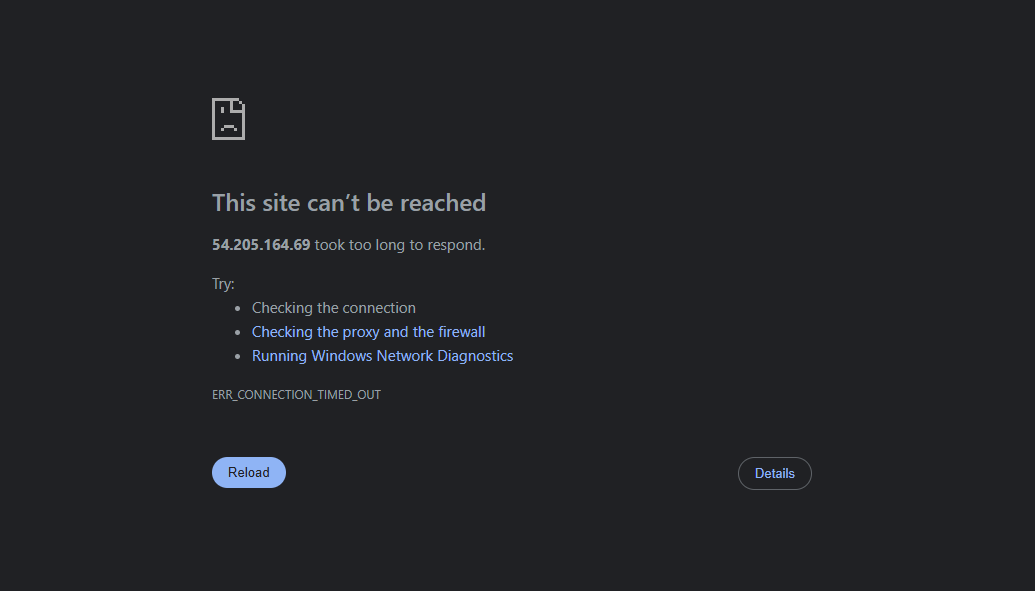
Jenkins unable to launch from EC2

Hi Team,

I have created AWS instance
Ports 80, 22, 443 opened
Installed jenkins, launched http://54.205.164.69:8080/ - unable to launch jenkins


entered command Curl -I http://54.205.164.69:8080/

Please help to launch jenkins in practice terminal of AWS

Regards,
Ram

You have opened ports 80, 22, 443.But, Jenkins is trying to connect on port 8080.

Could that be the reason?
Did you try opening 8080 and see the result?

Hi @goku

entered command Curl -I http://54.205.164.69:8080/

This looks like a public IP, not a private IP. To verify whether Jenkins is accessible, you should use the private IP or localhost while you are inside the EC2 instance and test it with curl.

You can also check the service status using systemctl, for example: systemctl status jenkins.

Please provide more information and context so we can support you better.