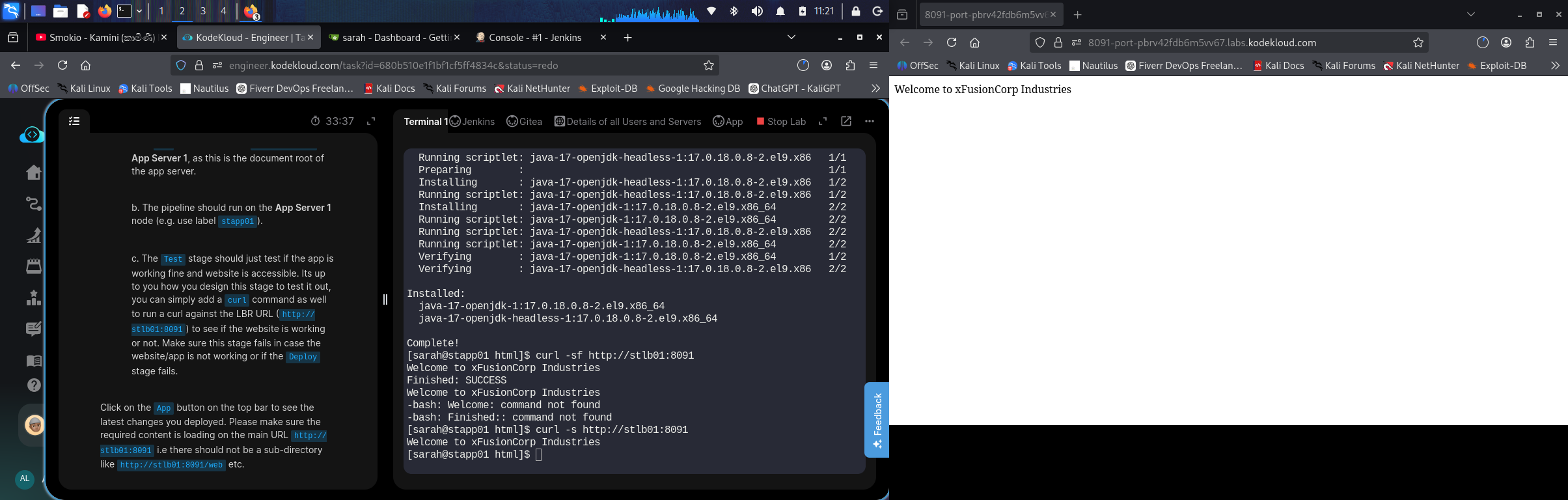
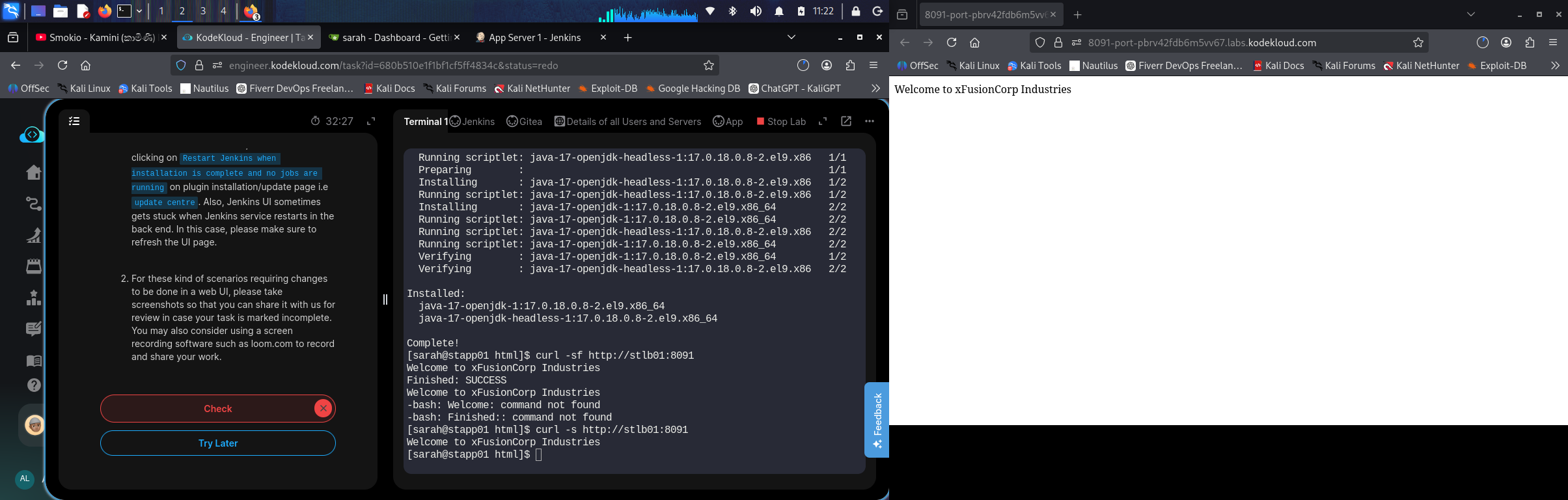
Jenkins pipeline task marked failed although deploy-job finished SUCCESS

Hello KodeKloud Team,

My Jenkins pipeline task was marked failed with:

Build failed: FAILURE

But the Jenkins job deploy-job completed successfully.

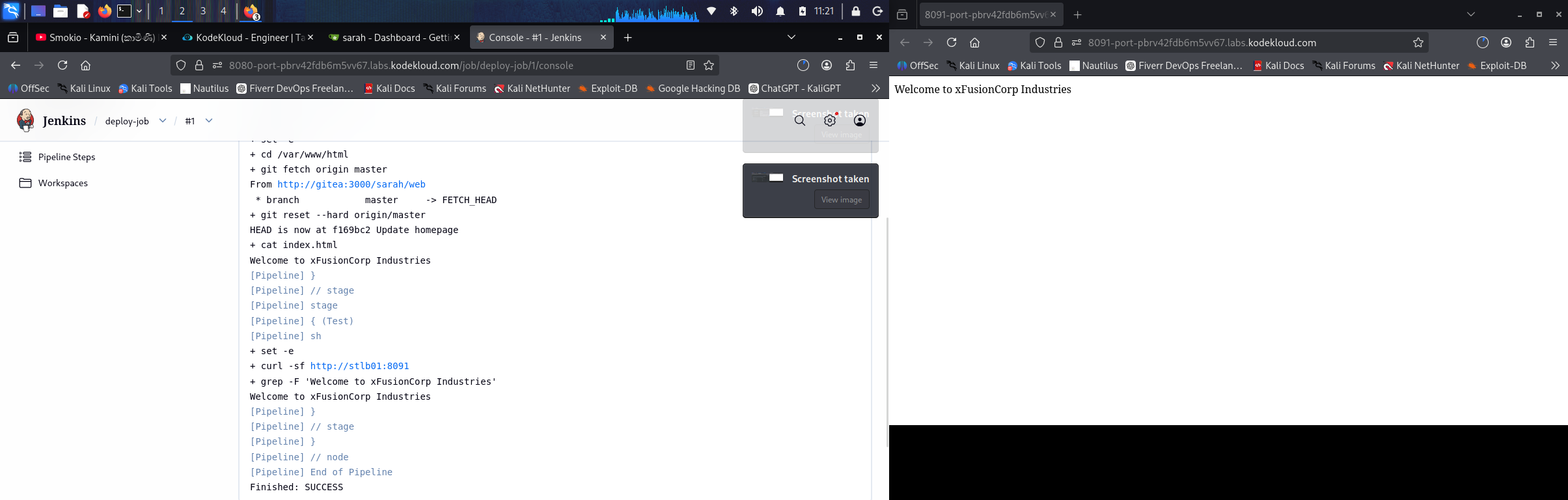
Console output shows:

Started by user admin

Running on App Server 1 in /home/sarah/jenkins_agent/workspace/deploy-job

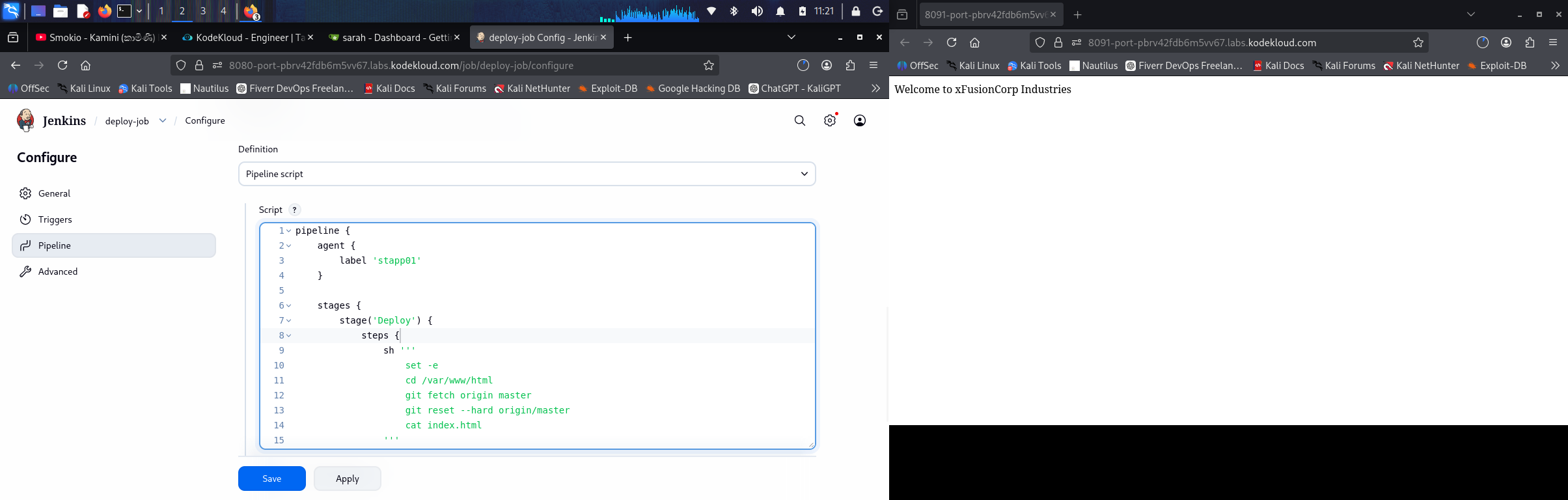
Deploy stage:
cd /var/www/html
git fetch origin master
git reset --hard origin/master
cat index.html

Output:
Welcome to xFusionCorp Industries

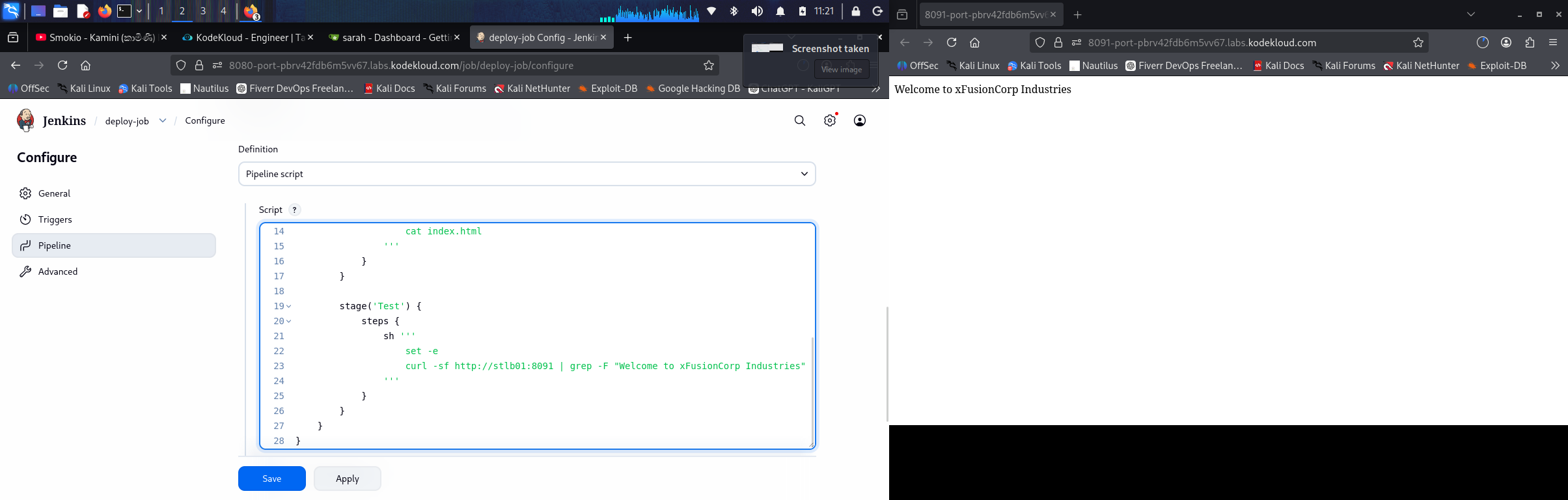
Test stage:
curl -sf http://stlb01:8091 | grep -F “Welcome to xFusionCorp Industries”

Output:
Welcome to xFusionCorp Industries

Final result:
Finished: SUCCESS

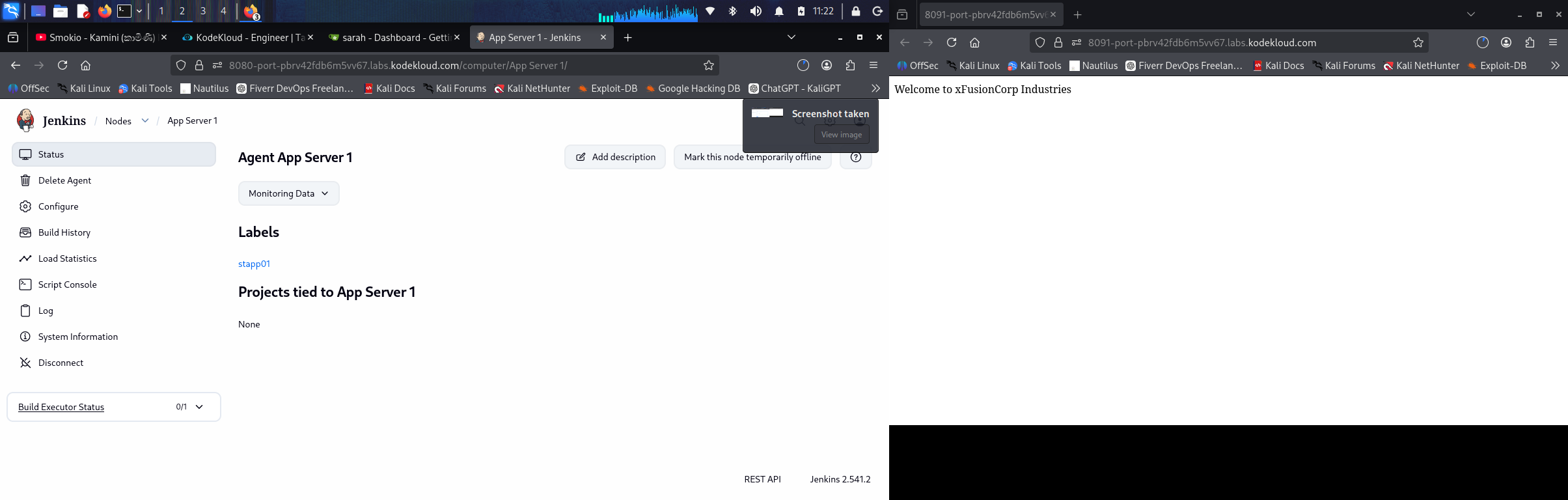
The Jenkins node was configured as:
Node name: App Server 1
Label: stapp01
Remote root directory: /home/sarah/jenkins_agent
Launch method: Launch agents via SSH
Host: stapp01
User: sarah

The task still got marked failed. Please review this attempt.


What’s the exact name of the KKE task (or the Day number for Day of Devops if that’s how you found the task)? This will help us figure out which task you’re actually doing.

day 81…o tryied so many time but it did not correct

I expect you are doing the wrong command during deploy. Here’s what I did, which worked:

                    sh """
                    cd /var/www/html
                    git pull origin master
                    """

pipeline {
agent {
label ‘stapp01’
}

stages {
    
    stage ('Deploy') {
        steps {
            script {
                sh "cd /var/www/html && git pull origin master"
            }
        }
    }
    
    stage ('Test') {
        steps {
            script {
                sh "curl -f http://stlb01:8091 "
            }
        }
    }
}

}

This pipeline script functions correctly without requiring any modifications to index.html. It only requires Jenkins configuration and execution of the build process. When the “Check” action is triggered, it will initiate two additional build jobs to perform verification.