Hi @rahul456, @Ayman & everyone,
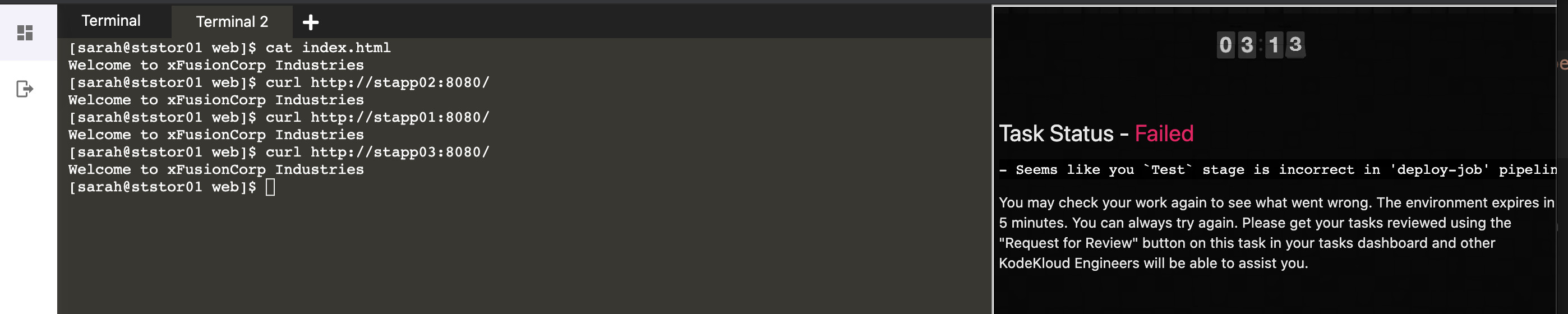
I have just failed the Jenkins Multi Stage Pipeline task:
The task:
-
The development team of xFusionCorp Industries is working on to develop a
new static websiteand they are planning to deploy the same onNautilus App ServersusingJenkins pipeline. They have shared their requirements with the DevOps team and accordingly we need tocreate a Jenkins pipeline job. Please find below more details about the task: -
Click on the
+button in the top left corner and select option Select port to view onHost 1, enterport 8081and click onDisplay Port. You should be able to access theJenkins loginpage. Login using usernametheadminandAdm!n321password. -
In the same way you can access
Gitea UIon port8000; username and password for Git issarahandSarah_pass123respectively. There under user sarah you will find arepositorynamedwebthat is already cloned onStorage serverunder/home/sarah/web. sarah is a developer who is working on this repository. -
We have
already cloned repositoryonStorage Serverunder/home/sarah/web.Update the contentof the fileindex.htmlunder the same repository toWelcome to xFusionCorp Industriesandpushthe changes to the origin intomaster branch. -
Apacheis already installed onall app Serversits running on port8080. -
Create a
Jenkins pipeline jobnameddeploy-job(it mustnot be a Multibranch pipeline job) and pipeline should havetwo stagesDeployandTest( which is case sensitive ). Configure these stages as per details mentioned below.- a. The `Deploy stage` should `deploy` the code from `web` repository under `/data` on `Storage Server`, as this location is already `mounted` to the document root `/var/www/html` of all app servers. - b. The `Test stage` should test your latest changes if deployed correctly. Its `up to you how you design this stage` to test your changes, you `can` simply add a `curl` command as well to run a `curl against the LBR URL` to see if your latest pushed changes are visible on the website. `Make sure this stage fails in case the changes mentioned in this question aren't deployed correctly` or `if Deploy stage fails`. -
LB server is already configured. Click on the+button in the top left corner and select option Select port to view on Host 1, enterport 80and click on Display Port. You should be able to see the latest changes you made. Please make sure the required content is loading on the main URLhttps://<LBR-URL>i.e thereshould not be a sub-directorylikehttps://<LBR-URL>/webetc.
The Test stage ran 3 successful curl commands:

I also ran curl from the Storage Server:

…more screenshots:




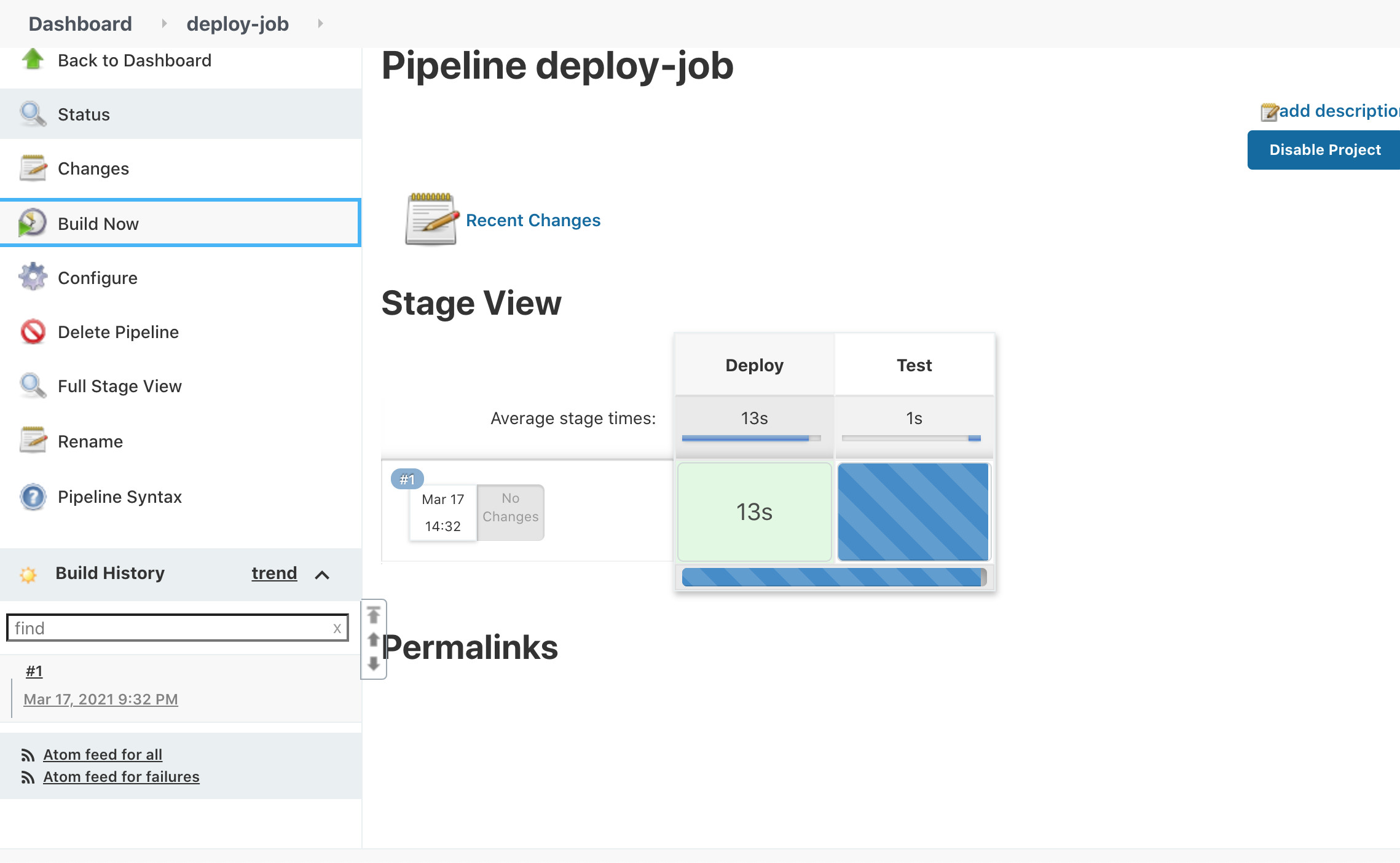
I can’t see what went wrong here.
Thanks in advance to anyone who can help:-)