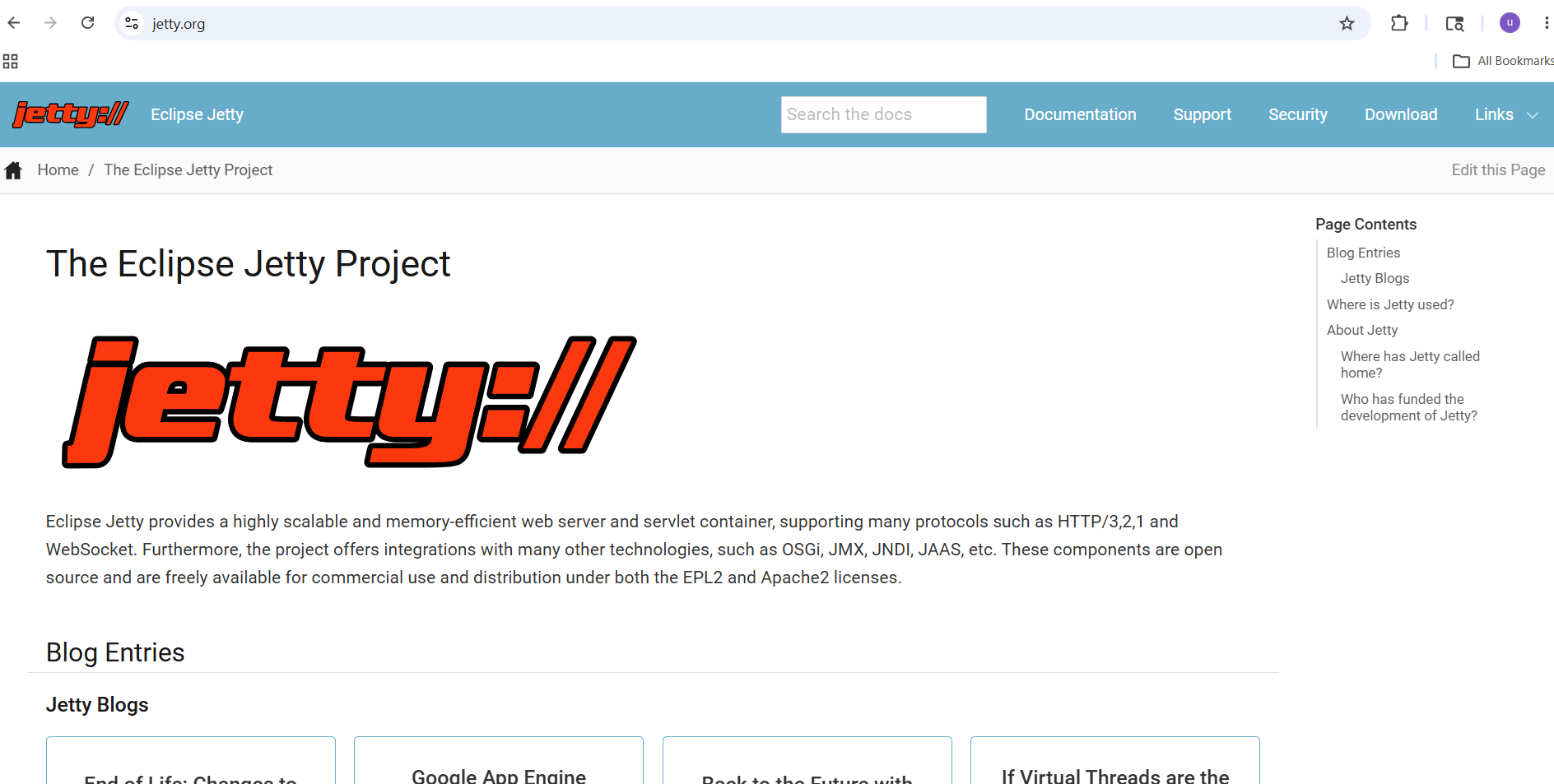
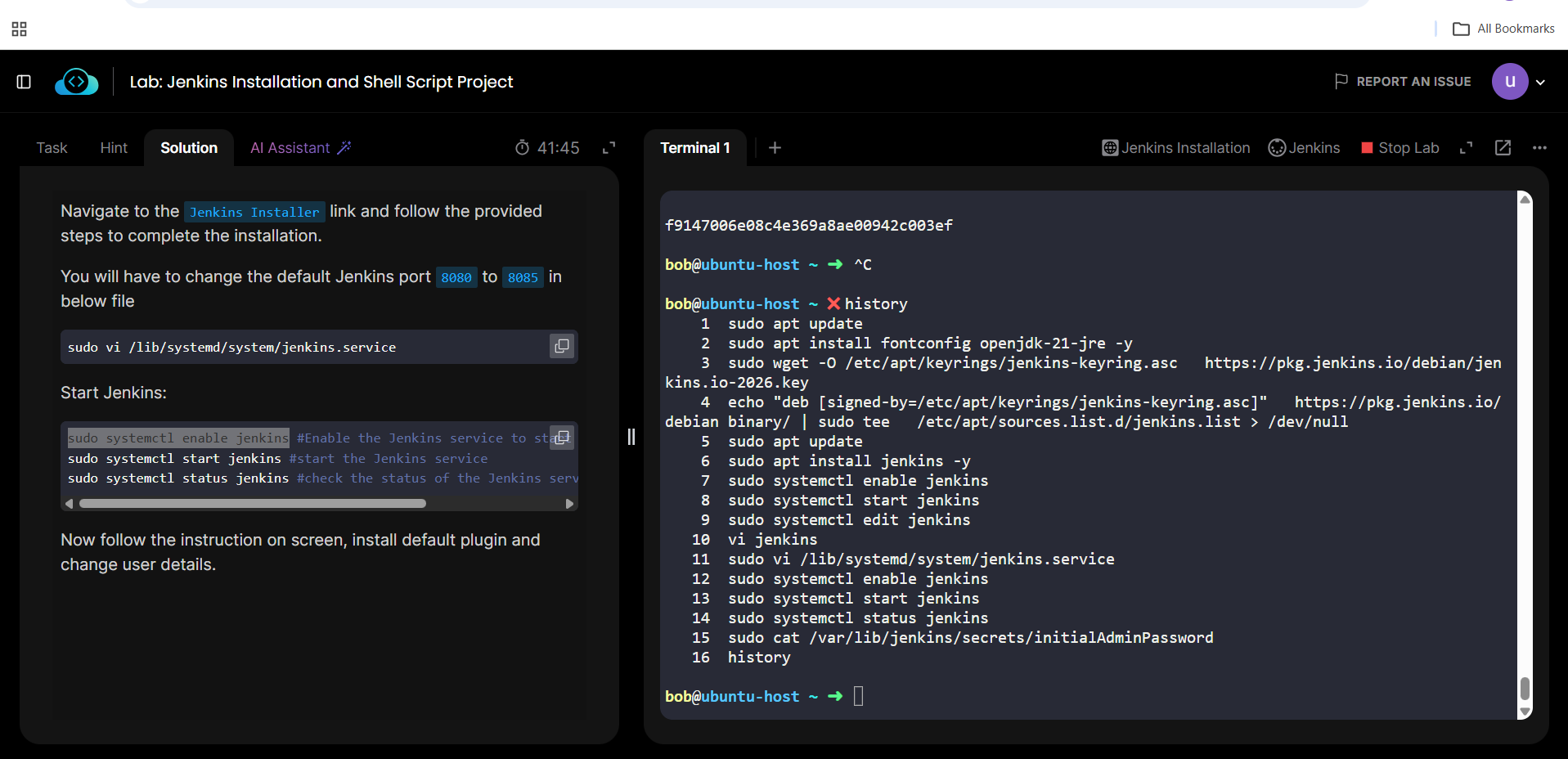
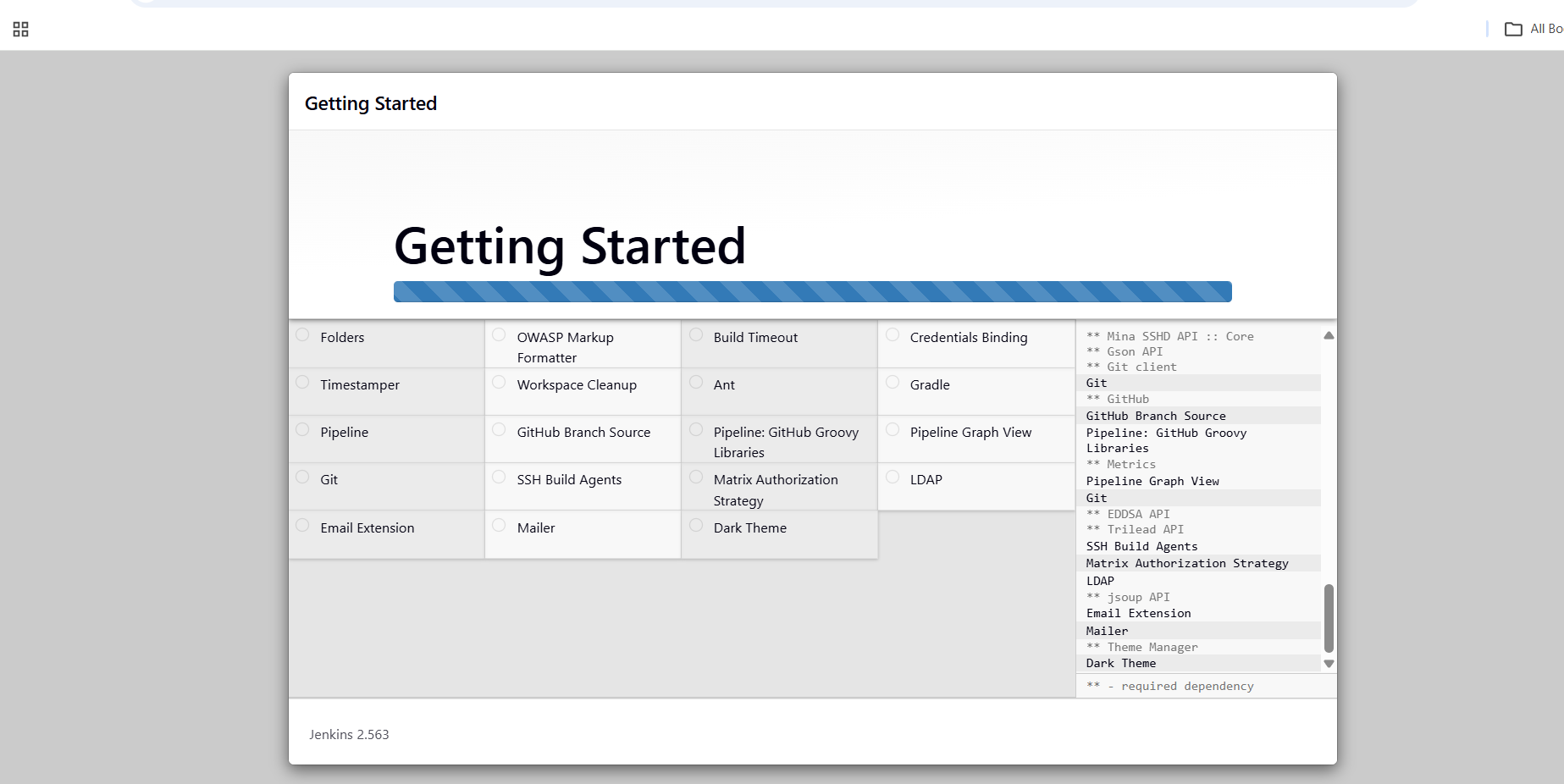
I am unable redirect to login to the jenkins port which kode kloud provided (8085) the issue is when i change the port from 8080 to 8085 and restart the jenkins to good and now which webpage the it asked for the login password which i copied from the terminal and then instead of asking me fill up the details it showing me website named HTTP Error 431 jetty when i check with AI of kode kloud it has same port is being used to different website it given me set of instruction and i change the different env and restart the jenkins facing same issue , please help me
Thank you in advance
Thankyou for taking time to check help me to understand what is the issue , and i am sorry i don’t know how to share the lab directly to you because it’s course Jenkins for Beginners first hands on lab ( Jenkins Installation and Shell Script Project) it asking me to install jenkins and create a user with password when login to the page it shows like this , and also could you please tell me if lab sharing is possible check for future reference
The HTTP 431 error is a special error – it’s caused by problems with your cookies. There’s a fair chance that if you delete your browser cookies for kodekloud.com, that the problem will go away. Please try that and see if it helps you.