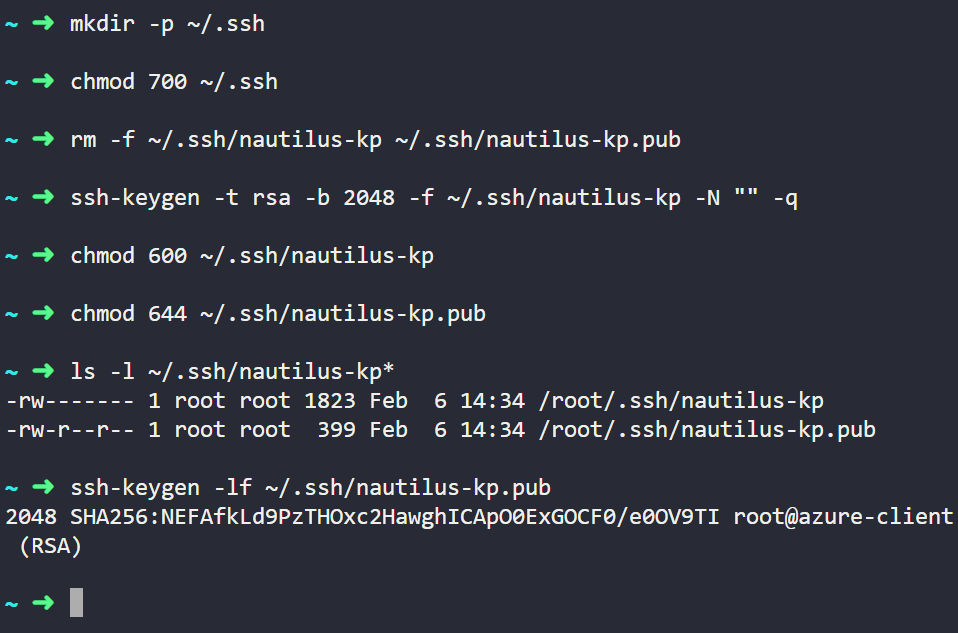
Hi @Godwill
I am not sure which lab you are working on, but maybe you need the key pair with default names: id_rsa and id_rsa.pub.
Which you can generate from ssh-keygen -t rsa and then Enter, Enter,…
i’m working on the Azure Day 1: Create SSH Key Pair for Azure Virtual Machine
And the Task
create an SSH key pair with the following requirements:
-
The name of the SSH key pair should be
nautilus-kp. -
The key pair
typemust bersa.
Use below given Azure Credentials: (You can run the showcreds command on the azure-client host to retrieve these credentials)
Ahh…
You need to create the key-pair from the Azure web console using the credentials provided in the lab.