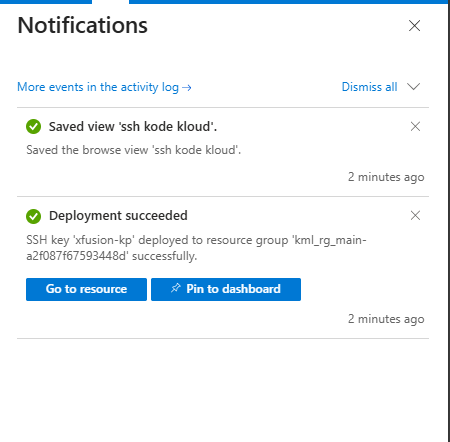
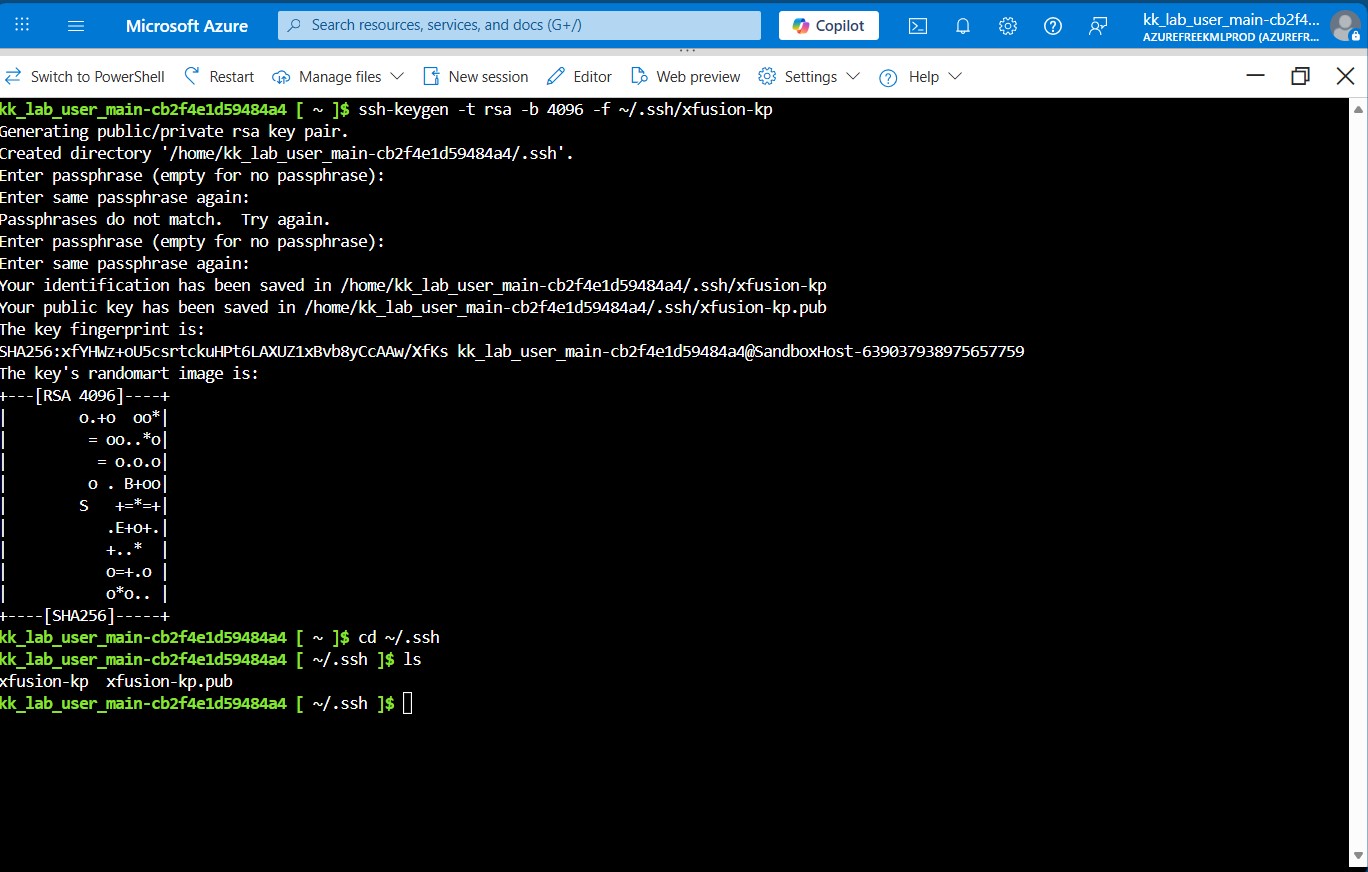
I created the SSH Key pairs and i verified them using this command, I attached the Screenshots

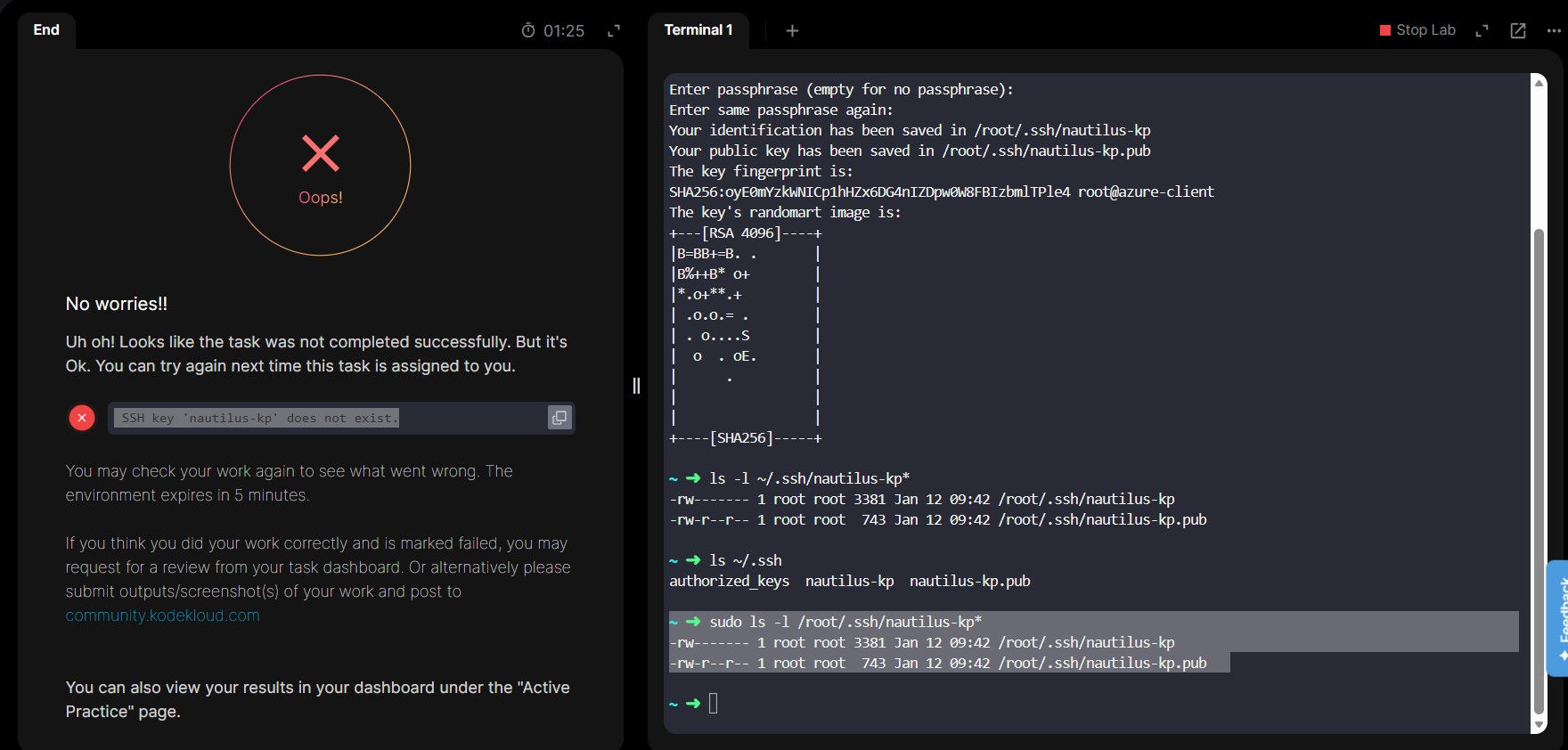
sudo ls -l /root/.ssh/nautilus-kp*
I created the SSH Key pairs and i verified them using this command, I attached the Screenshots
sudo ls -l /root/.ssh/nautilus-kp*
Hi @Ukahip
You need to create the key pair on the Azure console by logging into the console using the credentials provided in the lab.
I did that and I was failed again; I created the Keys using Azure CLI and i was able to view the keys
Kindly check the attachments.
Ok I will try that…Thanks
Thank you so much @rob_kodekloud
it worked but i also noticed that if you don’t save the View from the SSH UI after creating and downloading the SSH Private Keys, the user will be failed again.
You can add that to your GitHub Repo.
Thanks once again