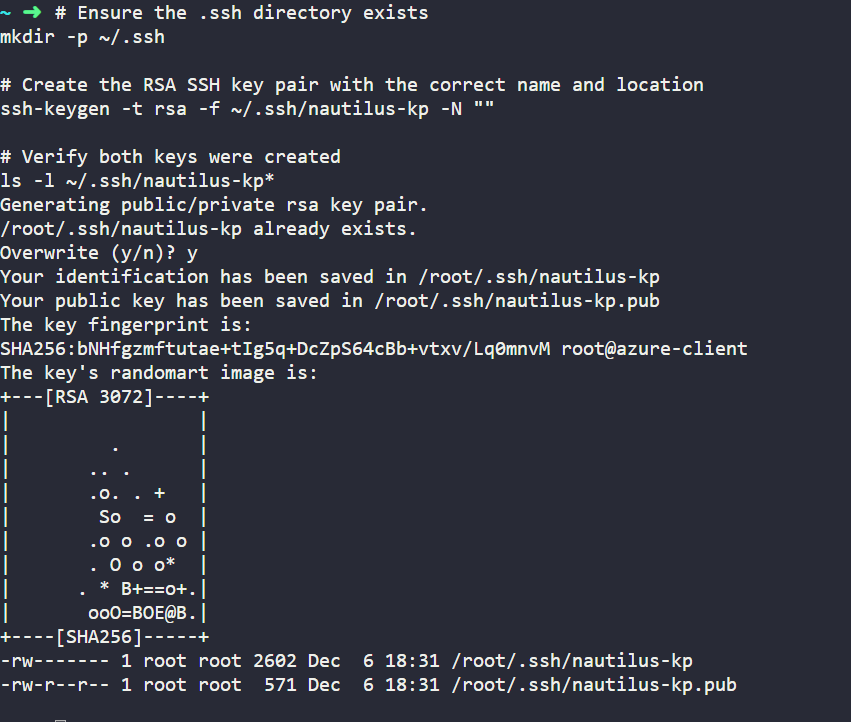
Which lab is this? You need to tell us what you’re trying to solve here – if it’s a lab, then a link to the lab on our kodekloud.com site. If it’s KodeKloud Engineer, then we need the name of the task, and what kind of task (100Days of Azure, Azure Level 2, etc.).
Even I have the same issue, I am creating the key pair with right name in .ssh folder but still fails.
This is from kodekloud engineer, Azure cloud- Day 1: Create SSH Key Pair for Azure Virtual Machine.
You can do this using the azure cli. Steps are:
-
az group listwill tell you what the default resource group is for the account. - You can create the ssh key pair with the command
az sshkey create --name "mySSHKey" --resource-group "myResourceGroup", where the resource group is the one you got in (1), and the name is whatever the task tells you to use. See this MS doc page for more info.
I did it this way, and the grader was happy 
1 Like