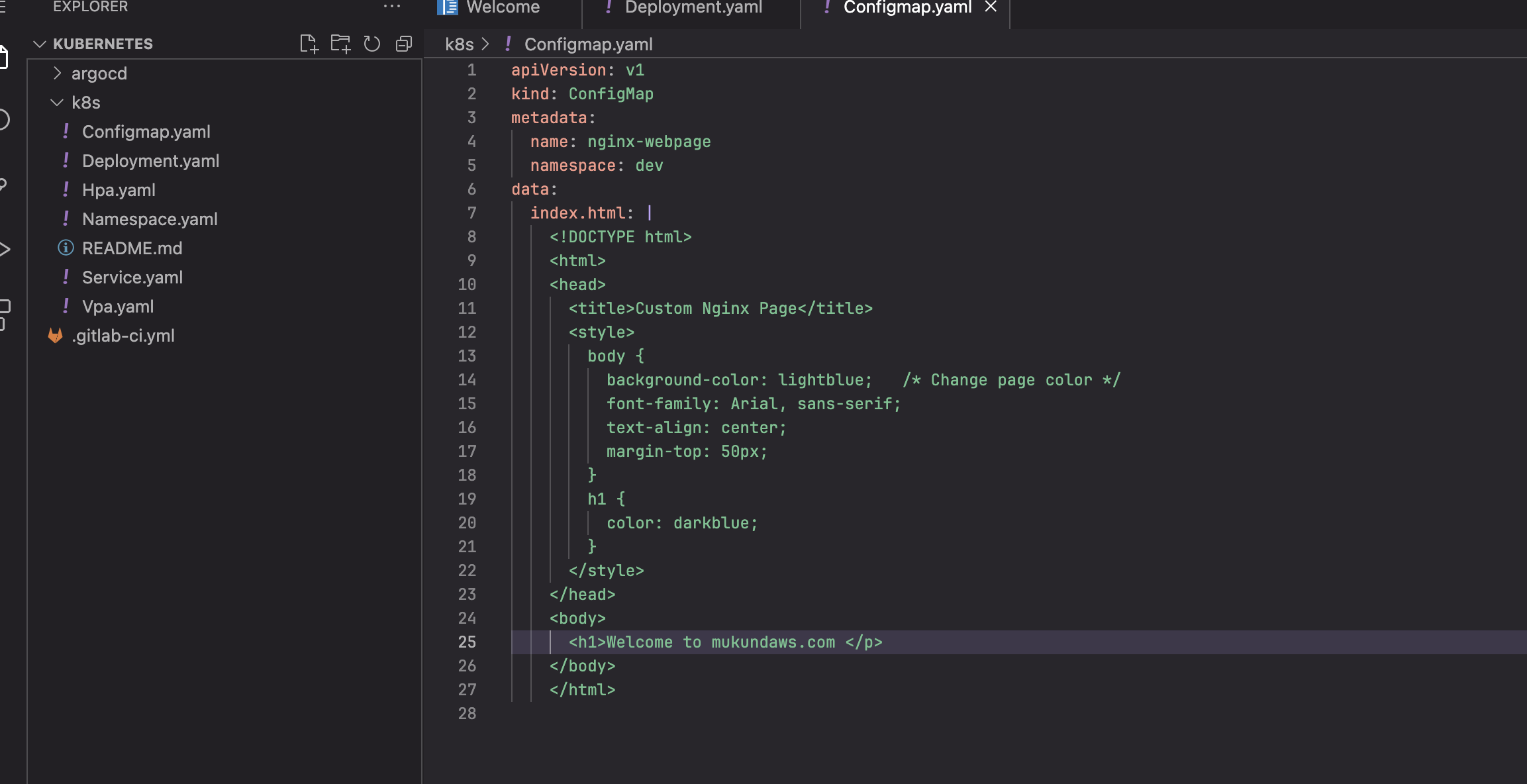
HI Team,
i have k8s manifests files located in Gitlab so its working fine when i deployed it in the Doscker desktop but now i need to deploy in AWS but here when i am planninbg to create a k8s cluster its asking Cluster IAM role i can create it but aftear that i ma geting error i dont have access to create it so can you suggest it how i can deploy my application in AWS Eks
Hi @kmukund97
I’m guessing you’re using the KodeKloud AWS playground. If so, please follow the instructions here to create the EKS cluster.
# Provision lab
Last updated: December 2024
Be aware that of the three managed cluster types, EKS is by far the most complicated to build as in the number of steps required to complete it. Please pay special attention to each, as if you make a mistake then you will see errors. *This does work* and when it doesn't, it will be because you missed something and you will probably be best ending the lab and starting over! Having said that, AWS do from time to time reorganize the console screens and workflow. If you find that what you see in the console deviates from what is in this guide, then please do call it out on Discord or the [Community Forum](https://kodekloud.com/community/c/kubernetes/6).
### Provision your AWS playground lab
Prerequisite: Premium KodeKloud subscription
Access this link: https://kodekloud.com/playgrounds/playground-aws and click `LAUNCH NOW` to request a new AWS Playground instance. After a few seconds, you will receive your temporary AWS portal account like this:

Copy the **Console Link** by pressing the copy button to the right of it, paste to your browser and sign in with the given credentials. At the login screen:
* Paste the given username to the `IAM user name` field.
* Paste the password to the `Password` field.
* Uncheck `Remember this account` checkbox if it is checked.
* Press `Sign in` button.
show original