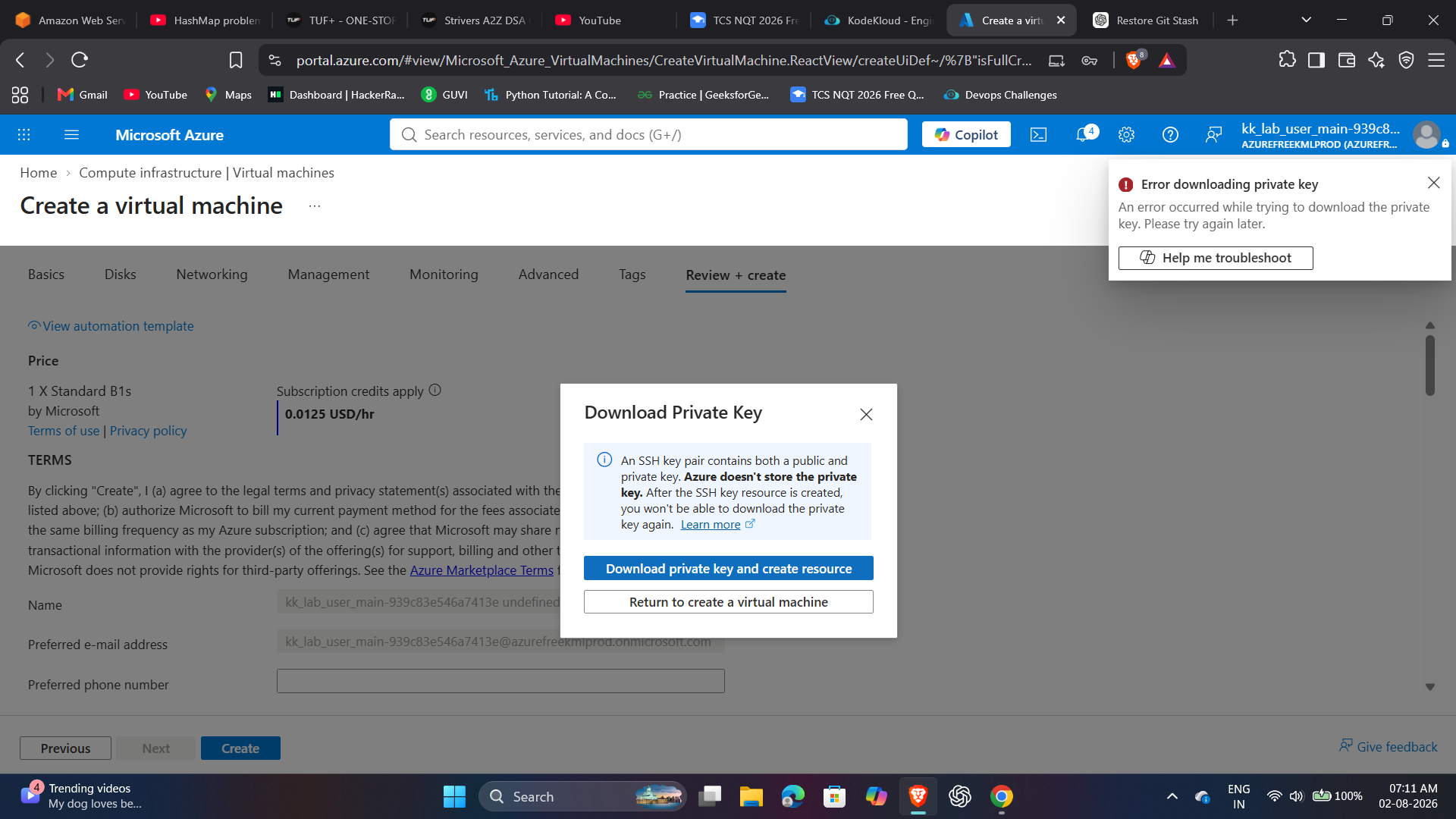
Your screenshot is not visible.
The SSH key is downloaded to your system and not on the lab instance.
Instead, create SSH keys directly on the lab terminal. When you’re setting up the VM, in the SSH section select “Upload existing public key” , then copy the contents of your public key from id_rsa.pub into the provided box.
Now, you can use the private key on lab terminal and ssh into the VM