How to complete kubernetes level 2 final task?

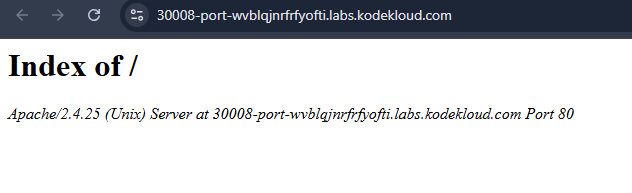
changed index.php file typo mistake inside php container app directory…fixed nodeport app was also running but still shows:

Mysql database is hardcoded in ‘index.php’
Mysql user is hard coded in ‘index.php’
Mysql password is hard coded in ‘index.php’
Mysql HOST is hard coded in ‘index.php’

Hi @Istiak

You need to exec into the PHP pod and fix the syntax error to ensure it can start.

The index.php should be:

<?php
    // Fetch environment variables
    $dbname = $_ENV['MYSQL_DATABASE'];
    $dbuser = $_ENV['MYSQL_USER'];
    $dbpass = $_ENV['MYSQL_PASSWORD'];
    $dbhost = $_ENV['MYSQL_HOST'];

    // Connect to database
    $connect = mysqli_connect($dbhost, $dbuser, $dbpass, $dbname);

    // Check connection
    if (!$connect) {
        die("Connection failed: " . mysqli_connect_error());
    }

    echo "Connected successfully\n";

    // Test query
    $test_query = "SHOW TABLES FROM $dbname";
    $result = mysqli_query($connect, $test_query);

    if (!$result) {
        die("Query failed: " . mysqli_error($connect));
    }

    // Display tables
    while ($row = mysqli_fetch_row($result)) {
        echo "Table: {$row[0]}\n";
    }

    // Close connection
    mysqli_close($connect);
?>

image

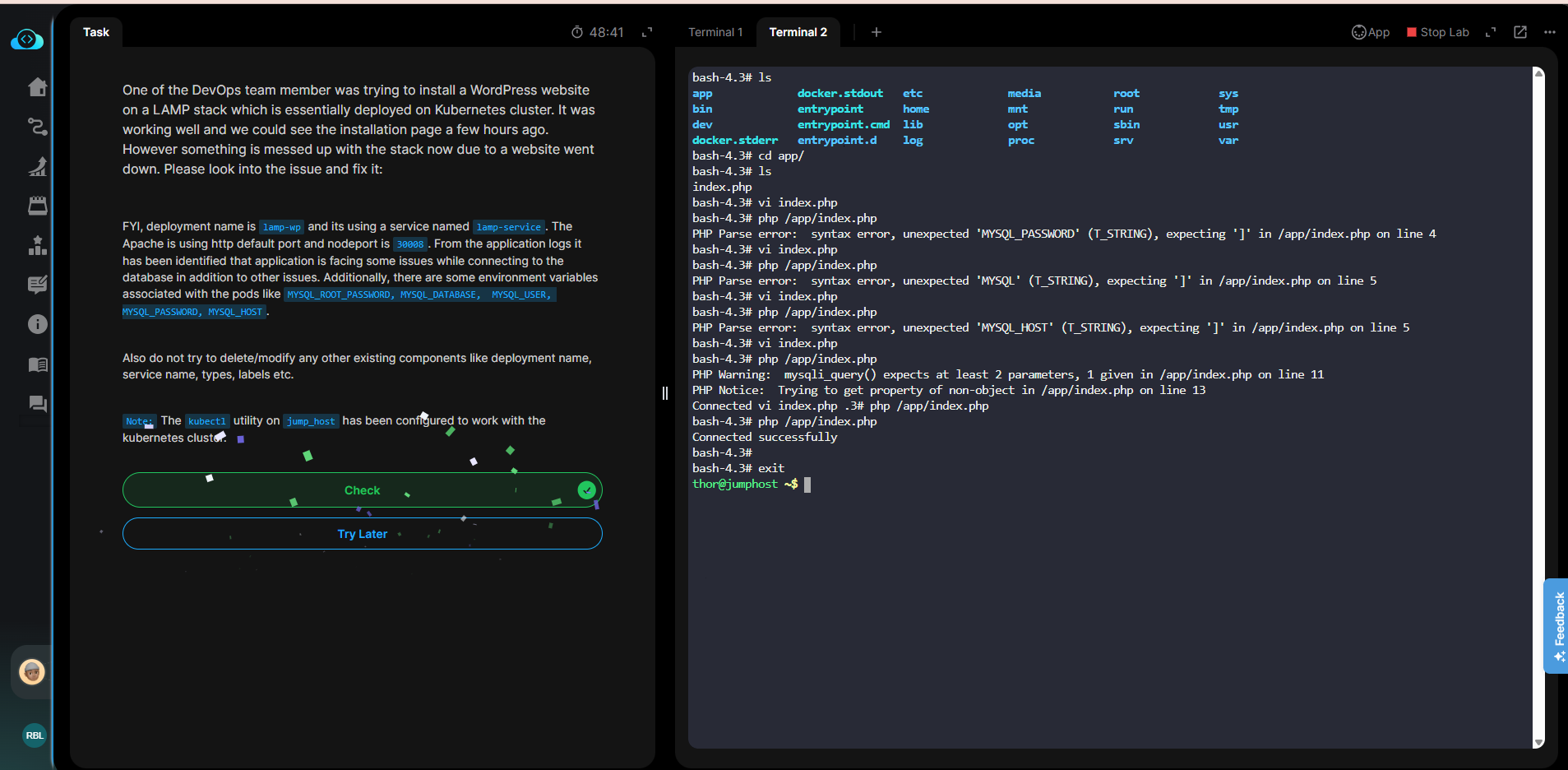
i have already done it and the app is also running.
Screenshot 2025-12-02 144710

still showing the task is not completed and showing this same message.

Mysql database is hardcoded in ‘index.php’
Mysql user is hard coded in ‘index.php’
Mysql password is hard coded in ‘index.php’
Mysql HOST is hard coded in ‘index.php’

I don’t know what they want me to do here or thats a bug.

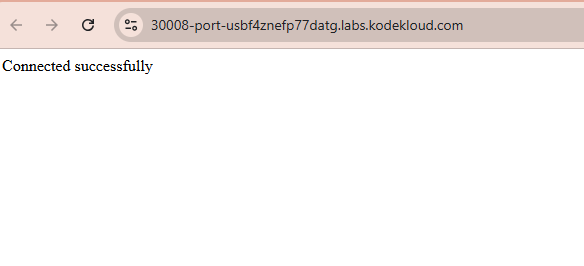
The page should display ‘Connected successfully’ to pass the task. After updating the PHP code, could you please run the PHP file again and share the output?
image