Miguel Gonzalez:
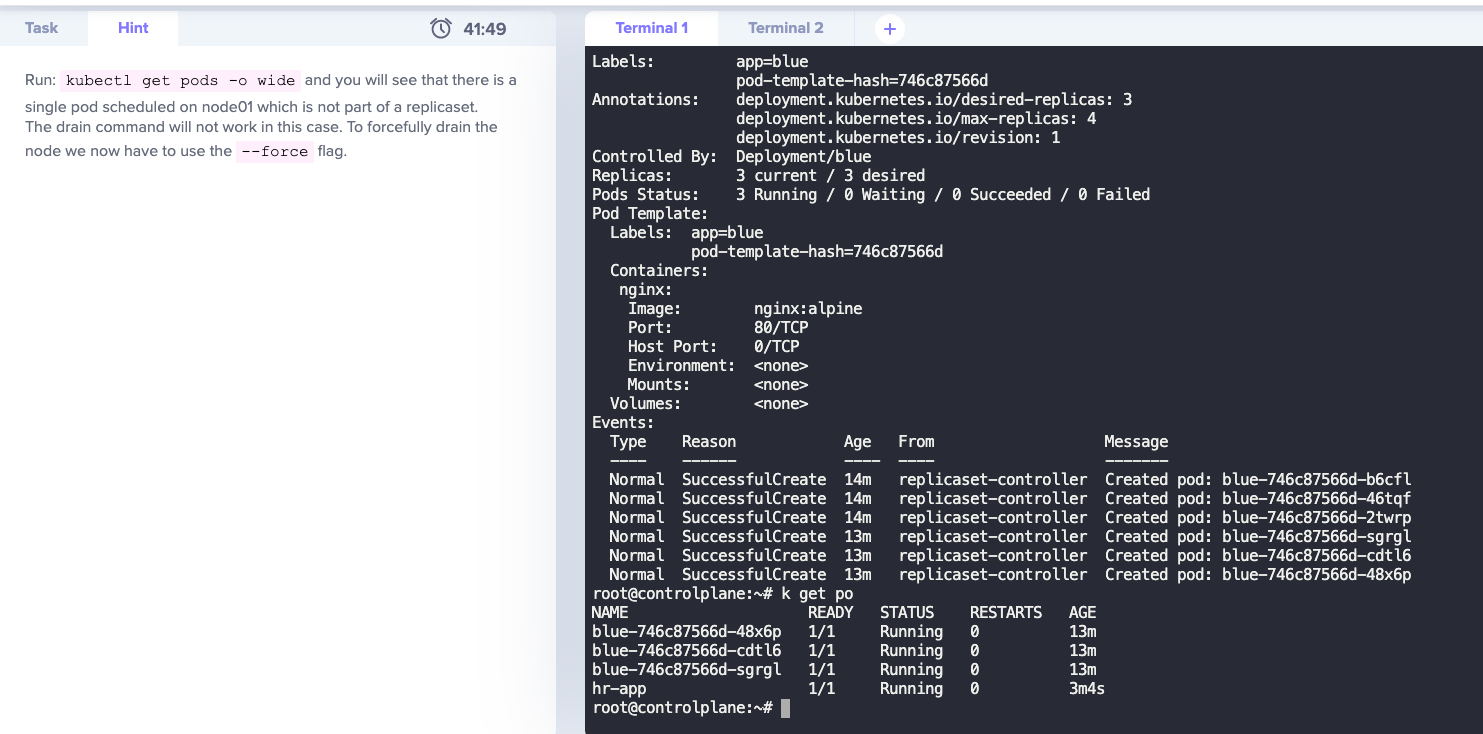
Hi, can you please give me more information about the solution for this lab? I would like to understand much better the issue
Miguel Gonzalez:
also…. is safe to use the option --force draining the node?
Nitesh Panchal:
It depends on your use case. Pods created as part of your replicaset would be scheduled on a different node when you drain the node. But pods created directly using yaml or kubectl run command would not be scheduled on a different node as they are not a part of deployment/replicaset/statefulset.
Nitesh Panchal:
So here when you drain the node, you would lose the pod hr-app permanently.
Miguel Gonzalez:
thank. you very much @nitesh kumar
Miguel Gonzalez:
If I want to drain the node, but I don’t want to destroy the pod (without replicaset). Should I edit the pod with NodeSelector? https://kubernetes.io/docs/concepts/scheduling-eviction/assign-pod-node/

unnivkn:
@Miguel Gonzalez you can have try with nodeSelector, but we need to verify it will support on the fly. Most probably you may have to recreate the pod.
Tej_Singh_Rana:
> If I want to drain the node, but I don’t want to destroy the pod (without replicaset). Should I edit the pod with NodeSelector?
No, nodeSelector won’t help in this case.
Tej_Singh_Rana:
It can’t be assigned to the other available nodes during draining.
Tej_Singh_Rana:
That’s why it gives a warning when we run the drain command. There is a single pod running which is not a part of the replicaset, deployment etc…So after draining it would evict the pod permanently.
It’s not a part of other controllers so as we already know that controllers maintain the state/replicas of the resource. So in the case of a single pod, there is no controller and no chance to schedule that single pod in another node.
You have to take a backup (save that pod manifest file) and add nodeSelector and assign it to a specific node.
Miguel Gonzalez:
thank you @Tej_Singh_Rana and @unnivkn now I could understand it perfect! thanks a mil