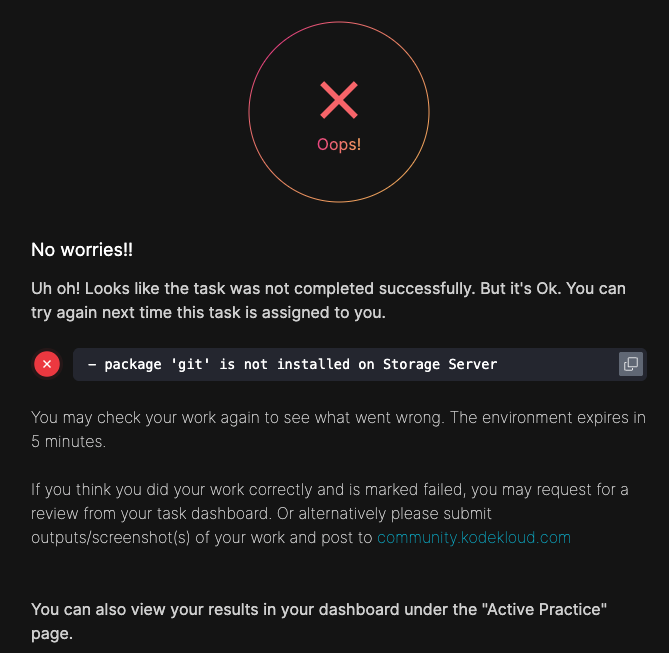
I have created the bare repository. When I click on Check, it says, git is not found. But you can see from the uploaded screenshot that it exists. It was installed with sudo yum install git.
Can someone please suggest what’s missing? The, which git, did not find git though. Is that the issue? But the git cli itself is accessible.
Thank you!
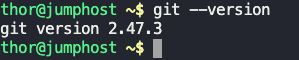
First of all, “jumphost” is not the Storage Server, so git not being installed on the Storage SErver (ststor01) is, well, weird. I’m thinking that a setup script did not execute correctly for the lab, which is also weird. Please try the lab again, and see if you see this again.
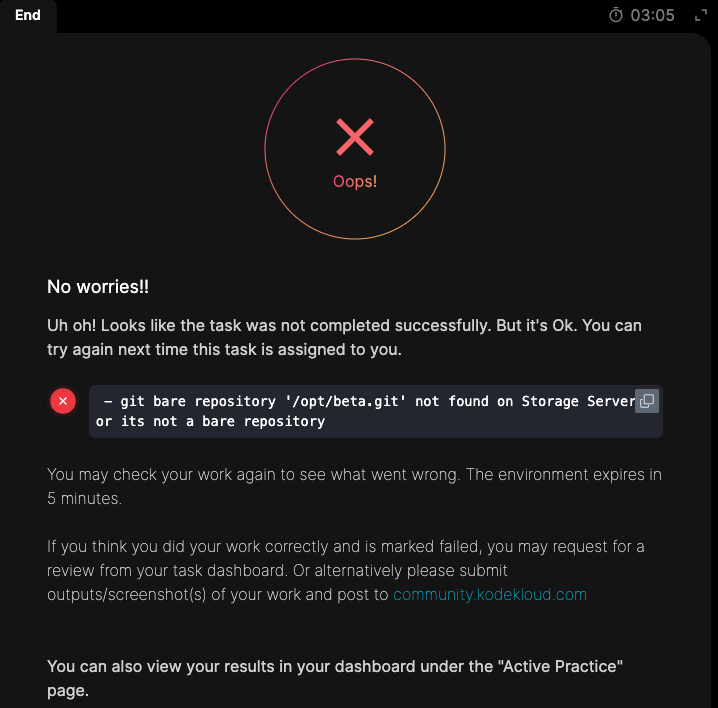
Thank you, Rob! Yes, I realized my mistake soon after I posted. I then corrected it to get to the jump host and redo this (this time with beta.git as was requested). But this time it says it’s not a bare repo. I am uploading the screenshots.
Thanks again!
What’s the lab exactly? This is clearly a KKE lab, but what was the name of the lab / day of 100 Days / etc.?
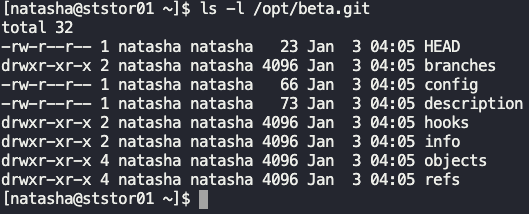
I notice that the directory belongs to natasha, which is probably not what they wanted. I did the action as root, and the grader was happy:
[root@ststor01 ~]# cd /opt
[root@ststor01 opt]# ls -l
total 0
[root@ststor01 opt]# git init --bare official.git
hint: Using 'master' as the name for the initial branch. This default branch name
hint: is subject to change. To configure the initial branch name to use in all
hint: of your new repositories, which will suppress this warning, call:
hint:
hint:   git config --global init.defaultBranch <name>
hint:
hint: Names commonly chosen instead of 'master' are 'main', 'trunk' and
hint: 'development'. The just-created branch can be renamed via this command:
hint:
hint:   git branch -m <name>
Initialized empty Git repository in /opt/official.git/
[root@ststor01 opt]# ls -l
total 4
drwxr-xr-x 7 root root 4096 Jan  3 04:36 official.git
[root@ststor01 opt]# ls official.git/
HEAD  branches  config  description  hooks  info  objects  refs
[root@ststor01 opt]#
1 Like
Thank you! That’s interesting. Because I logged in as Natasha, thought that should be the user owning it. But will give it a try again.
Thanks a lot!
Yes, that was it! Thank you Rob!
The small clue is that the repo needs to be created in /opt which is a root-owned directory. Nothing was mentioned about setting any permissions or ownership 
In the real world it would be extremely unlikely to create a git repo in /opt! That directory is similar to Program Files in Windows, or Applications in Mac