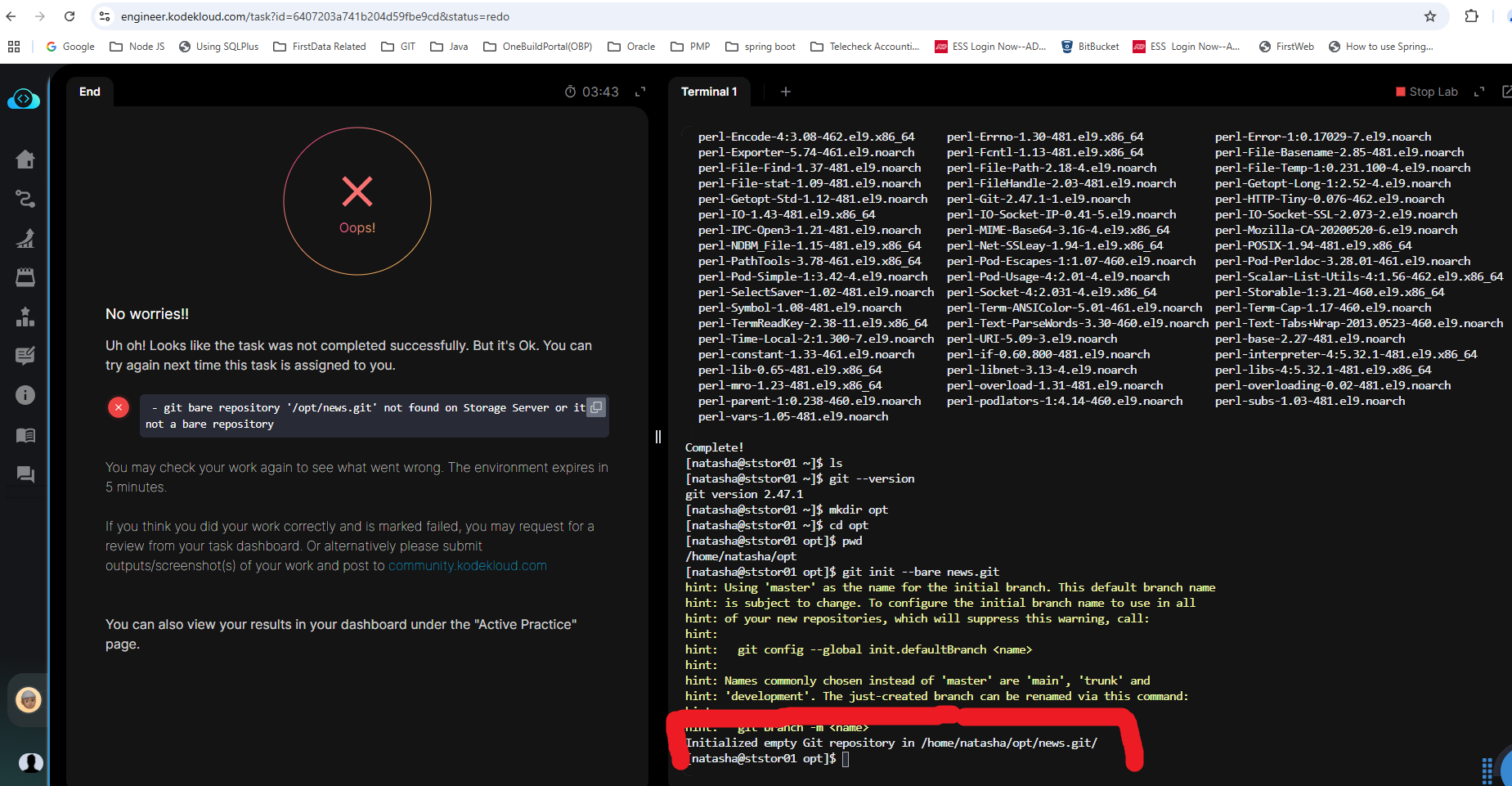
hi team, i am creating on the storage server and secondly it says repo initialized.
attached screenshot. please help.
Hi @sriramr ,
Please read the error message. It’s looking under the /opt/ directory, not /home/user/.
Regards,
1 Like
ok will check…thanks
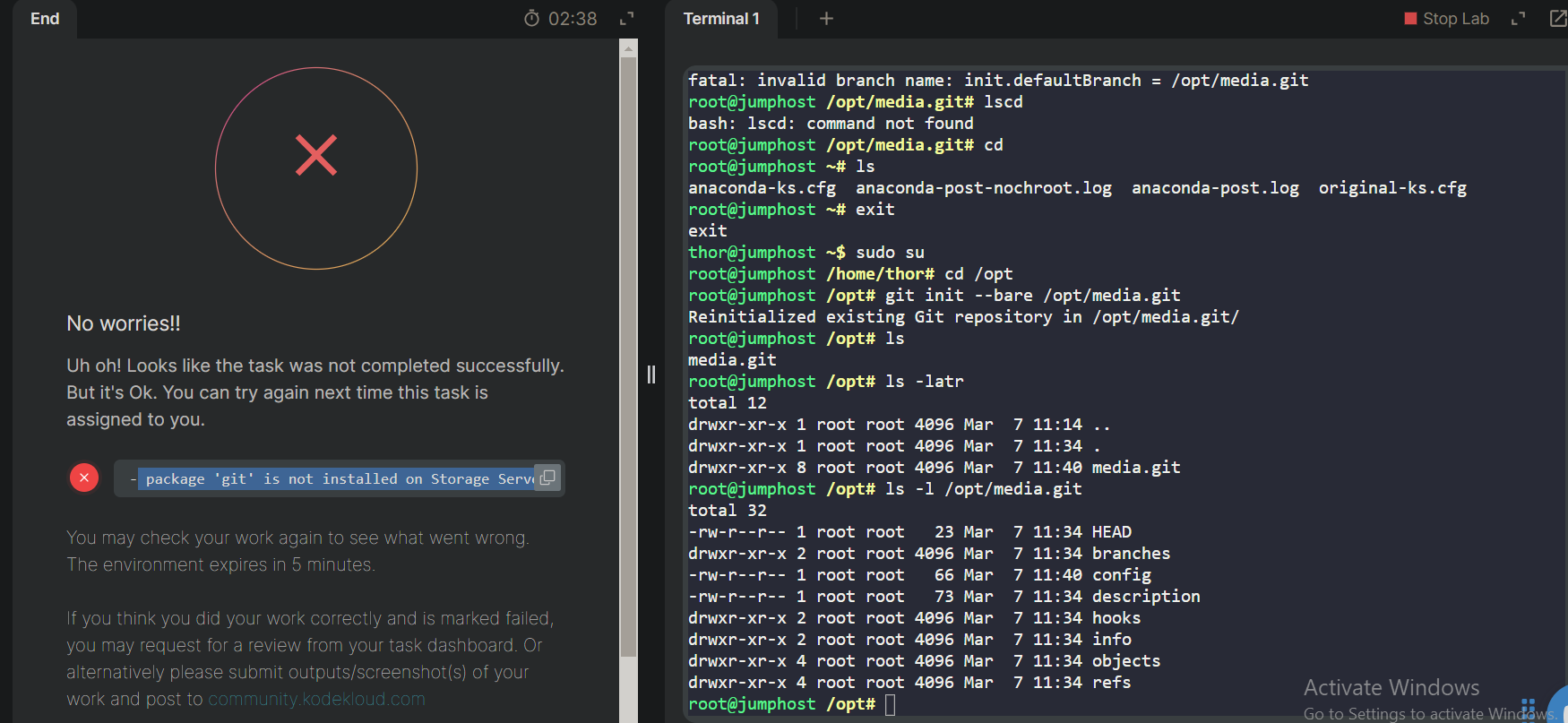
@Tej-Singh-Rana could you please help me out on this? i have installed the package with ‘sudo yum install git -y’ but still getting this error.
Hi @sammyjel ,
You need to perform this task on the storage server, but you’re trying it on the jump_host server.
Media player are not working
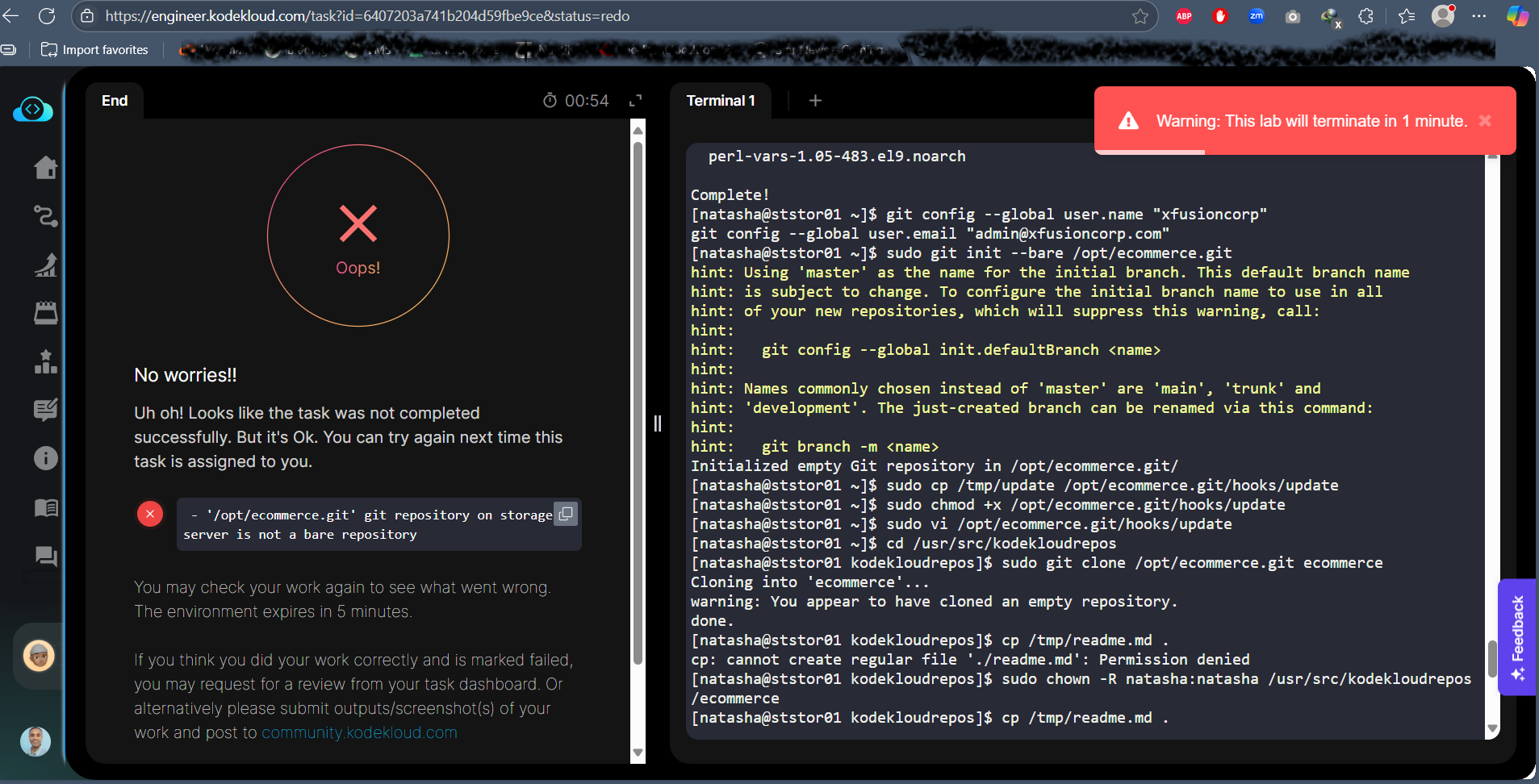
i did logged in to storage server of nautilas with user natasha.
i did installed git package
Created a bare repository named /opt/official.git
By following these steps sudo mkdir -p /opt/official.git
cd /opt/official.git
sudo git init --bare
also performed below steps gave proper permission but still getting same error
git clone natasha@ststor01:/opt/official.git ~/official
sudo chown -R thor:thor /opt/official.git
could you please guide me?
@MJislearning first, let’s make sure I know what lab you’re doing, since there are a number of similar tasks, and it matters whether the directories are originally assigned to natasha, or to root. I can say that chowning to thor is certainly wrong if you’re on the storage server though.
@rob_kodekloud firstly thanks for your response. and just you asked it’s day 1 lab of git level 1
Set Up Git Repository on Storage Server
That lab needs to be done as the root user. Use sudo -i to get root access.
[root@ststor01 ~]# cd /opt
[root@ststor01 opt]# git init --bare cluster.git
hint: Using 'master' as the name for the initial branch. This default branch name
hint: will change to "main" in Git 3.0. To configure the initial branch name
hint: to use in all of your new repositories, which will suppress this warning,
hint: call:
hint:
hint:   git config --global init.defaultBranch <name>
hint:
hint: Names commonly chosen instead of 'master' are 'main', 'trunk' and
hint: 'development'. The just-created branch can be renamed via this command:
hint:
hint:   git branch -m <name>
hint:
hint: Disable this message with "git config set advice.defaultBranchName false"
Initialized empty Git repository in /opt/cluster.git/
[root@ststor01 opt]#
1 Like
it worked thank you for your support.