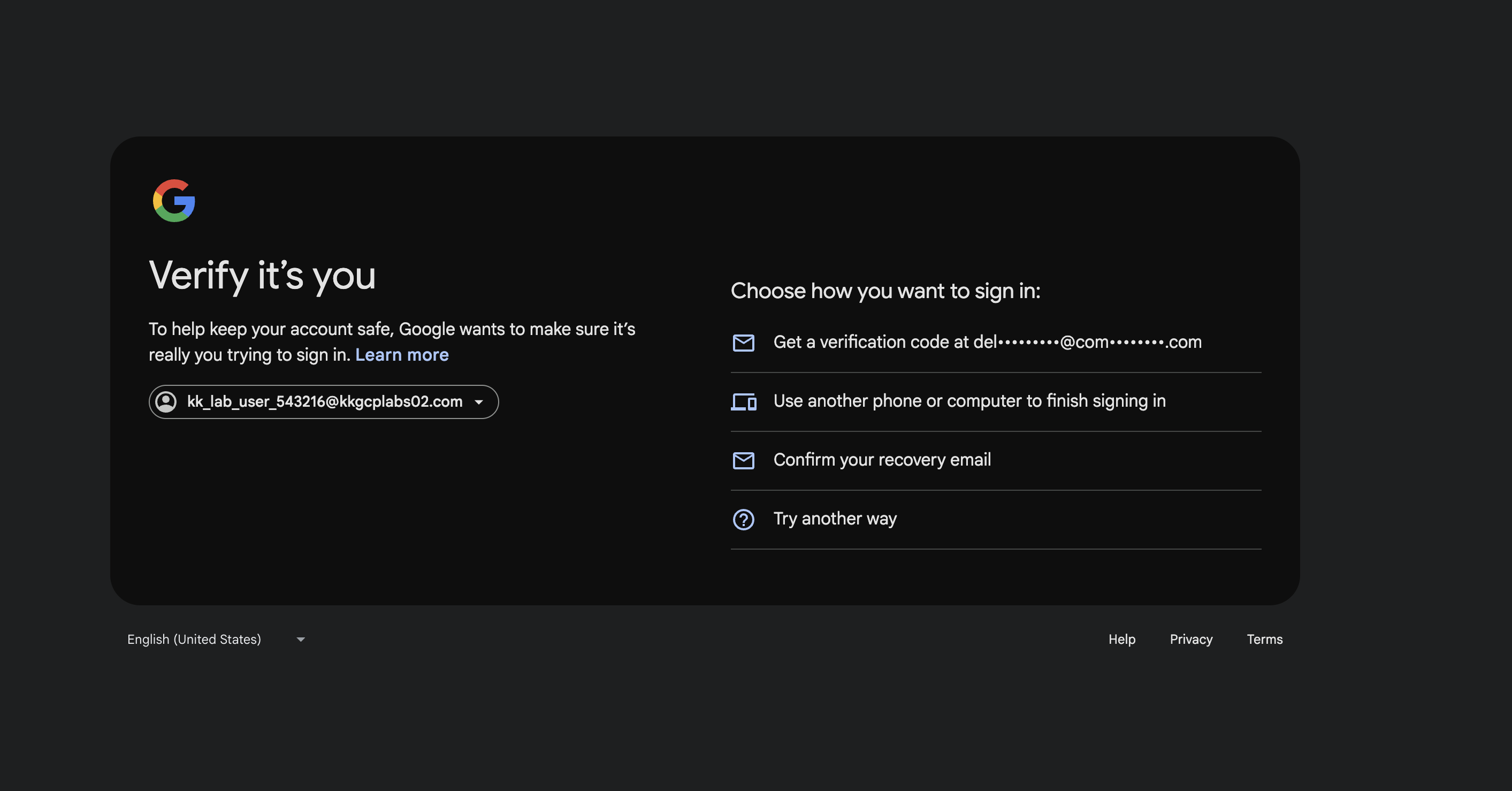
Getting login issue while accessing GCP playground, I opened the link in provate/incognito mode, still I’m getting stuck on this screen.
Could you please try this loging out of KodeKloud and clearing the site-data?
It appears that KK GCP account is interferring with your personal account,
I was able to get the GCP sign in to work by doing the following:
-
Using Google Chrome as the browser
-
If signed into Google Chrome, sign out
-
Right click on the link to the GCP instance, and select New Incognito window
-
Use the Username and password provided
-
It should then prompt you for the Employee Id
-
Enter the Employee Id and sign in.
This should get you to sign in.
I hope this helps!