Hi everyone,
I need some help with accessing the GCP playground on KodeKloud. Whenever I try to open the playground link, it asks me to sign in with my Google account. I’m not sure if I’m supposed to log in using my personal Google account or if I should be able to access it using the username and password provided by KodeKloud. Since I’m new to GCP, I’m finding this a bit confusing. Can someone please guide me step by step on how to properly connect to the GCP playground? Thank you!
Hi @himanshii ,
You don’t need to use your personal Google account. Please open the link in incognito mode, enter the email, password, and employee ID (if prompted), and access the GCP console.
Regards,
Hi, thanks for the response.
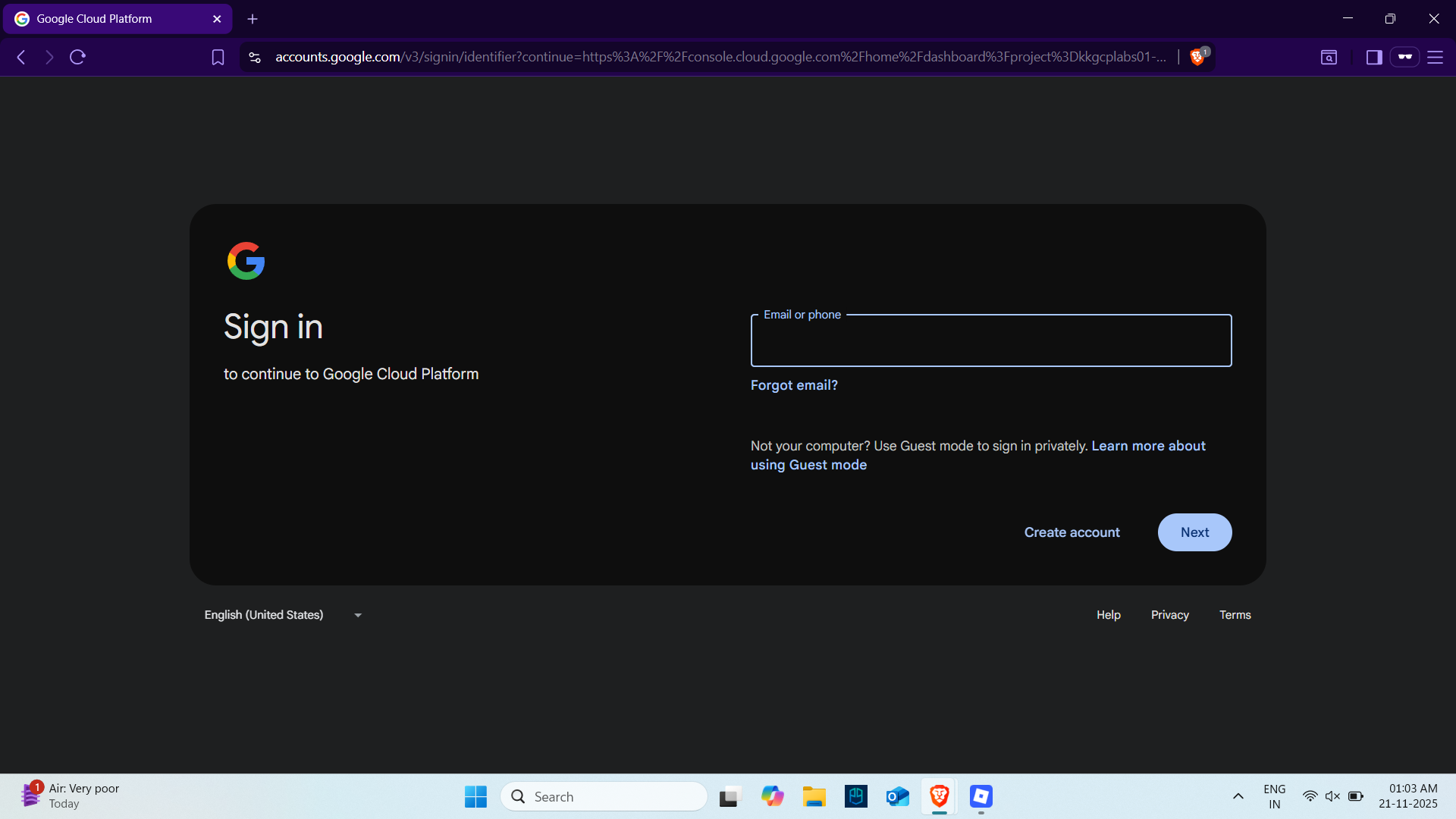
I already tried opening the link in incognito mode, but it directly takes me to the Google login page and doesn’t show any option to enter the KodeKloud username, password, or employee ID. It only asks for my personal Google account.
Can you please guide me on how to access the correct login screen?
Thanks!
Hi @himanshii ,
Please enter those login credentials. It didn’t say to enter your personal email address.
Regards,
1 Like