Hi I am trying to run my first lab but I cant run any labs I tried multiple times. I tried from Chrome and Firefox. Sometimes I just get a blank screen while sometime an error
Could you please include a link to a lab you tried and failed to get into? It’s not clear what you’re doing, so it’s not clear how to help you 
In the meantime, you can try:
- Using an “incognito” type of window, to make sure it’s not a cookie or plugin related problem.
- Make sure you’re not in a network (or using an ISP) that blocks kodekloud.com. Your browser tools will show network related errors if this is the case.
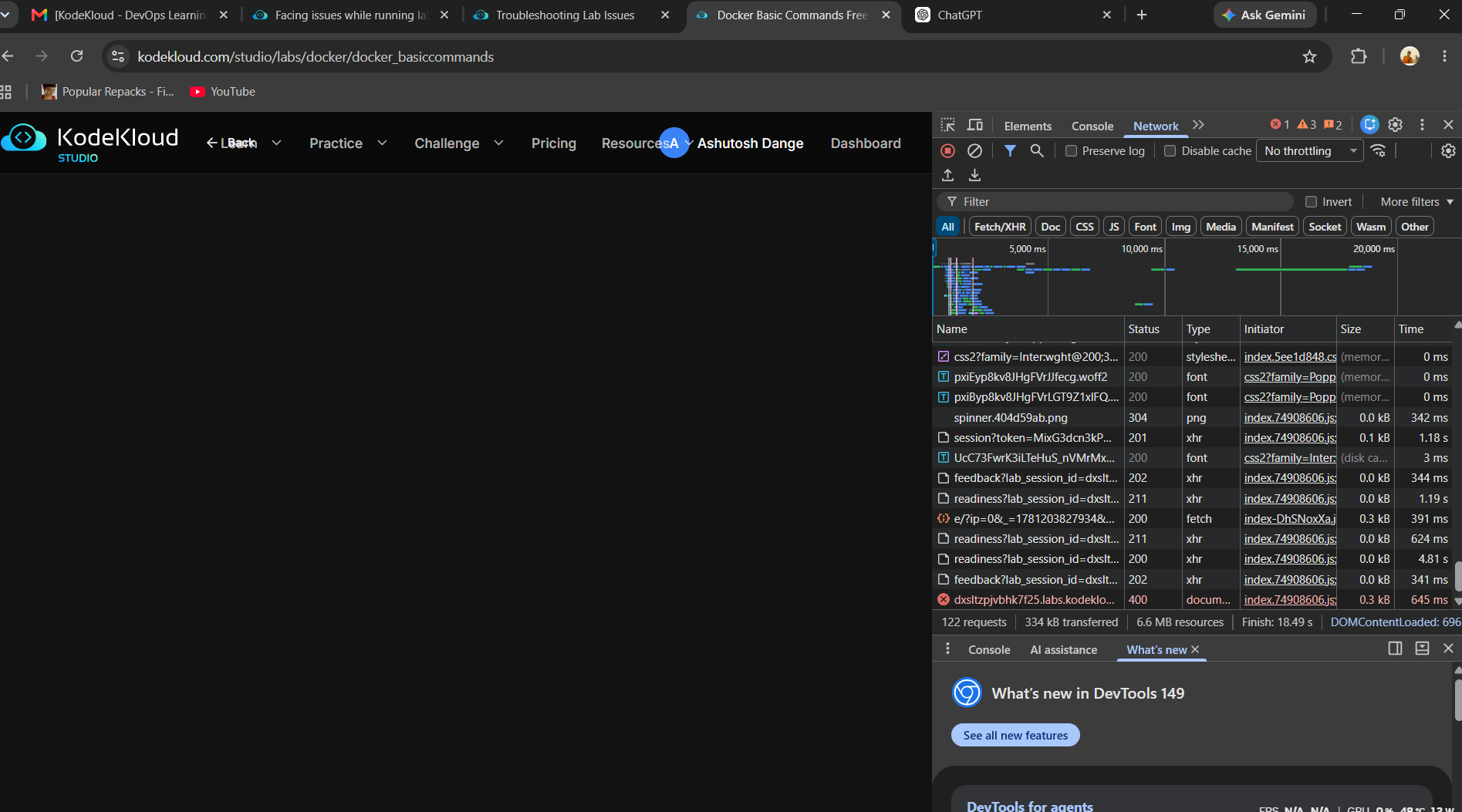
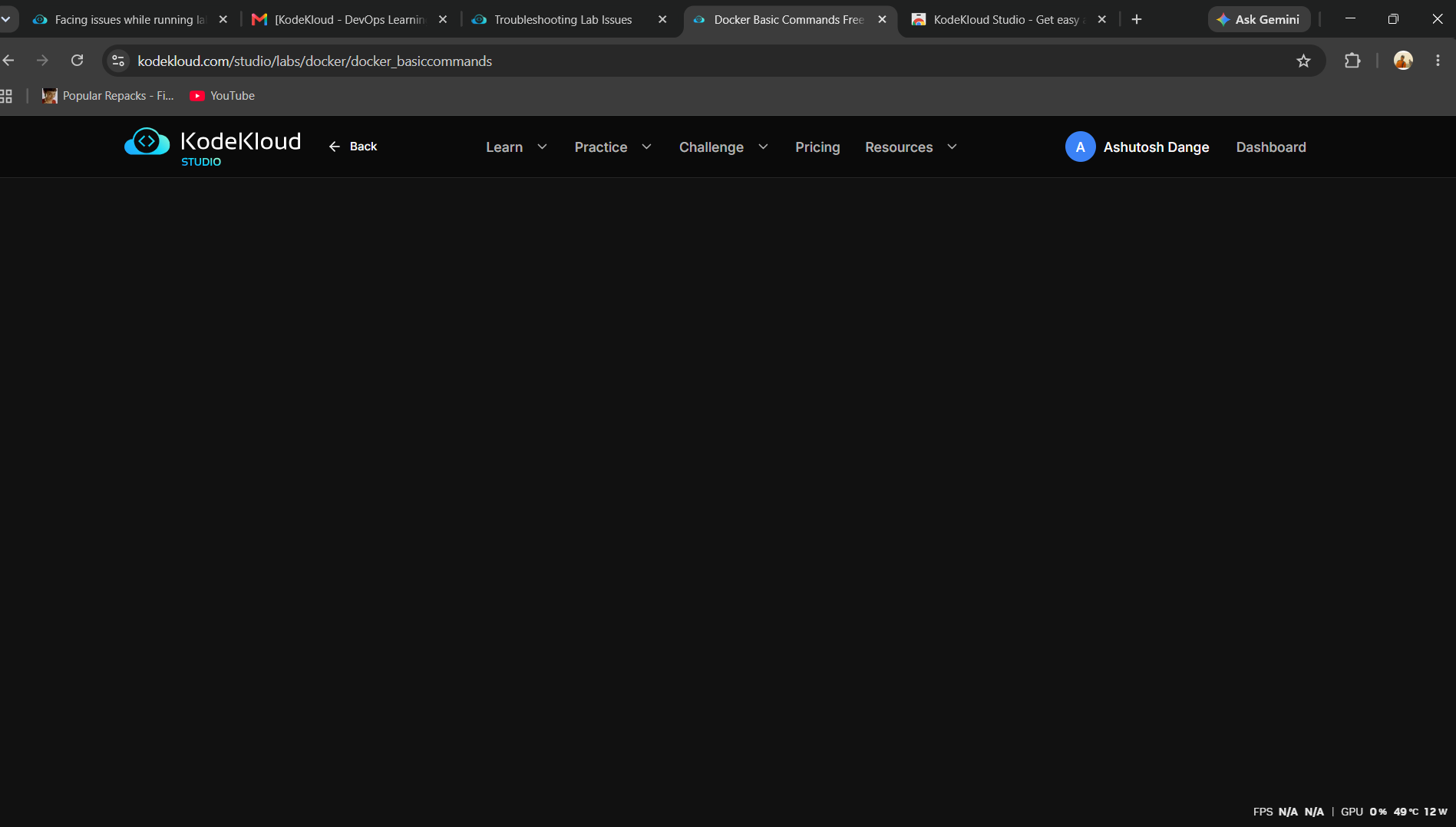
I am trying to open the docker basic command lab. But also tried other labs as well. I tried in incognito mode, also tried logout and login but nothing worked. All I get is blank screen.
I also tried switching to multiple networks. There is no VPN on my laptop and also not extensions on chrome.
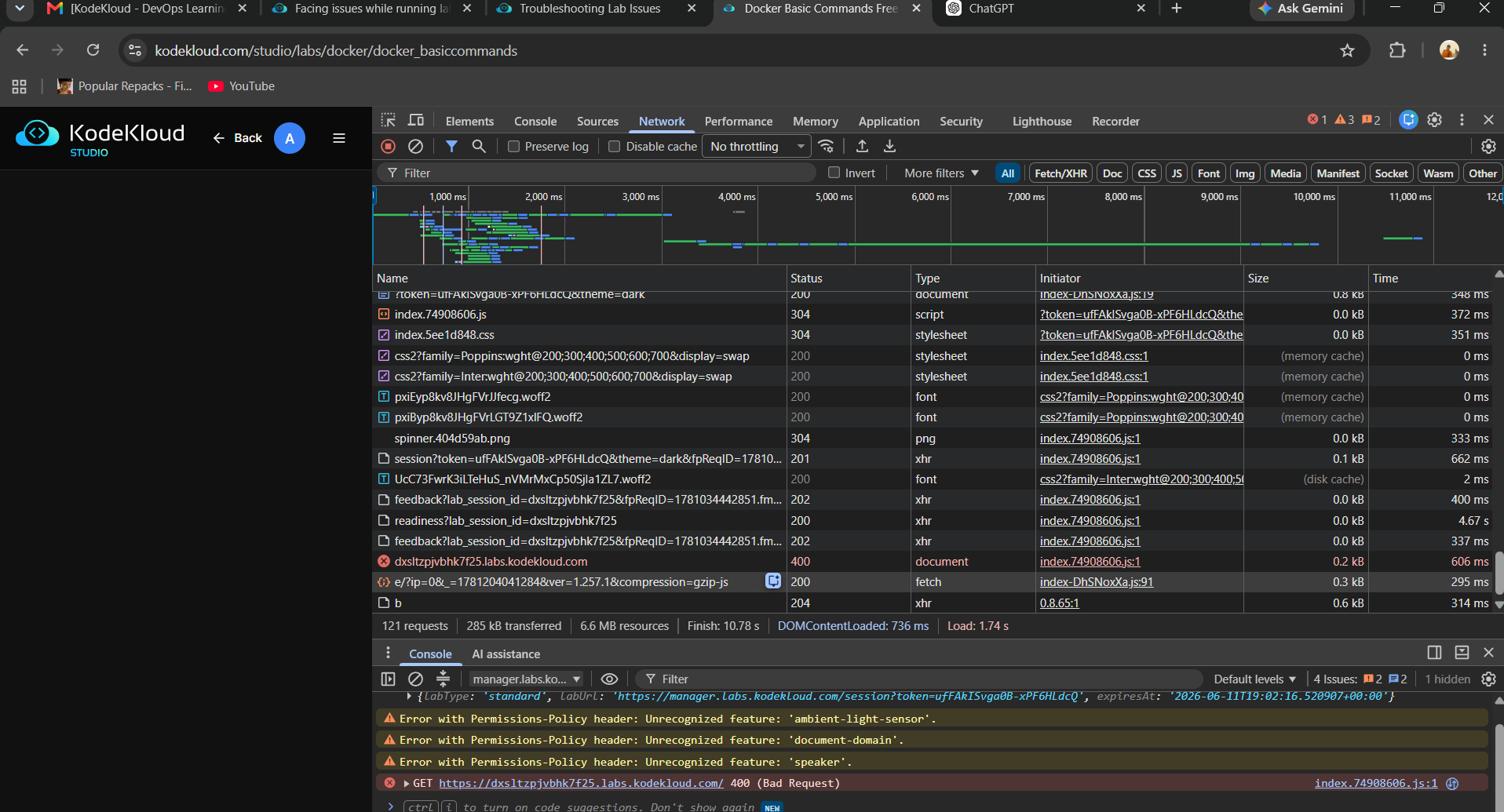
Sounds like. Try clearing your browser cache for kodekloud.com related domains. Might be a “header/cookie too large” type error.

Have you tried “incognito mode”? Also, which browser and platform are you using?
Already tried on incognito mode but same issue. I am using chrome browser and it is updated as well. I also reinstalled chrome but no luck
If you open browser tools when you try to start a lab, are you seeing any networking related errors? If your local firewall or content proxy (or that of your ISP) block URLs or resources, this might also cause this kind of problem.