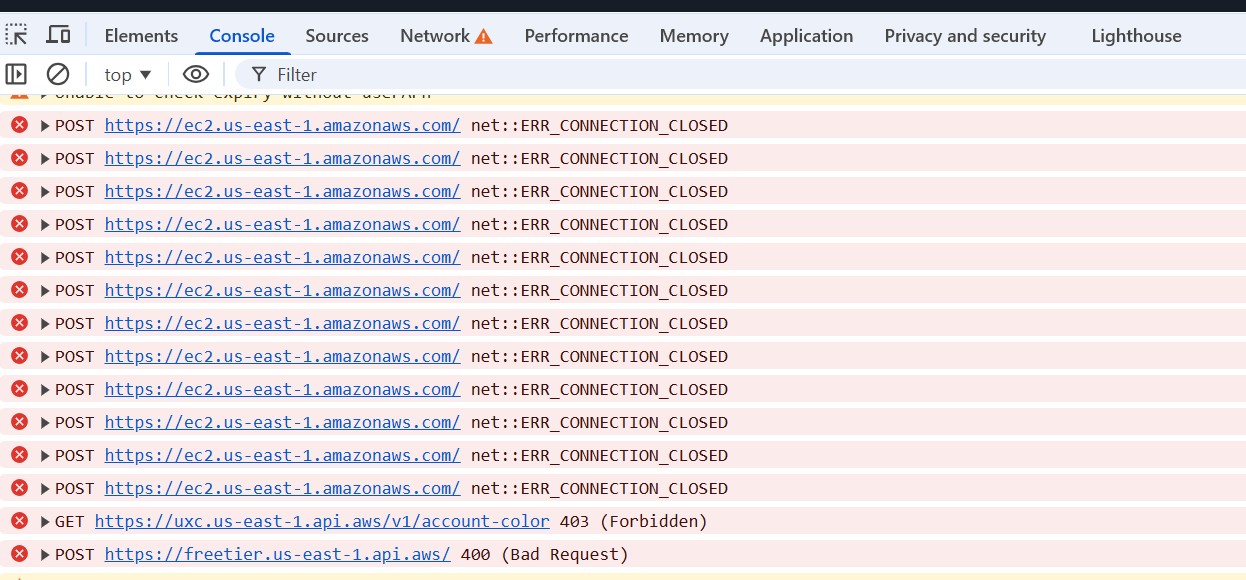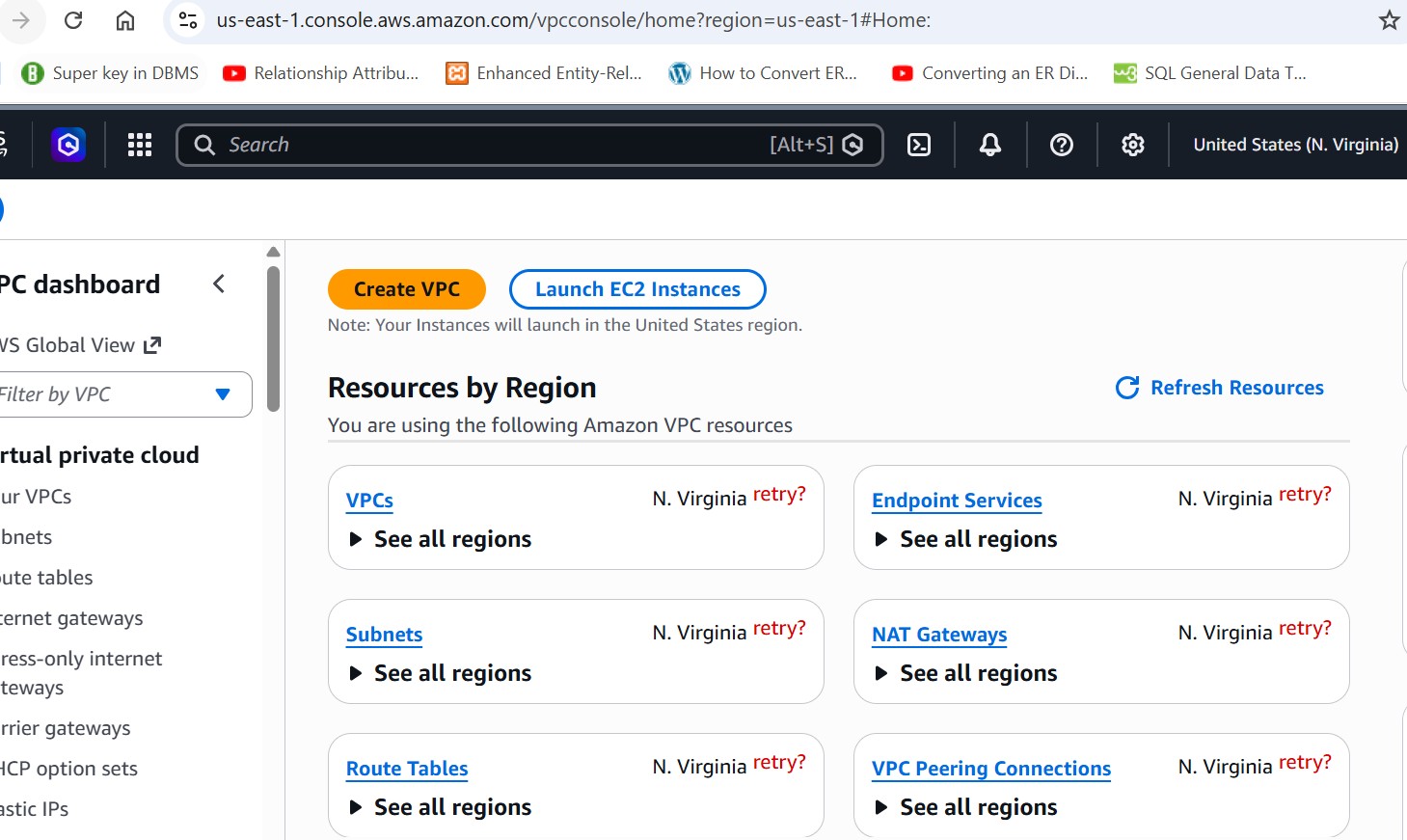
i am facing issue in us-east-1 labs its saying everywhere “Failed to fetch. Try again later”.Tried multiple times, same result
Can anyone check this
Day 2: Create Security Group,
I was tryying to access the console
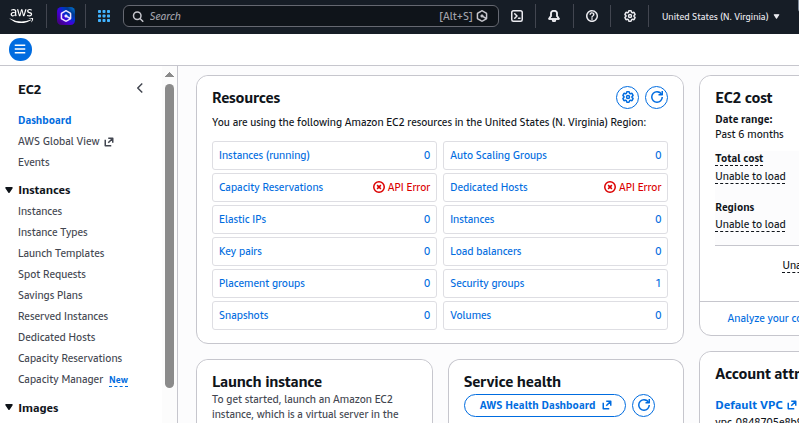
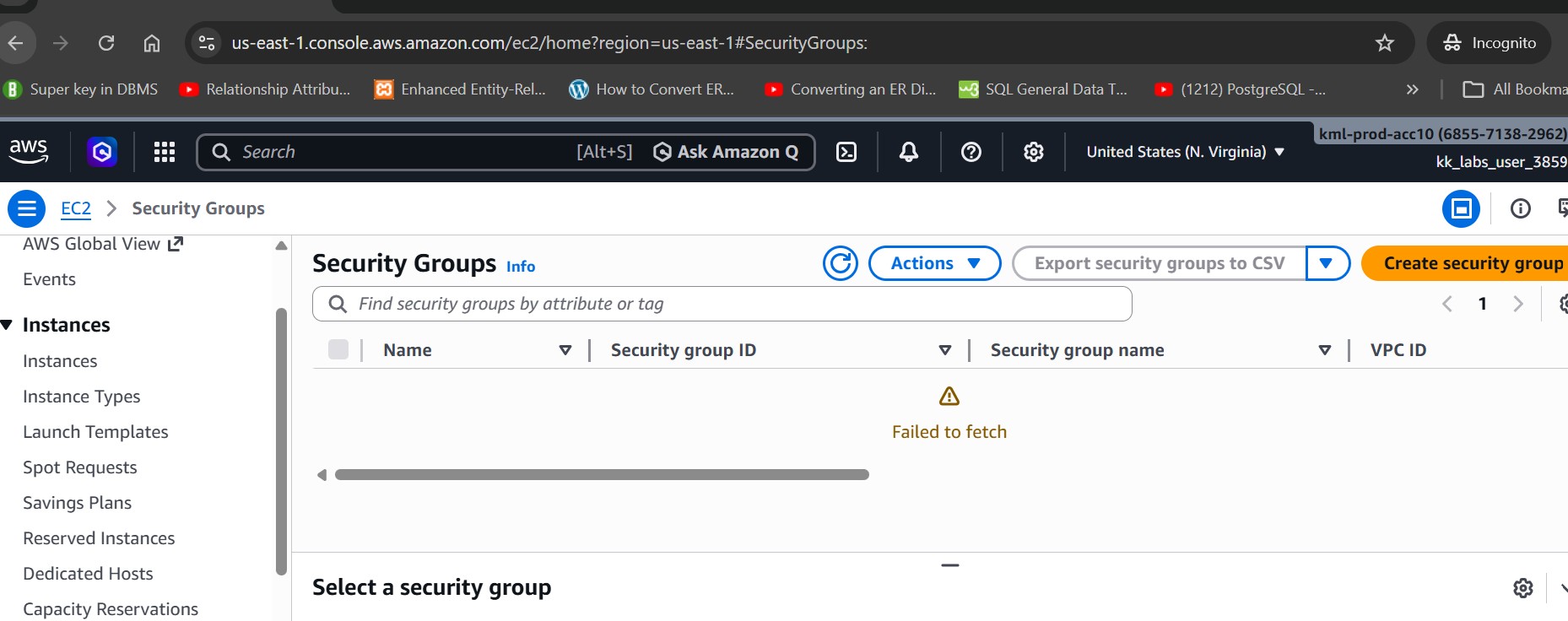
Not working for me everwhere i am seeing Failed to fetch
WHat should be next step? i tried in incognito
Try clearing your browser cookies and attempting the lab again.
Facing the same issue in difference bowser even on different PC
Looking up the “failed to fetch” error, it looks like a networking issue related to your end. The post says:
This page about Console Troubleshooting may help you: Troubleshooting - AWS Management Console
In particular, check your privacy browser extensions or security firewalls, they might be blocking access to the domains used by the AWS Management Console. Try turning off these extensions or adjusting firewall settings.
To verify issues with your connection, open your browser developer tools (Chrome, Firefox) and inspect the errors in the Console tab. The AWS Management Console uses domains’ suffixes including the following list.
It continues:
The page isn't loading properly

If this problem only occurs occasionally, check your internet connection.
Try to connect through a different network, or with or without a VPN, or
try using a different web browser.

If all impacted users are from the same team, it may be a privacy browser
extension or security firewall issue. Privacy browser extensions and security
firewalls can block access to the domains used by the AWS Management Console.
Try turning off these extensions or adjusting firewall settings.
To verify issues with your connection, open your browser developer tools (Chrome, Firefox)
and inspect the errors in the Console tab. The AWS Management Console uses domains' suffixes
including the following list. This list is not exhaustive and can change with time. These domains'
suffixes aren't used exclusively by AWS.

.a2z.com
.amazon.com
.amazonaws.com
.aws
.aws.com
.aws.    dev
.awscloud.com
.awsplayer.com
.awsstatic.com
.cloudfront.net
.live-video.net
Best guess is that you’re accessing AWS from some place with network restrictions to one of these domains.