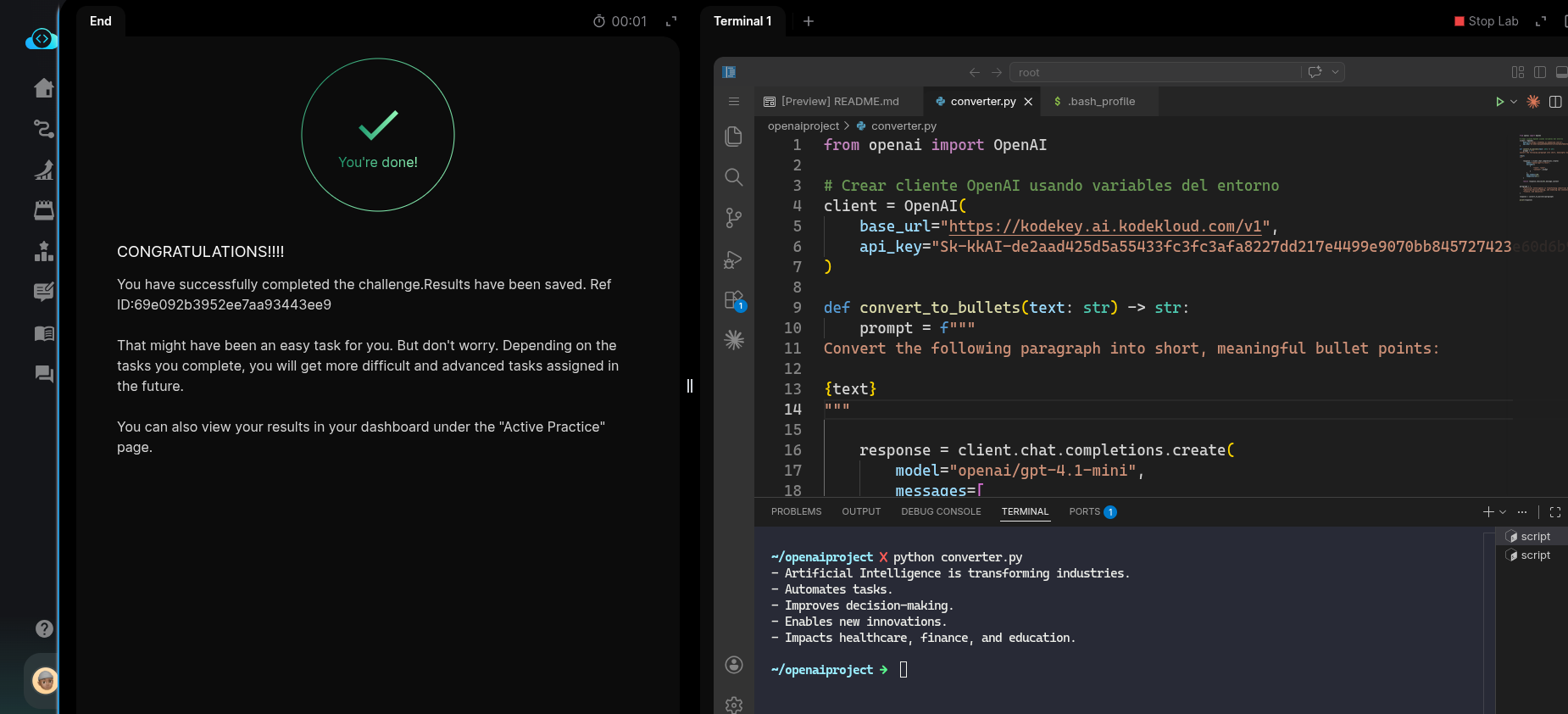
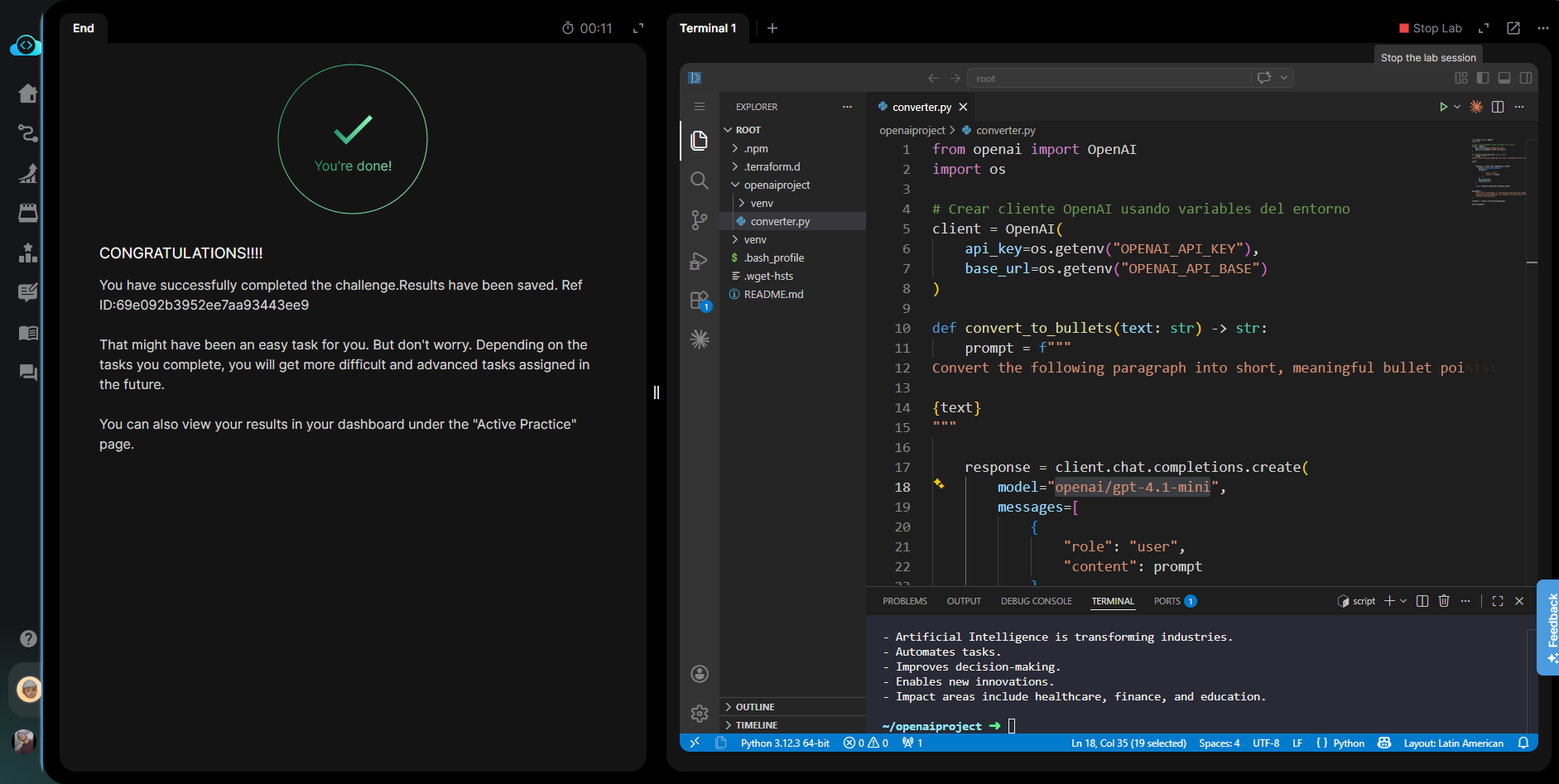
Hello, I’m trying to validate the lab, but I’m getting the following error:
‘converter.py’ exited with a non-zero status code: 1
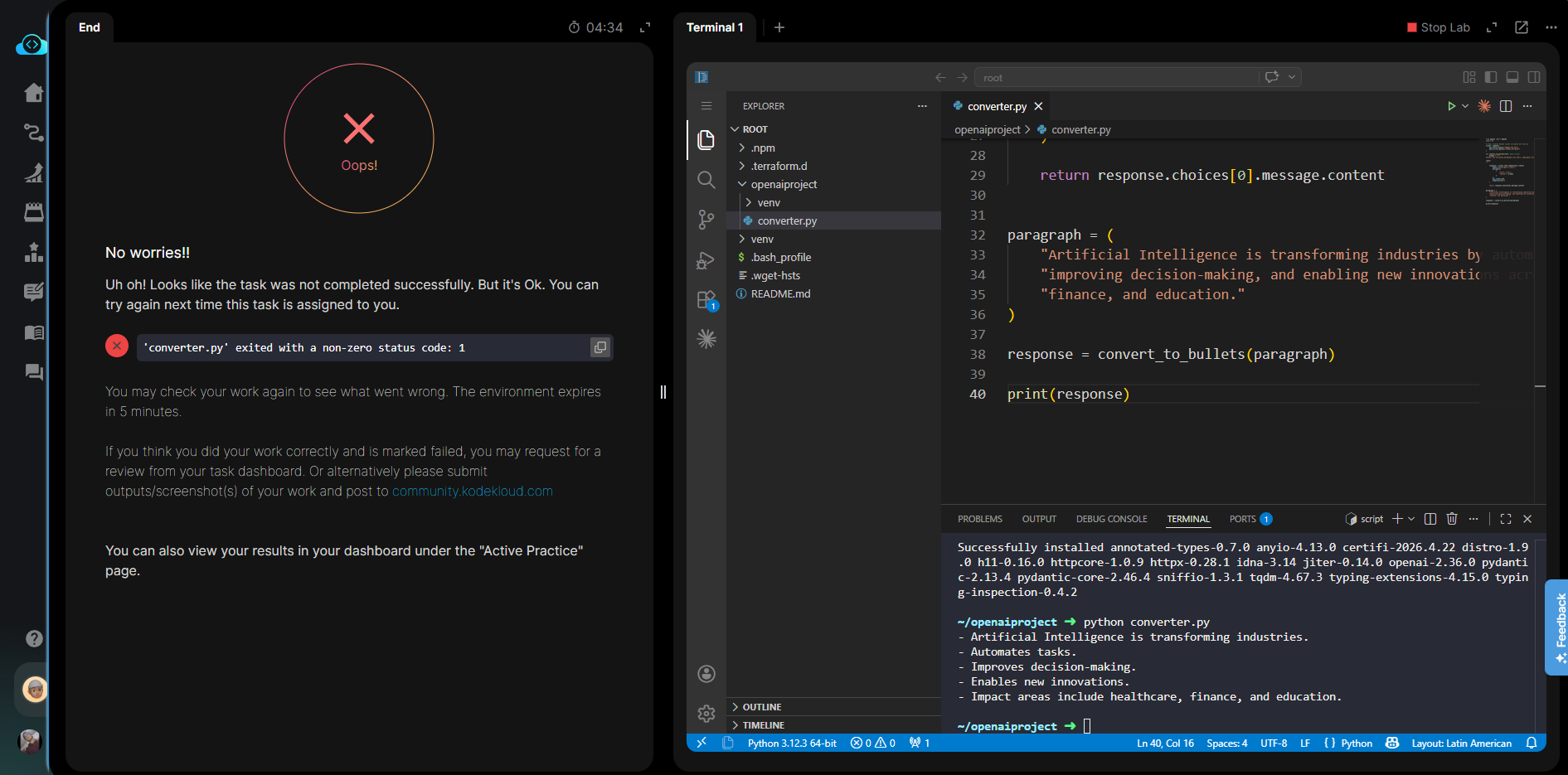
And this is the code I implemented:
from openai import OpenAI
import os

# Crear cliente OpenAI usando variables del entorno
client = OpenAI(
    api_key=os.getenv("OPENAI_API_KEY"),
    base_url=os.getenv("OPENAI_API_BASE")
)

def convert_to_bullets(text: str) -> str:
    prompt = f"""
Convert the following paragraph into short, meaningful bullet points:

{text}
"""

    response = client.chat.completions.create(
        model="openai/gpt-4.1-mini",
        messages=[
            {
                "role": "user",
                "content": prompt
            }
        ],
        max_tokens=150,
        temperature=0.1
    )

    return response.choices[0].message.content


paragraph = (
    "Artificial Intelligence is transforming industries by automating tasks, "
    "improving decision-making, and enabling new innovations across healthcare, "
    "finance, and education."
)

response = convert_to_bullets(paragraph)

print(response)
There’s another error related to the “openai/gpt-4.1” model. When I run it with that model, it gives an error, but it works correctly when I use the “openai/gpt-4.1-mini” model. Keep in mind that the lab instructions specify using the “openai/gpt-4.1” model.