hi team,
I’ve successfully completed the lab “Day 8: Enable Stop Protection for EC2 Instance”, but I received this message - Instance stop protection is not enabled for ‘devops-ec2’ instance. Can anyone please help me on this? I’ve attached the “error” and “successful completion” images for the reference.
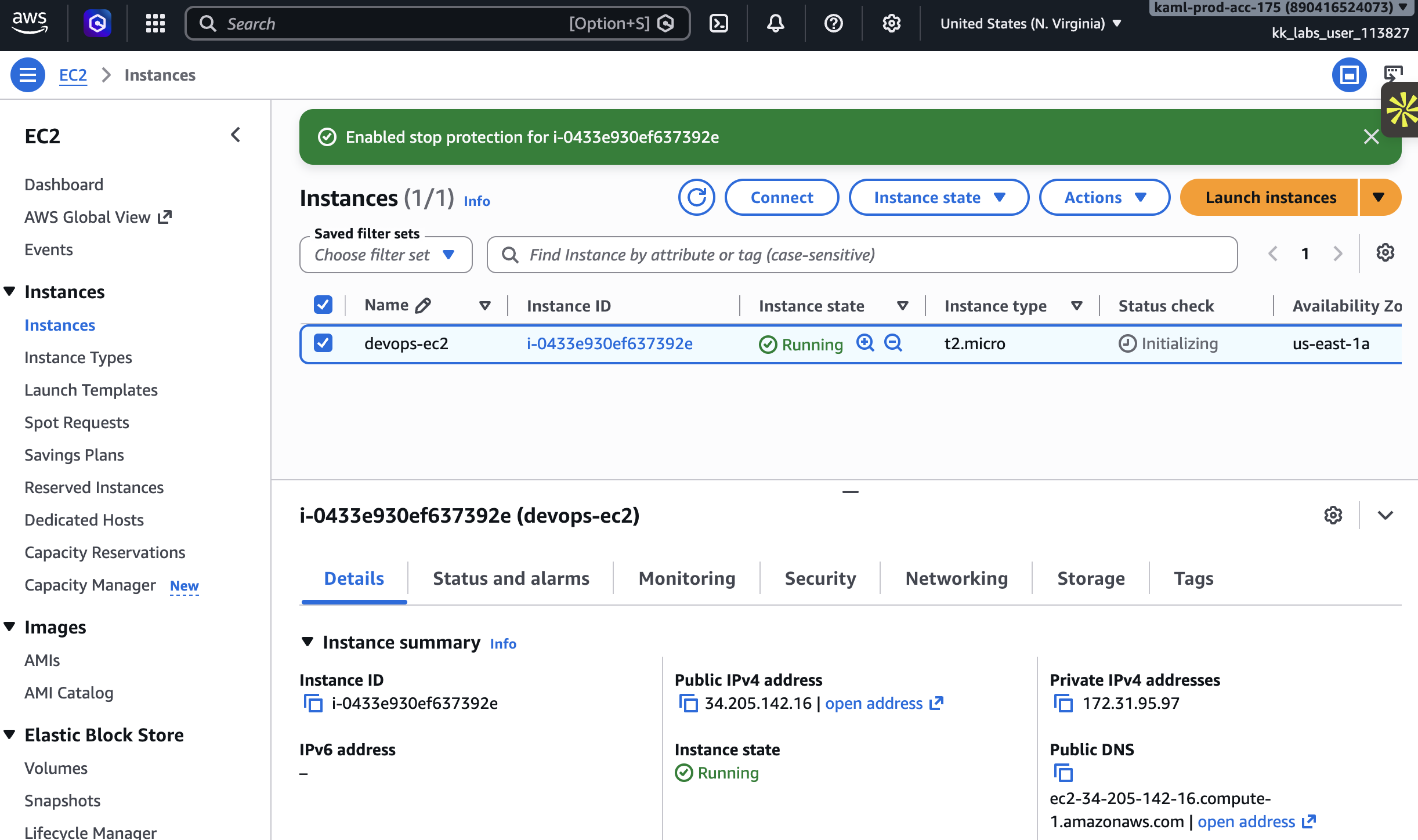
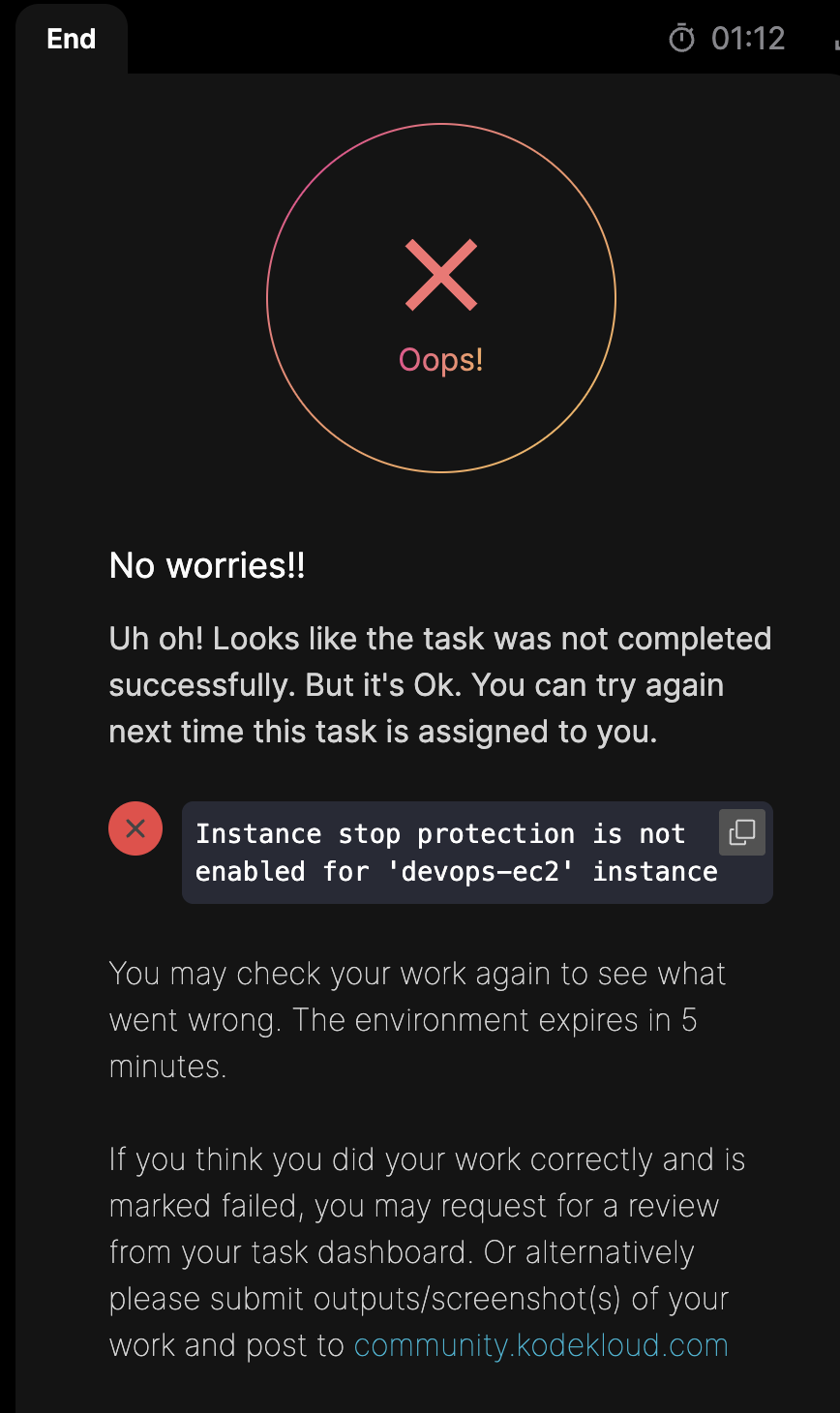
Could you please try this again?
I tried this lab, and it worked fine at my end.
I tried thrice, it throwing the same error!
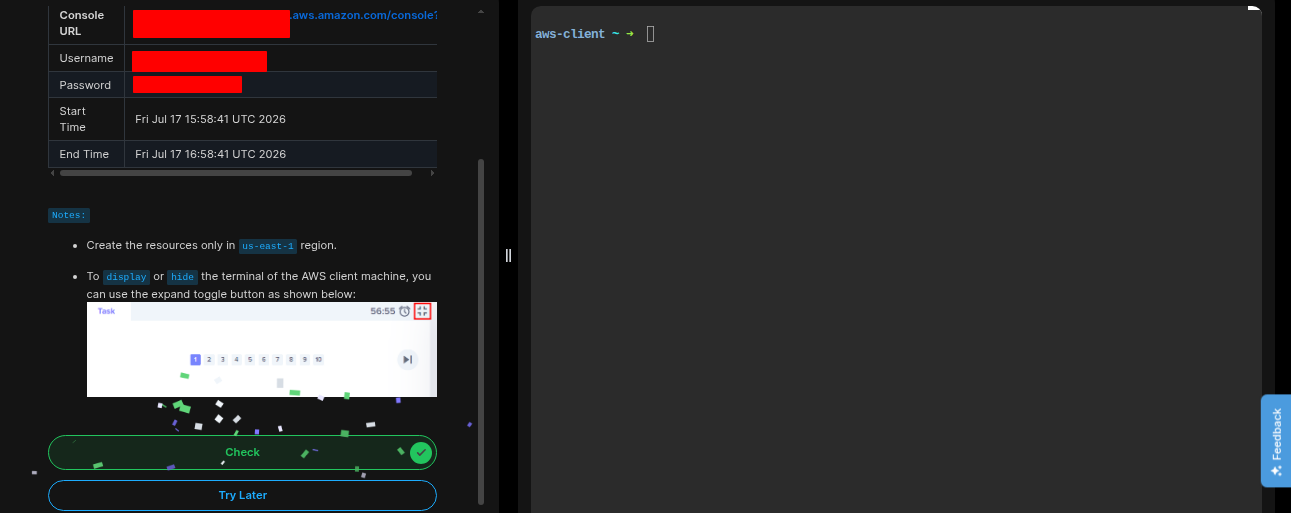
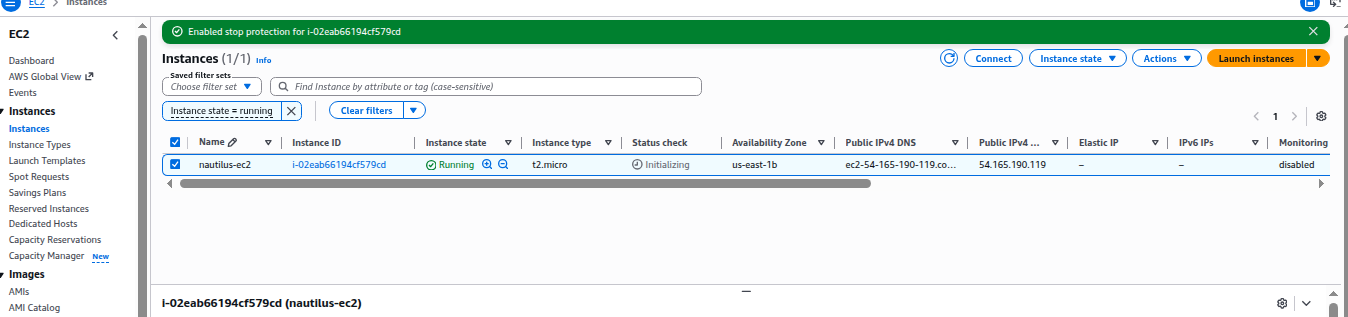
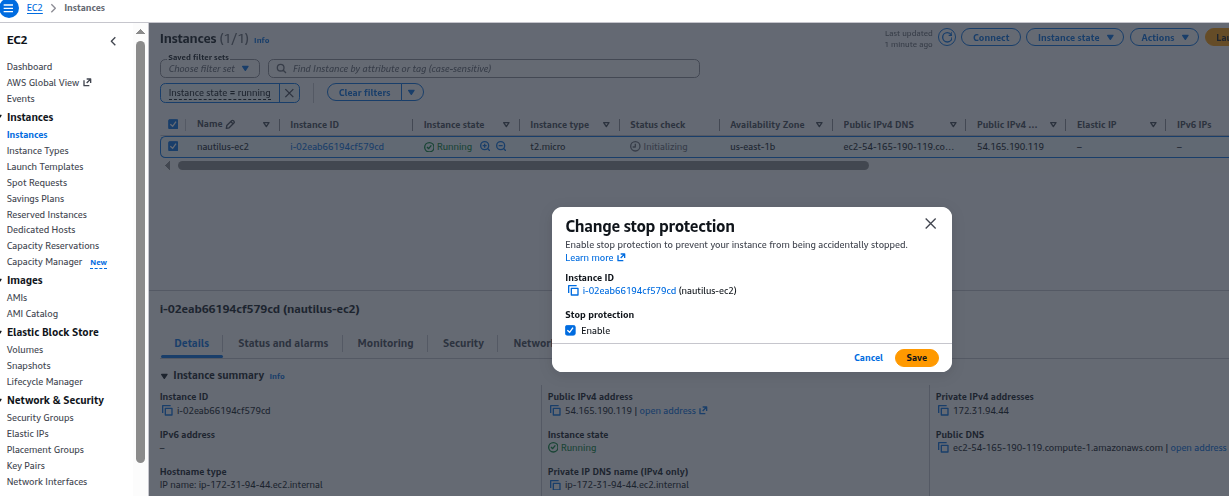
Instance stop protection is not enabled for ‘devops-ec2’ instance even if doing correctly also showing like this i tried 5 times
1 Like
Please take a look at this solution for Day 8 – I think it will describe what you need to do for the task. Most likely you’re deviating from what you need to do in some particulars.
Yes, I’m following the exactly same steps,tried 4-5 times now, but, I’m getting the same error every time!
But, it’s not working for me somehow!
Can you describe what you’re doing? Usually with these labs “following the exactly same steps” actually differs subtly from the solution, and that’s the key difference :-). In particular, note that the lab randomizes the names of some of the resources, so you need to adapt the solution to the resource names actually used in your instance of the lab.