Hi @vinicius.fernandes
This issue can occasionally occur. When it does, please review the guidance here:
# Lab Issues

* [Unable to access labs from Udemy course](#unable-to-access-labs-from-udemy-course)
* [Question options are all marked incorrect](#question-options-are-all-marked-incorrect)
* [Labs Disconnecting/Crashing](#labs-disconnectingcrashing)

For all lab issues that are not related to login problems, the primary channel for getting further information is our Discord server, so this is where you should go for further information and status updates.

## Unable to access labs from Udemy course

We provide a free enrolment coupon for labs on the Udemy courses. Please check the steps here: https://support.kodekloud.com/udemy-students-unable-to-access-labs. When creating an account on kodekloud.com as required, be sure to use the same email address you used for your Udemy account.

If you are still having an issue, please get in touch with the support team: support@kodekloud.com

## Question options are all marked incorrect

This is an intermittent issue. In such cases, please reload the browser page and redo the question. You don't need to stop/reset the lab. After reloading, it should pick up where you left off. So you can select the correct option for this question again and it should work.

Should this fail to resolve the issue, please report Discord, including a link to the lab and the question number.
show original
Follow the steps provided on that page and the pages it references. After trying the suggested actions, please retry the lab and let us know the result.
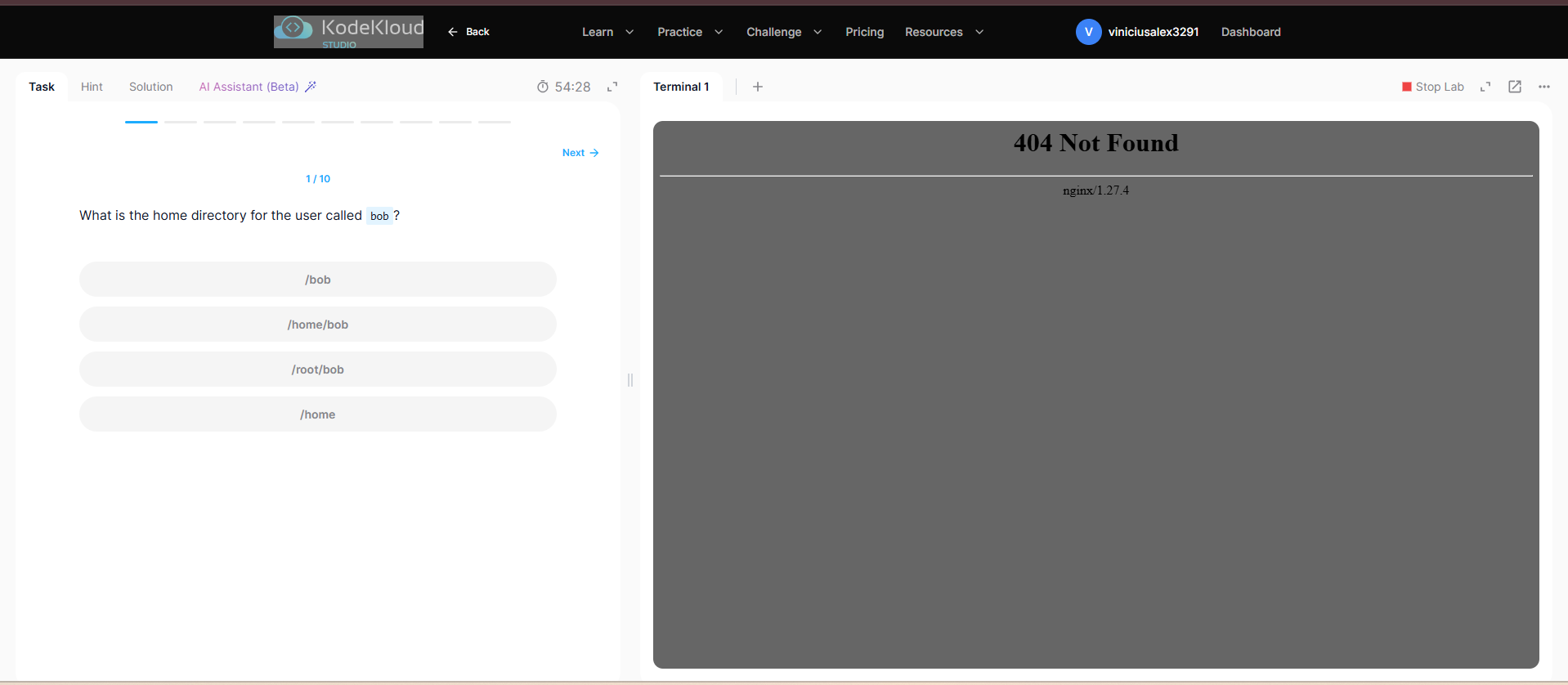
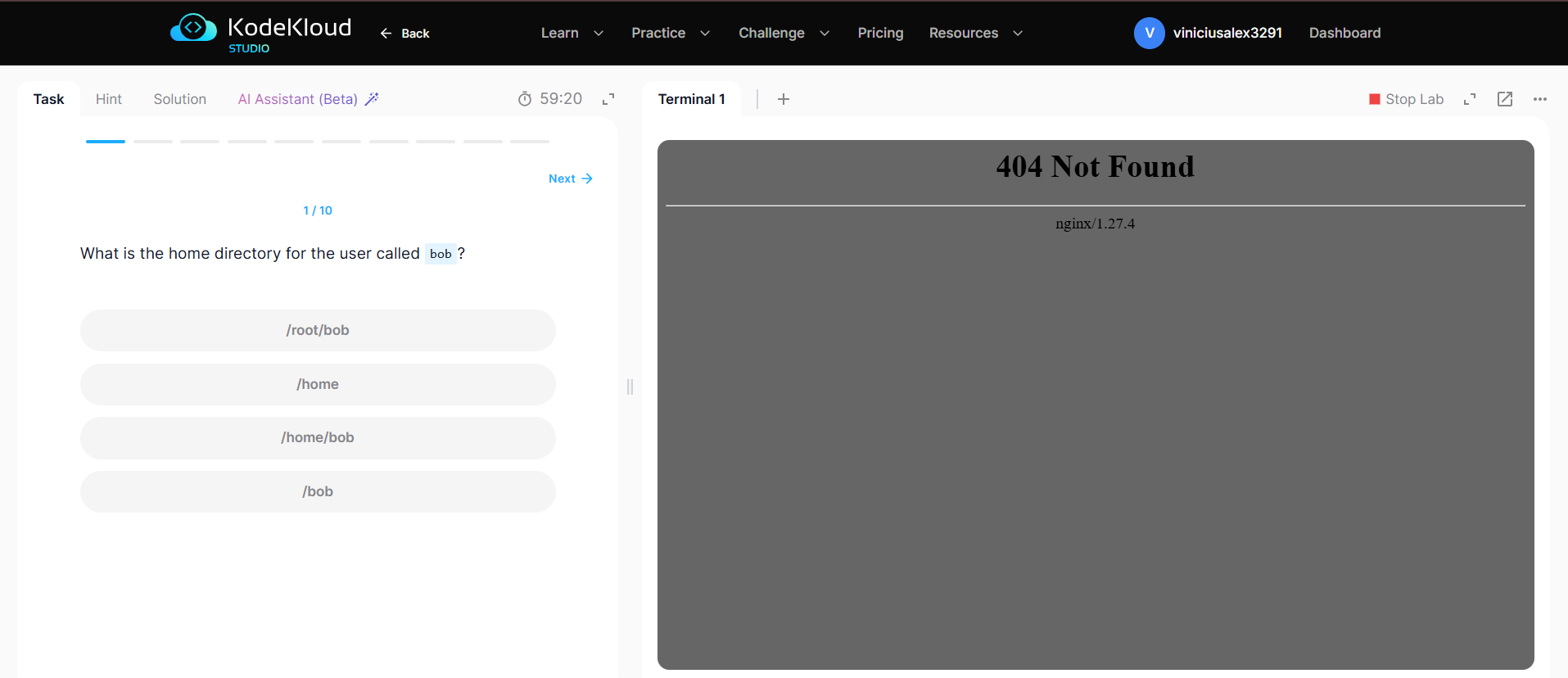
All the terminals in the Linux practice are like this. I already opened it in another browser in an incognito tab and nothing worked.
Thanks @vinicius.fernandes
Let me inform the team to check and fix it.
Thanks for the update. I’ll wait for the resolution.
Hi @vinicius.fernandes
Please try again, it is fixed.
Hi @raymond.baoly ,
I’ve just tested it again and everything is working normally now.
1 Like