In Kode Kloud engineer lab exercise 1 DevOps in that Linux User Setup with non interactive shell, I am unable to access the password. Please fix the issue.
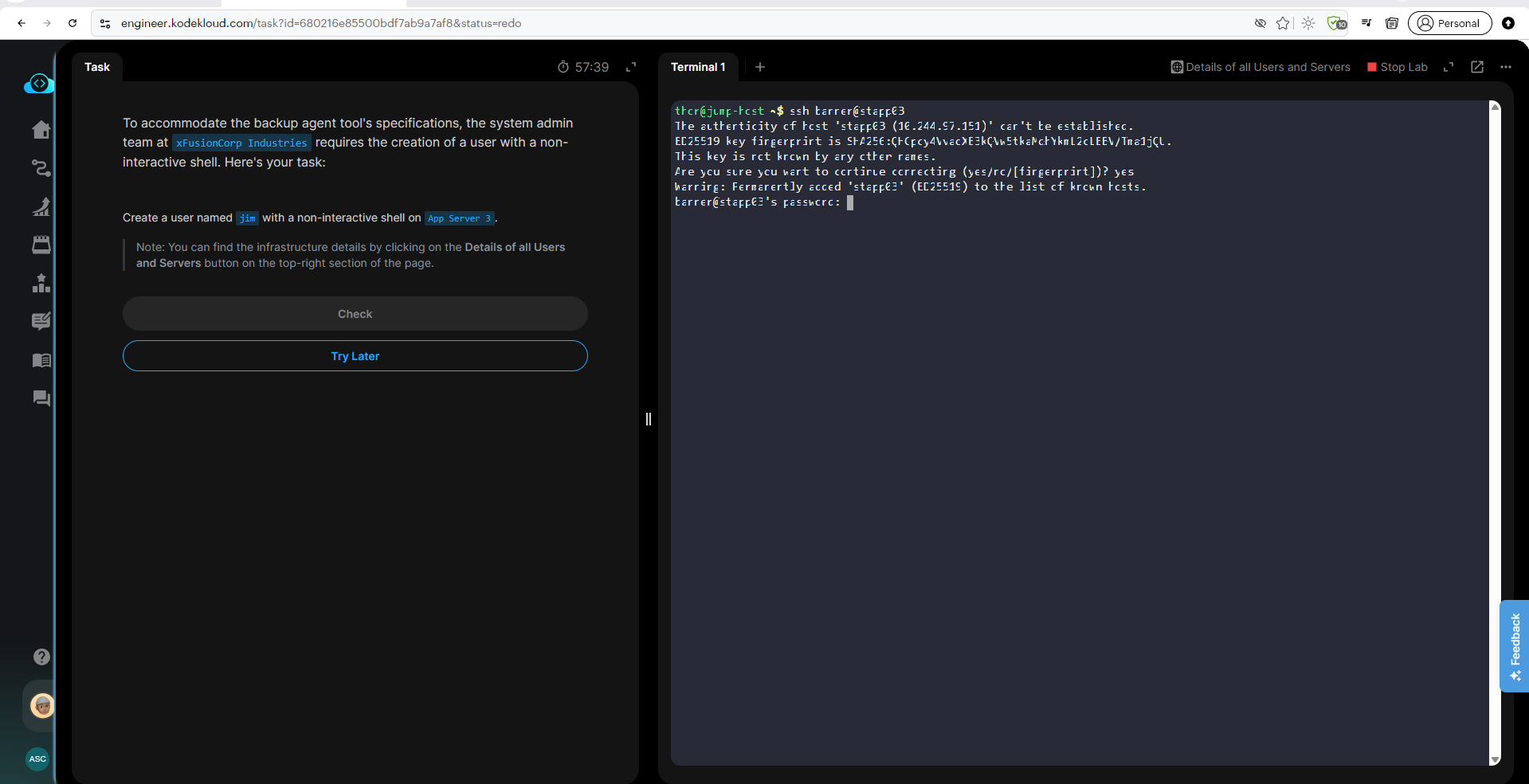
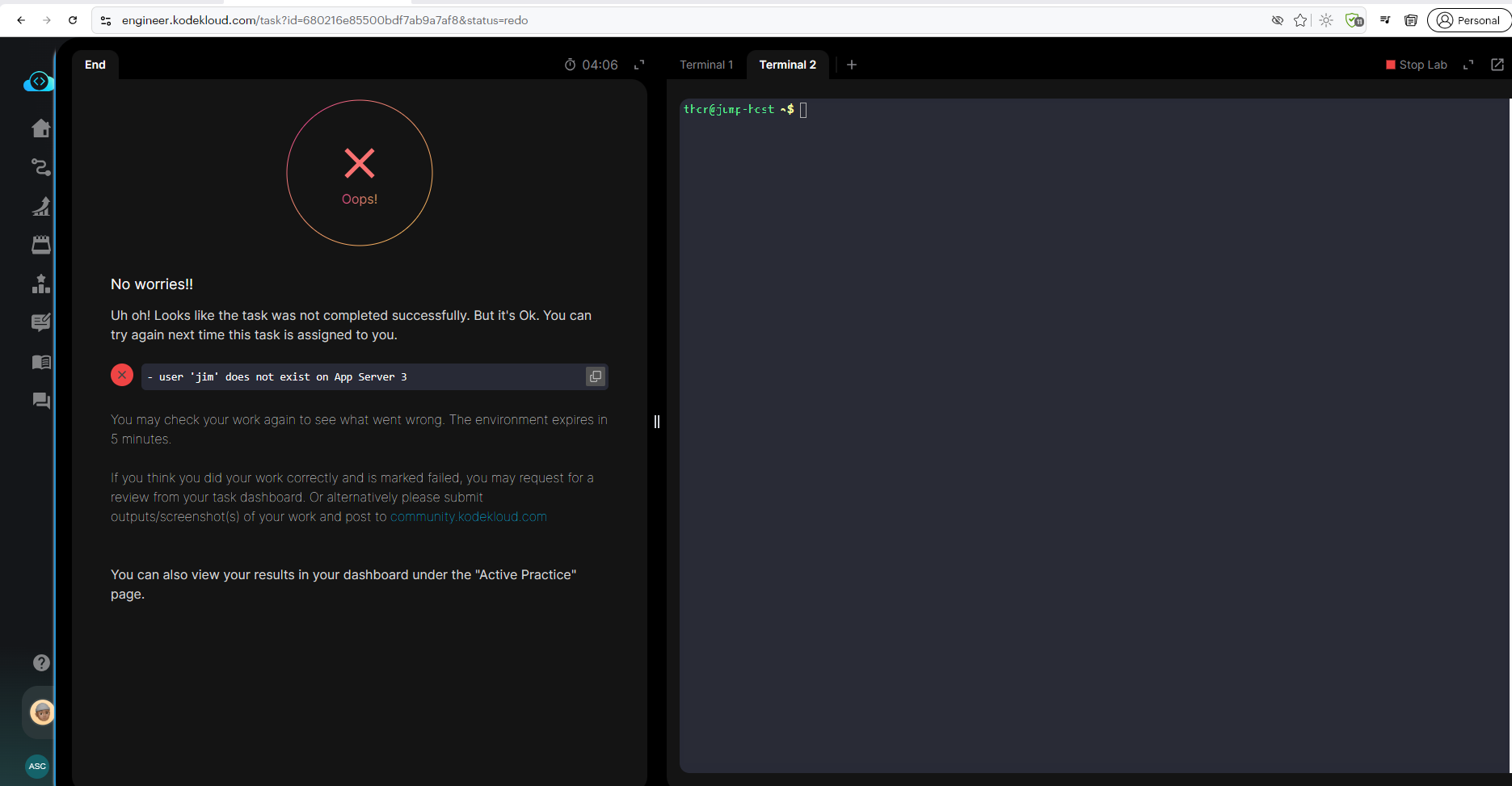
Not really something to fix here. You’ll see the link in the page for “Details of all Users and Servers”. In that page, you’ll find the password for user “banner” on App Server 3 – that’s the password you need to use to log into App Server 3.
Thank you for the prompt response.
We tried again, however we are not getting access to type the highlighted one below, as mentioned by the tutor, please see the screenshot provided,
Due to this issue we are not able to continue with further topics, it is becoming a show stopper, please help us.
Your image file did not upload properly, so I can’t see your error. Could you please try again to upload it?
I am having the same issue, when trying to type the password, the terminal seems to disable our keyboards and doesn’t allow us to type anything. this happens everytime we want to access to the hostname. Could you please advice what are the steps to solve this?.
This isn’t really a problem – it’s just the way Unix shells block off password input. The shell is listening, but just doesn’t advance the cursor when inputting passwords.
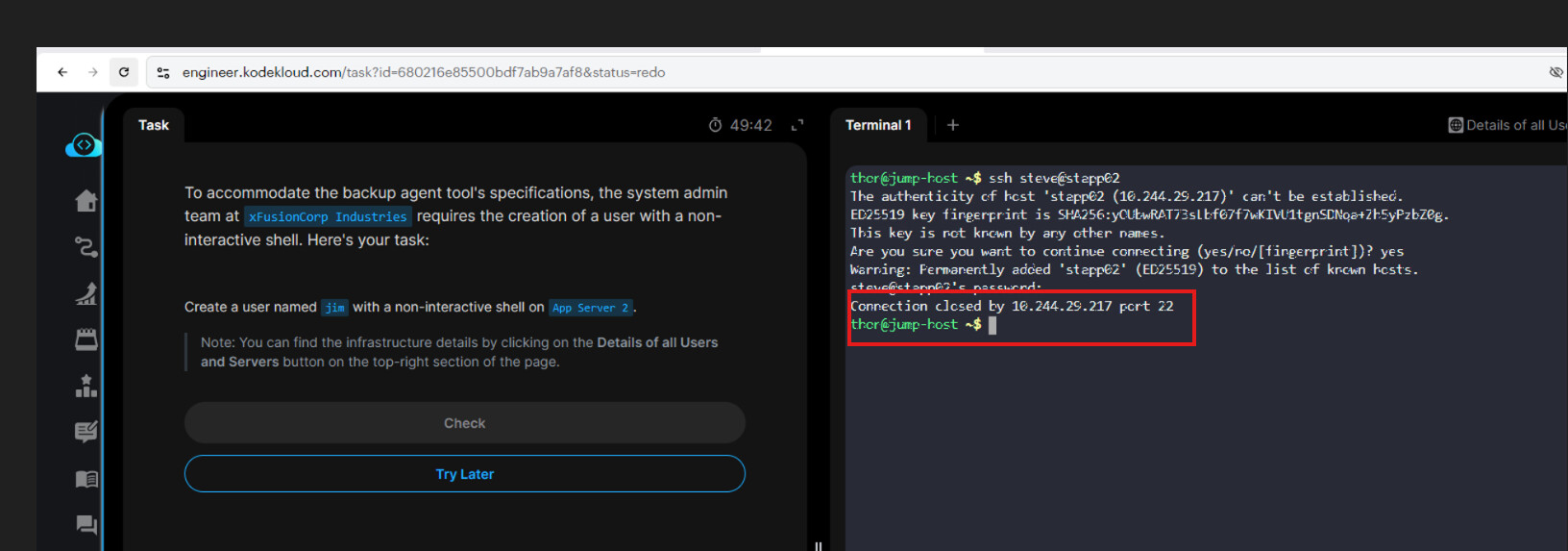
Please refer the screenshot attached.
Remaining are from our exercise workspace.
When we are performing steps as per trainer, we are getting connection issue as shown in screenshot due to which we are unable to move forward.
Thank you.
There is no issue with the lab.
Ensure you use the correct password from this page.
The cursor does not move when you type a password. This is by design in Linux. Imagine that an untrustworthy colleague is looking over your shoulder when you enter a password. If they see
tony@stapp01's password: *******
[tony@stapp01 ~]$
then they immediately know that the password has 7 characters. Valuable information.
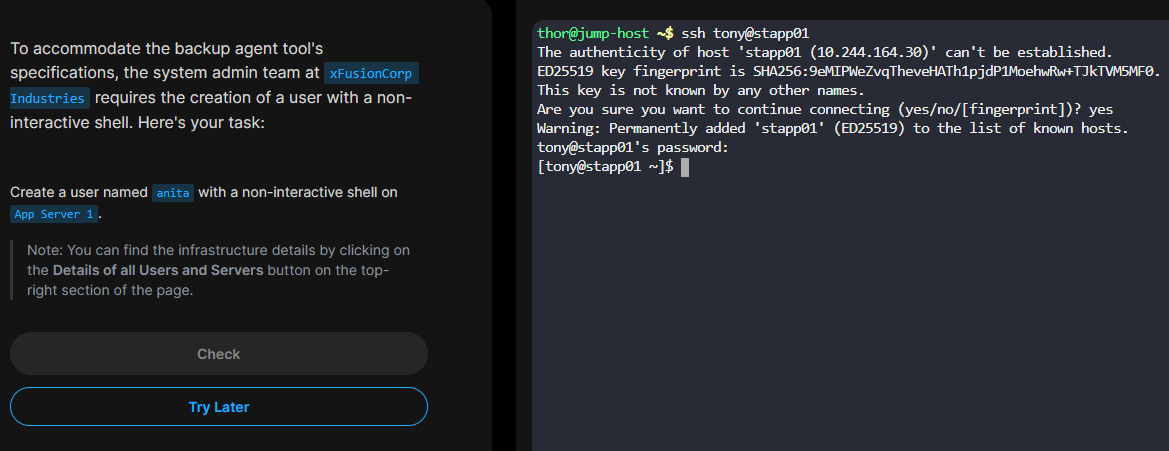
You can also copy and paste the password (right-click → paste). Again the cursor will not move.