Hi,
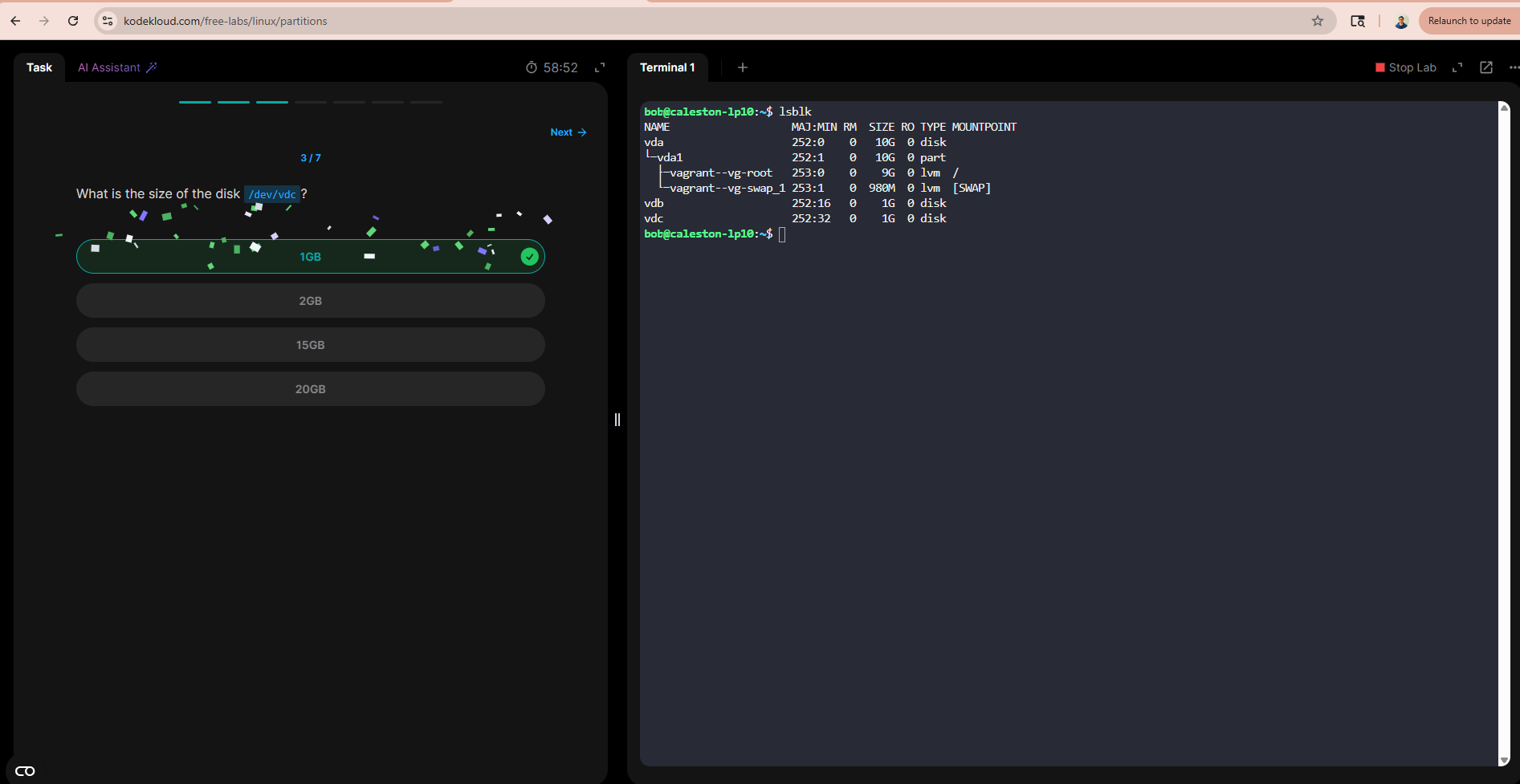
in the Partitions | KodeKloud lab, on step 3, the question is What is the size of the disk /dev/vdd?
However, this is what lsblk gives me on that server
bob@caleston-lp10:~$ lsblk
NAME      MAJ:MIN RM  SIZE RO TYPE MOUNTPOINT
vda       252:0    0   10G  0 disk
└─vda1    252:1    0   10G  0 part
  ├─vagrant--vg-root
  │       253:0    0    9G  0 lvm  /
  └─vagrant--vg-swap_1
          253:1    0  980M  0 lvm  [SWAP]
vdb       252:16   0    1G  0 disk
vdc       252:32   0    1G  0 disk
This makes the lab impossible to complete.
The same kind of issue occurs in labs KodeKloud Studio and KodeKloud Studio
Hi @rtournadre
Thanks for your feedback. This is a valid issue, and I’ve forwarded it to the team to review and update as needed.
For the other issues in KodeKloud Studio, could you please provide more details? Which question number are you having issues with?
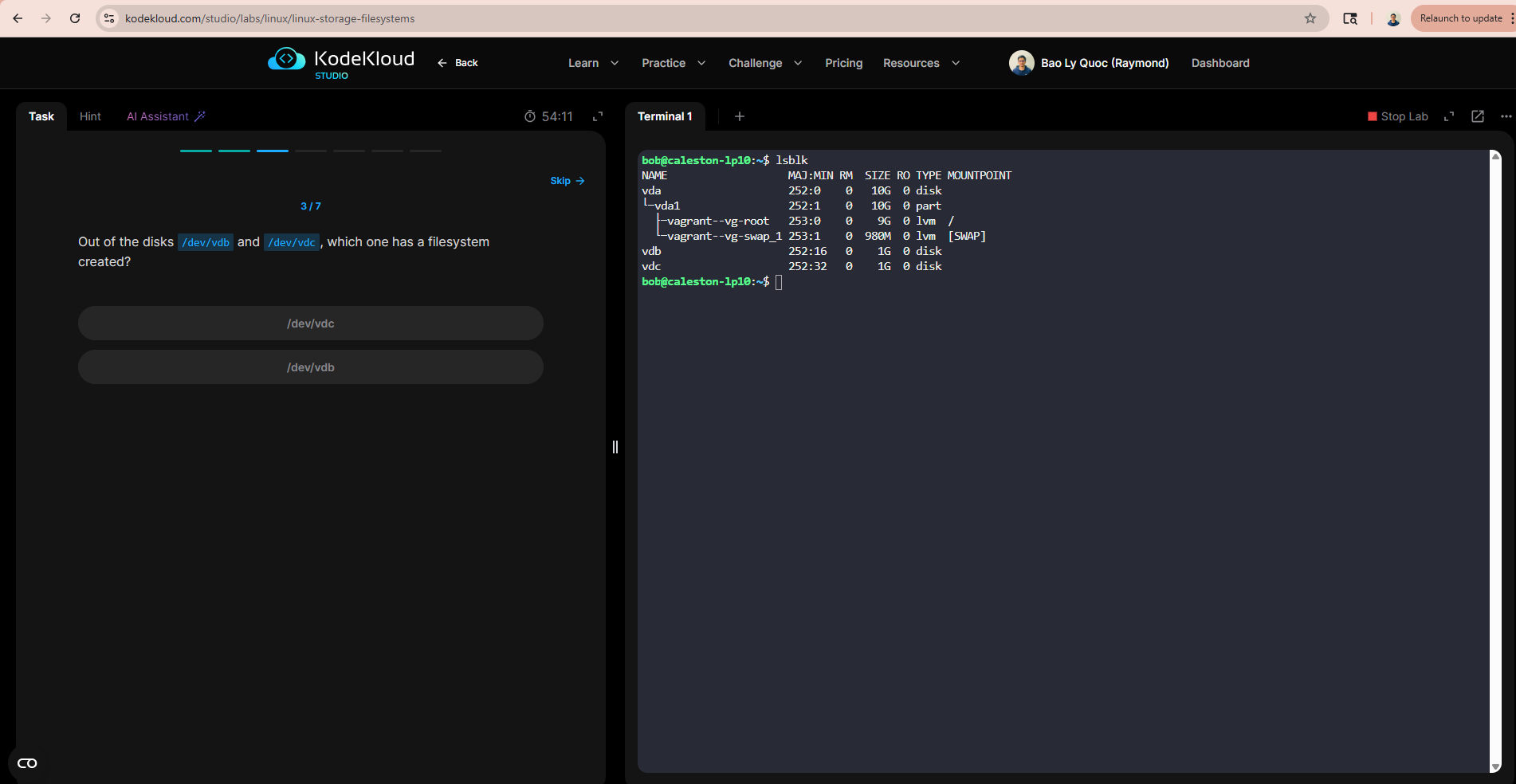
In lab KodeKloud Studio
3 / 7

Out of the disks `/dev/vdd` and `/dev/vde`, which one has a filesystem created?
root@caleston-lp10:/home/bob# lsblk
NAME                   MAJ:MIN RM  SIZE RO TYPE MOUNTPOINT
vda                    252:0    0   10G  0 disk
└─vda1                 252:1    0   10G  0 part
  ├─vagrant--vg-root   253:0    0    9G  0 lvm  /
  └─vagrant--vg-swap_1 253:1    0  980M  0 lvm  [SWAP]
vdb                    252:16   0    1G  0 disk
vdc                    252:32   0    1G  0 disk
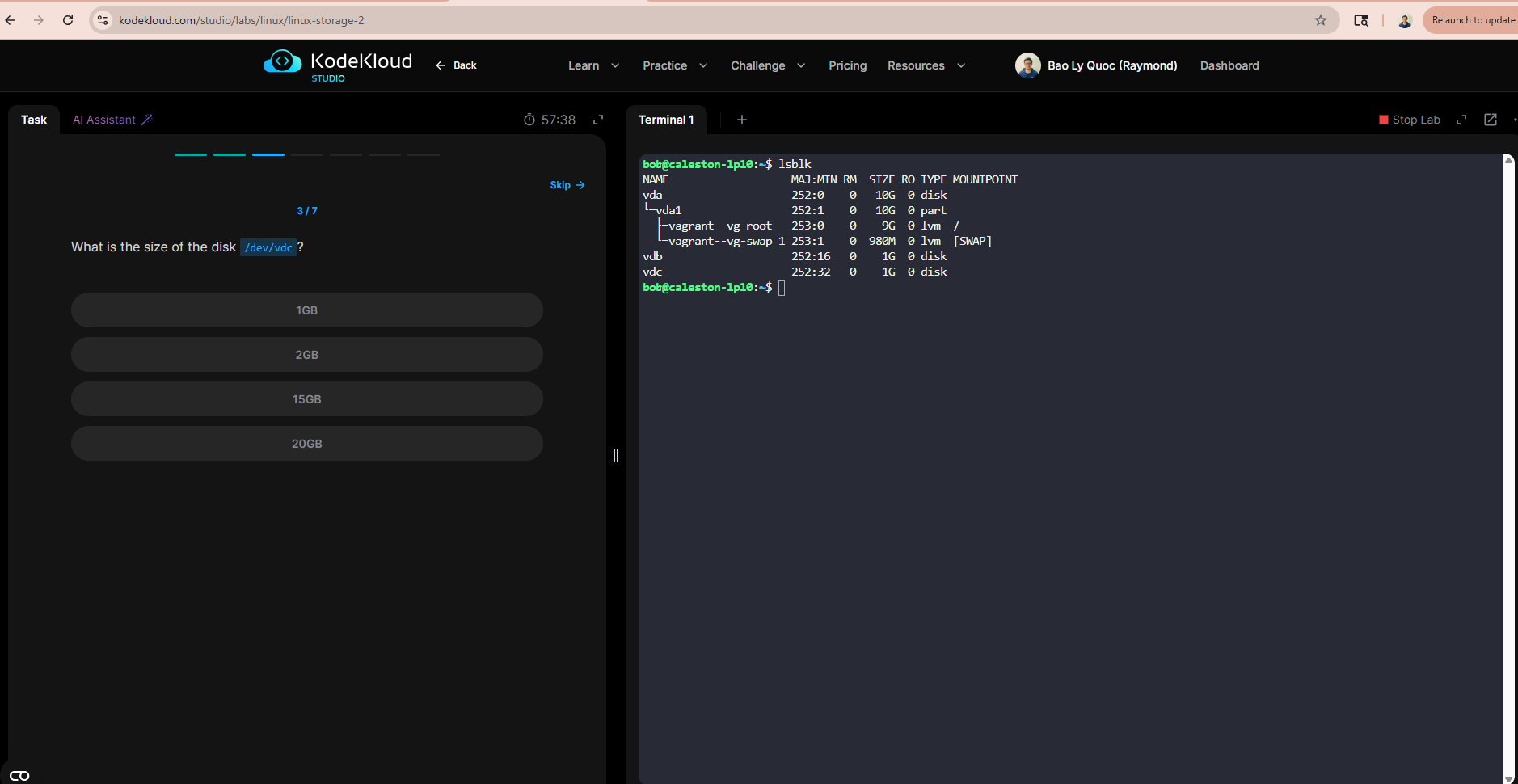
and in KodeKloud Studio
3 / 7

What is the size of the disk /dev/vdd?
root@caleston-lp10:/home/bob# lsblk
NAME                   MAJ:MIN RM  SIZE RO TYPE MOUNTPOINT
vda                    252:0    0   10G  0 disk
└─vda1                 252:1    0   10G  0 part
  ├─vagrant--vg-root   253:0    0    9G  0 lvm  /
  └─vagrant--vg-swap_1 253:1    0  980M  0 lvm  [SWAP]
vdb                    252:16   0    1G  0 disk
vdc                    252:32   0    1G  0 disk
This one KodeKloud Studio is fixed.
1 Like
Problem still occurs in KodeKloud Studio
From Step 4, you need to answer questions about /dev/vdd, but it doesn’t exist
root@caleston-lp10:/home/bob# lsblk
NAME                  MAJ:MIN RM  SIZE RO TYPE MOUNTPOINT
vda                   252:0    0   10G  0 disk
└─vda1                252:1    0   10G  0 part
  ├─vagrant--vg-root  253:0    0    9G  0 lvm  /
  └─vagrant--vg-swap_1
                      253:1    0  980M  0 lvm  [SWAP]
vdb                   252:16   0    1G  0 disk
vdc                   252:32   0    1G  0 disk
The lab KodeKloud Studio is updated
Hi @rtournadre
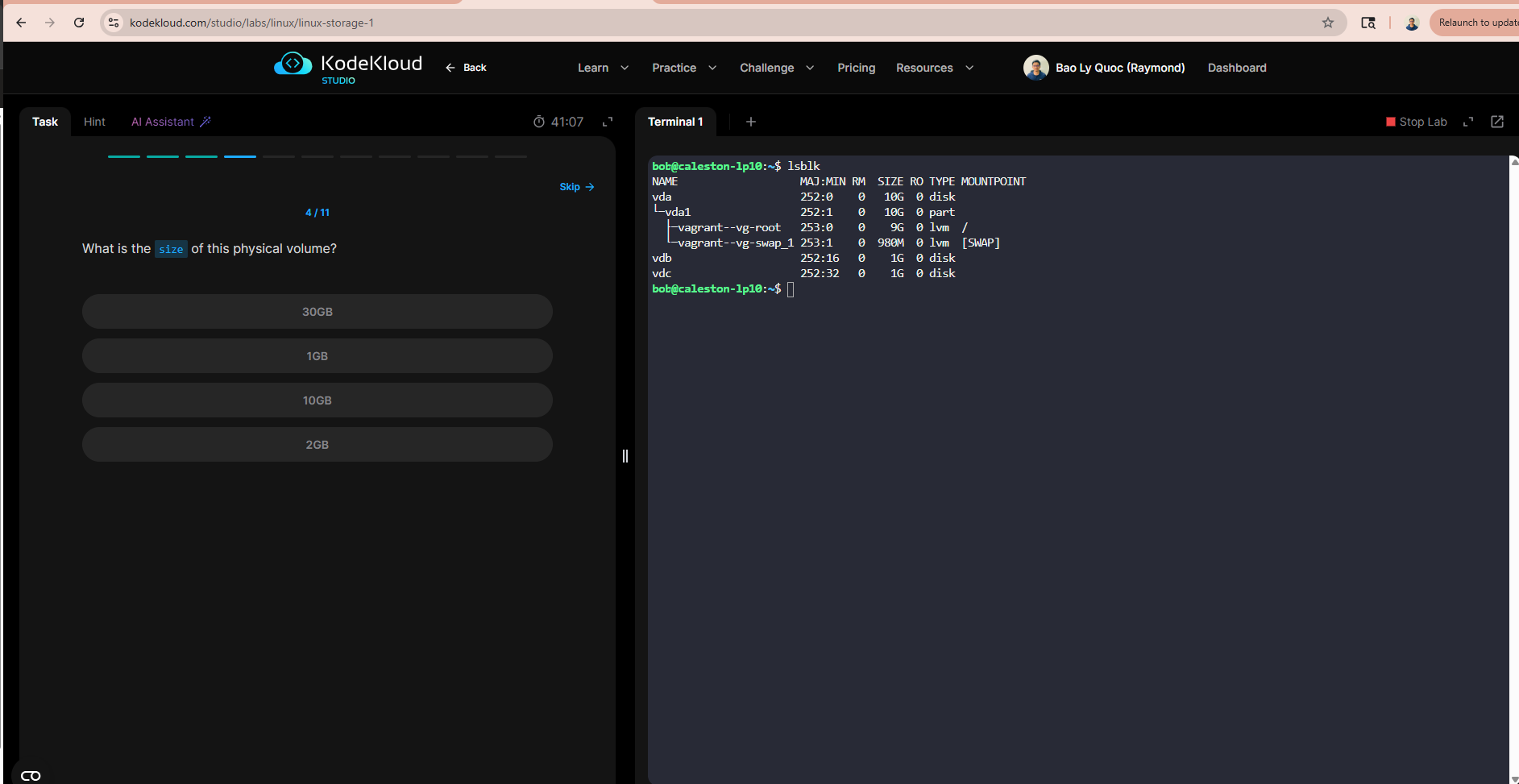
Could you please share a screenshot? It seems the lab link may be incorrect. Here is Q4 from your link
Hi @raymond.baoly, my bad, I checked this lab again and everything works as expected now.
Thank you for the fix