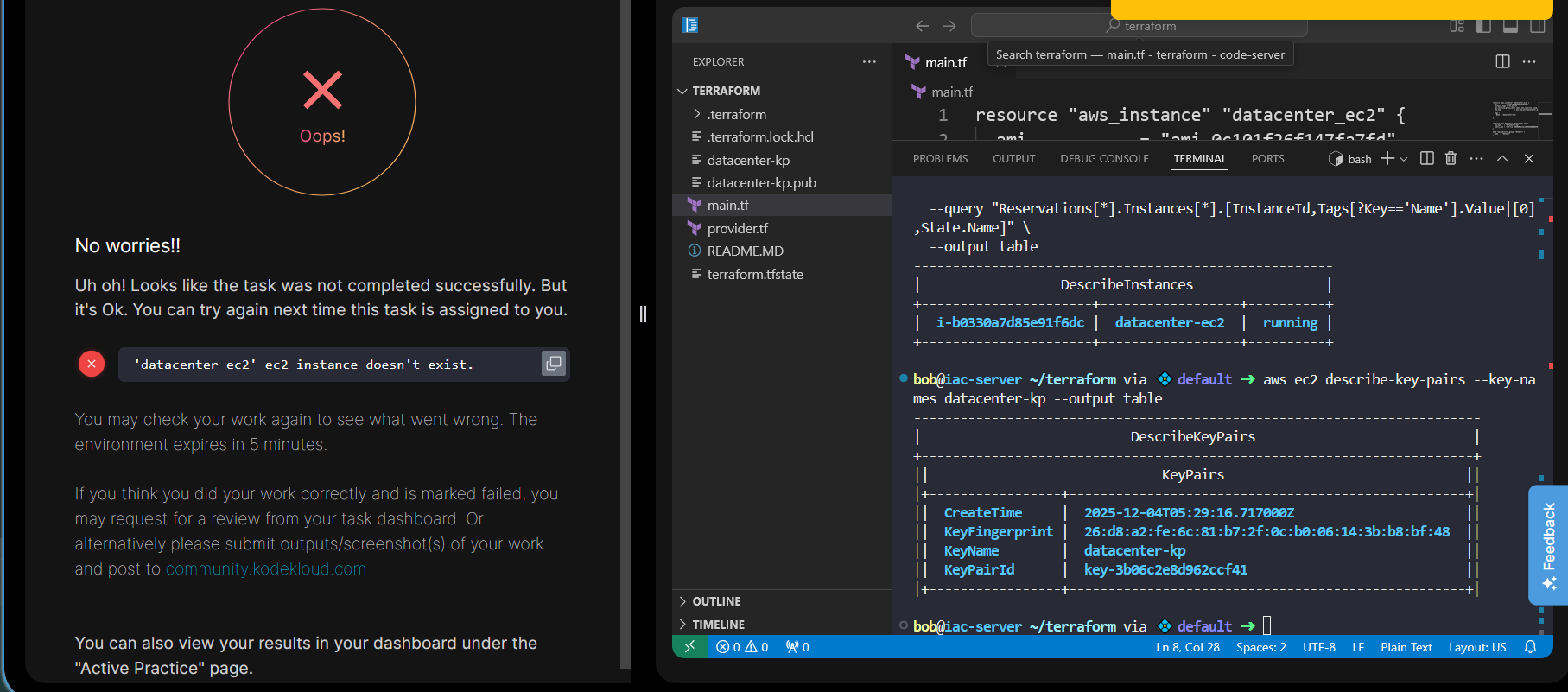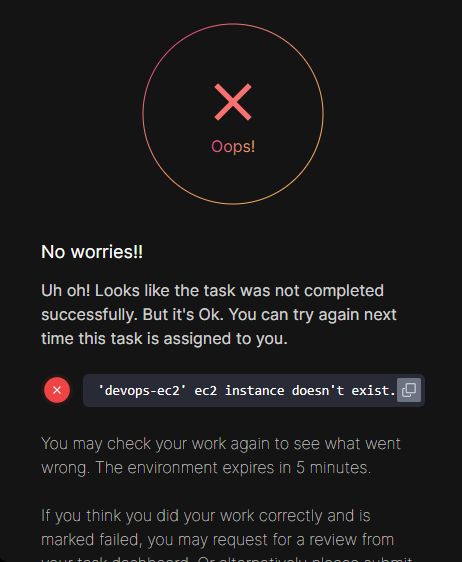
As per the snippet above, I have successfully created an EC2 instance with the given name. However, every time I click on the “Check” button, I get an error saying that the EC2 instance was not created. Can someone help me? Is this a bug, or have I misconfigured something in my Terraform code?
resource “tls_private_key” “devops_kp” {
algorithm = “RSA”
rsa_bits = 4096
}
resource “aws_key_pair” “devops_kp” {
key_name = “devops-kp”
public_key = tls_private_key.devops_kp.public_key_openssh
}
data “aws_security_group” “default” {
name = “default”
}
resource “aws_instance” “devops_ec2” {
ami = “ami-0c101f26f147fa7fd”
instance_type = “t2.micro”
key_name = aws_key_pair.devops_kp.key_name
vpc_security_group_ids = [data.aws_security_group.default.id]
tags = {
Name = “devops-ec2”
}
}