Everything looks right on my end, but I’m getting a validation error after following all the steps. Is there a known issue with this right now, or a specific field that’s usually the culprit?
What’s the error? Also, what does your pipeline look like?
Everything looks right on my end, but I’m getting a validation error after following all the steps. Is there a known issue with this right now, or a specific field that’s usually the culprit?
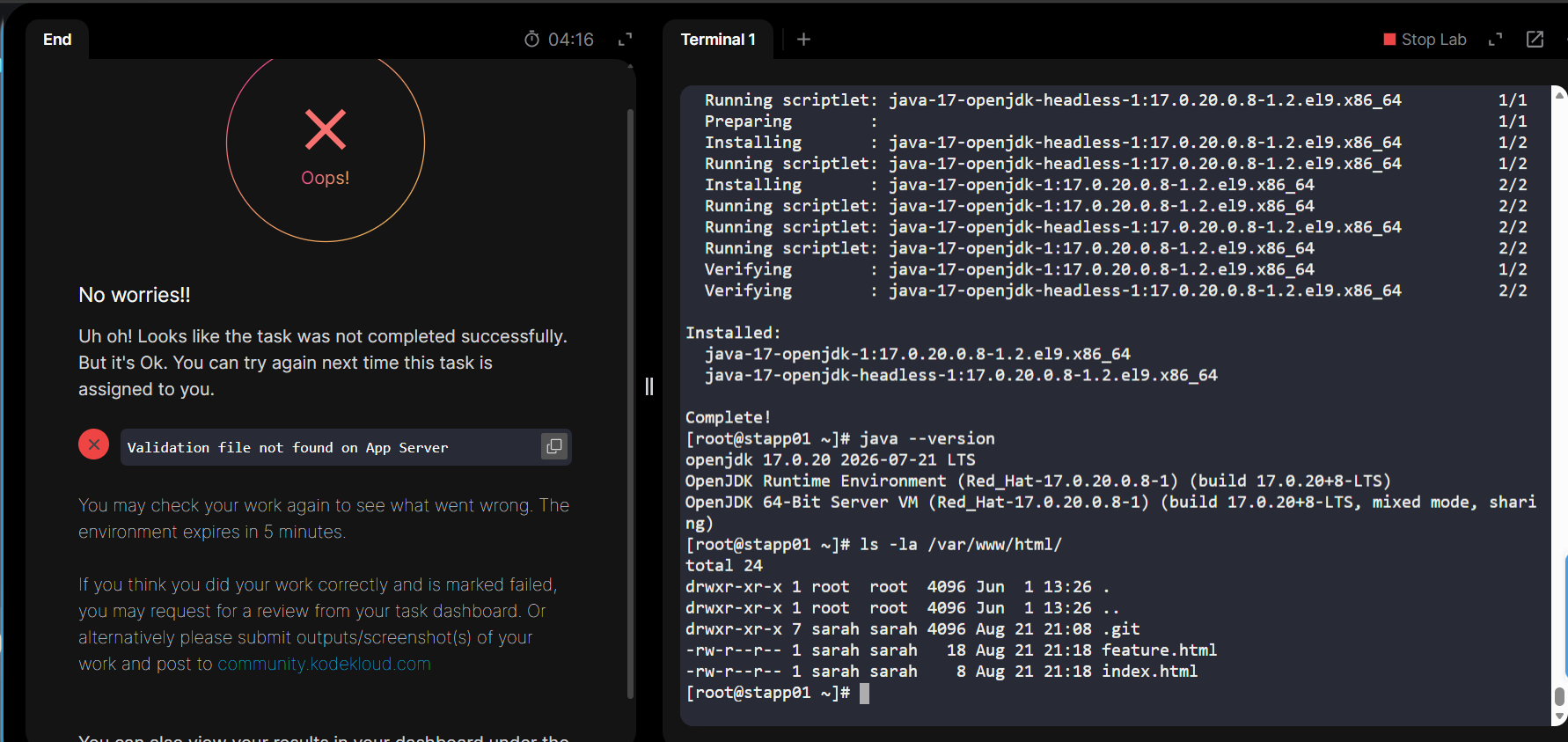
I see you’ve installed java, but what does your pipeline look like? Please use a code block to post it here.
pipeline {
    agent {
        label 'stapp01'
    }

    parameters {
        string(name: 'BRANCH', defaultValue: 'master', description: 'Branch to deploy (master or feature)')
    }

    stages {
        stage('Deploy') {
            steps {
                script {
                    if (params.BRANCH == 'master' || params.BRANCH == 'feature') {
                        withCredentials([usernamePassword(credentialsId: 'sarah', usernameVariable: 'USER', passwordVariable: 'PASS')]) {
                            sh """
                                git clone -b ${params.BRANCH} https://3000-port-vm53lq7spqfap5pu.labs.kodekloud.com/sarah/web_app.git /tmp/web_app
                                echo "$PASS" | sudo -S cp -r /tmp/web_app/* /var/www/html/
                                echo "$PASS" | sudo -S rm -rf /tmp/web_app
                                ls -la /var/www/html
                            """
                        }
                    } else {
                        error "Invalid branch value: ${params.BRANCH}. Must be 'master' or 'feature'."
                    }
                }
            }
        }
    }
}
My main comment is that the first general step of this lab is to create a Jenkins node that runs as user sarah. So a lot of your pipeline is redundant – you don’t need to mess with credentials in the pipeline, since all of the relevant directories to the pipeline are owned by user sarah. So you can write a working pipeline that simply sets the current branch with git, and then does a git pull. This should suffice to pass Day 78.
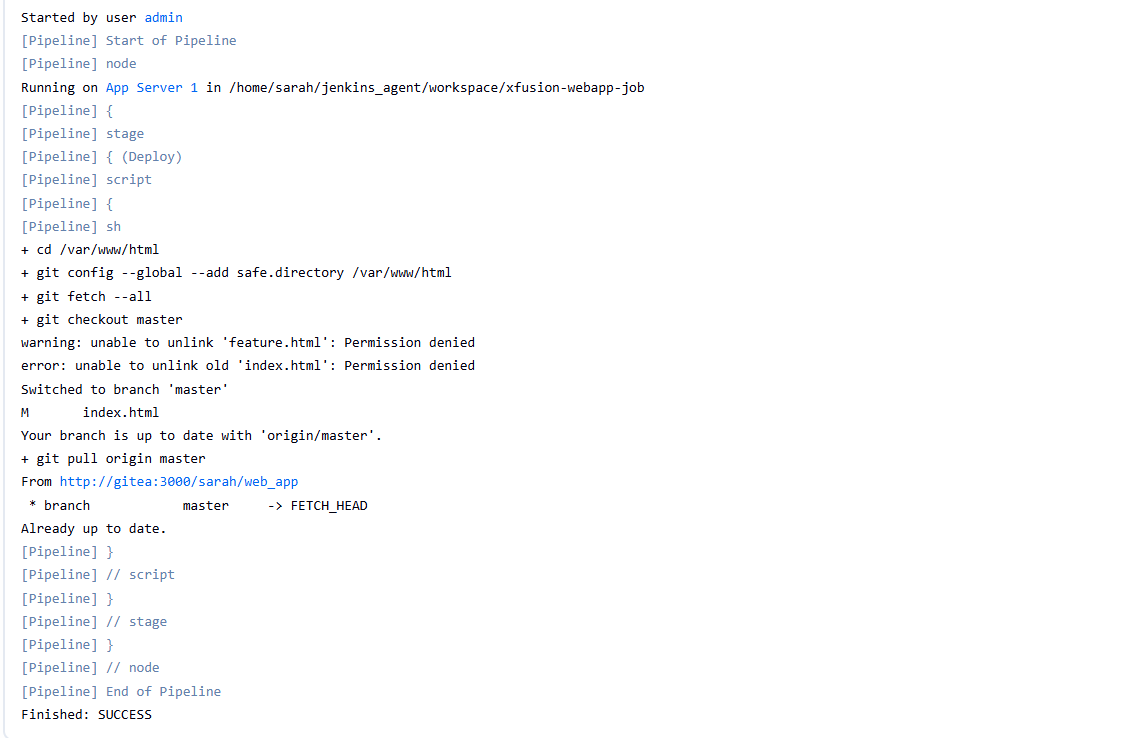
Got it! After many attempts, I was finally accepted. Thanks @rob_kodekloud , can I share the script here?
Sure. I’m guessing it’s a lot simpler than your original draft 
Exactly 
pipeline {
    agent { label 'stapp01' }

    parameters {
        choice(
            name: 'BRANCH',
            choices: ['master', 'feature'],
            description: 'Select the branch to deploy'
        )
    }

    stages {
        stage('Deploy') {
            steps {
                sh """
                    cd /var/www/html
                    git fetch --all
                    git reset --hard
                    git clean -fd
                    git switch ${params.BRANCH}
                    git pull origin ${params.BRANCH}
                """
            }
        }
    }
}